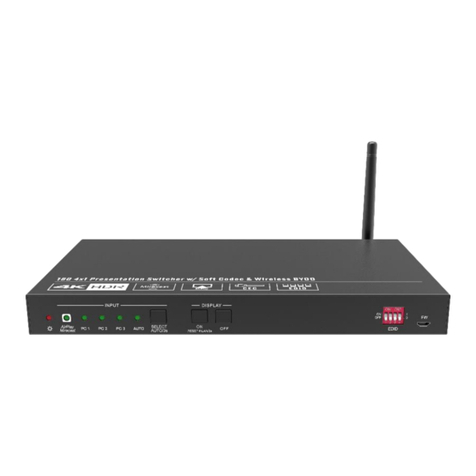
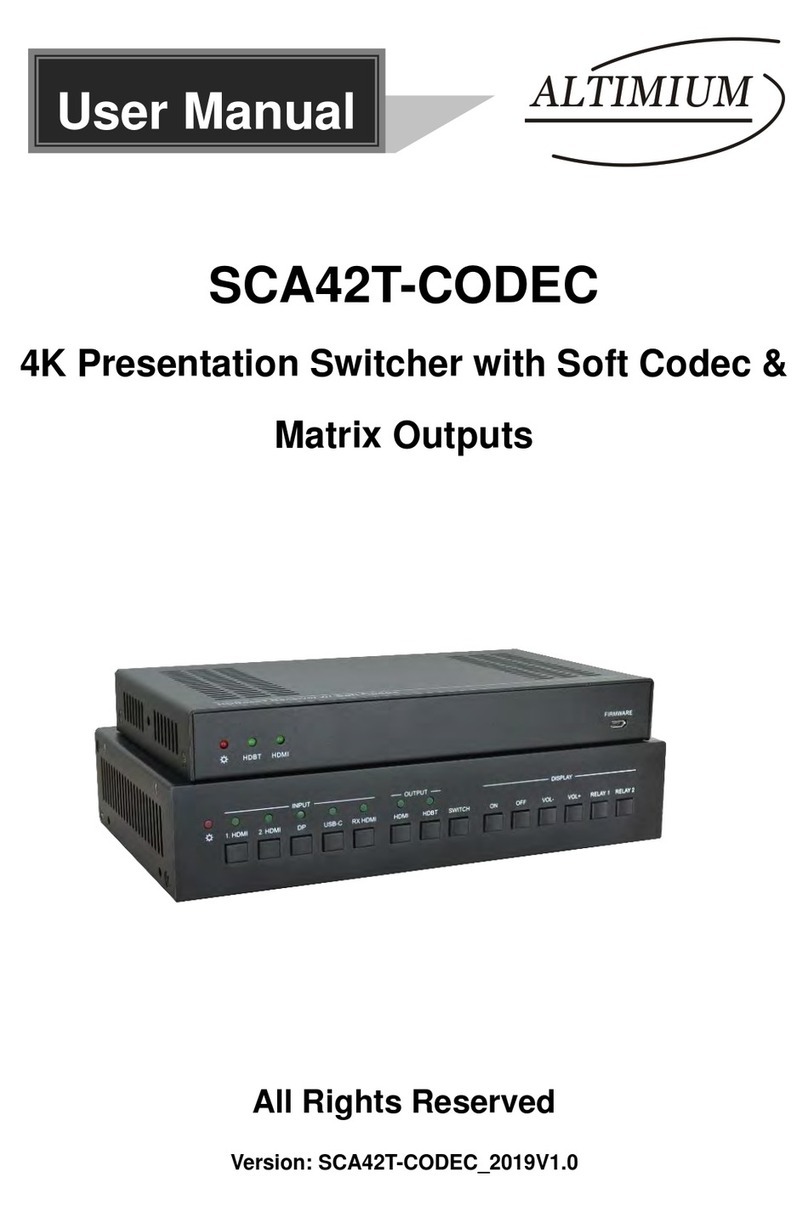
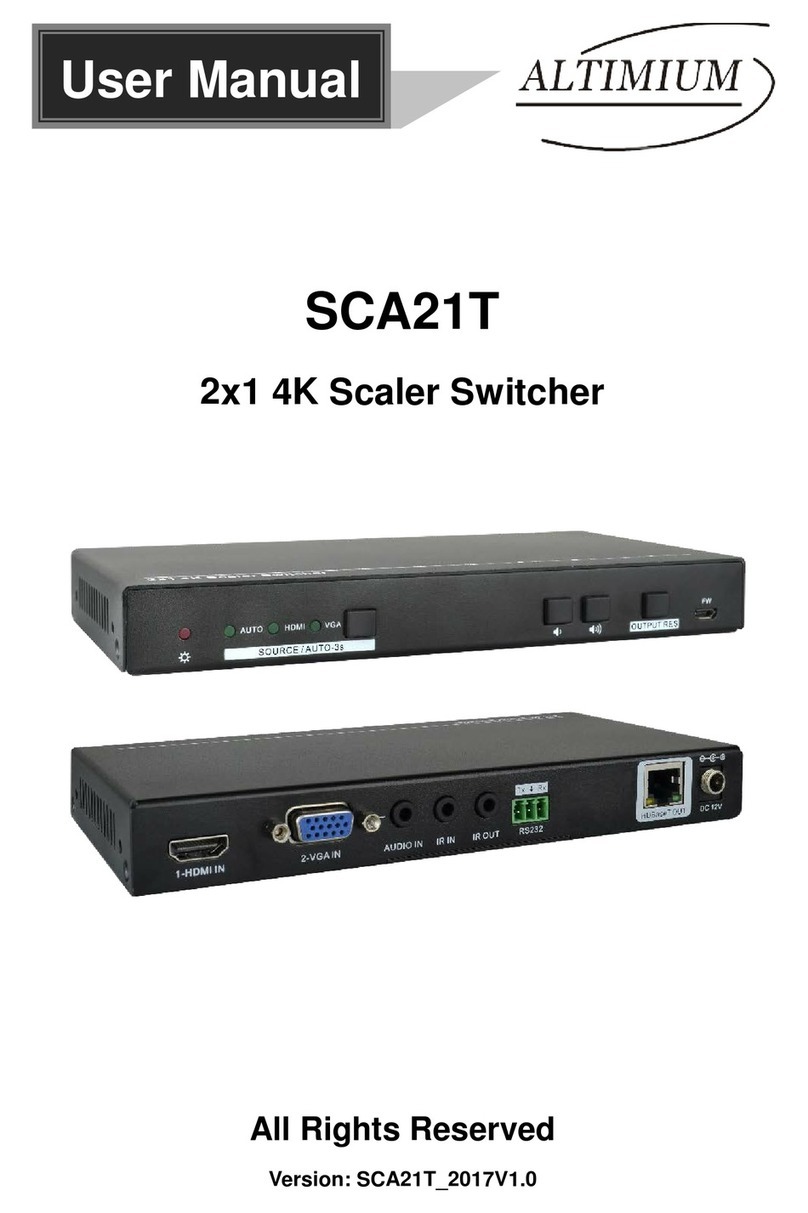
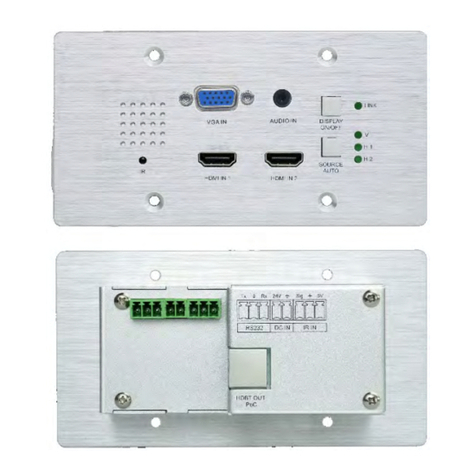
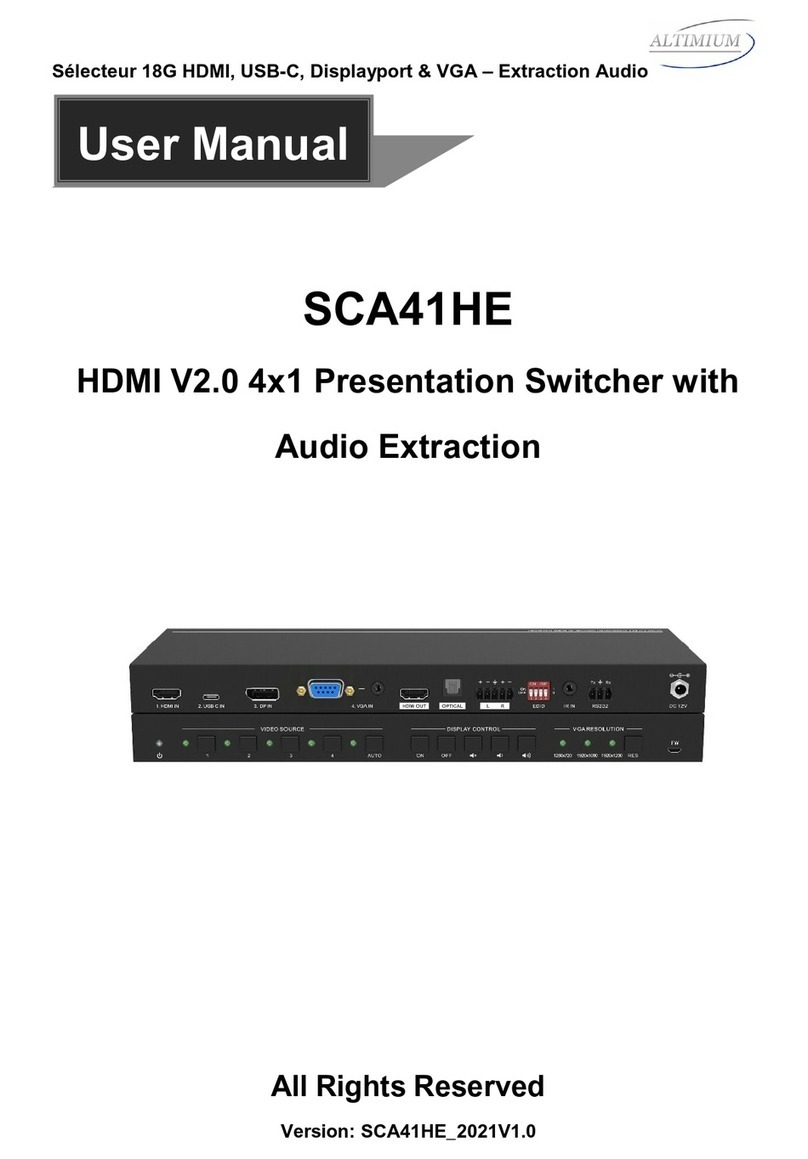
HDMI 2.0 4x1 Presentation Switcher with Audio Extraction
www.altimium.com
Table of Contents
1. Product Introduction....................................................................................................1
1.1 Features ............................................................................................................1
1.2 Package List ......................................................................................................2
2. Specification ...............................................................................................................3
3. Panel Description........................................................................................................5
3.1 Front Panel........................................................................................................5
3.2 Rear Panel.........................................................................................................6
4. System Connection.....................................................................................................7
4.1 Usage Precaution ..............................................................................................7
4.2 System Diagram ................................................................................................7
5. Button Control.............................................................................................................8
5.1 Manual Switching ..............................................................................................8
5.2 Automatic Switching ..........................................................................................8
5.3 Display Control ..................................................................................................8
5.4 EDID Setting......................................................................................................9
6. IR Remote Control ....................................................................................................10
7. GUI Control...............................................................................................................11
7.1 Switching Tab ..................................................................................................12
7.2 Display Control Tab..........................................................................................12
7.3 Audio Tab.........................................................................................................13
7.4 EDID Tab .........................................................................................................14
7.5 RS232 Tab.......................................................................................................15
7.6 Interface Tab....................................................................................................16
7.7 Access Tab ......................................................................................................17
7.8 Network Tab.....................................................................................................17
7.9 GUI Upgrade ...................................................................................................18
8. RS232 Control ..........................................................................................................19
8.1 RS232 Control Software..................................................................................19
8.2 RS232 Command ............................................................................................21
8.2.1 Device Control.......................................................................................21
8.2.2 Source Switching...................................................................................21