manuals.online logo
Brands
  1. Home
  2. •
  3. Brands
  4. •
  5. AMAG Technology
  6. •
  7. Card Reader
  8. •
  9. AMAG Technology S841 Guide

AMAG Technology S841 Guide

Other AMAG Technology Card Reader manuals

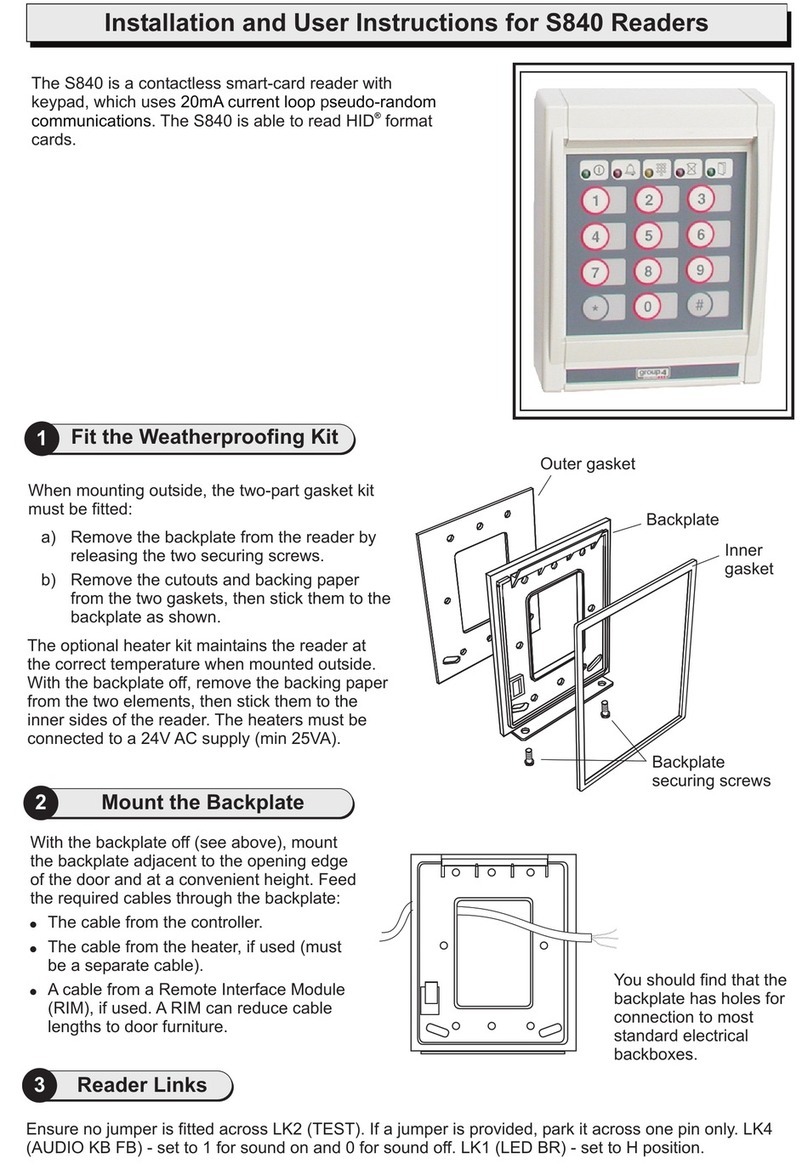
AMAG Technology S840 Guide

AMAG Technology

AMAG Technology S840 Guide

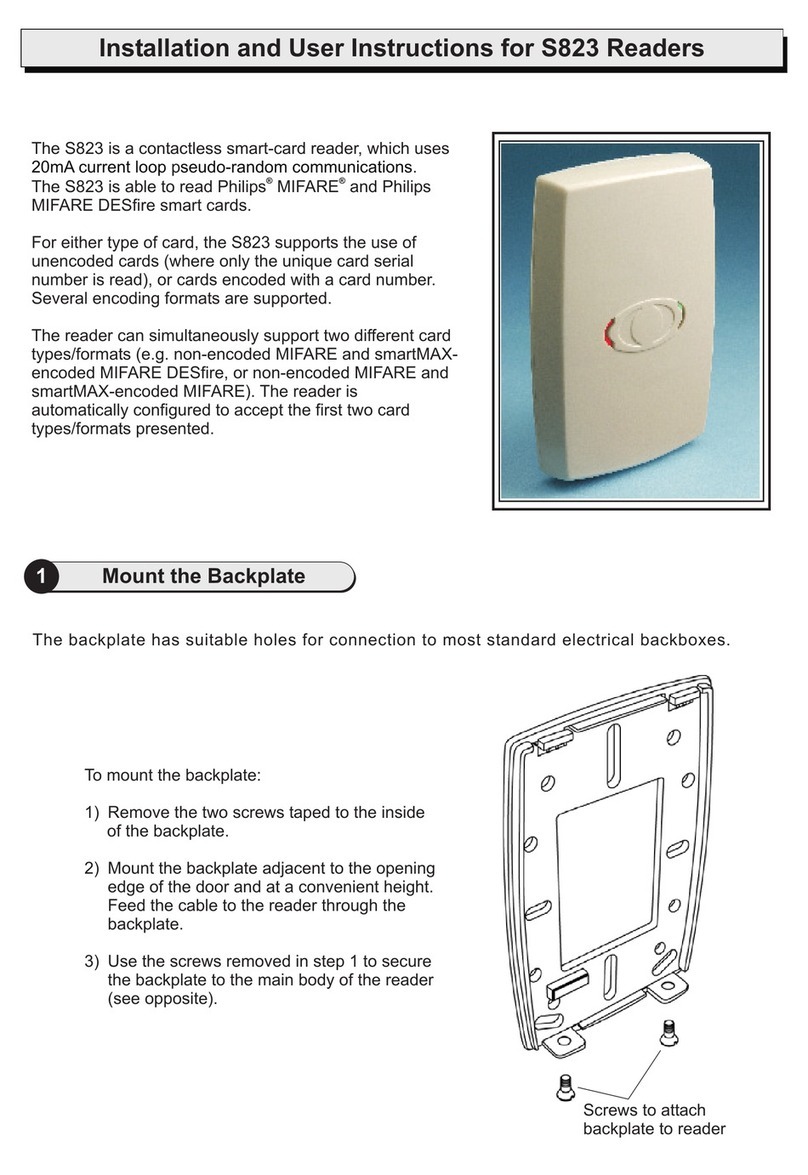
AMAG Technology S823 Guide

AMAG Technology

AMAG Technology S823 Guide

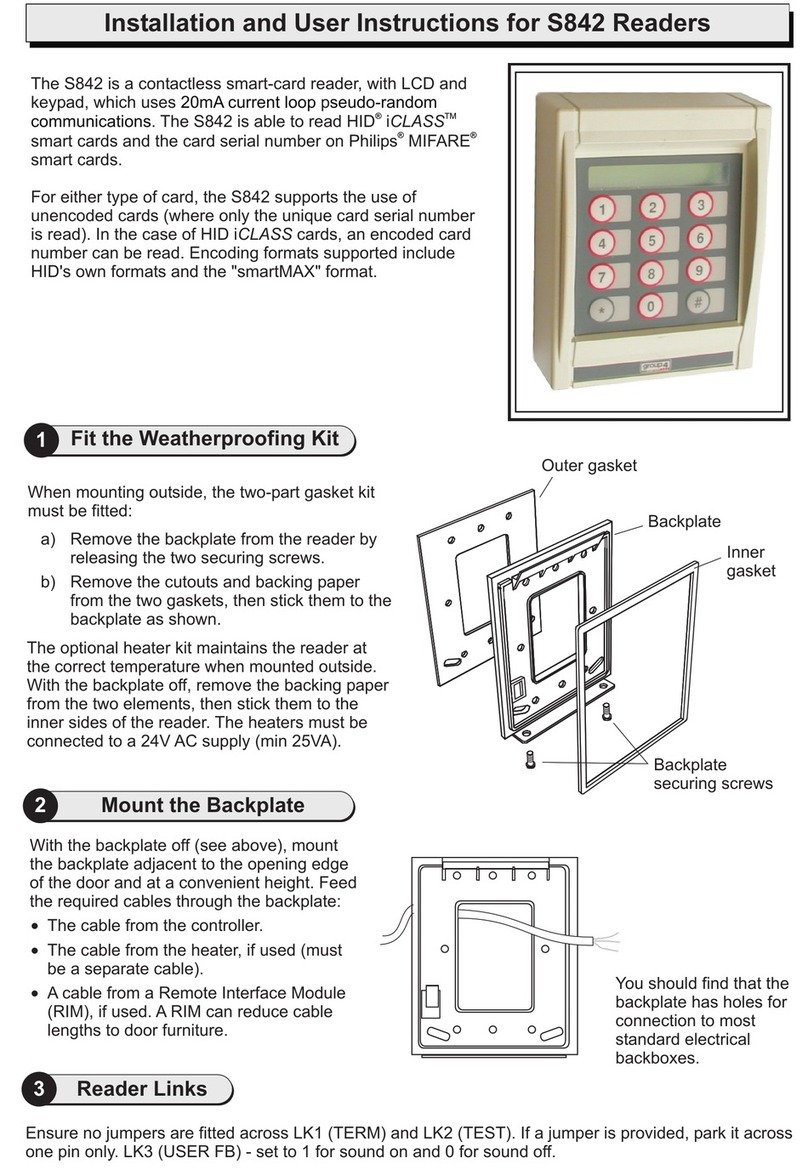
AMAG Technology S842 Guide

AMAG Technology

AMAG Technology S842 Guide

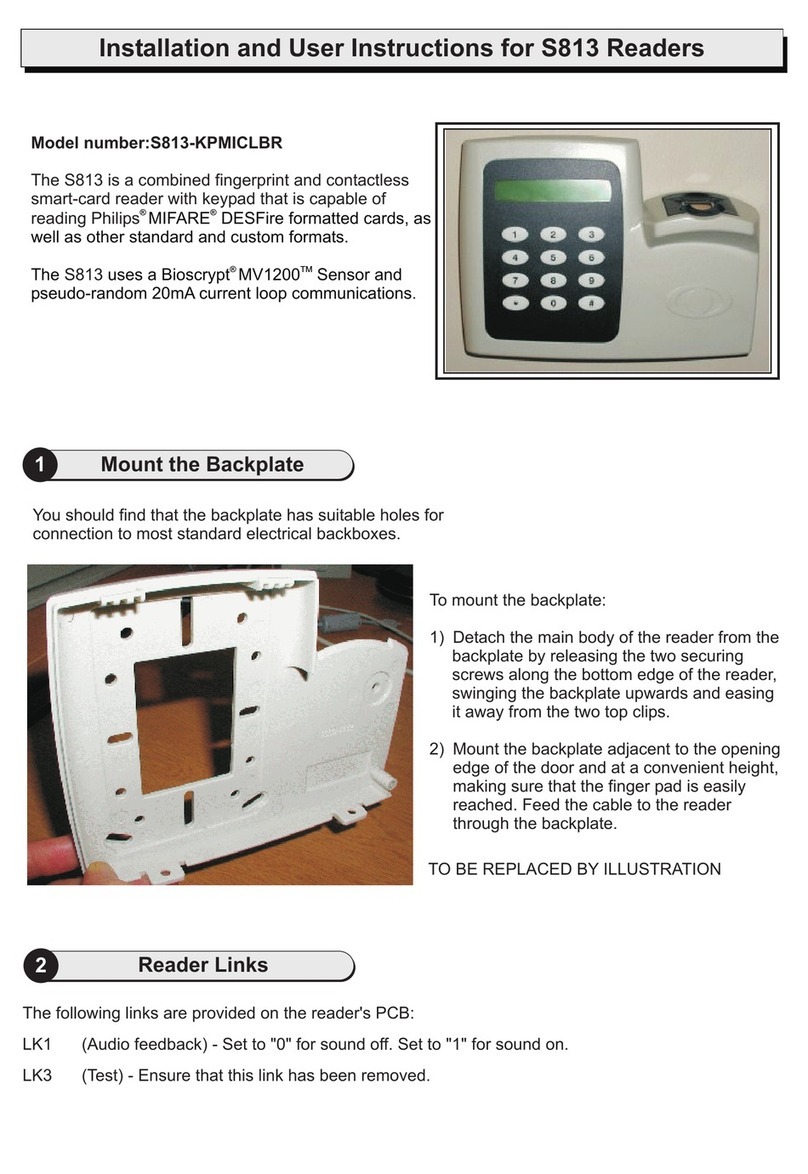
AMAG Technology S813 Guide

AMAG Technology

AMAG Technology S813 Guide

Popular Card Reader manuals by other brands

RealTrace V8BT Comprehensive manual

RealTrace

RealTrace V8BT Comprehensive manual

Datalogic Touch 65 pro manual

Datalogic

Datalogic Touch 65 pro manual

Digitus DA-70318 user manual

Digitus

Digitus DA-70318 user manual

Salto WRDx0E4 Series installation guide

Salto

Salto WRDx0E4 Series installation guide

Lindy 43185 user manual

Lindy

Lindy 43185 user manual

Lindy 43185 user manual

Lindy

Lindy 43185 user manual

ViziT RD-4F operating instructions

ViziT

ViziT RD-4F operating instructions

Jinmuyu Electronics MR811 Series user manual

Jinmuyu Electronics

Jinmuyu Electronics MR811 Series user manual

Conrad PCMCIA operating instructions

Conrad

Conrad PCMCIA operating instructions

Lindy 51541 user manual

Lindy

Lindy 51541 user manual

Diapro T?bbi Ürünler Across System user manual

Diapro T?bbi Ürünler

Diapro T?bbi Ürünler Across System user manual

Johnson Controls Kantech tyco ioSmart installation guide

Johnson Controls

Johnson Controls Kantech tyco ioSmart installation guide

Secukey S2-MF user manual

Secukey

Secukey S2-MF user manual

Elecom MR-SMC07 series user manual

Elecom

Elecom MR-SMC07 series user manual

Alien ALR-9800 Quick installation guide

Alien

Alien ALR-9800 Quick installation guide

ACS ACR310 Operation manual

ACS

ACS ACR310 Operation manual

Datamars R-IN1300 MID user manual

Datamars

Datamars R-IN1300 MID user manual

Alarm Lock AL-PRE2 user guide

Alarm Lock

Alarm Lock AL-PRE2 user guide

manuals.online logo
manuals.online logoBrands
  • About & Mission
  • Contact us
  • Privacy Policy
  • Terms and Conditions

Copyright 2025 Manuals.Online. All Rights Reserved.

Installation and User Instructions for S841 Readers
You should find that the
backplate has holes for
connection to most
standard electrical
backboxes.
With the backplate off (see above), mount
the backplate adjacent to the opening edge
of the door and at a convenient height. Feed
the required cables through the backplate:
The cable from the controller.
The cable from the heater, if used (must
be a separate cable).
A cable from a Remote Interface Module
(RIM), if used. A RIM can reduce cable
lengths to door furniture.
!
!
!
2
The optional heater kit maintains the reader at
the correct temperature when mounted outside.
With the backplate off, remove the backing paper
from the two elements, then stick them to the
inner sides of the reader. The heaters must be
connected to a 24V AC supply (min 25VA).
When mounting outside, the two-part gasket kit
must be fitted:
a) Remove the backplate from the reader by
releasing the two securing screws.
b) Remove the cutouts and backing paper
from the two gaskets, then stick them to the
backplate as shown.
Outer gasket
Inner
gasket
Backplate
securing screws
Backplate
1Fit the Weatherproofing Kit
Mount the Backplate
Ensure no jumpers are fitted across LK1 (TERM) and LK2 (TEST). If a jumper is provided, park it across
one pin only. LK3 (USER FB) - set to 1 for sound on and 0 for sound off.
3Reader Links
The S841 is a contactless smart-card reader, with LCD and
keypad, which uses p
. The S841 is able to read Texas Instruments
(ISO 15693) smart cards, and the card serial number on
Philips MIFARE smart cards.
For either type of card, the S841 supports the use of
unencoded cards (where only the unique card serial number is
read). In the case of Texas Instruments (TI) cards, an encoded
card number can be read. Encoding formats supported include
TI's own formats and the "smartMAX" format.
TM
20mA current loop seudo-random
communications
®®
Present the card face-on to the reader until you hear "bleep". Cards can be presented in rapid
succession; there is no need, for example, to wait for UNLOCKED" to efore presenting
another.
a
" disappear b
If the reader has been enabled for user-code mode at the controller, you can gain access by pressing
the # key, entering your card number, then pressing the * key.
Specifications
Input voltage: 9-14Vdc.
Input current (excl. heater): 120mA @ nom. 12Vdc.
Operating temperature: -4 to 158 F (-20 to 70 C)
without heater.
Operating humidity: 15 to 90%, non-condensing.
Maximum read range: 2.5" (65mm).
Approvals: EN50133, R&TTE, IP656.
°°
6Using the Reader
0V
Connect shield at controller
end only (attach to case).
RX+
RX-
TX+
TX-
12V Reader
Twisted pairs (use
Belden 9503 cable)
Controller
connections
(20mA current
loop)
The I/O terminal is for
connection to a RIM (see
the RIM Instructions).
On completion, re-secure
the reader to the backplate.
0V
TX+
Do not use
TX-
I/0
RX+
RX-
+V
4Reader Connections
A reader Setup menu can be displayed by pressing the * and # keys simultaneously while power is
applied. You can use the menu to change the contrast and language used for the LCD (default English).
At the prompts, press * for No and # for Yes.
5Reader Configuration
9600-0342. Installation and User Instructions for S841 Readers,
Issue 1.0x4 20th November 2003. AMAG Technology Ltd, 2003.
Texas Instruments is a trademark of Texas
Instruments Incorporated. Philips and MIFARE are registered
trademarks of Philips Electronics N.V.
FCC Notice: This device complies with Part 15 of the FCC Rules.
Operation is subject to the following two conditions: (1) This device
may not cause harmful interference, and (2) this device must accept
any interference received, including interference that may cause
undesired operation.
Any unauthorized modification to this device may void the authority of
the user to operate it.
©
About the Reader Messages
}
READY
UNLOCKED
ACCESS DENIED & LOCKED
ENTER PIN
–
– The lock is released and you may open the door.
– You do not have access rights to gain entry, or the reader
did not read your card properly (in this case, present it again).
– Enter your PIN. If you make a mistake, the message INCORRECT PIN is
momentarily displayed, followed by ENTER PIN, to prompt you to try again.
The reader is waiting for a valid card to be presented.
(Flashing or steady) – These auxiliary indicators can be configured to operate in
conjunction with conditional commands.