manuals.online logo
Brands
  1. Home
  2. •
  3. Brands
  4. •
  5. American Dynamics
  6. •
  7. Recording Equipment
  8. •
  9. American Dynamics MP-KMI Manual

American Dynamics MP-KMI Manual

Other American Dynamics Recording Equipment manuals

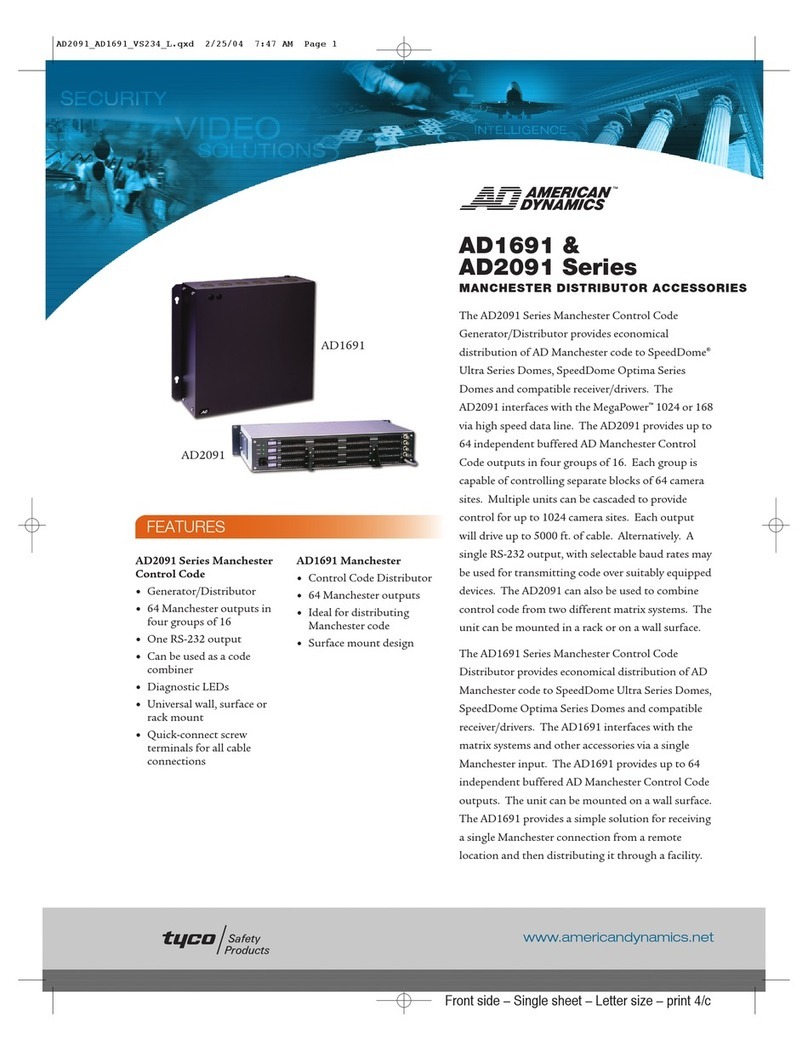
American Dynamics AD2091 User manual

American Dynamics

American Dynamics AD2091 User manual

American Dynamics AD100 User manual

American Dynamics

American Dynamics AD100 User manual

American Dynamics AD2083-02C User manual

American Dynamics

American Dynamics AD2083-02C User manual

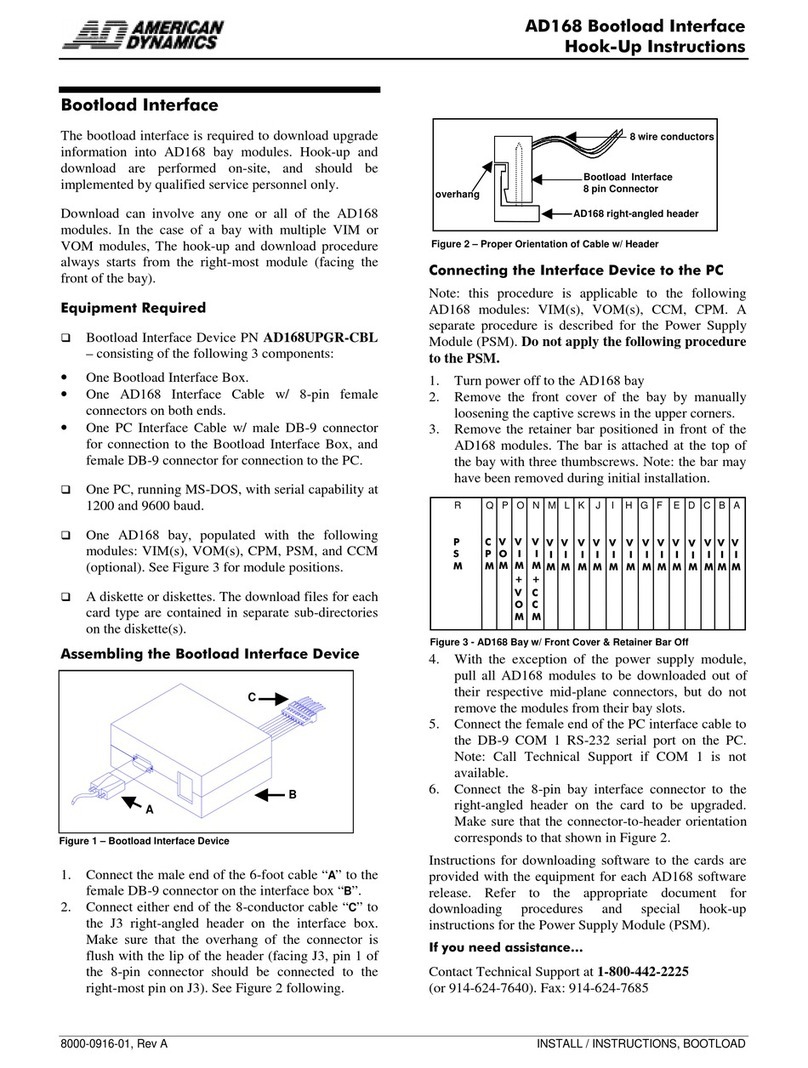
American Dynamics AD168 User manual

American Dynamics

American Dynamics AD168 User manual

Popular Recording Equipment manuals by other brands

ThermoFisher Scientific Dionex DRS 600 Installation checklist

ThermoFisher Scientific

ThermoFisher Scientific Dionex DRS 600 Installation checklist

Shure ANIUSB-Matrix user guide

Shure

Shure ANIUSB-Matrix user guide

Nady Audio HE-1 user guide

Nady Audio

Nady Audio HE-1 user guide

AUDAC APM 01 User manual & installation guide

AUDAC

AUDAC APM 01 User manual & installation guide

Teac GF-350 owner's manual

Teac

Teac GF-350 owner's manual

Fractal Audio MFC-101 MARK III owner's manual

Fractal Audio

Fractal Audio MFC-101 MARK III owner's manual

bmcm USB-OI16 manual

bmcm

bmcm USB-OI16 manual

HHB BurnIT CDR-830 Service manual

HHB

HHB BurnIT CDR-830 Service manual

GE VersaMax IC200CPUE05 manual

GE

GE VersaMax IC200CPUE05 manual

IntesisBox MH-RC-MBS-1 user manual

IntesisBox

IntesisBox MH-RC-MBS-1 user manual

Attero Tech unD4l user manual

Attero Tech

Attero Tech unD4l user manual

Sennheiser UI 765 instruction manual

Sennheiser

Sennheiser UI 765 instruction manual

Sony RCD-W1 Operating Instructions  (primary... Service manual

Sony

Sony RCD-W1 Operating Instructions (primary... Service manual

Roland Planet-P  MKS-10 owner's manual

Roland

Roland Planet-P MKS-10 owner's manual

Roland BOSS GT-PRO Turbostart

Roland

Roland BOSS GT-PRO Turbostart

8x8 Inc Valcom V-2001A manual

8x8 Inc

8x8 Inc Valcom V-2001A manual

Waves SUB Align user guide

Waves

Waves SUB Align user guide

Mitsubishi Electric MAC-334IF-E installation manual

Mitsubishi Electric

Mitsubishi Electric MAC-334IF-E installation manual

manuals.online logo
manuals.online logoBrands
  • About & Mission
  • Contact us
  • Privacy Policy
  • Terms and Conditions

Copyright 2025 Manuals.Online. All Rights Reserved.

MP-KMI Keyboard Matrix Interface Information Sheet
PRODUCT SAFETY
 Please follow these instructions as you install the equip ent and keep the for future use.
 Installation is only to be carried out by suitably qualified and experienced personnel, and should confor to all local
electrical codes.
 Only use this equip ent in a clean, dry, dust-free environ ent.
 To prevent fire or shock hazard, do not expose this product to rain or oisture.
DESCRIPTION
The MP-KMI Keyboard Network Interface is used to connect an MP1000 series keyboard/controller to the matrix switchin system.
The MP-KMI contains six jumper links that must be confi ured accordin to fi ure 1. Access to the jumpers is obtained by removin
the screw holdin the cover in place. The MP-KMI is supplied by default with the jumpers fitted in the positions shown, and should not
normally require any chan es to be made.
1
2
3
LK1
1
2
3
LK2
LK3
LK4
LK5
LK6
Rx
Tx
GND
Fi ure 1
CONNECTIONS FOR CABLE DISTANCE OF SEVEN FEET OR LESS
For installations where the keyboard-to-system cable distance is seven feet or less, connect the cables in accordance with fi ure 2
below.
The RJ-45 socket on the MP-KMI that is marked Matrix is connected to the switchin system usin an MP-CBL cable. The RJ-45
connector on the MP-KMI marked Keyboard is connected to the MP1000 keyboard usin an MP-CBL cable.
Issue 1 12/02 HB-MP-KMI-1
Matrix Switching System
MP-KMI KEYBOARD
MATRIX INTERFACE
MATRIX KEYBOARD
KEYBOARD
POWER
SUPPLY
POWER, UL LISTED
CLASS 2 ONLY
MP-CBL
MP-CBL
Fi ure 2

American Dynamics, One Blue Hill Plaza, Pearl River, New York, 10965
CONNECTIONS FOR CABLE DISTANCE OF GREATER THAN SEVEN FEET
For installations where the keyboard-to-system cable distance is reater than seven feet, the followin additional components are
required:
 One MP-KMI wall-mount keyboard matrix interface
 A three-wire, shielded, 18 AWG cable supplied by the installer
Usin the additional MP-KMI, connect the cables in accordance with fi ure 3 below.
POWER
SUPPLY
Matrix Switching System
KEYB
O
ARD
POWER, UL LISTED
CLASS 2 ONLY
MP-KMI
KEYBOAR
D
MATRIX
INTERFACE
MP-KMI
KEYBOARD
MATRIX
INTERFACE
TX
RX
GND
TX
RX
GND
MP-KMI (A) PINS
TX
RX
GND
MP-KMI (B) PINS
RX
TX
GND
BA
MATRIX KEYBOARDMATRIX KEYBOARD
MP-CBL
MP-CBL
Fi ure 3