manuals.online logo
Brands
  1. Home
  2. •
  3. Brands
  4. •
  5. AMERICAN IMAGE DISPLAYS
  6. •
  7. Tent
  8. •
  9. AMERICAN IMAGE DISPLAYS ShowStopper Deluxe 10 x 20 User manual

AMERICAN IMAGE DISPLAYS ShowStopper Deluxe 10 x 20 User manual

Popular Tent manuals by other brands

Nordcap Easy Up 400 Build-up instructions

Nordcap

Nordcap Easy Up 400 Build-up instructions

Zempire Neo Series instructions

Zempire

Zempire Neo Series instructions

CampTrails Grand Manan Assembly instructions

CampTrails

CampTrails Grand Manan Assembly instructions

Maanta ULISSE 90 Instructions and warnings

Maanta

Maanta ULISSE 90 Instructions and warnings

OZTENT JV SIGNATURE EDITION owner's manual

OZTENT

OZTENT JV SIGNATURE EDITION owner's manual

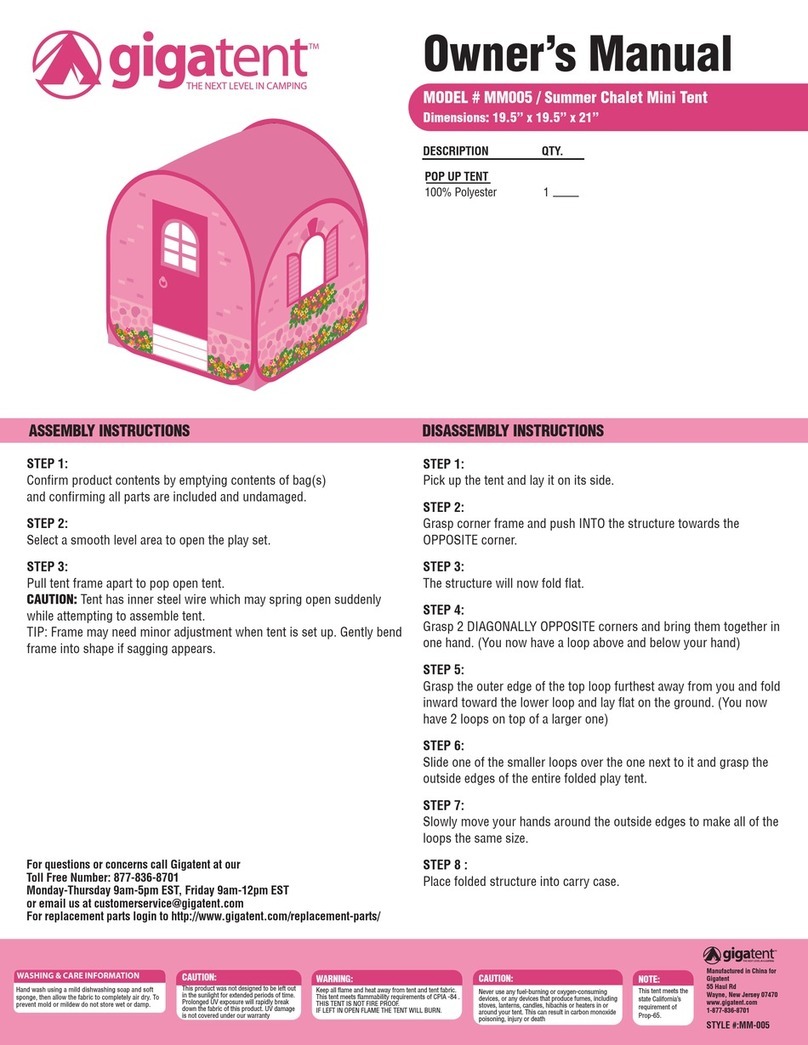
GigaTent Summer Chalet Mini Tent owner's manual

GigaTent

GigaTent Summer Chalet Mini Tent owner's manual

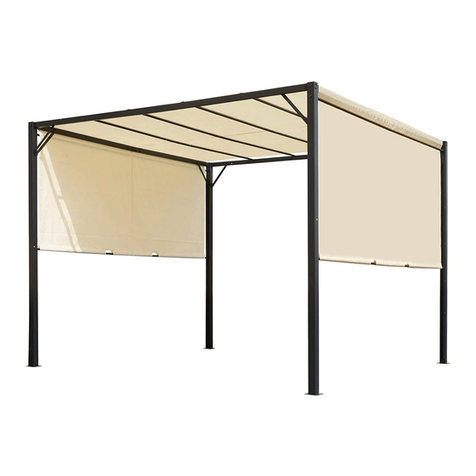
Outsunny 84C-230 manual

Outsunny

Outsunny 84C-230 manual

Crivit Outdoor 96716 instruction manual

Crivit Outdoor

Crivit Outdoor 96716 instruction manual

Reimo Marina instructions

Reimo

Reimo Marina instructions

Outsunny 84C-063 Assembly instruction

Outsunny

Outsunny 84C-063 Assembly instruction

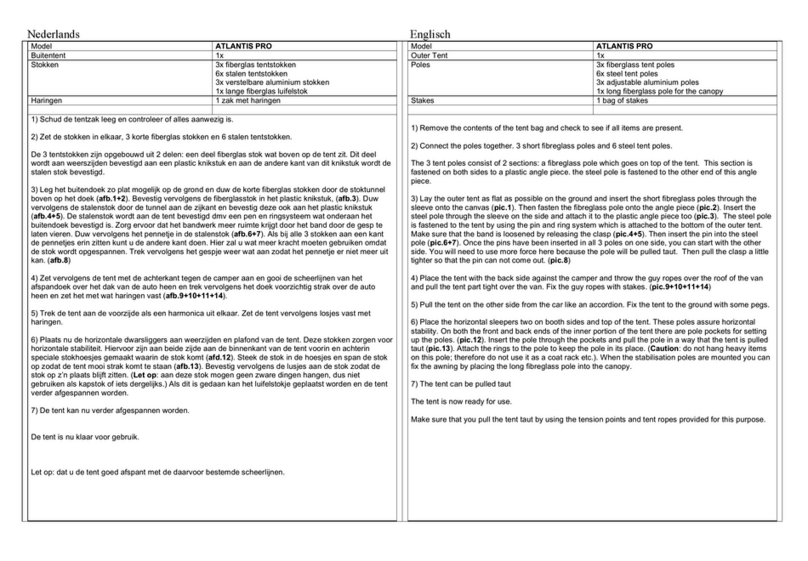
EuroTrail ATLANTIS PRO manual

EuroTrail

EuroTrail ATLANTIS PRO manual

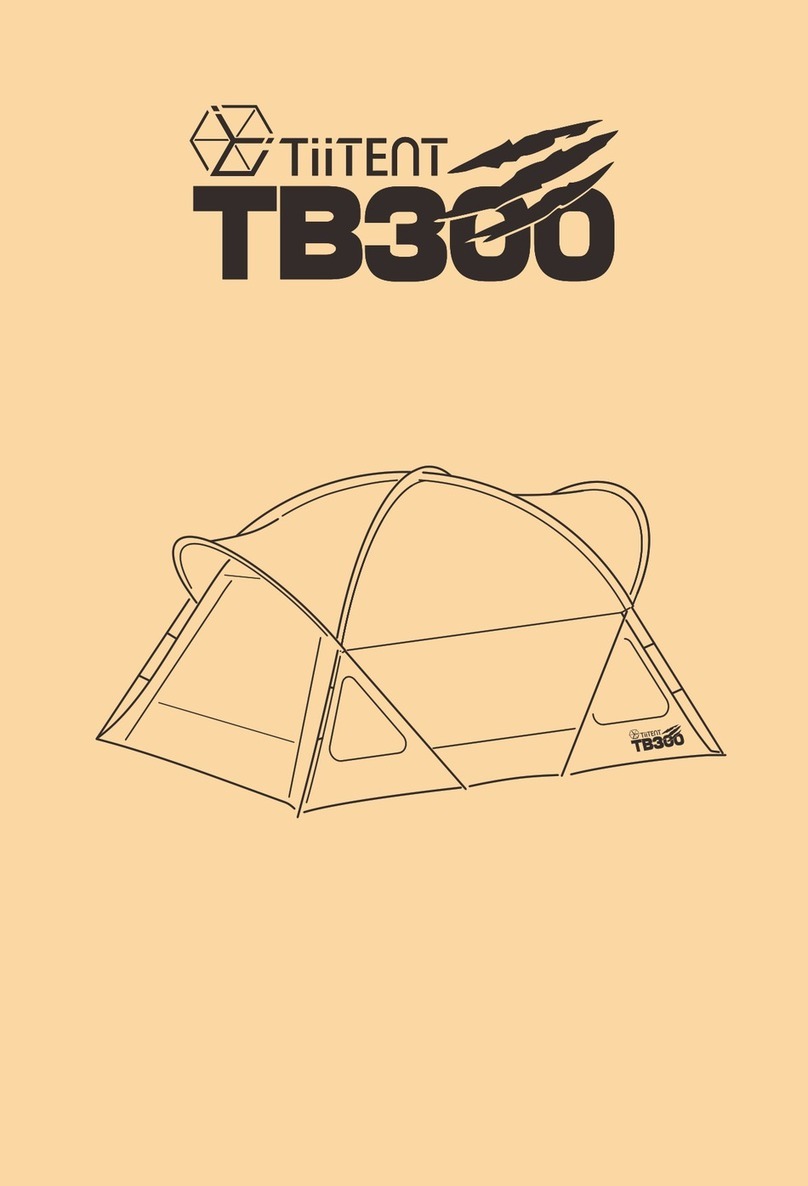
TiiTENT TB300 manual

TiiTENT

TiiTENT TB300 manual

Coleman 2000033134 Assembly & instruction manual

Coleman

Coleman 2000033134 Assembly & instruction manual

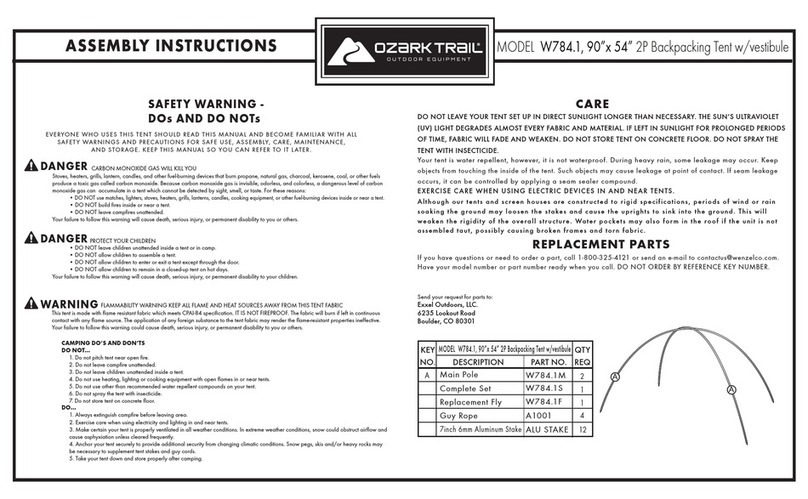
Ozark Trail W784.1 Assembly instructions and owner's manual

Ozark Trail

Ozark Trail W784.1 Assembly instructions and owner's manual

SlingFin CrossBow 2 instructions

SlingFin

SlingFin CrossBow 2 instructions

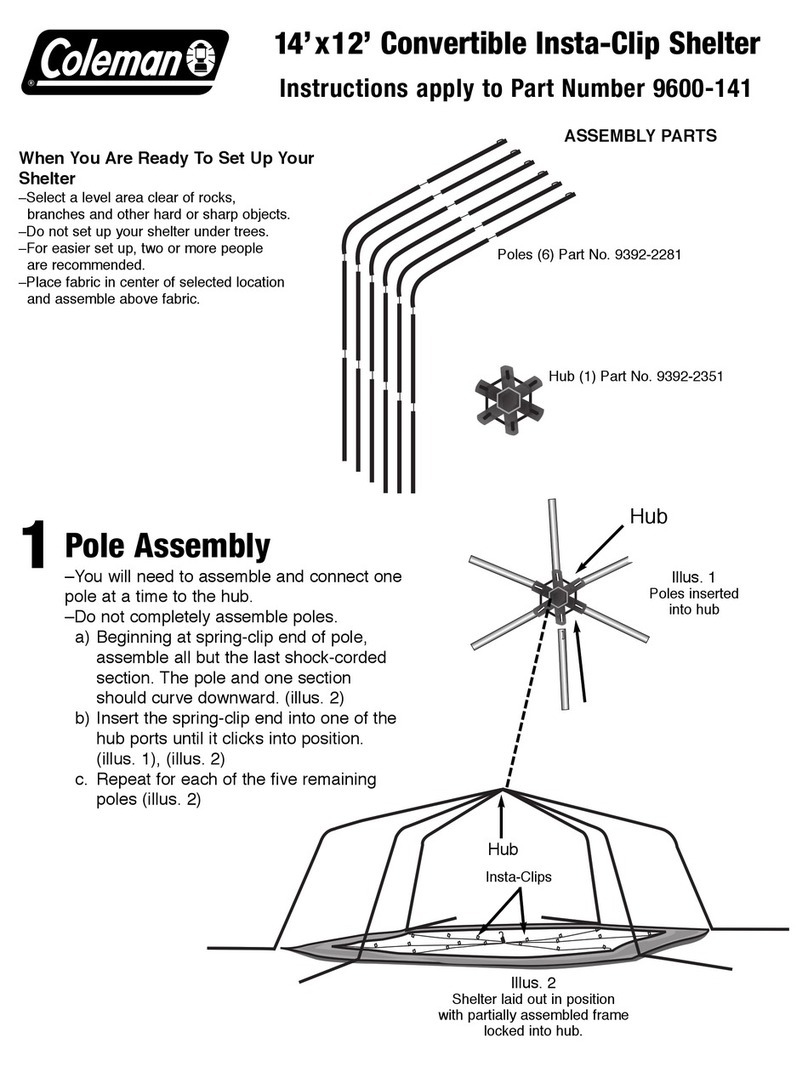
Coleman 9600-141 instructions

Coleman

Coleman 9600-141 instructions

Palram Arizona 5000 Wave - WINGS manual

Palram

Palram Arizona 5000 Wave - WINGS manual

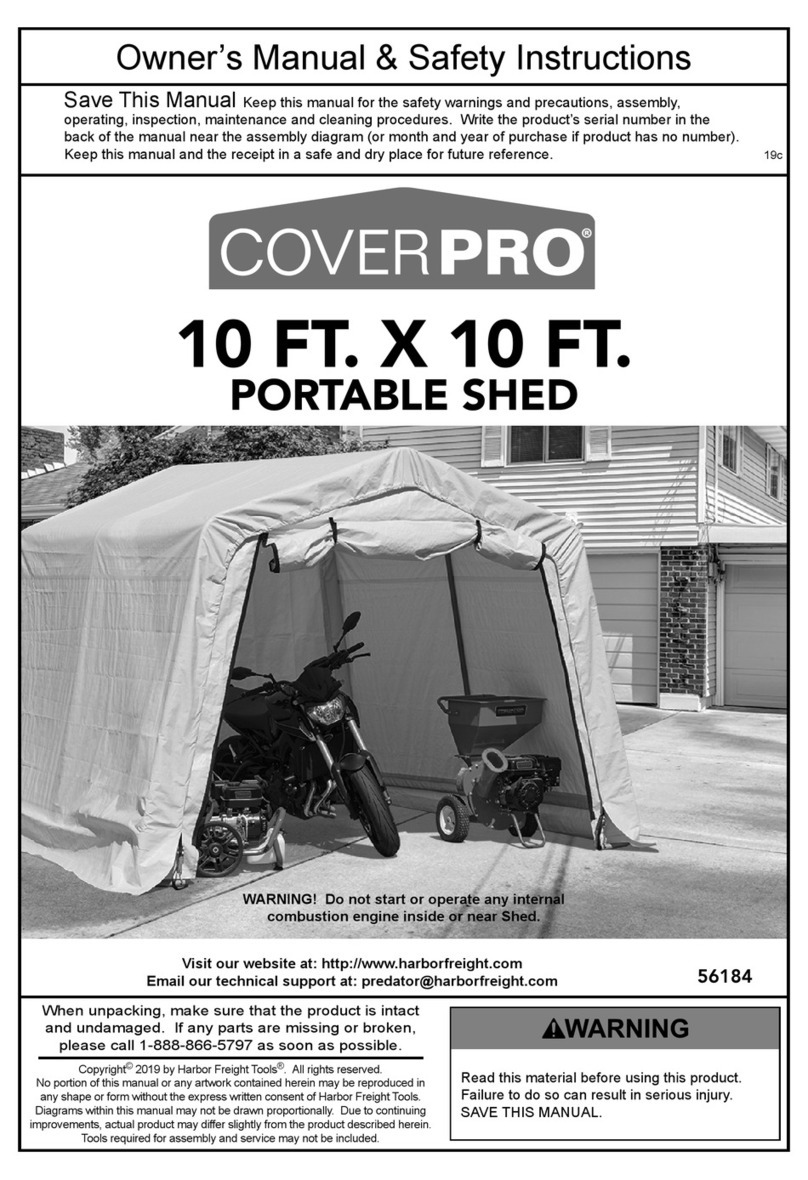
COVERPRO 56184 Owner's manual & safety instructions

COVERPRO

COVERPRO 56184 Owner's manual & safety instructions

manuals.online logo
manuals.online logoBrands
  • About & Mission
  • Contact us
  • Privacy Policy
  • Terms and Conditions

Copyright 2025 Manuals.Online. All Rights Reserved.

4/12Instructions Continued On Back Side
Product Specifications
Thermal Peak Maximum Imprint : 46" w x 17" h
Thermal Overhang Maximum Imprint : 60” w x 8” h
Canopy Color: White
Dimensions: 236" w x 125" h up to 138" h x 118" d
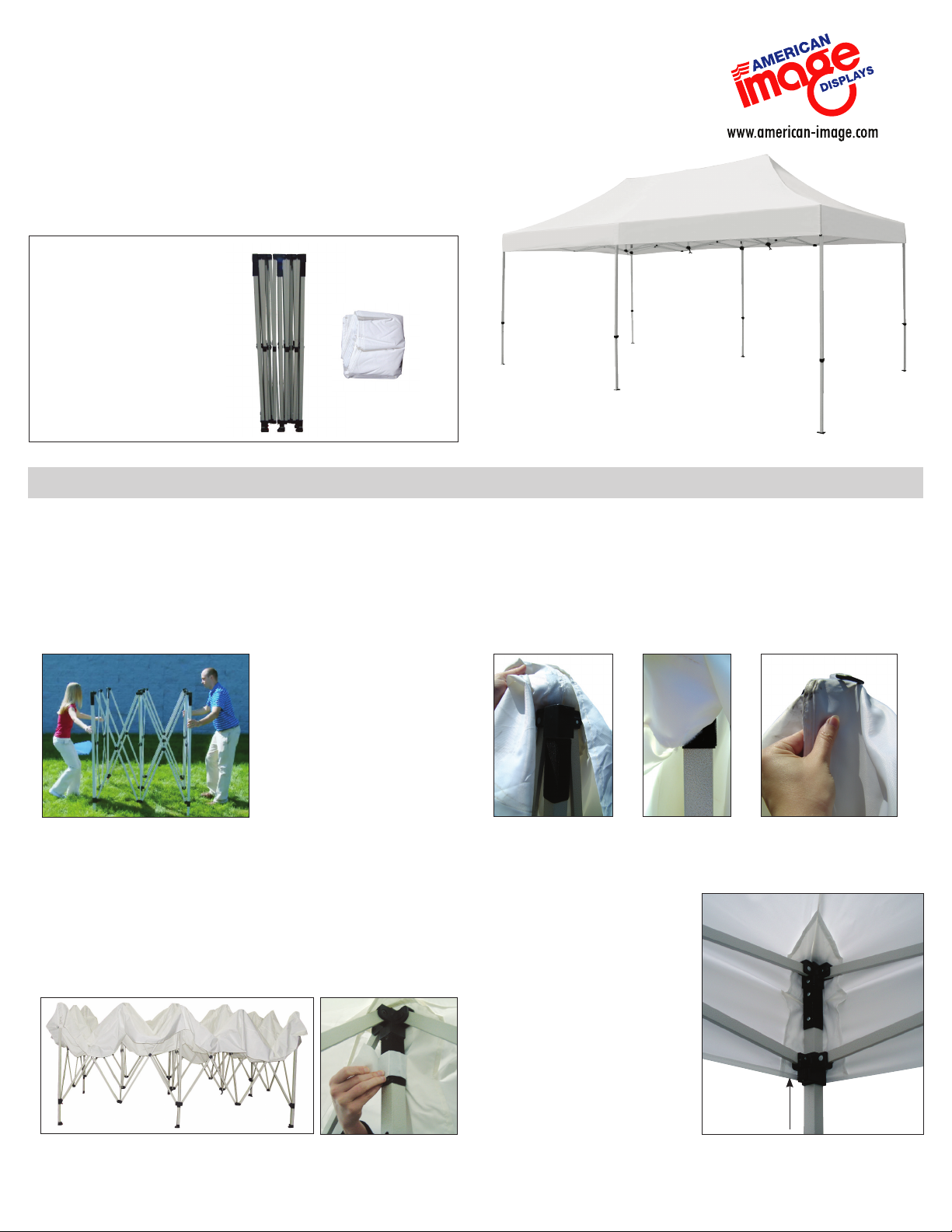
Product Parts
1 - Frame
2 - Canopy
ShowStopper Deluxe 10' x 20' Tent
Set-Up
Step 1
Remove the tent from the bag and placing it at your
desired location.
In tandem with another person, separate the legs of the
tent until they are extended a full arms length.
Step 2
Unfold your Canopy (2) and drape over the tent’s Frame (1).
Attach the Canopy (2) by connecting the loop strips on the
canopy corners with the hook strips on the frame’s four legs.
Position the canopy’s apex with the center poles of the Frame (1).
Step 3
Separate the frames legs. About halfway open, attach
the loop in the middle of the Canopy (2) to hook on the
middle legs on each side. Continue to open the frame
until fully extended. The frame will open a little at a time so
alternate ends until the Frame (1) no longer expands.
Step 4
Lift the expanding section
of the frame upwards until
the sliding connectors lock
into place on the frame’s
legs.
1
2

4/12
Warranty Information: All products are designed to provide the user with a cost-effective and durable product. Standard warranty is a ‘one year parts and labor’ warranty which
warrants product against defects in material and workmanship. It does not cover damage due to accidents, abuse, or normal wear and tear. Products found to be defective will
be replaced or repaired at factory’s discretion.
Set-Up Continued...
Care
Storage
Place all product parts into either your provided dust cover, and store in a
cool dry location.
To clean, wipe with damp cloth.
Step 5
Once set, release and extend
the telescoping legs. Raise the
tent to your desired height and
lock the legs into place
Step 6
Lift the three apexes of
the canopy up into place
by turning the cranks
located on the center of
the expanding frame. Turn
counterclockwise until the
canopy is taut.
Secure with Stakes - Sold Separately
Simply drive the stakes through the holes in the feet and
into the ground to secure.
Secure with Ballast - Sold Separately
Simply strap the Ballast to the legs and fill with water or
sand.
Dust cover is for storage
only & is not a carry case