Amptweaker TIGHTFUZZ User manual

Welcome! Thanks for purchasing your Tightfuzz™
pedal, the first Amptweaker™ handmade product
desigded with your advice. The TightFuzz is based
on consumersʼrequests for a more tweakable classic
fuzz box, with both Germanium and Silicon transistors.
Automatic biasing extends the range from very clean
tones to killer fuzz using a single Fuzz control. Keep
those ideas coming!
Cool Ideas:
•True Bypass switching–with special input circuitry,
works great with active pickups or wah pedals in front!
•Tight Attack control lets YOU dial in the chunk
•Fuzz, Volume, & Tone with 60ʼs-70ʼs Tone switch
•Bias automatically tracks Fuzz control for greater range
•Germanium/Silicon output transistor switch
•Edge switch smoothes out the buzz
•Pre/Post selectable Effects Loop-tracks Bypass Switch
•Battery On/Off switch with red ʻDonʼt Forgetʼindicator
•LED lit knobs when using a DC adapter
good tone comes from tweaking ...
TM
James Brown, Amp Engineer
Welcome! Thanks for purchasing your TightFuzz™
pedal, another Amptweaker™
designed with

How does the work?
Transistor SW–selects Germanium(warmer) or
Silicon(brighter/higher gain) output stage transistor
Tone–EQ,
adjusts highs
up and down
to balance
with lows
Volume–
a Master
Volume,
set for
boost or
balance
with the
bypassed
levels
Output
Jack–
connect to
the next
pedalʼs
input or
amp
Edge SW–
set to Smooth
for a softer
and less
buzzy tone
True Bypass SW–disconnects
all circuitry and directly connects
Input Jack to the Output Jack
Input Jack–from
guitar or previous
effect. The battery
disconnects when
unplugged
60ʼs–70ʼs
Tone SW-
tweaks EQ
for bright
1960ʼs or
full-range
1970ʼs
fuzztones
DC Jack– use
regulated 9V–
18VDC supply,
center pin (-)
9V is the most
distorted, while
18V is cleaner,
and louder–
works better
for clean
boosting
Fuzz– adjusts
distortion, while it
automatically
adjusts bias for
better clean tones
Tight– set
higher for
aggressive,
chunky
attack or
lower for a
thicker, fatter
distortion

Battery Door–
The battery
door is held
closed by a
magnet, and
can be opened
just by pulling
sideways
EFX Loop Switch–selects Pre(before) or
Post(after) position of the Loop. Usually
Compressors sound best on Pre, while
Delays & Reverbs sound better on Post
LEDs–light up
the knobs if an
adapter is used
Battery Switch–
This switch turns
off the battery
when not in use-
not active when
using an adapter
Specs:
•Input impedance: 250K Ohm (effect on)
•Output Impedance: 1K Ohm (effect on)
•Current: 11mA with 9V battery, 22mA with 9V adapter,
45mA with 18V adapter (adapter adds knob LEDs)
•Adapter: 9-18VDC adapter w/5.5mm X 2.1mm positive
barrel, center ground(-)
•Housing: 14 Gauge galvanized steel
•Weight: 2 pounds, Dimensions: 3.75”W X 5”D X 2”H
Effects Send & Return– Itʼs
easy to create your own effects
chains using this series loop–
and the added effects track the
TightFuzzʼs On/Off Switch

TM
good tone comes from tweaking . . .
Amptweaker, LLC
5885 Cumming Hwy, Suite 108-98
Sugar Hill, GA 30518
Other Tips & Tricks:
•Effects like compressors, treble boosters, octavers, or
distortion tend to work best in the Effects Loop, set to Pre.
•Effects like delay, reverb, EQ, chorus, vibe/tremolo, and
most others tend to sound best with the Loop set to Post.
•Add an overdrive/distortion pedal in the Effects Loop (set to
Pre) to tweak the TightFuzz for more distortion and sustain!
•Add a clean boost or EQ pedal in the Effects Loop (set to
Post) to add more output level or tweak the TightFuzz tone.
•By using higher Volume and lower Fuzz settings, the
TightFuzz works more like a clean tone(with Tight DOWN,
70ʼs tone) or treble booster(with Tight UP, 60ʼs tone).
•For the thickest and buzziest fuzz, use Silicon, 70ʼs, Edge
OFF, Fuzz turned UP and Tight turned DOWN.
•Select Pre/Effects Send to use it as a switchable ʻcleanʼ
send to another effects chain, tuner input or amp.
•Select Post/Effects Send to send to some other amp
AFTER the TightFuzz for a big stereo solo tone.
•When using extremely high settings on the Tight control,
you might need to increase your ampʼs bass control.
handmade in USA
www.amptweaker.com
©2012 Amptweaker, LLC
Other Amptweaker Music Pedal manuals
Amptweaker
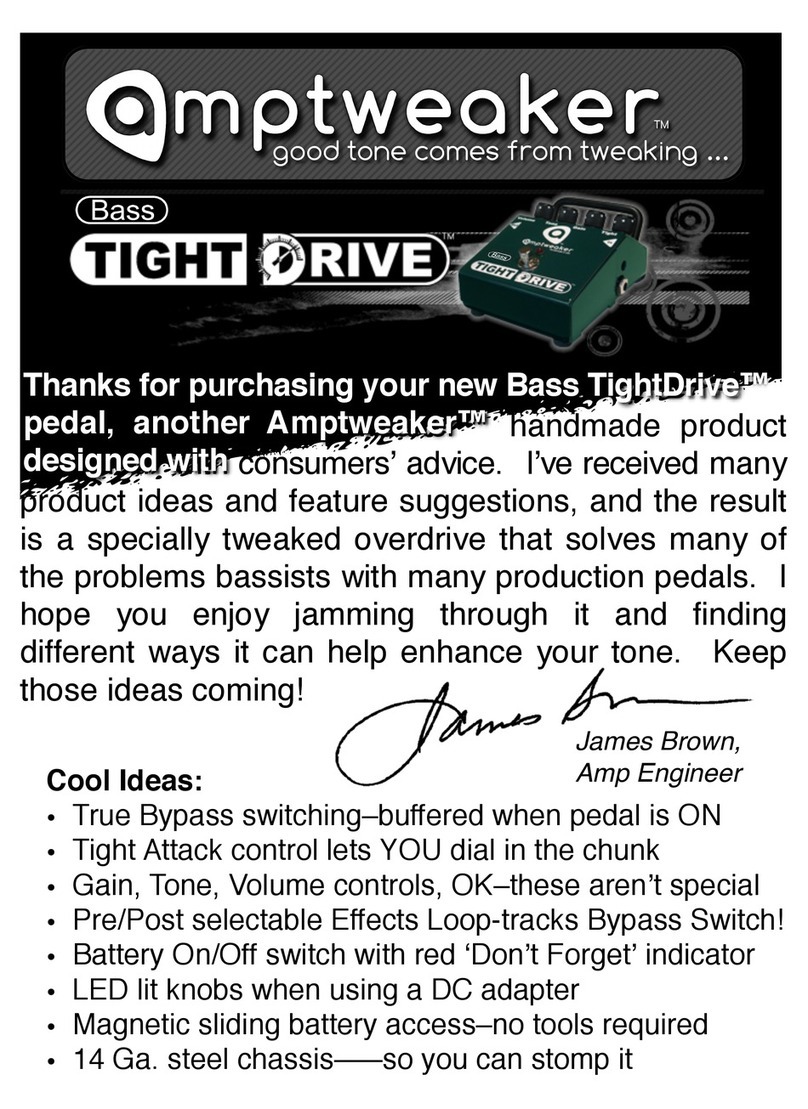
Amptweaker Tight Drive User manual

Amptweaker
Amptweaker TIGHT METAL Assembly instructions

Amptweaker
Amptweaker BigRock Pro User manual
Amptweaker
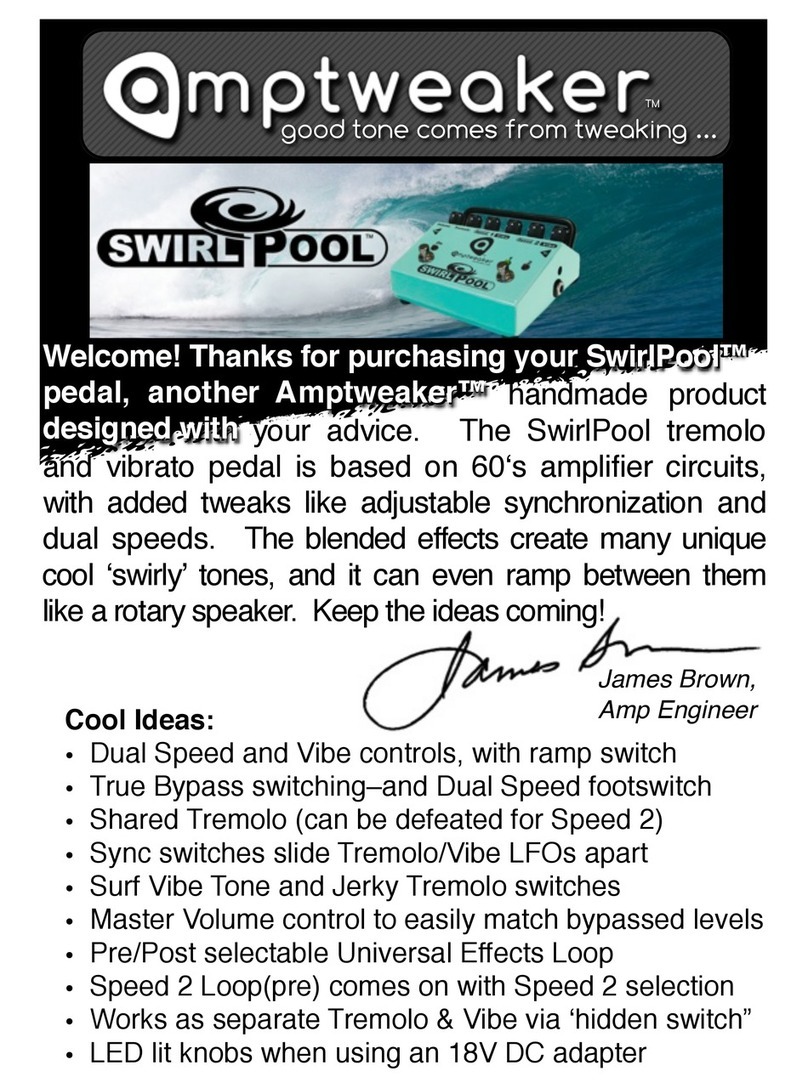
Amptweaker SwirlPool User manual

Amptweaker
Amptweaker tightboost User manual

Amptweaker
Amptweaker TightMetal ST User manual
Amptweaker
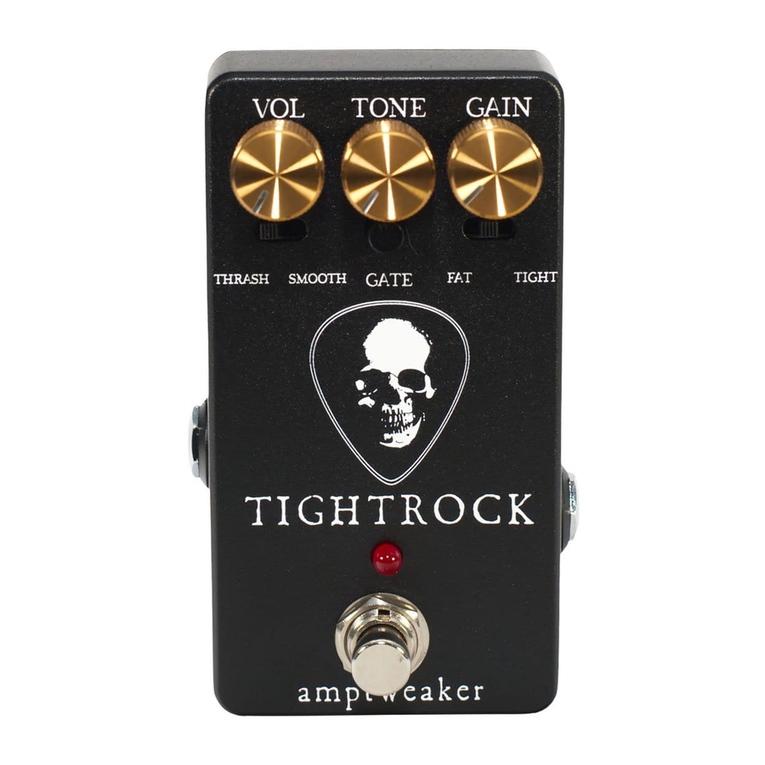
Amptweaker TIGHT ROCK User manual
Amptweaker
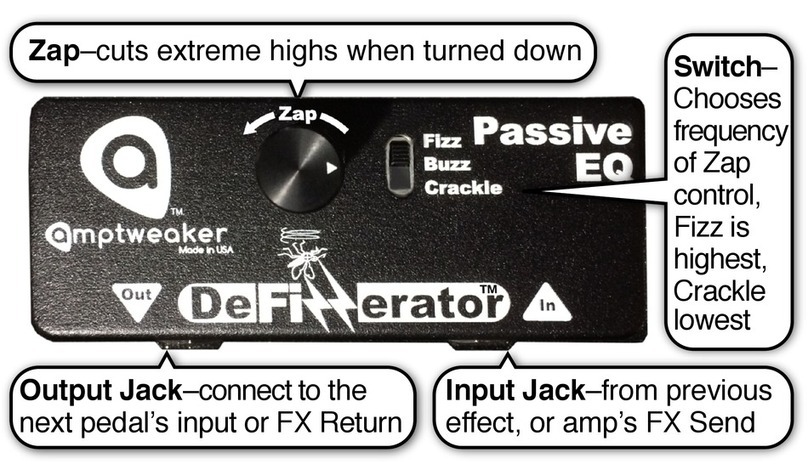
Amptweaker DeFizzerator User manual

Amptweaker
Amptweaker Bass tight fuzz User manual

Amptweaker
Amptweaker FatRock User manual