Introduction
2NXC-ME260/64 Hardware Reference Guide
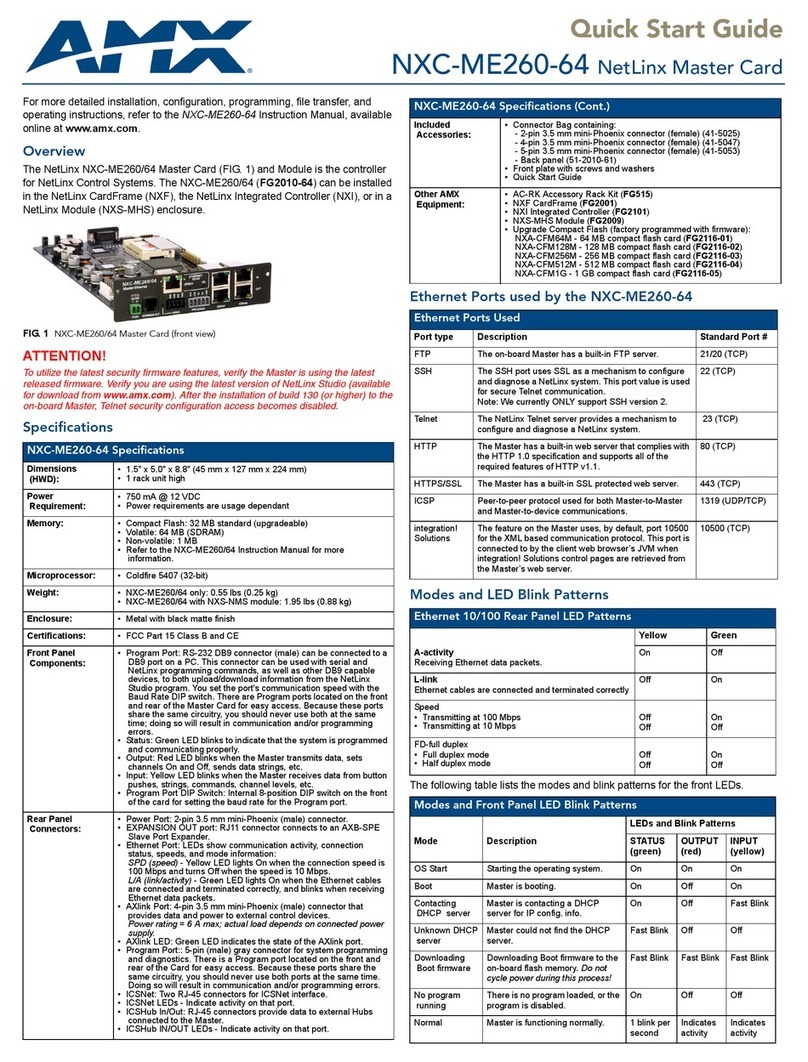
NXC-ME260/64 Specifications (Cont.)
Program Port DIP Switch • Internal 8-position DIP switch located behind the front panel for setting the
baud rate for the Program port.
• Available baud rate settings are 9600, 38,400 (default), 57,600 and 115,200
(bps). Refer to theSetting the Configuration DIP Switch (for the Program
Port) section on page 13 for details.
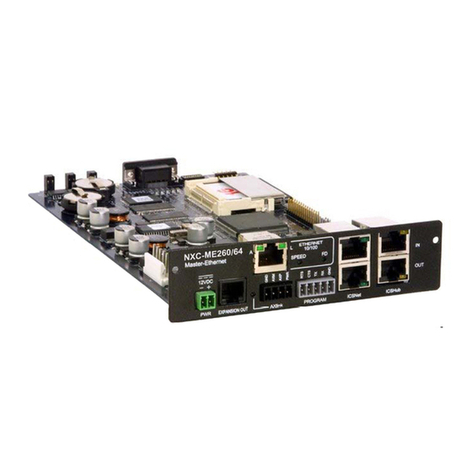
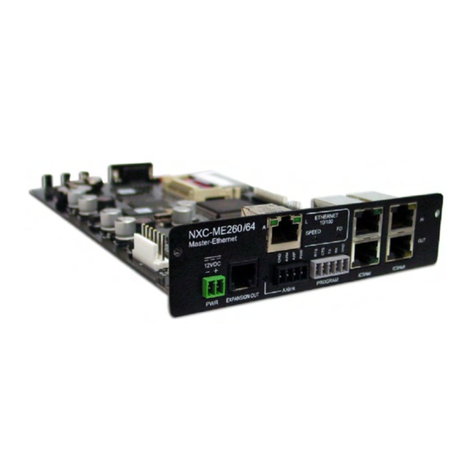
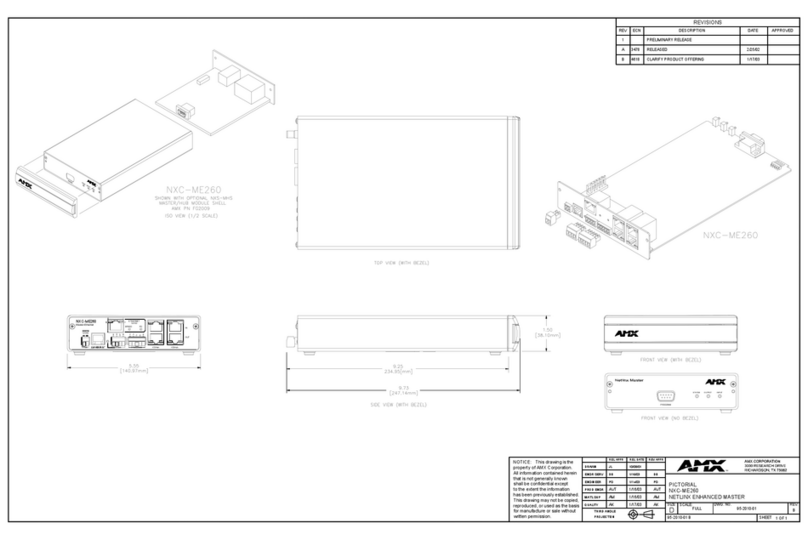
Rear Panel Connectors:
PWR port • 2-pin 3.5 mm mini-Phoenix (male) connector.
• Use a 12 VDC-compliant power supply to provide power to the
NXC-ME260/64 through the 2-pin 3.5 mm mini-Phoenix connector on the
rear of the unit.
EXPANSION OUT port • RJ11 connector connects to an AXB-SPE Server Port Expander.
Ethernet port • RJ-45 port for 10/100 Mbps communication. This port automatically
negotiates the connection speed (10 Mbps or 100 Mbps) and whether to use
half duplex or full duplex mode.
Ethernet Link/Activity LED • LEDs show communication activity, connection status, speeds, and mode
information:
SPD (speed) - Yellow LED lights On when the connection speed is 100 Mbps
and turns Off when the speed is 10 Mbps.
L/A (link/activity) - Green LED lights On when the Ethernet cables are
connected/terminated correctly, and blinks when receiving Ethernet data
packets.
SPEED - Green LED lights when transmitting data at 100 Mbps, and is Off
when transmitting at 10 Mbps.
FD (full duplex) - Green LED lights when running in full duplex mode, and is
Off when running half duplex mode.
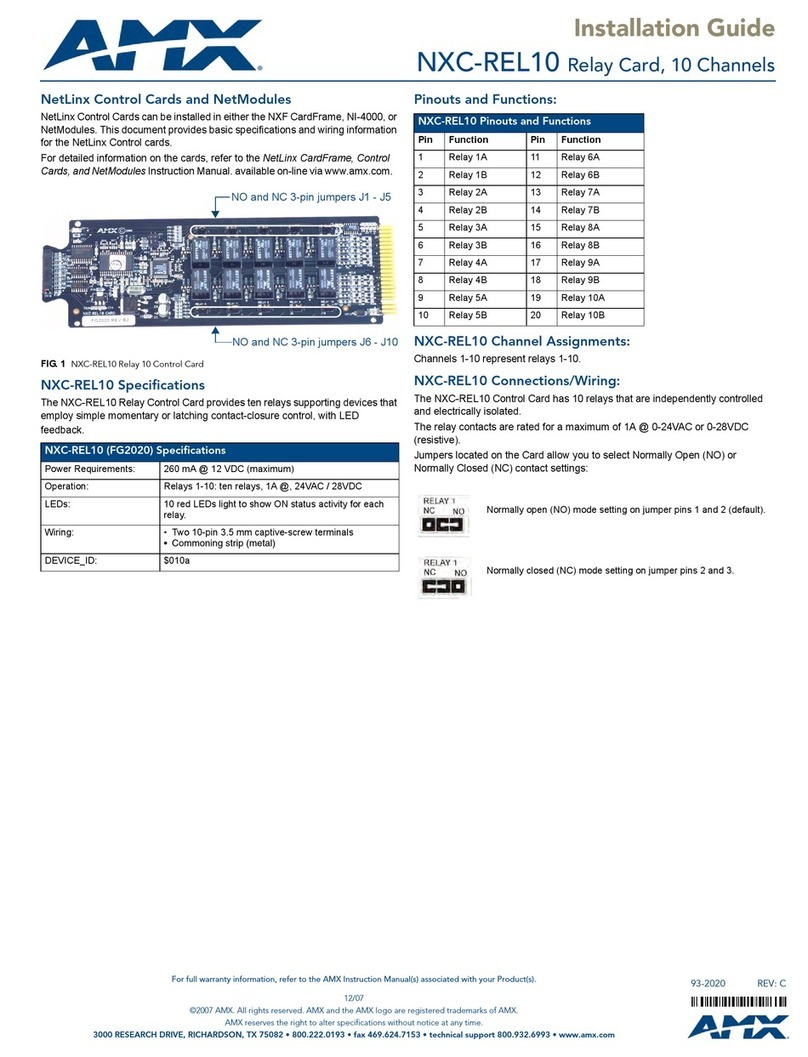
AXlink port • 4-pin 3.5 mm mini-Phoenix (male) connector provides data and power to
external control devices.
• Power rating = 6 A max; actual load depends on connected power supply.
Axlink Status LED • Green LED indicates the state of the AXlink and expansion port data activity.
• Normal AXlink activity = 1 blink/second
• Abnormal AXlink activity = cycle of 3 consecutive blinks and then Off
Program port • 5-pin (male) grey connector for system programming and diagnostics. There
is a Program port located on the front and rear of the Master Cards for easy
access. Because these ports share the same circuitry, you should never use
both ports at the same time. Doing so will result in communication and/or
programming errors.
ICSNet connectors •Two RJ-45 connectors that provide power (500 mA) and data to external
ICSNet devices.
ICSNet LEDs • Green LEDs that light when receiving data on that port.
ICSHub In/Out connectors •Two RJ-45 connectors that provide data to other Hubs connected to the
Master.
ICSHub IN/OUT LEDs • Yellow LEDs that light when receiving data on that port.
Included Accessories: • Connector Bag containing:
- 2-pin 3.5 mm mini-Phoenix connector (female) (41-5025)
- 4-pin 3.5 mm mini-Phoenix connector (female) (41-5047)
- 5-pin 3.5 mm mini-Phoenix connector (female) (41-5053)
- Back panel (51-2010-61)
• Front plate with screws and washers