manuals.online logo
Brands
  1. Home
  2. •
  3. Brands
  4. •
  5. Analog way
  6. •
  7. Switch
  8. •
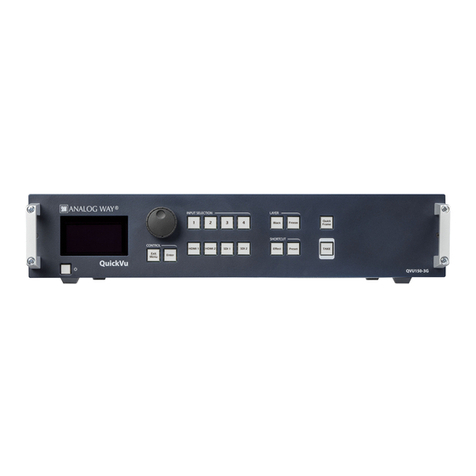
  9. Analog way QuickVu User manual

Analog way QuickVu User manual

This manual suits for next models

1

Other Analog way Switch manuals

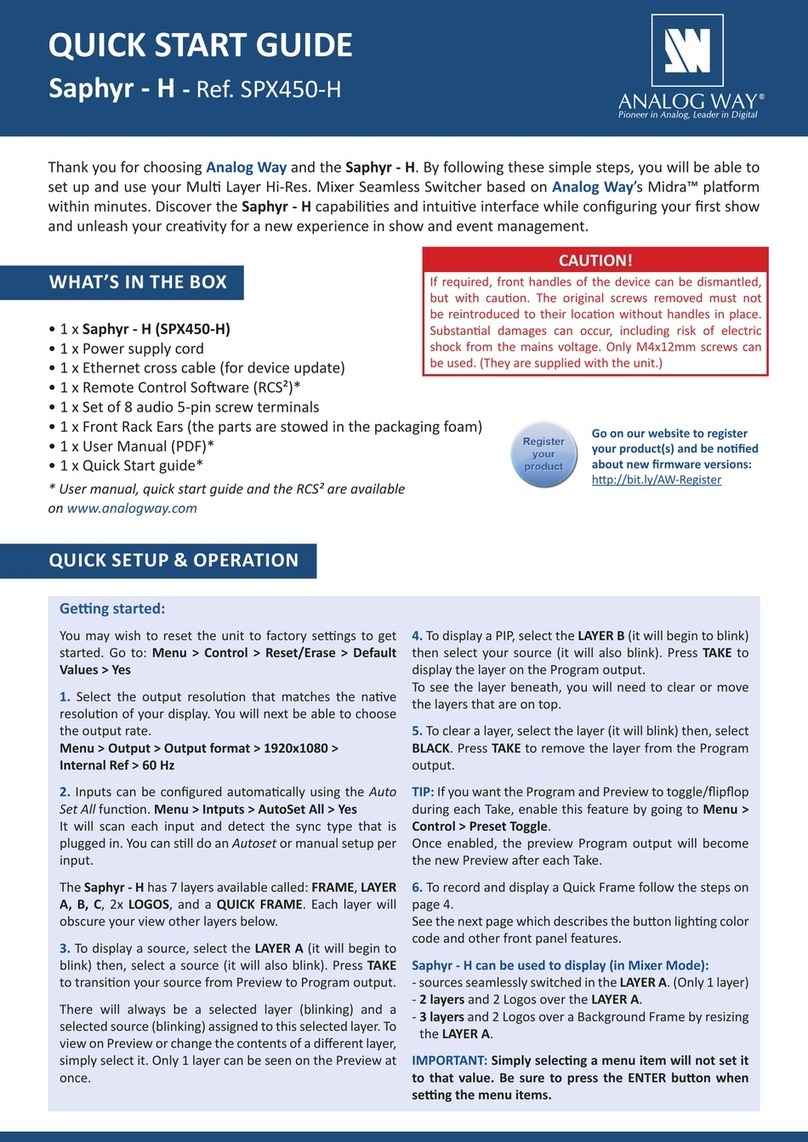
Analog way SPX450 User manual

Analog way

Analog way SPX450 User manual

Analog way Eikos LE User manual

Analog way

Analog way Eikos LE User manual

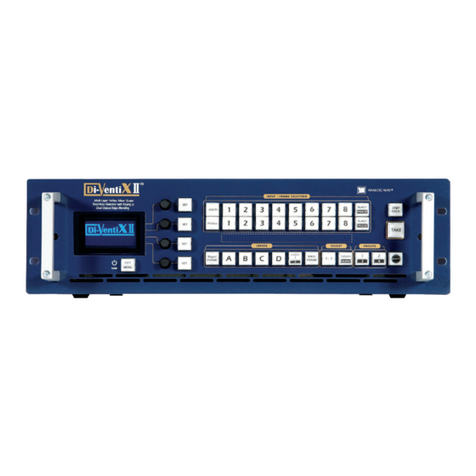
Analog way Di-VentiX II User manual

Analog way

Analog way Di-VentiX II User manual

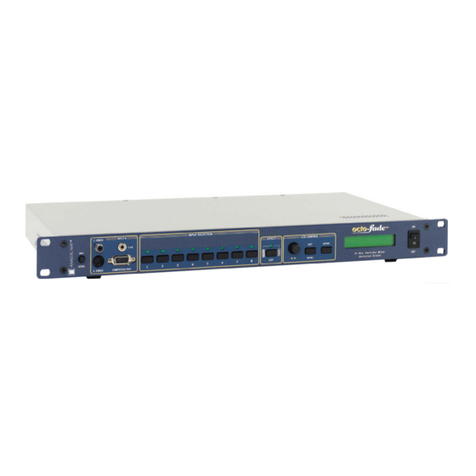
Analog way OCTO-PLUS User manual

Analog way

Analog way OCTO-PLUS User manual

Analog way Saphyr User manual

Analog way

Analog way Saphyr User manual

Analog way PLS-4K User manual

Analog way

Analog way PLS-4K User manual

Analog way ASC4806-4K-PL User manual

Analog way

Analog way ASC4806-4K-PL User manual

Analog way EKS-4K User manual

Analog way

Analog way EKS-4K User manual

Analog way Eikos User manual

Analog way

Analog way Eikos User manual

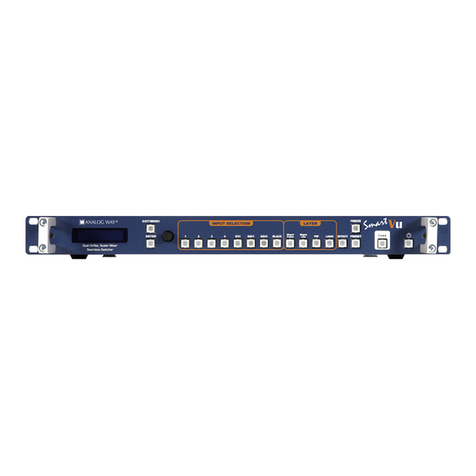
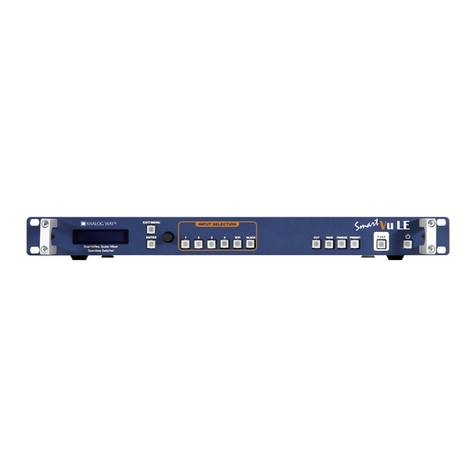
Analog way Smart Vu LE User manual

Analog way

Analog way Smart Vu LE User manual

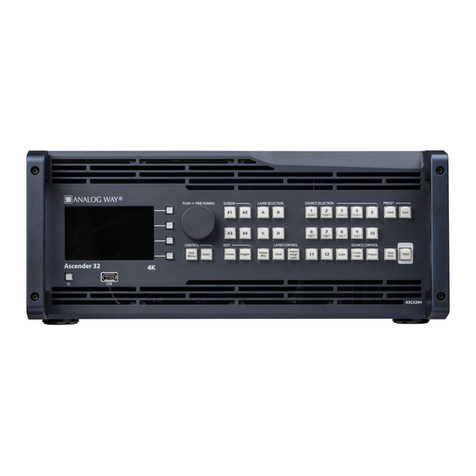
Analog way Ascender 32-4K User manual

Analog way

Analog way Ascender 32-4K User manual

Analog way Midra 4K Series User manual

Analog way

Analog way Midra 4K Series User manual

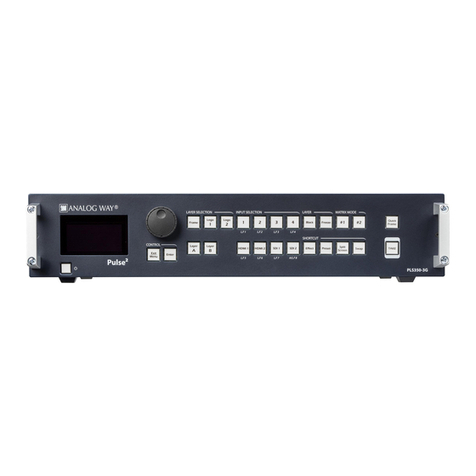
Analog way Pulse User manual

Analog way

Analog way Pulse User manual

Analog way OFX803 User manual

Analog way

Analog way OFX803 User manual

Analog way Saphyr-H User manual

Analog way

Analog way Saphyr-H User manual

Analog way PLS350-H User manual

Analog way

Analog way PLS350-H User manual

Analog way SVU300 Manual

Analog way

Analog way SVU300 Manual

Analog way QFX402 User manual

Analog way

Analog way QFX402 User manual

Analog way QuickVu QVU150 User manual

Analog way

Analog way QuickVu QVU150 User manual

Analog way ASC4806 User manual

Analog way

Analog way ASC4806 User manual

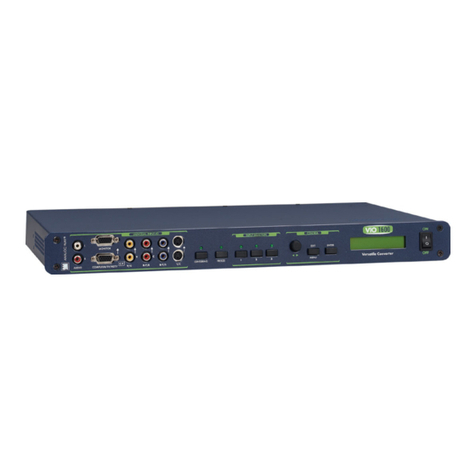
Analog way VIO 1600 V301 User manual

Analog way

Analog way VIO 1600 V301 User manual

Analog way QUATTRO D User manual

Analog way

Analog way QUATTRO D User manual

Analog way NXT0802 User manual

Analog way

Analog way NXT0802 User manual

Analog way Smart Cut 2 User manual

Analog way

Analog way Smart Cut 2 User manual

Popular Switch manuals by other brands

SMC Networks SMC6224M Technical specifications

SMC Networks

SMC Networks SMC6224M Technical specifications

Aeotec ZWA003-S operating manual

Aeotec

Aeotec ZWA003-S operating manual

TRENDnet TK-209i Quick installation guide

TRENDnet

TRENDnet TK-209i Quick installation guide

Planet FGSW-2022VHP user manual

Planet

Planet FGSW-2022VHP user manual

Avocent AutoView 2000  AV2000BC AV2000BC Installer/user guide

Avocent

Avocent AutoView 2000 AV2000BC AV2000BC Installer/user guide

Moxa Technologies PT-7728 Series user manual

Moxa Technologies

Moxa Technologies PT-7728 Series user manual

Intos Electronic inLine 35392I operating instructions

Intos Electronic

Intos Electronic inLine 35392I operating instructions

Cisco Catalyst 3560-X-24T Technical specifications

Cisco

Cisco Catalyst 3560-X-24T Technical specifications

Asante IntraCore IC3648 Specifications

Asante

Asante IntraCore IC3648 Specifications

Siemens SIRIUS 3SE7310-1AE Series Original operating instructions

Siemens

Siemens SIRIUS 3SE7310-1AE Series Original operating instructions

Edge-Core DCS520 quick start guide

Edge-Core

Edge-Core DCS520 quick start guide

RGBLE S00203 user manual

RGBLE

RGBLE S00203 user manual

Thrustmaster FLIGHT SIMULATOR X quick guide

Thrustmaster

Thrustmaster FLIGHT SIMULATOR X quick guide

Southwire SURGE GUARD 41390 RVC troubleshooting guide

Southwire

Southwire SURGE GUARD 41390 RVC troubleshooting guide

Buhler Nivotemp NT 61 Brief instructions

Buhler

Buhler Nivotemp NT 61 Brief instructions

Kramer VS-41HDCP user manual

Kramer

Kramer VS-41HDCP user manual

Techly IDATA AU-270 user manual

Techly

Techly IDATA AU-270 user manual

Belkin F1U109 user manual

Belkin

Belkin F1U109 user manual

manuals.online logo
manuals.online logoBrands
  • About & Mission
  • Contact us
  • Privacy Policy
  • Terms and Conditions

Copyright 2025 Manuals.Online. All Rights Reserved.

QuickVu
Ref. QVU150
USER MANUAL
THANK YOU
1. TRADEMARKS
3. TERMS AND DEFINITIONS
2. INTRODUCTION
4. HARDWARE SPECIFICATIONS
4.1 








4.1.1 English
4.1.2 French
4.1.3 Italian
4.1.4 German
4.1.5 Spanish
4.5.1 Signal descripons
4.5.2 Supported video formats
4.5.3 Computer formats
4.5.4 Input Computer formats
4.5.5 Output Computer formats
4.7.1 Standard output
4.8.1 Serial interface
4.8.2 LAN interface
6
7
6
8
8
13
14
16
13
14
18
19
20
By following these simple steps you will be able to obtain the most from your powerful QuickVu and its many
features.

4.10.1 Input HDCP detecon
4.10.2 Output HDCP detecon
4.10.3 Keys’ checking
4.10.4 Output management
4.10.5 HDCP Classicaon
4.10.6 Status
21
5. CONNECTING THE QUICKVU
6. CONTROLLING THE QUICKVU
7. OPERATING THE QUICKVU FROM THE RCS²
8. OPERATING THROUGH THE FRONT PANEL
5.1 
6.1 
7.1 
8.1 
6.2 
7.2 Setup
7.3 Edit
7.4 Live
6.3 
5.1.1 Rear panel
5.1.2 Front panel
6.3.1 Setup
6.3.2 Edit
6.3.3 Live
7.2.1 Mode
7.2.2 Audio
7.2.3 Screens
7.2.4 Preview
7.2.5 Misc
7.2.6 Output management
7.2.7 Input management
7.2.8 Frame management
7.2.9 Audio management
7.2.10 Service management
7.2.11 Control management
7.3.1 Layer management
7.3.2 Layer adjustments
7.3.3 Eects
7.3.4 Preset load and save management
8.1.1 Menu navigaon
8.1.2 Home menu
8.1.3 Operang modes
8.1.4 Reseng default values
8.1.5 QuickVu color codes
22
24
27
46
22
24
27
46
24
27
39
44
26
8.2 
8.2.1 Source Input selecon
8.2.2 Input selecon sengs
8.2.3 Source Output selecon
8.2.4 Output selecon sengs
8.2.5 Preview features
8.2.6 Preview Id
8.2.7 Working with layers
8.2.8 Working with layers funcons
8.2.9 Opening transions and closing live layers
8.2.10 Layer adjustment menu
8.2.11 Layers with transions
8.2.12 Capturing frames
8.2.13 Working with frames
8.2.14 Frame input setup menu
8.2.15 Creang presets
8.2.16 Working with presets
8.2.17 Working with audio
8.2.18 Special features
47
10. APPLICATIONS NOTE AND TIPS
9. MAINTENANCE AND SUPPORT
10.1 HDCP
9.1 
82
81
82
81
8.3 Menu tree 57
11. WARRANTY
12. CONTACT INFORMATION
13. APPENDICES
11.1 
13.1 
11.2 
13.2 
11.3 
83
84
85
83
85
83
85
83
6
1. Trademarks
1. TRADEMARKS
2. INTRODUCTION
The terms HDMI, HDMI High-Denion Mulmedia Interface and the HDMI logo are trademarks or registered
trademarks of HDMI Licensing LLC in the United States and other countries.
Thank you for choosing the Analog Way QuickVu. Before you start seng up your QuickVu for the rst me,
please read through all of the documentaon to become familiar with its powerful features. The QuickVu can
be used in several conguraons, which results in a versale video producon tool for live event staging and
xed installaon applicaons.
7
3. Terms and denions
3. TERMS AND DEFINITIONS
BACKGROUND: a “Background” is a source, typically originang from a computer. QuickVu enables you to
work with sll (frame) background — visually in back of all other sources.
LAYER: a “layer” is an image display element (such as a PIP window, Key, logo or Background) that has a visual
priority — either in front (or in back) of another layer. 1 frame non-resizable, up to 2 live layers resizable
available on the QuickVu.
PIP: a “PIP” (Picture In Picture) is a picture, typically of reduced size, which is posioned over another
background image or other PIPs. PIPs can be reposioned, reduced, enlarged and displayed. PIPs can overlap,
depending on their visual priority. QuickVu oers various slides, wipes, and fades for dynamic PIP entrances
and exits. A “ying” PIP is also possible using vercal, horizontal, or diagonal movement. A PIP is considered
as a layer.
FRAME: a “frame” is a full screen image which is selected from one of the sll frames you can capture. A
frame can be captured in ash memory from any video or computer source plugged into the machine.
KEYING: “Key” is an electronic process whereby a video image is electronically superimposed over another
source or background, by dynamically removing a poron of the rst image. For example, removing all content
of a certain color (such as green or blue) is called a Chroma Key, and removing content based on its brightness
or luminance levels is called a (Luma Key). Keys are typically used for tles, logos and special eects. QuickVu
allows you to key a live source (such as a camera shot with green or blue background, or a tle with a black
background) over any other source or sources.
SEAMLESS: Clean transion with no glitch or loss of sync while switching between two sources. For example,
fading through black to another source is a seamless transion.
TRUE SEAMLESS: Clean seamless transions with no glitch or freeze between two sources. For example,
crossfading from source to source is a true seamless transion.
RCS²: Remote Control Soware used to control, set up, and operate the device.
QUICK FRAME: The “Quick Frame” feature allows the instant display of a stored frame above all layers.
8
4.1.1 English
4. HARDWARE SPECIFICATIONS
All of the safety and operang instrucons should be read before the product is operated and should
be maintained for further reference. Please follow all of the warnings on this product and its operang
instrucons.
• WARNING: To prevent the risk of electric shock and re, do not expose this device to rain, humidity or
intense heat sources (such as heaters and direct sunlight). Slots and openings in the device are provided for
venlaon and to avoid overheang. Make sure the device is never placed near a texle surface that could
block the openings. Also keep away from excessive dust, vibraons and shocks.
• POWER: Only use the power supply indicated on the device of the power source. Devices equipped with
a grounding plug should only be used with a grounding type outlet. In no way should this grounding be
modied, avoided or suppressed. Connecon of equipment to main supply must be aer branch circuit
breaker of the building installaon.
• POWER CORD: The device is equipped with a detachable power cord, to remove mains disconnect it at
appliance coupler. A rear switch is also available, turn OFF to switch o the device.
 The power cord constutes the only mean to completely disconnect the equipment from the main
power.

- The equipment connected to the network must have a release system easily accessible and located
outside the unit.
- Unplug the power cord; do not pull on the power cord but always on the plug itself.
- The outlet should always be near the device and easily accessible.
- Power supply cords should be routed so that they are not likely to be walked on or pinched by items
placed upon or against them.
If the power supply cord is damaged, unplug the device. Using the device with a damaged power supply cord
may expose your device to electric shocks or other hazards. Verify the condion of the power supply cords
once in a while. Contact your dealer or service center for replacement if damaged.
• CONNECTIONS: All inputs and outputs (except for the power input) are Safety Extra Low Voltage (SELV)
circuits as dened in UL/IEC 60950-1.
• SERVICING: Do not aempt to service this product yourself by opening or removing covers and screws
since it may expose your device to electric shocks or other hazards. Refer all problems to qualied service
personnel. You may lose warranty when you open the unit.
• OPENINGS: Never push objects of any kind into this product through the openings. If liquids have been
spilled or objects have fallen into the device, unplug it immediately and have it checked by a qualied
technician.
4.1 

9
4.1.2 French
An de mieux comprendre le fonconnement de cet appareil nous vous conseillons de bien lire toutes les
consignes de sécurité et de fonconnement avant ulisaon. Conservez les instrucons de sécurité et de
fonconnement an de pouvoir les consulter ultérieurement. Respectez toutes les consignes marquées dans la
documentaon, sur le produit et sur ce document.
• ATTENTION : An de prévenir tout risque de choc électrique et d’incendie, ne pas exposer cet appareil à la
pluie, à l’humidité ou à des sources de chaleur intense.
• INSTALLATION : Veillez à assurer une circulaon d’air susante pour éviter toute surchaue à l’intérieur de
l’appareil. Ne placez pas l’appareil sur ou à proximité d’une surface texle suscepble d’obstruer les orices de
venlaon. N’installez pas l’appareil à proximité de sources de chaleur comme un radiateur ou une poche d’air
chaud, ni dans un endroit exposé au rayonnement solaire direct, à des poussières excessives, à des vibraons
ou à des chocs mécaniques. Ceci pourrait provoquer un mauvais fonconnement et un accident.
• ALIMENTATION : Ne faire fonconner l’appareil qu’avec la source d’alimentaon indiquée sur l’appareil.
Les appareils doivent être obligatoirement connectés sur une source équipée d’une mise à la terre ecace.
En aucun cas cee liaison de terre ne devra être modiée, contournée ou supprimée. Raccordement des
équipements à l’alimentaon principale doit être postérieur au disjoncteur de branchement de l’installaon
électrique du bâment.
• CORDON D’ALIMENTATION : Les appareils sont équipés d’un cordon d’alimentaon détachable, la mise
hors tension se fait en débranchant ce cordon de l’appareil. L’appareil possède un interrupteur en face
arrière, appuyez dessus pour éteindre l’appareil.
 le cordon d’alimentaon constue le seul moyen de débrancher l’appareil totalement de
l’alimentaon secteur. Pour être certain que l’appareil n’est plus alimenté, ce cordon doit être
débranché de la prise murale.

- Le matériel relié à demeure au réseau, doit avoir un disposif de seconnement facilement accessible
qui doit être incorporé à l’extérieur de l’appareil.
- Débrancher le cordon d’alimentaon de la prise murale si vous prévoyez de ne pas uliser l’appareil
pendant quelques jours ou plus.
- Pour débrancher le cordon, rez-le par la che. Ne rez jamais sur le cordon proprement dit.
- La prise d’alimentaon doit se trouver à proximité de l’appareil et être aisément accessible.
- Ne laissez pas tomber le cordon d’alimentaon et ne posez pas d’objets lourds dessus.
Si le cordon d’alimentaon est endommagé, débranchez-le immédiatement de la prise murale. Il est
dangereux de faire fonconner un appareil avec un cordon endommagé ; un câble abîmé peut provoquer un
risque d’incendie ou un choc électrique. Vériez le câble d’alimentaon de temps en temps. Contactez votre
revendeur ou le service après-vente pour un remplacement.
• CONNEXIONS : Toutes les entrées et sores (exceptée l’entrée d’alimentaon) sont des circuits de très
basse tension de sécurité (TBTS) tels que dénis dans UL / IEC 60950-1.
• RÉPARATION ET MAINTENANCE : L’ulisateur ne doit en aucun cas essayer de procéder aux opéraons de
dépannage, car l’ouverture des appareils par retrait des capots ou de toutes autres pièces constuant les
boîers ainsi que le dévissage des vis apparentes à l’extérieur, risquent d’exposer l’ulisateur à des chocs
électriques ou autres dangers. Contactez le service après-vente, votre revendeur ou adressez-vous à un
personnel qualié uniquement. L’ouverture de l’appareil provoque la perte de la garane.
• OUVERTURES ET ORIFICES : Les appareils peuvent comporter des ouvertures (aéraon, fentes, etc...),
veuillez ne jamais y introduire d’objets et ne jamais obstruer ses ouvertures. Si un liquide ou un objet
pénètre à l’intérieur de l’appareil, débranchez immédiatement l’appareil et faites-le contrôler par un
personnel qualié avant de le remere en service.


10
4.1.3 Italian
Allo scopo di capire meglio il funzionamento di questa apparecchiatura vi consigliamo di leggere bene
tu i consigli di sicurezza e di funzionamento prima dell’ulizzo. Conservare le istruzioni di sicurezza e di
funzionamento al ne di poterle consultare ulteriormente. Seguire tu i consigli indica su questo manuale

e sull’apparecchiatura.

• ATTENZIONE: Al ne di prevenire qualsiasi rischio di shock elerico e d’incendio, non esporre l’apparecchiatura
a pioggia, umidità e a sorgen di eccessivo calore.
• INSTALLAZIONE: Assicuratevi che vi sia una suciente circolazione d’aria per evitare qualsiasi
surriscaldamento all’interno dell’apparecchiatura. Non collocare l’apparecchiatura in prossimità o su
superci tessili suscebili di ostruire il funzionamento della venlazione. Non installate l’apparecchiatura
in prossimità di sorgen di calore come un radiatore o una fuoruscita d’aria calda, né in un posto esposto
direamente ai raggi del sole, a polvere eccessiva, a vibrazioni o a shock meccanici. Ció potrebbe provocare
un erroneo funzionamento e un incidente.
• ALIMENTAZIONE: Far funzionare l’apparecchiatura solo con la sorgente d’alimentazione indicata
sull’apparecchiatura. Le apparecchiature queste devono essere obbligatoriamente collegate su una sorgente
fornita di una eciente messa a terra. In nessun caso questo collegamento potrà essere modicato, sostuito
o eliminato. Connessione delle apparecchiature alla rete elerica deve essere successiva interruore di
circuito dell’impianto dell’edicio
• CAVO DI ALIMENTAZIONE: Il disposivo è dotato di un cavo di alimentazione removibile, per rimuovere
alimentazione scollegarlo dalla Presa. L’interruore di accensione e’ disponibile sul pannello posteriore,
posizionarlo su OFF per spegnere il disposivo.
 il cavo di alimentazione è il solo modo di disconneere l’apparecchio dell’alimentazione. Per
assicurarsi che totalemente l’apparecchio non è più collegato, il cavo deve essere disconesso della presa
murale.

- Il materiale collegato a residenza alla rete, deve avere un disposivo di sezionamento facile da
raggiongere eche deve essere inserito all’esterno del apparecchio.
- Disconneere l’apparecchiatura dalla presa murale se si prevede di non ulizzarla per qualche giorno.
- Per disconneere il cavo rare facendo forza sul conneore.
- La presa d’alimentazione deve trovarsi in prossimità dell’apparecchiatura ed essere facilmente
accessibile.
- Non far cadere il cavo di alimentazione né appoggiarci sopra degli ogge pesan. Se il cavo di
alimentazione é danneggiato, spegnere immediatamente l’apparecchiatura.
E’ pericoloso far funzionare questa apparecchiatura con un cavo di alimentazione danneggiato, un cavo
graato puó provocare un rischio di incendio o uno shock elerico. Vericare il cavo di alimentazione spesso.
Contaare il vostro rivenditore o il servizio assistenza per una sostuzione.
• CONNESSIONE: Tu gli ingressi e le uscite (tranne che per la potenza in ingresso) sono bassissima tensione
di sicurezza (SELV) circui deni UL / IEC 60950-1.
• RIPARAZIONI E ASSISTENZA: L’ulizzatore non deve in nessun caso cercare di riparare l’apparecchiatura,
poiché con l’apertura del coperchio metallico o di qualsiasi altro pezzo costuente la scatola metallica,
nonché svitare le vi che appaiono esteriormente, poiché ció puó provocare all’ulizzatore un rischio di
shock elerico o altri rischi. Qualora si apra l’unita’, la garanzia non sara’ più’ valida.
• APERTURE DI VENTILAZIONE: Le apparecchiature possono comportare delle aperture di venlazione, si
prega di non introdurre mai ogge o ostruire le sue fessure. Se un liquido o un oggeo penetra all’interno
dell’apparecchiatura, disconneerla e farla controllare da personale qualicato prima di rimeerla in
servizio.
4.1.3 Italian