8
3.4
P
OWER
S
WITCH
/
R
ESET
S
WITCH
/
H
ARD
D
ISK
D
RIVE
LED
C
ONNECTORS
C nnected t y ur fr nt panel are LED and switch leads f r p wer, reset, and
HDD LED activity. Attach these t the c rresp nding c nnect rs n y ur
m therb ard. C nsult y ur m therb ard user’s manual f r specific pin
header l cati ns. F r LEDs, c l red wires are p sitive ( + ). White r black
wires are negative ( – ). If the LED d es n t light up when the system is
p wered n, try reversing the c nnecti n. F r m re inf rmati n n
c nnecting LEDs t y ur m therb ard, see y ur m therb ard user’s manual.
Note: P larity (p sitive and negative) d es n t matter f r switches.
3.5
R
EWIRING
M
OTHERBOARD
H
EADER
C
ONNECTIONS
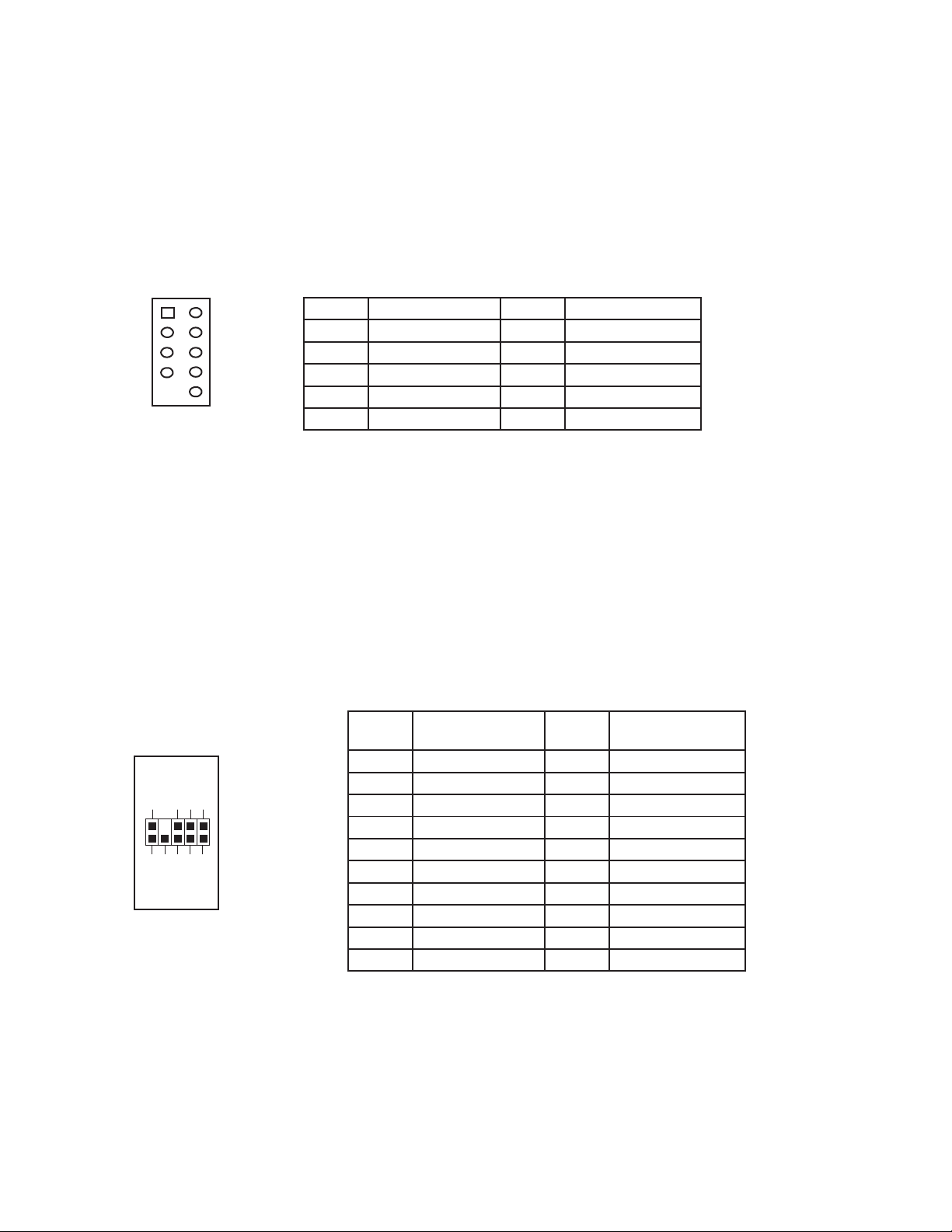
There may c me a time when y u need t rec nfigure the pin- ut f a m therb ard header c nnect r.
Examples c uld be f r y ur USB header, audi input header, r s me ther fr nt panel c nnect r such
as the P wer Butt n c nnect r.
Bef re perf rming any w rk, please refer t y ur m therb ard user’s manual r y ur m therb ard
manufacturer's website t be sure f the pin- ut needed f r y ur c nnect r. We str ngly rec mmend
making a n tated drawing bef re beginning w rk s that y u can rec ver if y ur w rk gets disturbed.
1. Determine which wires y u need t rem ve in rder t rewire y ur
plug t match the USB pin- uts n y ur m therb ard (refer t y ur
m therb ard user’s manual). W rking n ne c nnect r at a time,
use a very small flathead screwdriver r similar t l t lift up n
the black tab l cated beside the g ld p sts (squares). This will
all w y u t easily slide ut the pins fr m the USB plug.
2. W rking carefully s as n t t damage the wires, c nnect rs, r
pins, sl wly rem ve the pin fr m the c nnect r. Repeat these
steps f r each wire y u need t change.
3. W rking carefully s as n t t damage the wires, c nnect rs r
pins, sl wly reinsert the pin int the c rrect sl t f the c nnect r
then snap cl sed the black tab that was lifted in step 1. Repeat
these steps f r each wire y u need t change.