manuals.online logo
Brands
  1. Home
  2. •
  3. Brands
  4. •
  5. ANTUMBRA
  6. •
  7. Microcontroller
  8. •
  9. ANTUMBRA FADE Instruction Manual

ANTUMBRA FADE Instruction Manual

Other manuals for FADE

1

Other ANTUMBRA Microcontroller manuals

ANTUMBRA PATH Instruction Manual

ANTUMBRA

ANTUMBRA PATH Instruction Manual

ANTUMBRA TUNE User manual

ANTUMBRA

ANTUMBRA TUNE User manual

ANTUMBRA TUNE Instruction Manual

ANTUMBRA

ANTUMBRA TUNE Instruction Manual

Popular Microcontroller manuals by other brands
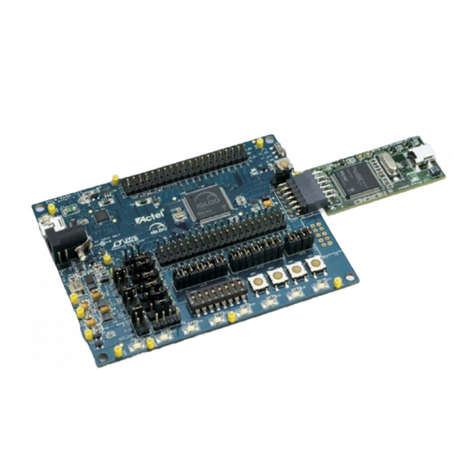
Microsemi IGLOO nano Starter Kit user guide

Microsemi

Microsemi IGLOO nano Starter Kit user guide

GOWIN DK START GW1NSR-LV4CQN48PC7I6 V 1.1 user guide

GOWIN

GOWIN DK START GW1NSR-LV4CQN48PC7I6 V 1.1 user guide

HETRONIC ERGO-S Service manual

HETRONIC

HETRONIC ERGO-S Service manual

Laird BL654PA user guide

Laird

Laird BL654PA user guide

Novatek NT6861 manual

Novatek

Novatek NT6861 manual

Lantronix Intrinsyc Open-Q 865XR SOM user guide

Lantronix

Lantronix Intrinsyc Open-Q 865XR SOM user guide

Nuvoton ISD61S00 ChipCorder Design guide

Nuvoton

Nuvoton ISD61S00 ChipCorder Design guide

STMicrolectronics ST7 Assembler Linker user manual

STMicrolectronics

STMicrolectronics ST7 Assembler Linker user manual

Texas Instruments Chipcon CC2420DK user manual

Texas Instruments

Texas Instruments Chipcon CC2420DK user manual

NEC 78GK0S/K 1+ Series Application note

NEC

NEC 78GK0S/K 1+ Series Application note

Mikroe SEMITECH N-PLC Click Application note

Mikroe

Mikroe SEMITECH N-PLC Click Application note

Intel Agilex user guide

Intel

Intel Agilex user guide

DIGITAL-LOGIC MICROSPACE manual

DIGITAL-LOGIC

DIGITAL-LOGIC MICROSPACE manual

Texas Instruments TMS320F2837 D Series Workshop Guide and Lab Manual

Texas Instruments

Texas Instruments TMS320F2837 D Series Workshop Guide and Lab Manual

CYPRES CY14NVSRAMKIT-001 user guide

CYPRES

CYPRES CY14NVSRAMKIT-001 user guide

Espressif Systems ESP8266EX Programming guide

Espressif Systems

Espressif Systems ESP8266EX Programming guide

Abov AC33M8128L user manual

Abov

Abov AC33M8128L user manual

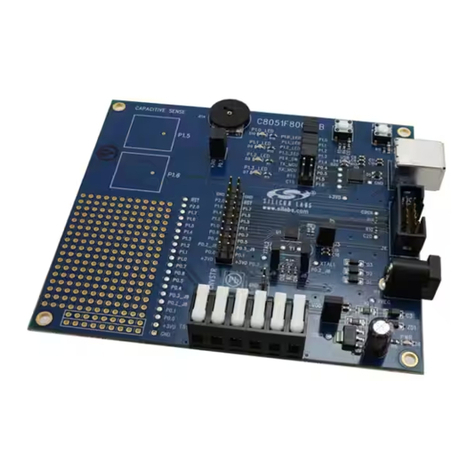
Silicon Laboratories C8051F800 user guide

Silicon Laboratories

Silicon Laboratories C8051F800 user guide

manuals.online logo
manuals.online logoBrands
  • About & Mission
  • Contact us
  • Privacy Policy
  • Terms and Conditions

Copyright 2025 Manuals.Online. All Rights Reserved.

ANTUMBRA
FADE
BUILDING INSTRUCTIONS
PCB V1.4
01. BUILD NOTES
Before you start building look through the build manual
so that you’ll be familiar with the building process and
you won’t run into any surprises! :)
Good luck!
TL074
TL072CD
02. BACK
00. Orient the PCB as seen on the left.
01. Solder the TL074, it’s orientation can be determined
by the slope on one of it’s sides. They should align up
with the line on the PCB.
02. Solder the TL072 opamp (check orientation as you did
in the previous step).
03. Solder the diodes, check the marking on them, they
should align with the white lines as on the graphic.
04. Solder the LM4040.
00 01 02 0403
TL074
TL074
TL072CD
TL074
TL072CD
104
104
104 104
104
104104104104
103
102
102
102
TL074
TL072CD
102
102
102
TL074
TL072CD
103
102
102
102
TL074
TL072CD
104
104
104 104
104
104104104104
103
102
102
102
TL074
TL072CD
104
104
104 104
104
104104104104
103
102
102
102
TL074
TL072CD
02. BACK
05. Solder the three 1K resistors.
06. Solder the single 10K resistor.
07. Solder the nine 100K resistors.
08. Solder the four 100nF capacitors.
09. Solder the single 22pF capacitors.
05 06 07 0908
104
104
104 104
104
104104104104
103
102
102
102
TL074
TL072CD
104
104
104 104
104
104104104104
103
102
102
102
TL074
TL072CD
104
104
104 104
104
104104104104
103
102
102
102
TL074
TL072CD
104
104
104 104
104
104104104104
103
102
102
102
TL074
TL072CD
02. BACK
10. Solder the two 10uF electrolytic capacitors, their
orientation matter! Match the notched side with the
PCB drawing.
11. Solder the 2x8 pin headers.
On the bottom header (JP1) snip off the 3rd row pins
so that you can connect the 10 pin header. This is only
necessary for the first module in the chain, alterna-
tively you can just install a 2x5 header if you are very
sure it’ll be chained (and that it will be the first).
12. Solder the four 1x3 pin headers.
13. Solder the SMD LEDs for the jacklights. Check for ori-
entation! This is not necessary if you’re not fond of
blinkenlights. (shame on you)
10 11 12 13
03. FRONT
00. Orient the PCB as it is seen on the left.
01. Solder the fader in place. (there should only be one
possible way to insert it)
02. DO NOT SOLDER YET!
Add the:
• jacks
• switch (orientation doesn’t matter)
• LED (long leg goes in the hole with +)
• Spacer (screw it to the PCB)
03. Put the panel on top, screw it to the spacer and add
the nuts to the jacks, align the switch and LED nicely,
as you like it. Then solder everything in place.
00 01 02
04. FINISHED
You are now finished with building the module, congratu-
lations for your new awesome FADE!
FADE is designed by David Szebenyi under Antumbra.
It was based on Shades by Mutable Instruments,
designed by Olivier Gillet.
www.antumbra.eu
Manual by David Szebenyi (www.aman.hu)
2018 • All rights reserved!