manuals.online logo
Brands
  1. Home
  2. •
  3. Brands
  4. •
  5. Aquverse
  6. •
  7. Water Dispenser
  8. •
  9. Aquverse 9BL Owner's manual

Aquverse 9BL Owner's manual

Other Aquverse Water Dispenser manuals

Aquverse 1PH Guide

Aquverse

Aquverse 1PH Guide

Aquverse B11A Owner's manual

Aquverse

Aquverse B11A Owner's manual

Aquverse B17A Owner's manual

Aquverse

Aquverse B17A Owner's manual

Aquverse 5ph Guide

Aquverse

Aquverse 5ph Guide

Aquverse Water Cooler Guide

Aquverse

Aquverse Water Cooler Guide

Aquverse B17A Owner's manual

Aquverse

Aquverse B17A Owner's manual

Aquverse B11A (3H) User manual

Aquverse

Aquverse B11A (3H) User manual

Popular Water Dispenser manuals by other brands

IBC Water AST0715MP-960 Installation & operating instructions

IBC Water

IBC Water AST0715MP-960 Installation & operating instructions

Lancaster Water Treatment X FACTOR LX15 Series Installation, operating and service manual

Lancaster Water Treatment

Lancaster Water Treatment X FACTOR LX15 Series Installation, operating and service manual

Elkay EMABF8 Series Installation & use manual

Elkay

Elkay EMABF8 Series Installation & use manual

Oasis Osmosis Home installation manual

Oasis

Oasis Osmosis Home installation manual

Monarch Water ULTIMATE MINI AQUA HE install guide

Monarch Water

Monarch Water ULTIMATE MINI AQUA HE install guide

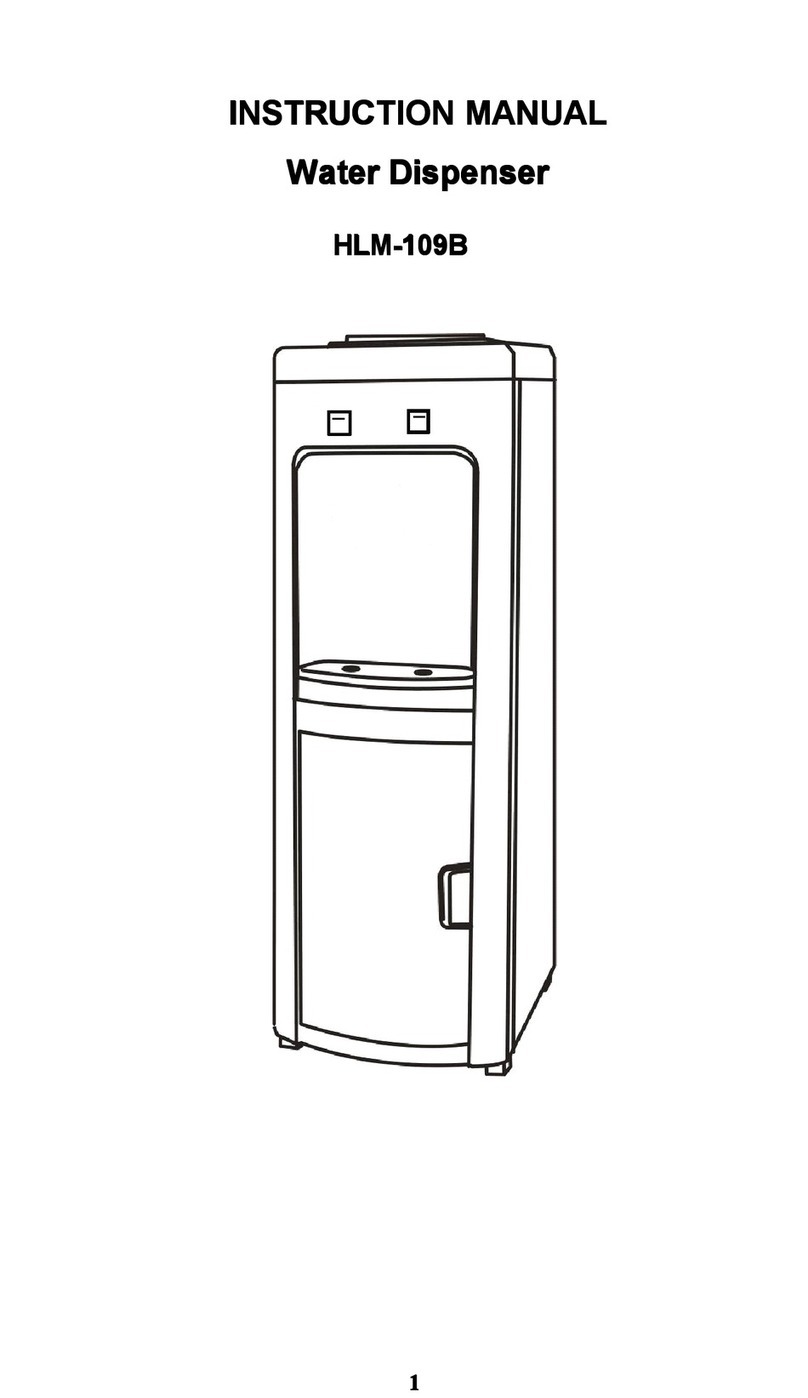
Haier HLM-109B instruction manual

Haier

Haier HLM-109B instruction manual

GE GXOF18G Owner's manual and installation instructions

GE

GE GXOF18G Owner's manual and installation instructions

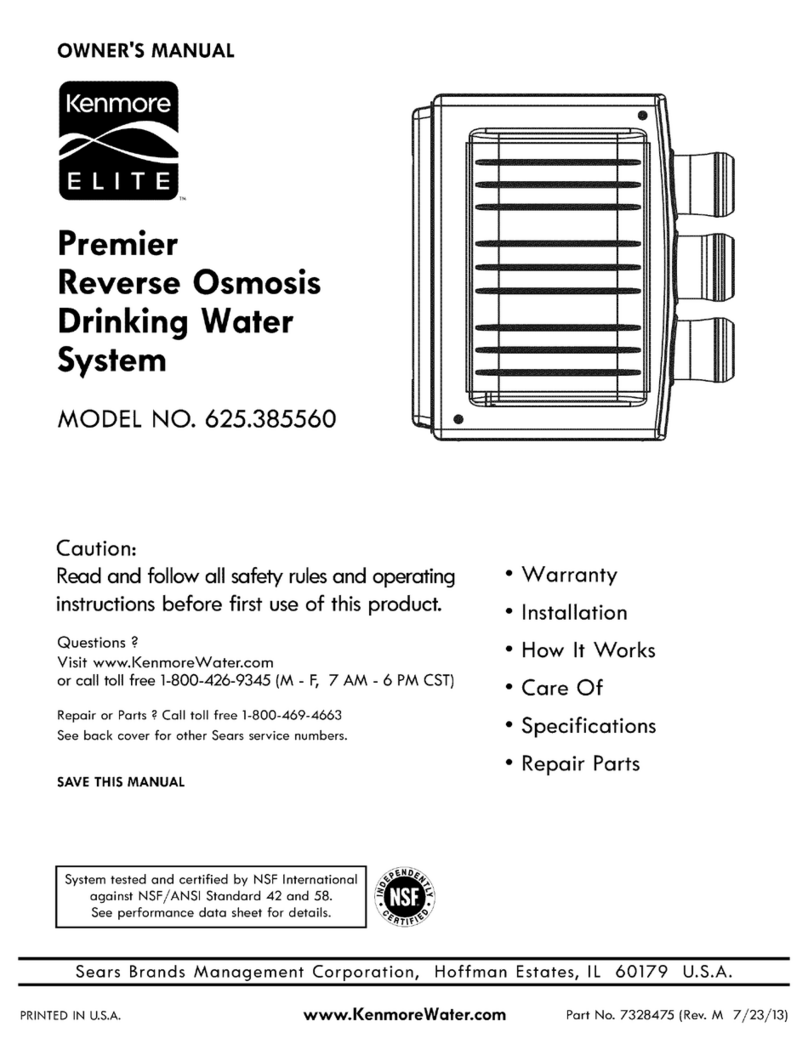
Kenmore 625.385560 UltraFilter 650 owner's manual

Kenmore

Kenmore 625.385560 UltraFilter 650 owner's manual

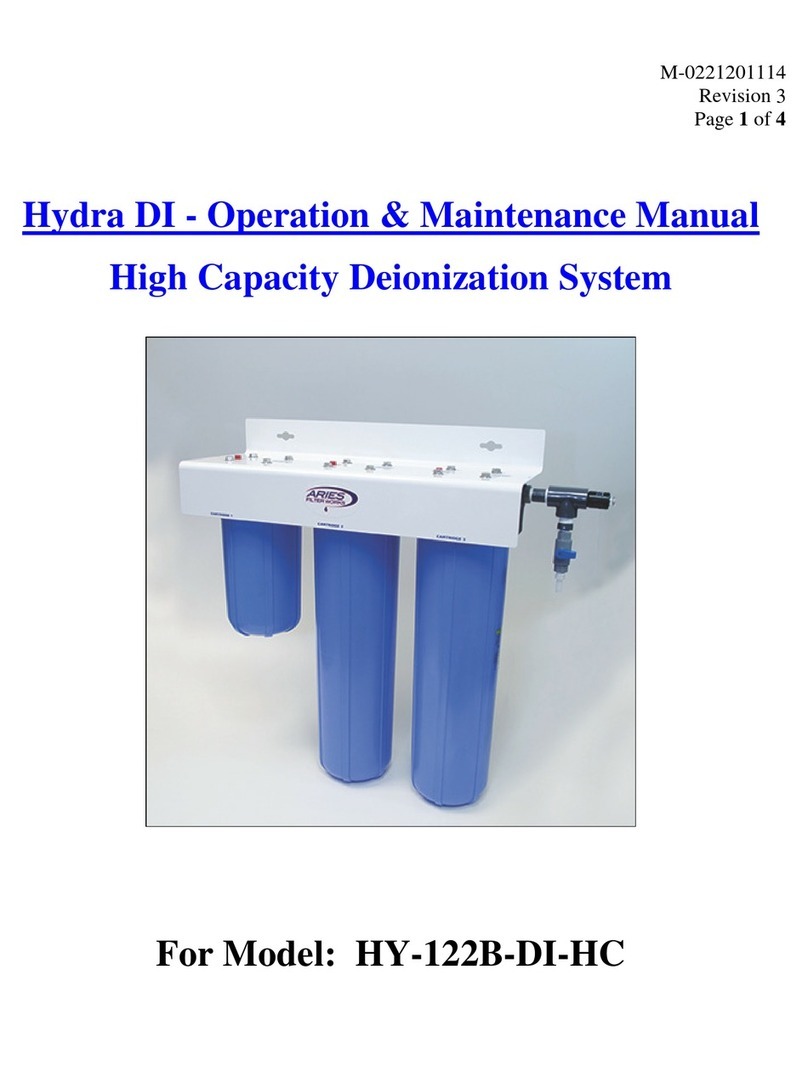
Aries Hydra DI Operation & maintenance manual

Aries

Aries Hydra DI Operation & maintenance manual

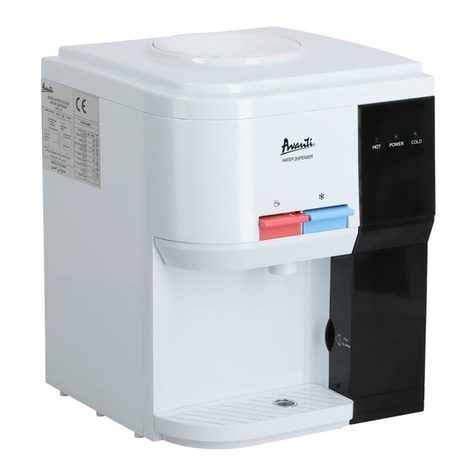
Avanti WD31EC instruction manual

Avanti

Avanti WD31EC instruction manual

GE GNCF02H owner's manual

GE

GE GNCF02H owner's manual

Avanti WD360 instruction manual

Avanti

Avanti WD360 instruction manual

ProFlo PFB Series Installation & operation manual

ProFlo

ProFlo PFB Series Installation & operation manual

Frakco Travelsoft RV 2400HD Operation instructions

Frakco

Frakco Travelsoft RV 2400HD Operation instructions

Aqua Essentials Borg & Overström B4 user guide

Aqua Essentials

Aqua Essentials Borg & Overström B4 user guide

KENT 11063 Instruction handbook

KENT

KENT 11063 Instruction handbook

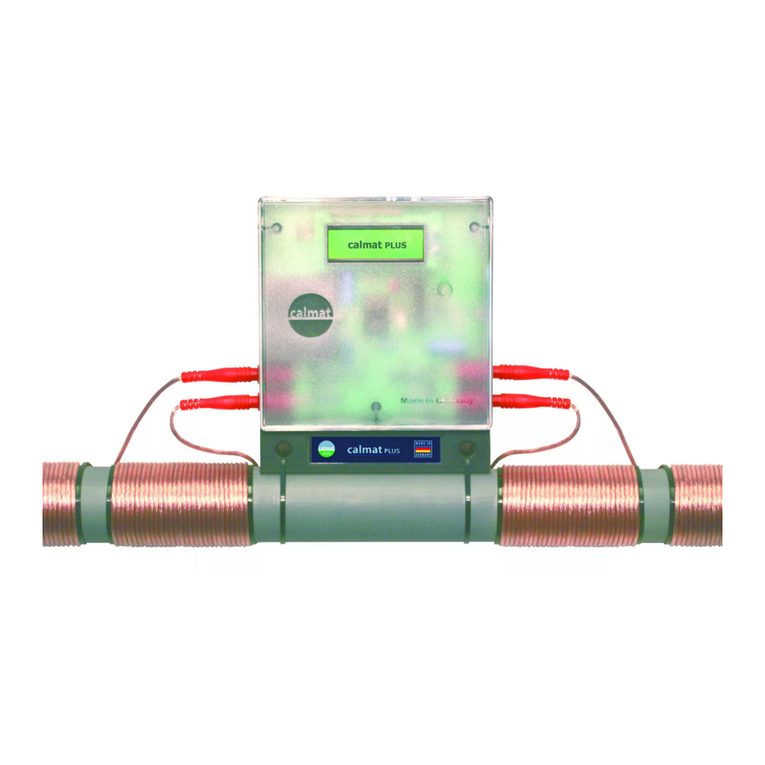
Calmat Plus user manual

Calmat

Calmat Plus user manual

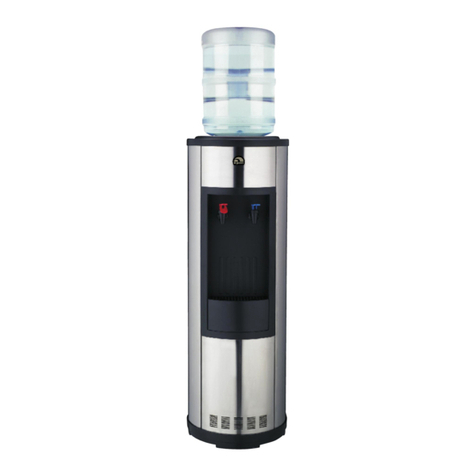
Igloo MWC529 instruction manual

Igloo

Igloo MWC529 instruction manual

manuals.online logo
manuals.online logoBrands
  • About & Mission
  • Contact us
  • Privacy Policy
  • Terms and Conditions

Copyright 2025 Manuals.Online. All Rights Reserved.

9BL Aquverse Water Cooler Troubleshooting Instructions Supplement
**Warning do not plug water cooler in until water bottle is in place and dispensing water through the faucets**
Parts Extraction:
1. To Remove Faucet Covers and Faucets
A. Grip faucet cover in hand and turn left or right to unlock. Pull down once unlocked. See figure A and B below.
B. Remove front panel cover ( 3 screws hold the panel in place. 2 screws internally and 1 screw near faucets)
C. Grip faucet in hand and unscrew faucet counter clockwise. See figure C below.
b. Grip baffle from two opposite sides a pwards out of the c dy (see figure I below)
Figure I
3. To Remove Faucets
a. Grip faucet in hand and unscrew faucet counter clockwise (see figure J below)
Figure J
General Information Helpful To Trouble Shooting
1. Note that your cooler is built with a no spill kit (see figure K below). This unit is designed to be used with a bottle
that has a cap made to be punctured by our probe (see figure L below). The bottle cap (see figure M below) can be
taken off if you also remove the no spill kit completely (see figure N below)
Figure K Figure L Figure M Figure N
2. To Remove Baffle From Top of the Water Cooler
a. Turn the Baffle counter clockwise till the open arrow meets the corresponding arrow on the top of the cooler
body (see figure G and H below)
General Information Helpful ToTrouble Shooting
1. This unit is designed to be used with a bottle that has a cap or a bottle without a cap. The bottle probe
will puncture and seal a cap bottle with a cap or simply slide on to a bottle without a cap. Please see figure
below.
2. If cooler is not functioning make sure you are using a working outlet by testing it with a lamp
What To Do If:
1. Cooler Is Not Dispensing Water
A. Make sure water bottle is full
B. Make sure the water bottle is being properly pierced by the bottle probe kit
C. Make sure you have removed the bottle probe kit cover (little black cap on the end)
D. Confirm that cooler is not frozen by:
-Removing the 9BL lid, removing the 9BL float, and checking the cold water tank (see figures F below)
E. Check water bottle to determine if cap is jammed and not dispensing water (see figure Gbelow)
Figure PFigure Q
2. Cooler Is Not Dispensing Chilled Water
a. Check that cold water thermostat is not turned to the off position (see figure R below)
Figure R
b. Determine whether the compressor is working by putting your ear close to the top of the cooler with the
bottle off (if you hear silence, the compressor is not working, if you hear a humming noise the compressor is
working)
Figure G
F. Check faucets to determine if water is able to flow through when in on position (see figure Hand Ibelow)
2. To Remove Lid
A. Turn the cooler around so you are facing the back (wire caged portion).
B. Locate the 2 screws holding the lid in place (on the left and right side of the lid) See figure D below.
C. Locate the tab securing the lid in place and gently push towards the front. See figure E below.
3. To Remove UV Float
A. Follow the steps in how to remove the lid from above.
B. Once lid is removed you will be looking at the cold tank and float system.
C. Locate the UV float lip and pull up until UV float separates from the cold tank.
D. See images below.
Figure BFigure C
Figure D
Figure A
Figure E
Figure F
Figure H Figure I

2. If cooler is not functioning make sure you are using a working outlet by testing it with a lamp
What To Do If:
1. Cooler Is Not Dispensing Water
a. Make sure water bottle is full
b. Make sure the water bottle is being properly pierced by the probe in the baffle
c. Confirm that cooler is not frozen by:
1. Removing baffle (see above instructions under Parts Removal section 3),
d. Check water bottle to determine if cap is jammed and not dispensing water (see figure O below)
2. Cooler Is Not Dispensing Chilled Water
A. Check that cold water thermostat is not turned to the off position (see figure J below) D. Using a chopstick or screwdriver, depress the hot tank reset button (water should be hot in 30 minutes
time, see figure P below which pictures hole used to access hot tank reset button)
4. Water Is Leaking
A. Identify the source of the leak (i.e. internal, faucets, bottle or bottle probe kit)
B. If the leak is coming from the bottom of the cooler check the water bottle to make sure there are no visible
punctures, orpinholes. If the water bottle appears to be intact.
C. If the faucets are the source of the leak, check to make sure the faucets have been screwed on completely. If
still leaking, drain the cooler of water and remove the faucets (see above instructions under Parts Removal
section 1), and make sure the gaskets around the water spigots are in good condition (see figure Q below). If
leaking is occurring from the nozzle of the faucets please contact customer service at 1-800-872-5722
Figure Q
D. If the leak is internal, please contact customer service at 1-866-872-5722
c. Turn the thermostat all the way clock wise (see figure S below)
Figure S
3. Cooler Is Not Dispensing Hot Water
a. Check the back of the cooler, and make sure the hot tank switch is in the on position (see figure T below)
Figure T
b. Depress the hot tank reset button by:
1. Unplug water cooler
2. Turning the cooler around so you are facing the back (wire caged portion) of the cooler (see figure U
below)
C. Locate the hot tank through the back cage, and then locate the hot tank reset button on the right side of the tank (see figures N and O below)
B. Determine whether the compressor is working by putting your ear close to the top of the cooler (if you
hear silence, the compressor is not working, if you hear a humming noise the compressor is working)
C. Turn the thermostat all the way clock wise (see figure Kbelow)
3. Cooler Is Not Dispensing Hot Water
A. Check the back of the cooler, and make sure the hot tank switch is in the on position (see figure L below)
B. Depress the hot tank reset button by:
-Unplug water cooler
-Turning the cooler around so you are facing the back (wire caged portion) of the cooler (see figure M
below)
the hot tank (see figure V and Wbelow)
Figure VFigure W
Figure J
Figure K
Figure L
Figure M
Figure N Figure O
Figure P