FREQUENTLY ASKED QUESTIONS
1.
The Power light does not come on after power up.
Check the power adapter and power cord/socket for correct operation
2.
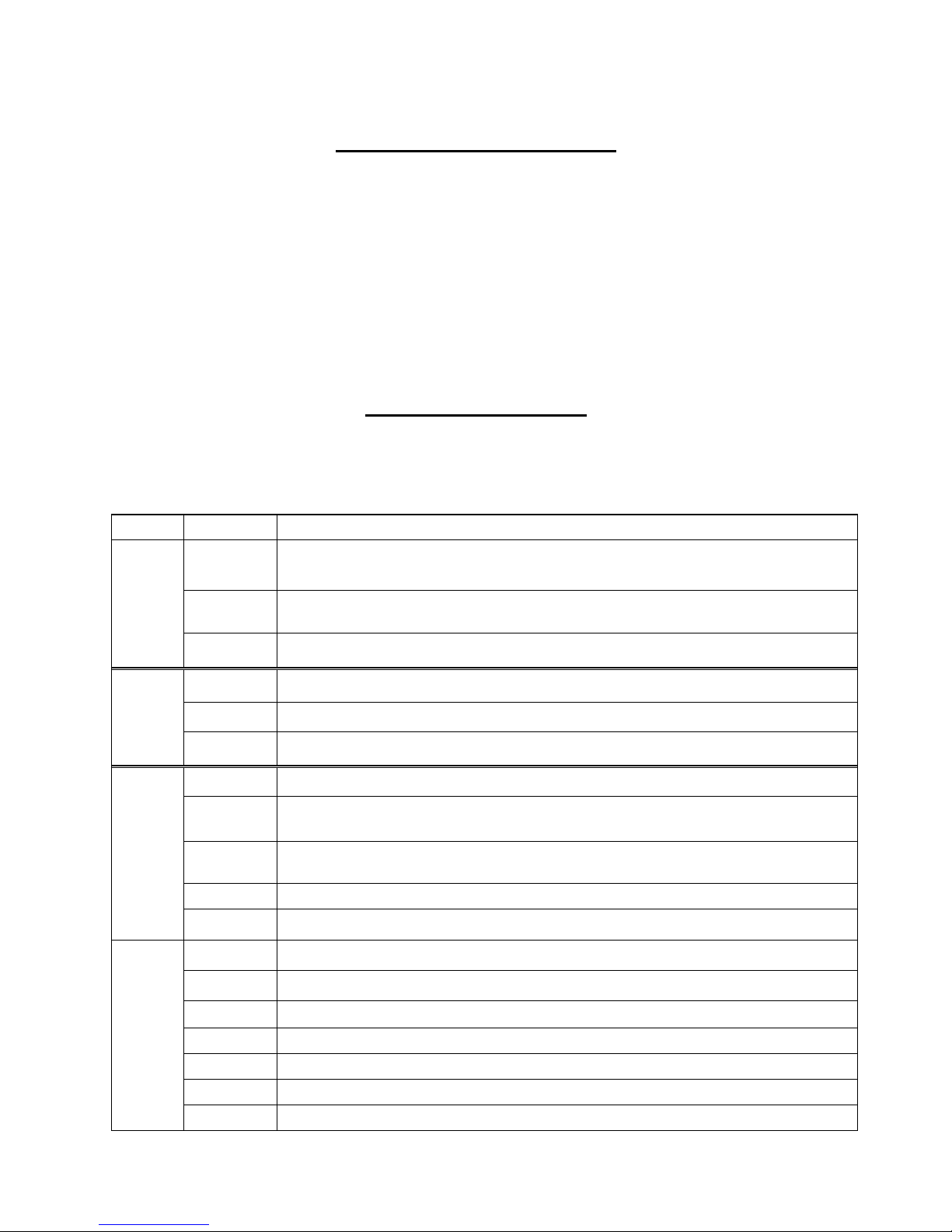
How do I check the LED status?
Check figure 3 on page 4
3.
When I pick up the phone I cannot hear dial tone.
Check that the phone is OK and operating correctly
Check that the phone line (cord) isconnected
Check the pattern of the LED lights for more information in figure
4.
When I pick up the phone I hear musical tones. (Do Mi So tone)
The SIM is not registered to the network
The SIM is not operating correctly. Plug it into a mobile phone and check for operation
It may be PIN locked.
5.
I cannot hear the other party’s voice.
Retry the call. It could be a network connection problem
The signal strength may be too low for proper transmission and reception. Relocate the antenna
6.
When I dial the mobile number, there is no answer.
Mobile network is still searching for mobile phone
Check that line and antenna are connectedcorrectly
7.
I cannot dial via the PBX system
Power off the NEOS unit. If you cannot make a call via the PBX, the connection to the PBX or
The PBX may be faulty. Consult your local PBX dealer.
If you can make a PBX call with the NEOS powered off, consult your NEOS dealer
8.
I need battery backup for use with an elevator intercom or an alarm system.
When ordering a NEOS 3001 also include a TC-12-6000 Tank UPS. In the event of a power outage,
this will power the device for up to 8 hours.
Aristel Networks Pty. Ltd
Unit 1 / 25 Howleys Rd
Notting Hill Victoria 3168
Tel: 03 8542 2300 Fax: 03 9544 3299
www.aristel.com.au
info@aristel.com.au
E. & O. E.