manuals.online logo
Brands
  1. Home
  2. •
  3. Brands
  4. •
  5. Arlo
  6. •
  7. Accessories
  8. •
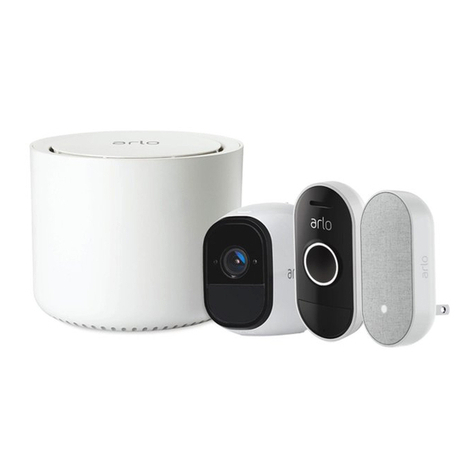
  9. Arlo Audio Doorbell User manual

Arlo Audio Doorbell User manual

Other manuals for Audio Doorbell

4

Other Arlo Accessories manuals

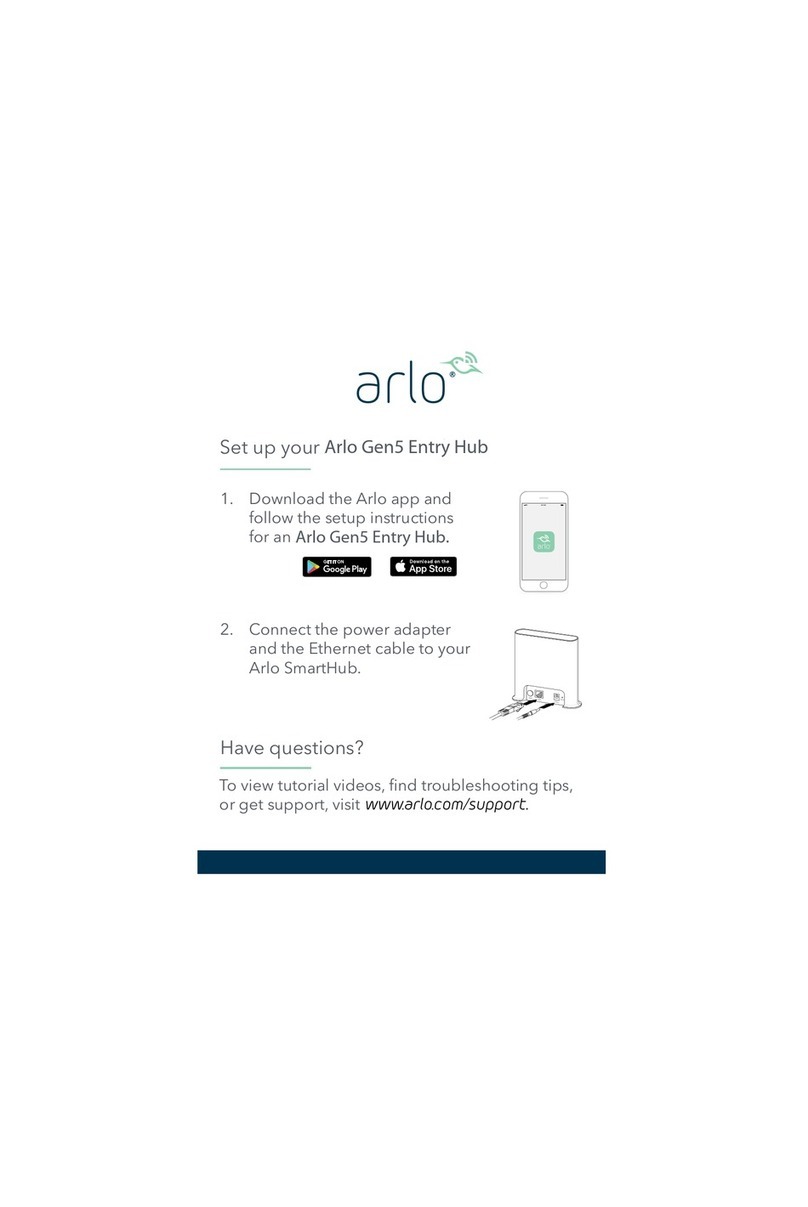
Arlo Gen 5 User manual

Arlo

Arlo Gen 5 User manual

Arlo Audio Doorbell User manual

Arlo

Arlo Audio Doorbell User manual

Arlo 18300401 User manual

Arlo

Arlo 18300401 User manual

Arlo Audio Doorbell User manual

Arlo

Arlo Audio Doorbell User manual

Arlo Audio Doorbell User manual

Arlo

Arlo Audio Doorbell User manual

Arlo Audio Doorbell Manual

Arlo

Arlo Audio Doorbell Manual

Arlo Essential Video Doorbell User manual

Arlo

Arlo Essential Video Doorbell User manual

Arlo Pro User manual

Arlo

Arlo Pro User manual

Popular Accessories manuals by other brands

Quincy lab 140AE-1 operating manual

Quincy lab

Quincy lab 140AE-1 operating manual

HomePro ZIR000 user manual

HomePro

HomePro ZIR000 user manual

DOL 20SCR Technical user guide

DOL

DOL 20SCR Technical user guide

RAB Smart Task installation manual

RAB

RAB Smart Task installation manual

Kemppi KMS 300 quick guide

Kemppi

Kemppi KMS 300 quick guide

Stearns 57,500 Series Installation and service instructions

Stearns

Stearns 57,500 Series Installation and service instructions

iGuzzini TWILIGHT COPENAGHEN manual

iGuzzini

iGuzzini TWILIGHT COPENAGHEN manual

Adelaide Annexe & Canvas Avan Deluxe installation guide

Adelaide Annexe & Canvas

Adelaide Annexe & Canvas Avan Deluxe installation guide

OHAUS 5000 instruction manual

OHAUS

OHAUS 5000 instruction manual

HOME8 WLS1300 quick start guide

HOME8

HOME8 WLS1300 quick start guide

MAXBOTIX MaxSonar quick start guide

MAXBOTIX

MAXBOTIX MaxSonar quick start guide

ioSmart iSmart56 Installation and user guide

ioSmart

ioSmart iSmart56 Installation and user guide

Focusrite Scarlett 18i8 user guide

Focusrite

Focusrite Scarlett 18i8 user guide

Velleman ED38105 user manual

Velleman

Velleman ED38105 user manual

JumpSport SkyBounce user manual

JumpSport

JumpSport SkyBounce user manual

Prima-Temp PRIYA Instructions for use

Prima-Temp

Prima-Temp PRIYA Instructions for use

Tefcold BC85I-BC85I W user manual

Tefcold

Tefcold BC85I-BC85I W user manual

Vaisala WMS302 user guide

Vaisala

Vaisala WMS302 user guide

manuals.online logo
manuals.online logoBrands
  • About & Mission
  • Contact us
  • Privacy Policy
  • Terms and Conditions

Copyright 2025 Manuals.Online. All Rights Reserved.

© Arlo Technologies, Inc. Arlo, Arlo logo, and Every Angle Covered are trademarks
of Arlo Technologies, Inc. App Store is a service mark of Apple Inc. Google Play is a
trademark of Google LLC. Other trademarks are for reference purposes.
Si ce produit est vendu au Canada, vous pouvez accéder à ce document en français
canadien à arlo.com/docs.
(If this product is sold in Canada, you can access this document in Canadian French at
arlo.com/docs.)
For regulatory compliance information including the EU Declaration of Conformity, visit
www.arlo.com/about/regulatory/.
Arlo Technologies Intl. Ltd.
Ground Floor, Building 3
University Technology Center
Curraheen Road, Cork, T12 EF21
Ireland
Arlo Technologies, Inc.
2200 Faraday Avenue, Suite 150
Carlsbad, CA 92008 USA
Quick Start
1Find your doorbell, chime box, and
the electrical panel at your home.
2Download the Arlo app from the App
Store or Google Play.
3Follow the step by step instructions
in the Arlo app to install.
July 2020
Hello! You’re just a few steps away from getting
your Arlo Video Doorbell up and running.
To see these steps before you start, watch our
How-To video by scanning this QR code with
your mobile device. (You can use a free QR code
scanning app.)
Installation Video

Need help?
What’s in the box
We are here for you.
Visit www.arlo.com/support for quick answers and resources:
• How-to videos
• Troubleshooting tips
• Additional support resources
Release pin Wall screws and anchors
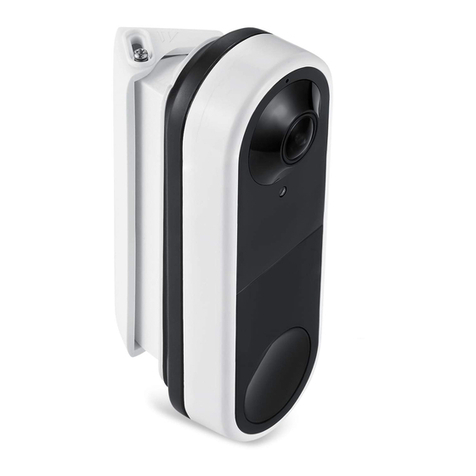
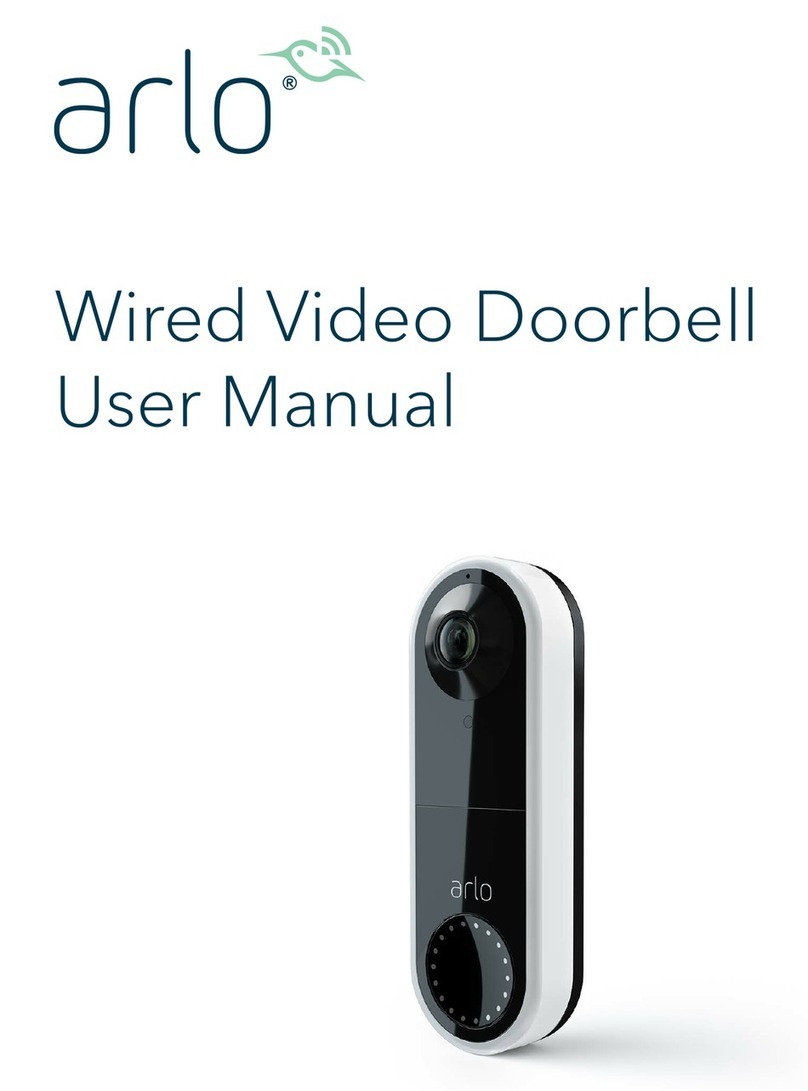
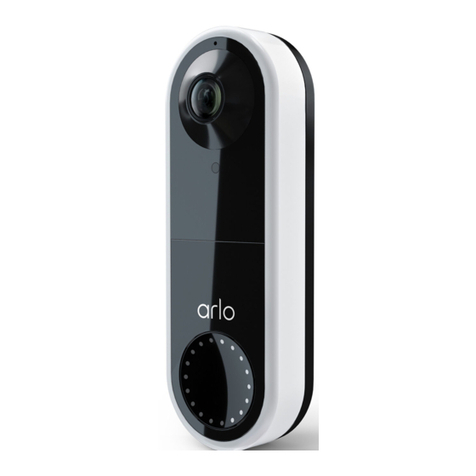
Arlo Video Doorbell
and Mounting Plate
(These parts are attached.)
Angled Mounting plate Power Kit
Optional wire extensions, wire
fasteners, and extra screws
• A Phillips screwdriver is required to install the doorbell (not
provided).
• You might also benet from having a drill, a level, and a ladder
(to reach the chime).
Tools
Voltage between 16 – 24VAC and a 10VA transformer.
You can use a voltmeter to check the voltage. If your voltage doesn’t
meet the power requirements, and you need to install or upgrade
a transformer, contact a licensed electrician or visit arlo.com for
information about installation services.
WARNING: To prevent re and injury, connect the Arlo Video
Doorbell and Power Kit only to voltage between 16 – 24VAC.
Power requirements