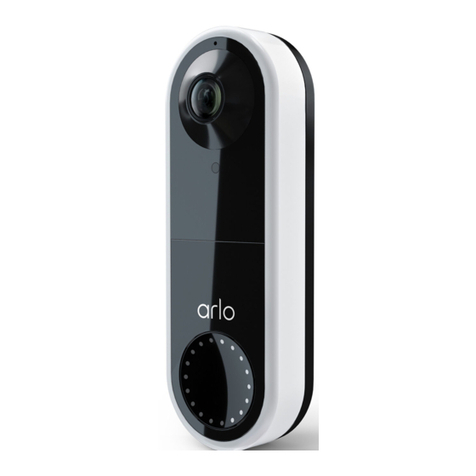
Essential Video Doorbell Wire-Free
3Contents User Manual
5. Use Your Doorbell 27
Answer your doorbell from your smartphone ............................................................................. 27
Accept a call from your doorbell..................................................................................................... 27
Respond to a visitor with a Quick Reply........................................................................................ 28
Play a message from a visitor.......................................................................................................... 29
Use silent mode for the doorbell.................................................................................................... 29
Control the doorbell LED ................................................................................................................. 30
Change the call settings ................................................................................................................... 30
6. View and Record Videos 32
View your doorbell’s camera feed .................................................................................................. 33
Record clips from live video............................................................................................................. 33
Take a snapshot from live video ..................................................................................................... 34
2-Way Audio........................................................................................................................................ 34
Change the order of the camera feeds.......................................................................................... 34
Motion detection activity zones...................................................................................................... 35
View recordings and snapshots...................................................................................................... 36
Download recordings........................................................................................................................ 37
7. Change Your Settings 39
Two-step verication ........................................................................................................................ 39
Use face or ngerprint authentication .......................................................................................... 41
Customize your prole ..................................................................................................................... 42
Change your Arlo password............................................................................................................. 43
Reset a forgotten password............................................................................................................. 43
Grant access to friends ..................................................................................................................... 44
Change the time zone....................................................................................................................... 45
Doorbell settings................................................................................................................................ 46
Adjust the icker setting................................................................................................................... 49
View device information................................................................................................................... 49
Remove a device from your account ............................................................................................. 49
Restart the doorbell from the Arlo app ......................................................................................... 50
8. Modes, Rules, and Alerts 51
Arm or disarm all your Arlo devices ............................................................................................... 51
Modes................................................................................................................................................... 51