3
Contents
1. Get to Know your Arlo Audio Doorbell 5
Get the Arlo app.....................................................................................................................................................................................5
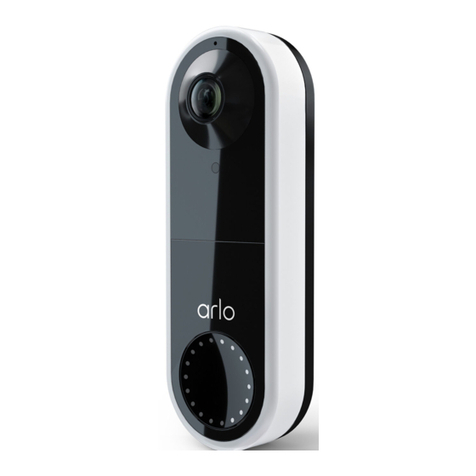
Meet your Arlo Audio Doorbell.....................................................................................................................................5
Meet your Arlo Chime...................................................................................................................................................................6
Meet your base station............................................................................................................................................................6
Arlo cameras.................................................................................................................................................................................................6
2. Get started 7
View a tutorial video......................................................................................................................................................................7
Install and set up your Arlo devices in this order.....................................................................7
Insert the batteries into your doorbell.......................................................................................................7
Mount your Arlo Audio Doorbell without wiring..........................................................................8
Connect your Arlo Audio Doorbell to a traditional chime .......................................... 8
Attach the Arlo Audio Doorbell to the battery cover...................................................10
Install an Arlo Chime...................................................................................................................................................................10
Pair your doorbell to a chime.....................................................................................................................................11
3. Use your Arlo Audio Doorbell 12
Answer your doorbell from your smartphone.............................................................................12
Receive a call from your Arlo Audio Doorbell................................................................................12
Respond to a visitor with a Quick Reply.................................................................................................13
Manage your doorbell recordings.....................................................................................................................14
Set the doorbell volume......................................................................................................................................................15
Use the doorbell in silent mode.............................................................................................................................15
Turn o incoming calls from your doorbell .....................................................................................15
Control the sound of your Arlo Chime.......................................................................................................16
Pair your doorbell to a camera...............................................................................................................................17
Use your doorbell to trigger a camera to record video............................................17