10
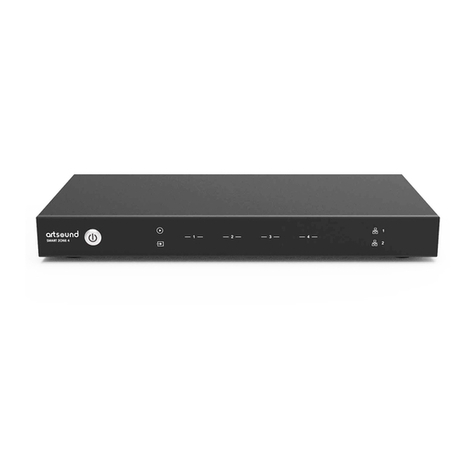
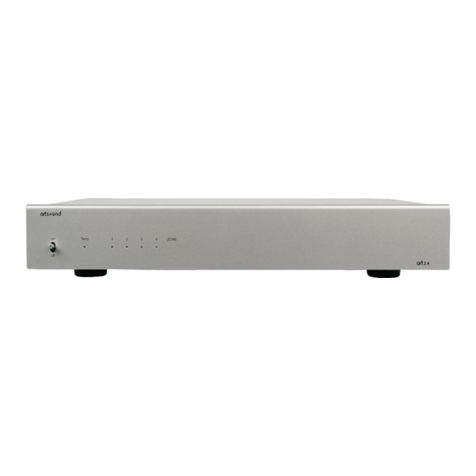
SMART ZONE 4 AMP
11.3 RADIO STATION INTERFACE
In the Radio Station Menu, you can add your own
internet radio station if you have the URL.
Once you added your own internet radio station, you
can check it’s info and change the settings.
You can also share it to Public, so other user can also
use your station in their device.
*You will need to first register an account to use this
function.
In the Public Tag, you will see all the radio stations
shared by our users. You can sort them by Genre,
Language or Country.
5. Enter the password if required and click on
connect button.
6. Now your device is connected to your network,
you will need to enter the new ip address to con-
tinue to use the web player. (since the ip address
is not 10.10.10.254 anymore)
12. FIRMWARE UPDATE
Whenever a new firmware is available, you will be notified by a “new” icon. Click on the “new” icon to begin
firmware update, it will take couple minutes.
It is recommended to update firmware when it is available, it might not only correct bugs or improve perfor-
mance, but also might add new features or services.
13. FAQ
Q: Do your devices support airplay and third-party DLNA apps?
A: Yes. They support AirPlay and third-party apps like MusicBee, Foobar2000, Serviio.
Q: How many zones can you group in one system?
A: The system can work with up to 32 dierent zones. However, when you want to group zones together 12
11.4 SETTINGS INTERFACE
In the setup menu, you can do couple of things:
When entering the setup interface, a admin password
is required.
The default password is: admin
- Manual update the device firmware
- Change the Device Name
- Setup WiFi connection
- Setup Static IP Address
- Change Admin password
*If you want to setup the WiFi connection for the first
time without using other method.
1. After power up the devie, connect your mobile/PC
WiFi to the device SSID: SoundSystem_xxxx.
2. In the web broswer input 10.10.10.254 (this is the
default ip address when there is no network being
setup)
3. Goto setings and click on connect button under
Connect to AP option.
4. Select the router SSID you want to connect to.