manuals.online logo
Brands
  1. Home
  2. •
  3. Brands
  4. •
  5. Arylic
  6. •
  7. Amplifier
  8. •
  9. Arylic Up2Stream Mini v2 User manual

Arylic Up2Stream Mini v2 User manual

Other Arylic Amplifier manuals

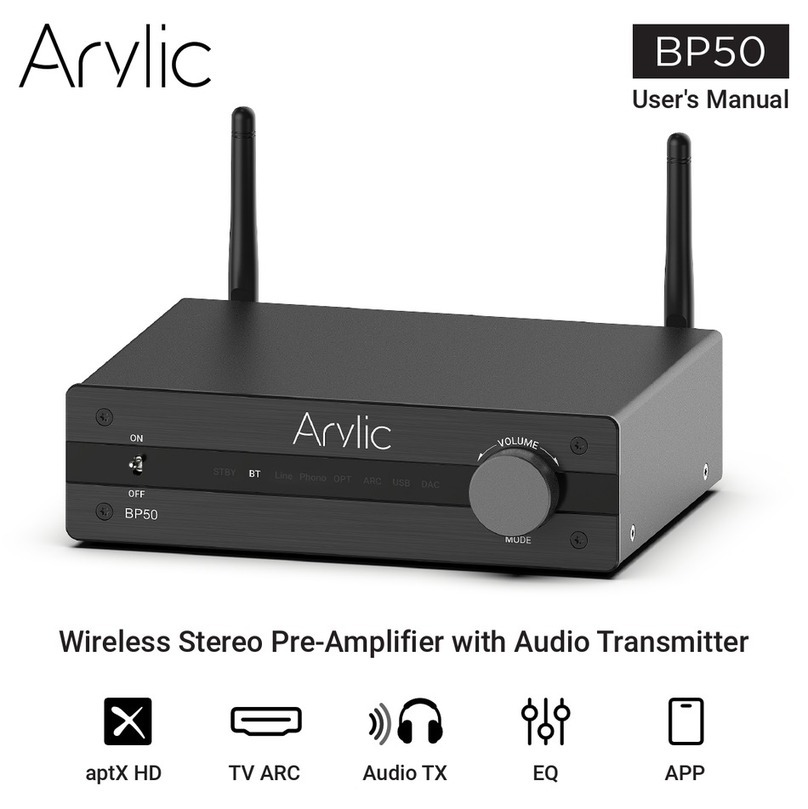
Arylic BP50 User manual

Arylic

Arylic BP50 User manual

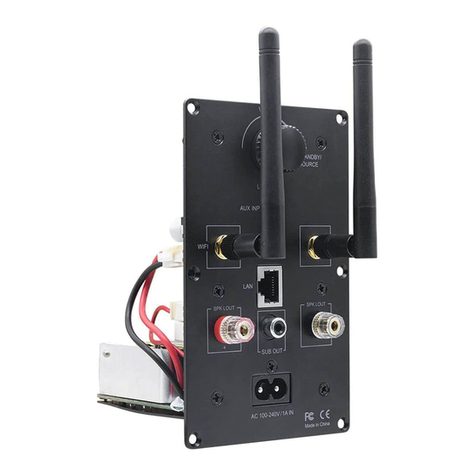
Arylic Up2Stream Plate AMP User manual

Arylic

Arylic Up2Stream Plate AMP User manual

Arylic S10 User manual

Arylic

Arylic S10 User manual

Arylic H50 User manual

Arylic

Arylic H50 User manual

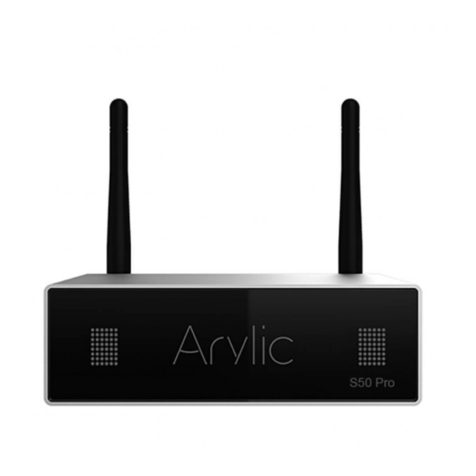
Arylic S50 Pro User manual

Arylic

Arylic S50 Pro User manual

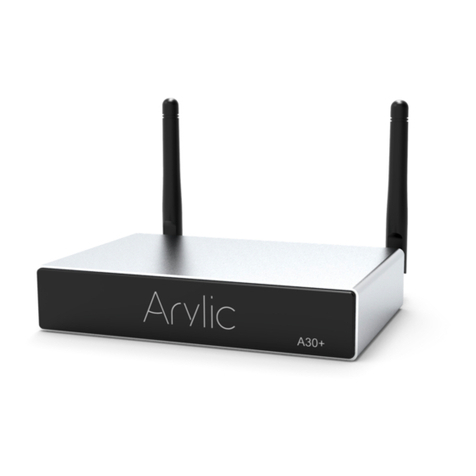
Arylic A30+ User manual

Arylic

Arylic A30+ User manual

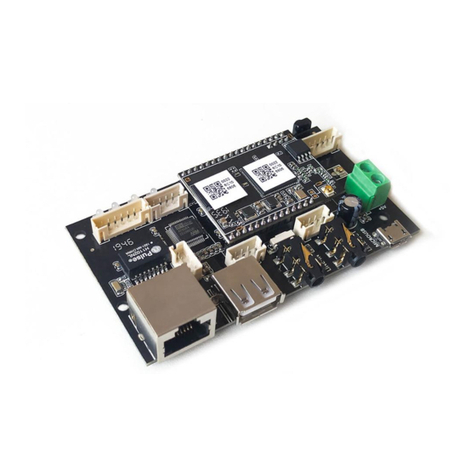
Arylic Up2Stream Pro v2 User manual

Arylic

Arylic Up2Stream Pro v2 User manual

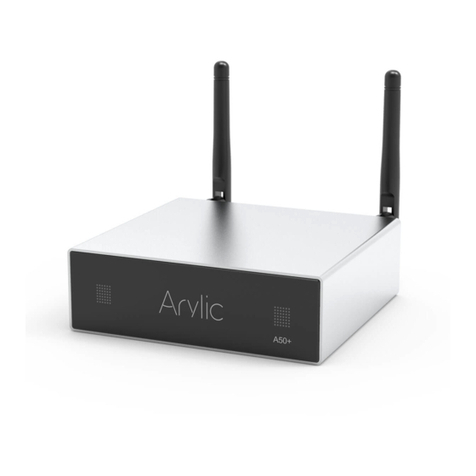
Arylic A50+ User manual

Arylic

Arylic A50+ User manual

Arylic Up2Stream AMP2.1 User manual

Arylic

Arylic Up2Stream AMP2.1 User manual

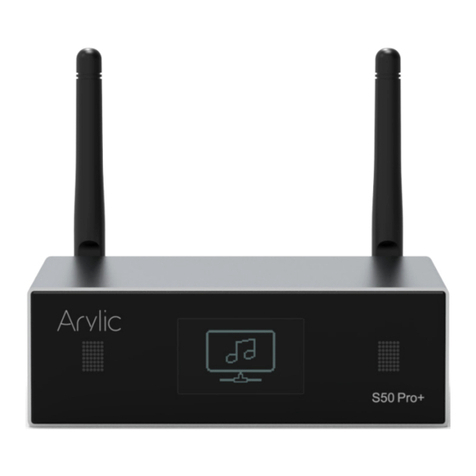
Arylic S50 Pro+ User manual

Arylic

Arylic S50 Pro+ User manual

Arylic Up2stream 2.0 Amp V3 User manual

Arylic

Arylic Up2stream 2.0 Amp V3 User manual

Arylic Up2Stream AMP2.0 User manual

Arylic

Arylic Up2Stream AMP2.0 User manual

Arylic B50 User manual

Arylic

Arylic B50 User manual

Arylic Up2Stream Plate AMP 2.1 User manual

Arylic

Arylic Up2Stream Plate AMP 2.1 User manual

Arylic B50SE User manual

Arylic

Arylic B50SE User manual

Arylic S10 User manual

Arylic

Arylic S10 User manual

Arylic Up2Stream AMP v4 Instruction Manual

Arylic

Arylic Up2Stream AMP v4 Instruction Manual

Arylic A50 User manual

Arylic

Arylic A50 User manual

Arylic A50 User manual

Arylic

Arylic A50 User manual

Popular Amplifier manuals by other brands

Magnat Audio EDITION FOUR Owner's manual/warranty document

Magnat Audio

Magnat Audio EDITION FOUR Owner's manual/warranty document

Inter-m PA-2000A Operation manual

Inter-m

Inter-m PA-2000A Operation manual

Yamaha TX6n owner's manual

Yamaha

Yamaha TX6n owner's manual

Peavey TNT 150 user guide

Peavey

Peavey TNT 150 user guide

Bosch LBB 1903/10 Installation and user instructions

Bosch

Bosch LBB 1903/10 Installation and user instructions

Avocent Emerge DA1200D Installer/user guide

Avocent

Avocent Emerge DA1200D Installer/user guide

Redgum RGi35 operating instructions

Redgum

Redgum RGi35 operating instructions

Cambridge Audio AXA25 user manual

Cambridge Audio

Cambridge Audio AXA25 user manual

Alpine MRP-M200 owner's manual

Alpine

Alpine MRP-M200 owner's manual

Technical Pro H1502UrBT user manual

Technical Pro

Technical Pro H1502UrBT user manual

FMS EMGZ307 operating manual

FMS

FMS EMGZ307 operating manual

Racal Instruments 5601 user manual

Racal Instruments

Racal Instruments 5601 user manual

Valcom V-1094A Technical specifications

Valcom

Valcom V-1094A Technical specifications

Cambridge Audio 851D user manual

Cambridge Audio

Cambridge Audio 851D user manual

QSC 3800 Specifications

QSC

QSC 3800 Specifications

NAD C300 owner's manual

NAD

NAD C300 owner's manual

Rotel RMB-1077 owner's manual

Rotel

Rotel RMB-1077 owner's manual

Peavey Monitor 300 Series operating guide

Peavey

Peavey Monitor 300 Series operating guide

manuals.online logo
manuals.online logoBrands
  • About & Mission
  • Contact us
  • Privacy Policy
  • Terms and Conditions

Copyright 2025 Manuals.Online. All Rights Reserved.

Up2Stream Mini v2 is a WiFi preamplier board that can be installed in your existing regular speakers or amplier to make them wireless
enabled, and it is also a all-in-one solution for DIYers to make their customized wireless audio player. After connecting the device to your
home network, with our 4STREAM APP, you can play music from your home NAS, cell phone memory or from online streaming services like
Spotify, Deezer, Tidal, Qobuz and so on. The wireless multiroom audio system can play the same music to each room in sync or play different
music to different rooms.
1. Introduction
2. Dimensions
3. Interface
BPH2.0-4P: LED connector.
LEDs are common-anode connected, to add external LED, you should connect 3.3V to a current limit resister and then to a LED and then to
the pin. (reference the diagram below)
CIIS:PH2.0-5P: DOUT,BCLK,LRCK,MCLK,GND.
This is the IIS output port, the BCLK is 2.8MHz, the LRCK is 44.1KHz, the MCLK is 11.288MHz, the DOUT following the standard IIS data
format and have 16 bits depth. The system is running in master mode, you should make sure the IIS port of connected device is running in
slave mode.
D PH2.0-4P: ROUT, GND, LOUT, WPS.
For analog output to amplier board, it has same signal with the 3.5mm Aux jack.
WPS pin is used for external WiFi reset button, you should connect this pin to a switch button and then to GND, to implement function that the
pin will short to GND when pressed button.
4. Specication
Installation notes
External LED connector
B
C
D
E
H
G
I
J
F5V/1A Mircro USB input
5V-1A DC input connector
WiFi Reset
IR receiver
WiFi antenna
Line-Out, WiFi Reset
3.5mm Line-out
IIS output
B DC
F
IH
G
J
E
Connectivity Wireless network EEE802.11 b/g/n 2.4G
USB Host Play USB music
Power Input * 5V-1A/2 pin connector
5V-1A micro USB input
Audio output Analog 3.5mm/4 pin connector
Digital IIS
Frequency response 20Hz to 20kHz
SNR 91dB
THD 0.03%
Music Format FLAC/MP3/AAC/AAC+/ALAC/APE/WAV
Decoding Up to 24bit/192kHz
Protocols AirPlay, DLNA, UPnP, Spotify Connect, Qplay
Dimensions 55*42mm
* Warning: Up2Stream Mini v2 must use 5V-1A DC input, higher power
supply may damage the board.
LED: White LED showing system state. Fast blinking for system booting, slow blinking for connecting to network, and lighting on for normal.
WiFi Reset: Short press to reset the device WiFi, long press to restore the device to factory setting (only works in WiFi mode).
Up2Stream Mini v2 User Manual
Up2Stream Mini v2

5.1 App download
5.2 Connection via app
Download the 4STREAM application from App Store for iOS based devices and Google Play Store for
Android based devices.
The application supports English, Spanish, French, German, Italian, Portugese, Korean, Simplied
Chinese,Traditional Chinese and Japanese
5. How To Use
1. Power the device.
2. Connect your mobile devices to your network.
3. Go for mobile device WLAN settings>
Connect
mobile device to hotspot SoundSystem_xxxx
you will see a WiFi logo . (short press the
reset button if the hotspot is not found)
4. Open the 4STREAM application, follow the
guides
5. Choose the 2.4G network(only 2.4G network
will appear), enter router password>wait for the
device to be congured.
* For multiple units connecting to same router,
router password will be saved .
6. Connection Diagram
*Attention for Android users
Different brand mobile phones may ask
you to allow to use SoundSystem WiFi
network ,please choose yes, if not ,you
may not able to set up successfully .
Scan the QR codes below for more
www.arylic.com
Complete User Manual 4STREAM App Facebook: arylicme YouTube:Arylic
Support: [email protected]