manuals.online logo
Brands
  1. Home
  2. •
  3. Brands
  4. •
  5. AT&T
  6. •
  7. Headphones
  8. •
  9. AT&T PEBM02 User manual

AT&T PEBM02 User manual

Other AT&T Headphones manuals

AT&T ZEB30 User manual

AT&T

AT&T ZEB30 User manual

AT&T H100 User manual

AT&T

AT&T H100 User manual

AT&T BTH20 User manual

AT&T

AT&T BTH20 User manual

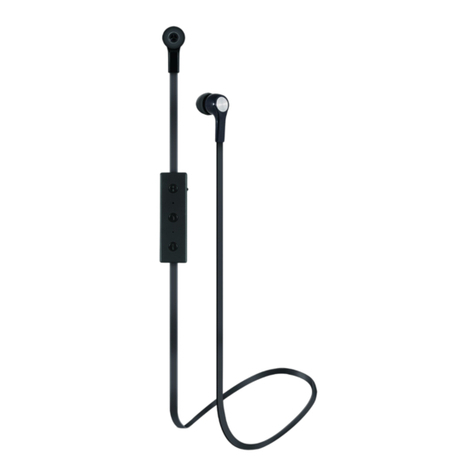
AT&T JIVE EBM01 User manual

AT&T

AT&T JIVE EBM01 User manual

AT&T BTE01 User manual

AT&T

AT&T BTE01 User manual

AT&T JIVE User manual

AT&T

AT&T JIVE User manual

AT&T BTE01 User manual

AT&T

AT&T BTE01 User manual

AT&T PBH10 User manual

AT&T

AT&T PBH10 User manual

Popular Headphones manuals by other brands

Bose SoundSport owner's guide

Bose

Bose SoundSport owner's guide

Renkforce RF-WH-150 operating instructions

Renkforce

Renkforce RF-WH-150 operating instructions

Blu ARIA POD+ quick guide

Blu

Blu ARIA POD+ quick guide

Jabra Elite Active 45e Get started

Jabra

Jabra Elite Active 45e Get started

Denver TWE-36MK2 user manual

Denver

Denver TWE-36MK2 user manual

Grandstream Networks GUV3060 quick start guide

Grandstream Networks

Grandstream Networks GUV3060 quick start guide

iMoshion TWS In-Ear Headset user manual

iMoshion

iMoshion TWS In-Ear Headset user manual

Sven AP-B250MV user manual

Sven

Sven AP-B250MV user manual

BUXTON BTW 3800 user manual

BUXTON

BUXTON BTW 3800 user manual

HiFuture Voyager user manual

HiFuture

HiFuture Voyager user manual

Philips UpBeat SHB2505 user manual

Philips

Philips UpBeat SHB2505 user manual

Denon AH-C260 owner's manual

Denon

Denon AH-C260 owner's manual

WATSON KH2130B instruction manual

WATSON

WATSON KH2130B instruction manual

Pure Acoustics Golf TWS20 user manual

Pure Acoustics

Pure Acoustics Golf TWS20 user manual

Srhythm Soulmate Series user manual

Srhythm

Srhythm Soulmate Series user manual

Motorola Talkabout MHP71 user manual

Motorola

Motorola Talkabout MHP71 user manual

Sony MDR-NC8 Specifications

Sony

Sony MDR-NC8 Specifications

AUSounds AU-Stream quick start guide

AUSounds

AUSounds AU-Stream quick start guide

manuals.online logo
manuals.online logoBrands
  • About & Mission
  • Contact us
  • Privacy Policy
  • Terms and Conditions

Copyright 2025 Manuals.Online. All Rights Reserved.

Stereo Earbuds with Mic
quick
start guide
Stereo earbuds
model #: PEBM02
Thank you for purchasing stereo earbuds [PEBM02]
The AT&T brands are used under license. This
product is covered by a one year limited warranty.
Any repair, replacement or warranty service, and all
questions about this product, should be directed to:
Concept 101 LLC, 1-888-920-8680.
Concept 101 LLC warrants that the product will be free from
defects in material, parts and workmanship for the period of
one (1) year from date of purchase. Concept 101 LLC agrees
that it will, at its option, replace the defective product with
either a new or remanufactured product equivalent to
your original purchase during the warranty period. Please
be advised the returned product must carry the proof of
purchase.
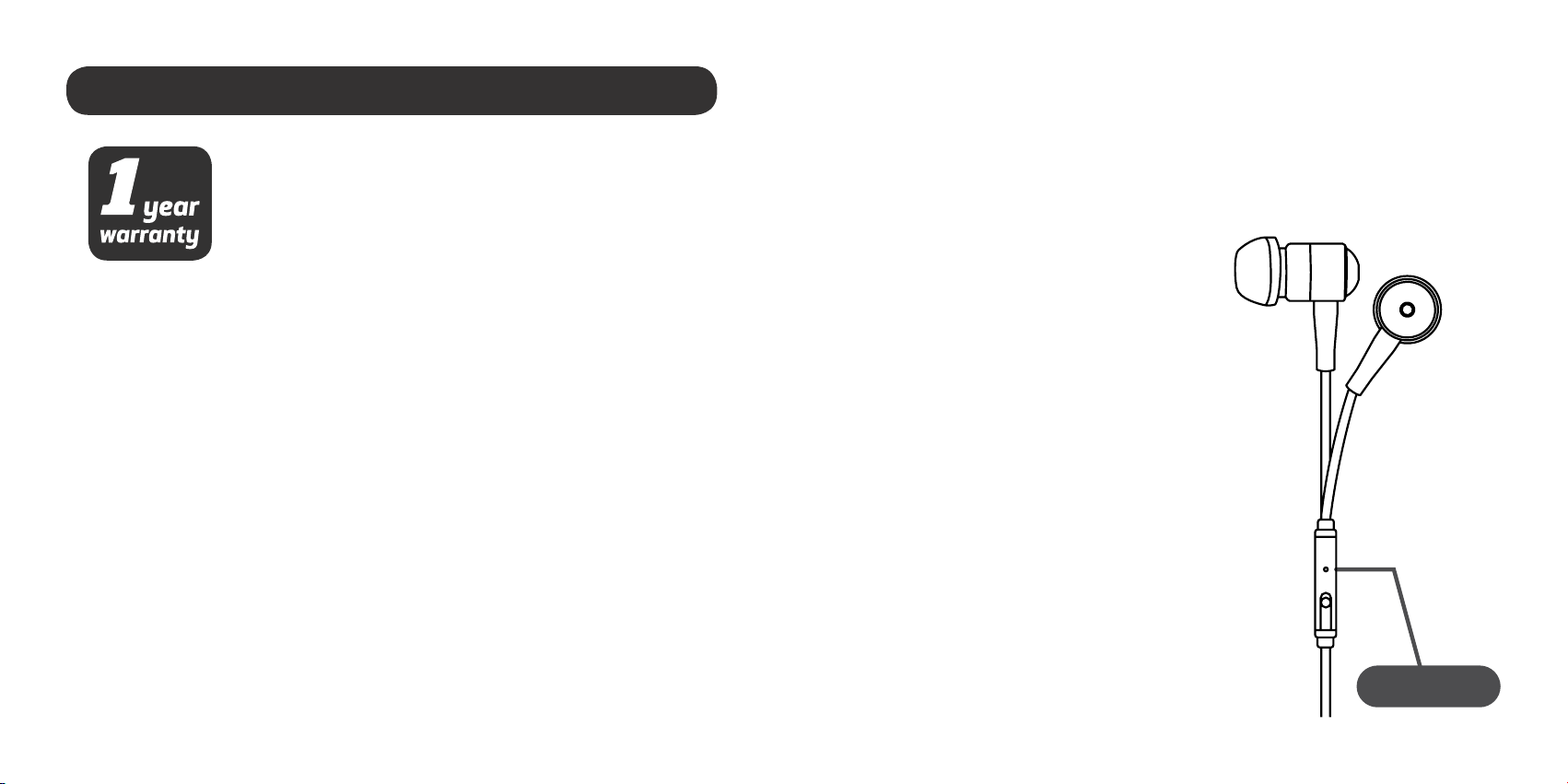
For the built in microphone & button
Extra features
for iOS®devices
· Press once to play/pause your music
· Pressoncetoanswercalls (whenyour phonerings).
Press again to disconnect.
· While music is playing,
press twice to skip to the
next track
· Hold down the button to
activate voice command/
Siri®.
Exclusions:Thiswarrantydoesnot applytothe appearanceor exterior
of the product which may have been damaged or defaced, altered or
modified in design or construction. This warranty does not apply if the
serial number is altered or removed, or if there is any damage due to
power line surge, user damage to the AC power cord, connection to
impropervoltagesource, generalmisuse,accidents,or repairattempts
by unauthorized service agents. Other exclusions include ear pads,
rechargeable and non-rechargeable batteries.
Microphone

Concept 101 LLC does not warrant that the unit will work properly in all
environmental conditions, and makes no warranty and representation, either
implied or expressed, with respect to the quality, performance, merchantability,
or fitness for a particular purpose other than the purpose identified within this
user’s manual. Concept 101 LLC has made every effort to ensure that this user’s
manual is accurate and disclaims liability for any inaccuracies or omissions
that may have occurred. Information in this user’s manual is subject to change
without notice and does not represent a commitment on the part of Concept
101 LLC. Concept 101 LLC reserves the right to make improvements to this user’s
manual and/or to the products described in this user’s manual at any time
without notice. If you find information in this manual that is incorrect, misleading,
or incomplete, please contact us through our website.
©2015 Concept 101 LLC. All Rights Reserved. AT&T and the AT&T logo are
trademarks of AT&T Intellectual Property licensed to Concept 101 LLC, New York,
New York 10018. Issue 1.0 AT&T 10/2015.
Siri® is a trademark of Apple Inc., registered in the U.S. and other countries. iOS®
is a registered trademark of Cisco Systems, Inc and any use of such marks by
Concept 101 LLC is under license. Other trademarks and trade names are those
of their respective owners.
www.att.com/electronics