ELECTRIC CHAIN HOIST CONTROLLER
16 CHANNEL OPERATION MANUAL
5
Atlas Systems
www.AtlasSystems.com.au
Operation
As a guide, the following steps should help assisting with basic operation of the controller. Ensure all
standard operating procedures are followed.
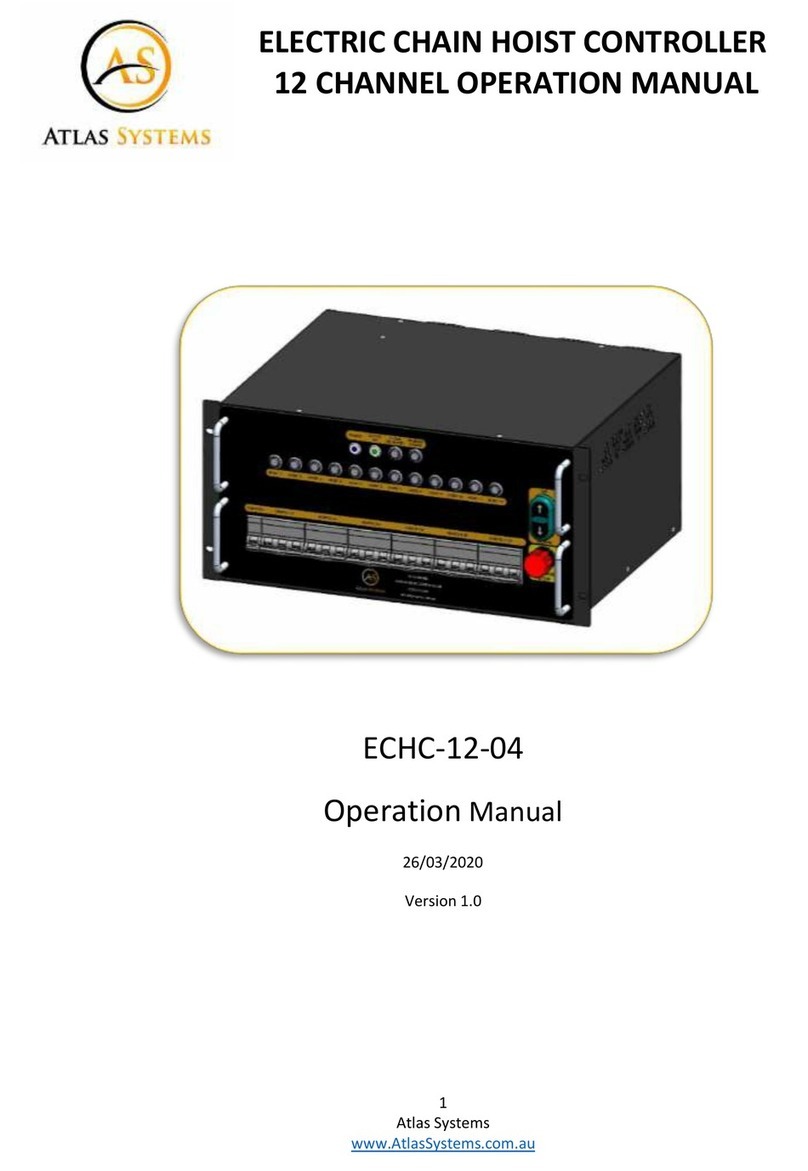
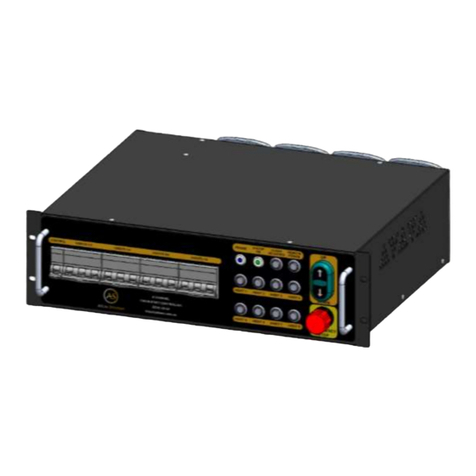
•Connect motor cables to the 6 pole connectors on the rear of the controller
•Connect the controller to the mains supply
•Ensure the front panel circuit breakers are in the on position
•Ensure the emergency stop button is release on the front panel and the remote pendant if
connected. The power and e-stop OK indicators should now be illuminated
•Select one hoist and briefly press the up or down button and ensure the hoist moves in the
correct direction, repeat for all channels in use
•If all hoists move in the opposite direction swap the position of the phase selector on the
rear panel
•Select desired channels and operate as required
•Once movement has been completed, deselect all channels to avoid unwanted operation
If hoists move in opposite directions to each other, check motor cable and hoist
wiring. Running hoists with incorrect phase direction may cause damage.
Emergency stop
The controller has a basic emergency stop feature. When an emergency stop (e-stop) button is
pressed it isolates the power supply to the hoists. This should only be used when a hazardous
situation has occurred or may be about to arise.
To release an emergency stop button, twist clock-wise.
To disable the hoist controller, isolate the power supply to the controller or turn off the front panel
circuit breakers.