Installation
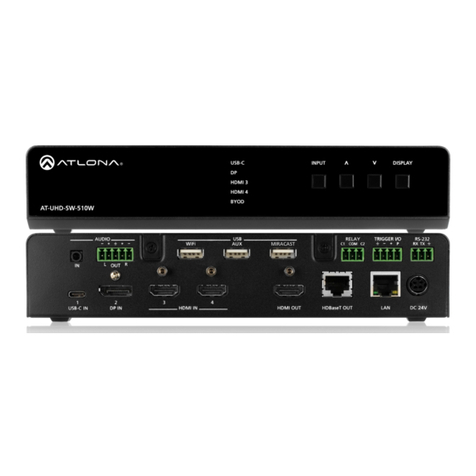
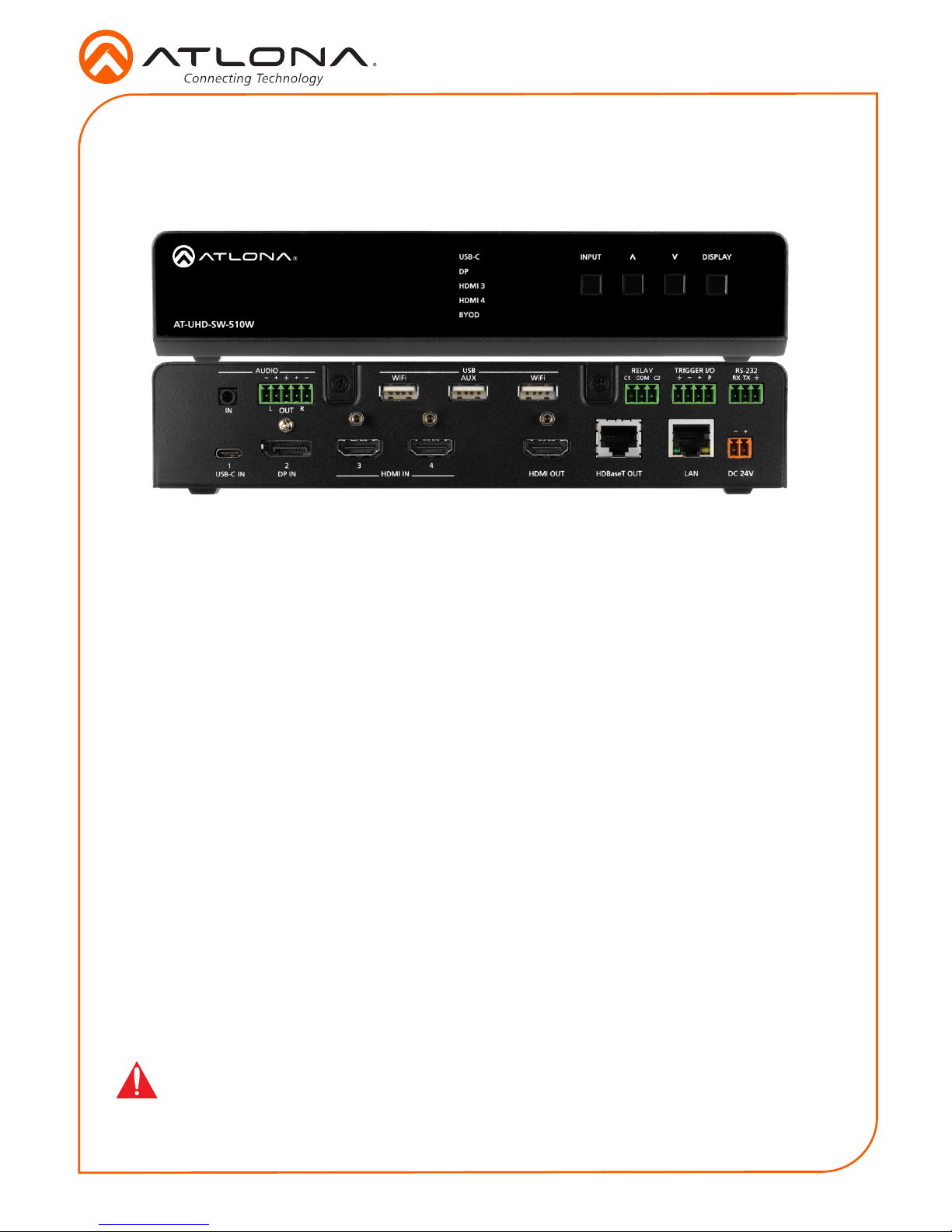
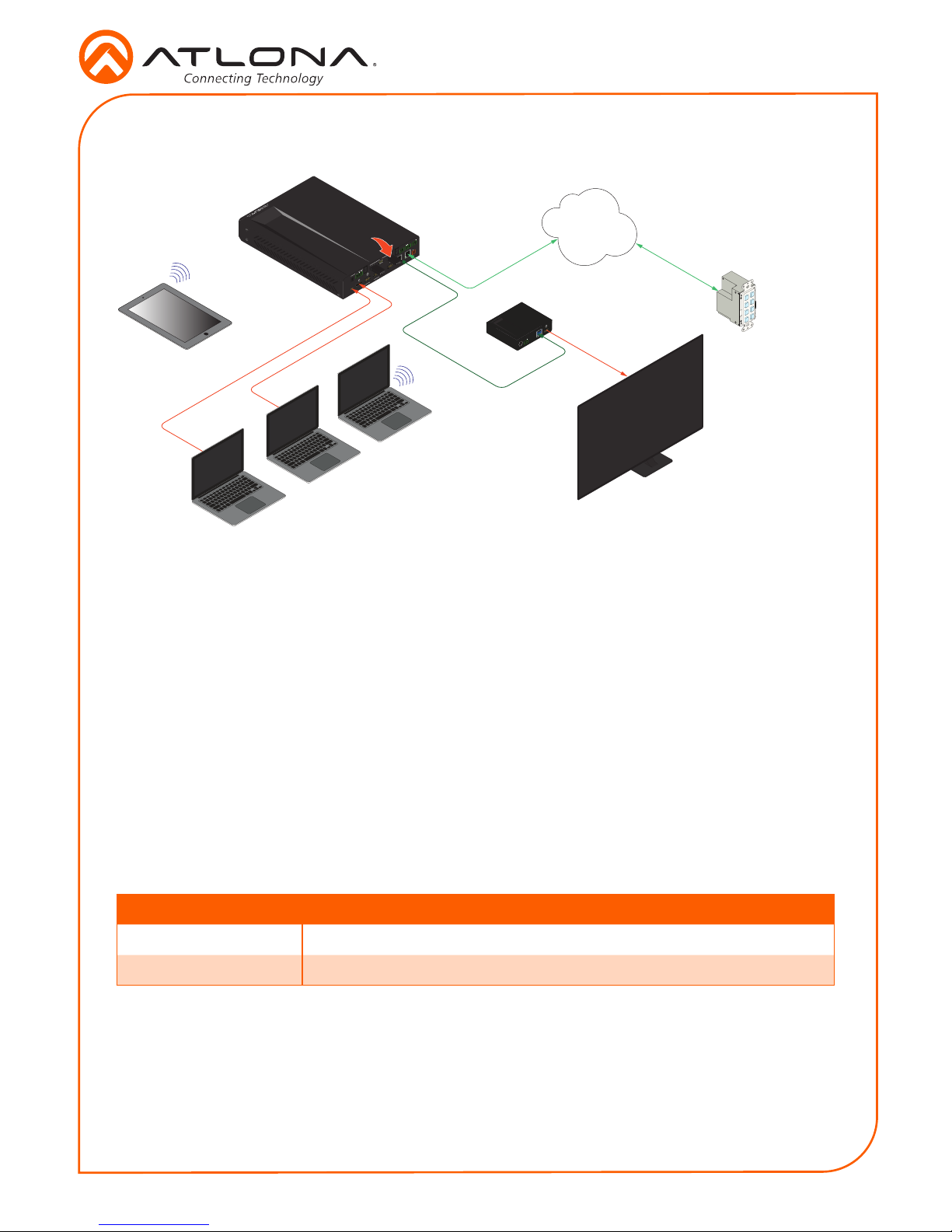
1. Connect a USB-C cable from a source to the USB-C (1) port.
2. Connect a DisplayPort cable from a source to the DP IN (2) port.
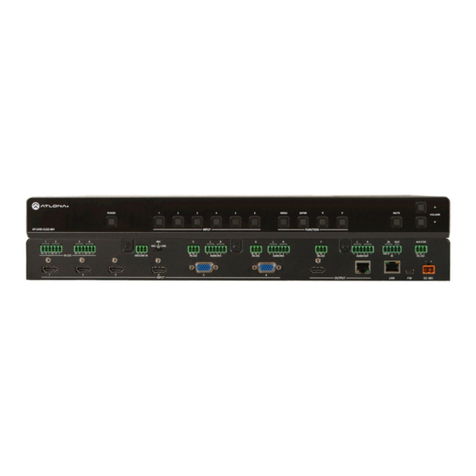
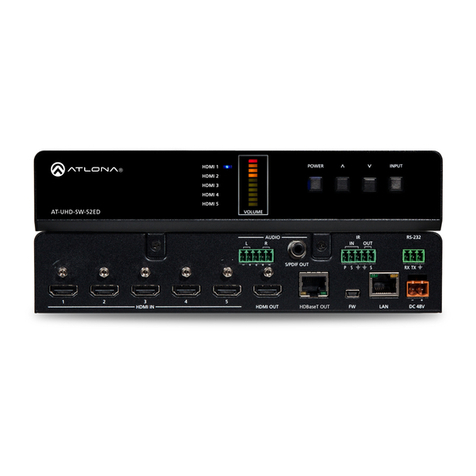
3. Connect up to two UHD/HD sources, using HDMI cables, to the HDMI IN (3) and HDMI IN
(4) ports.
4. Connect an HDMI cable from the HDMI OUT port to a UHD/HD display.
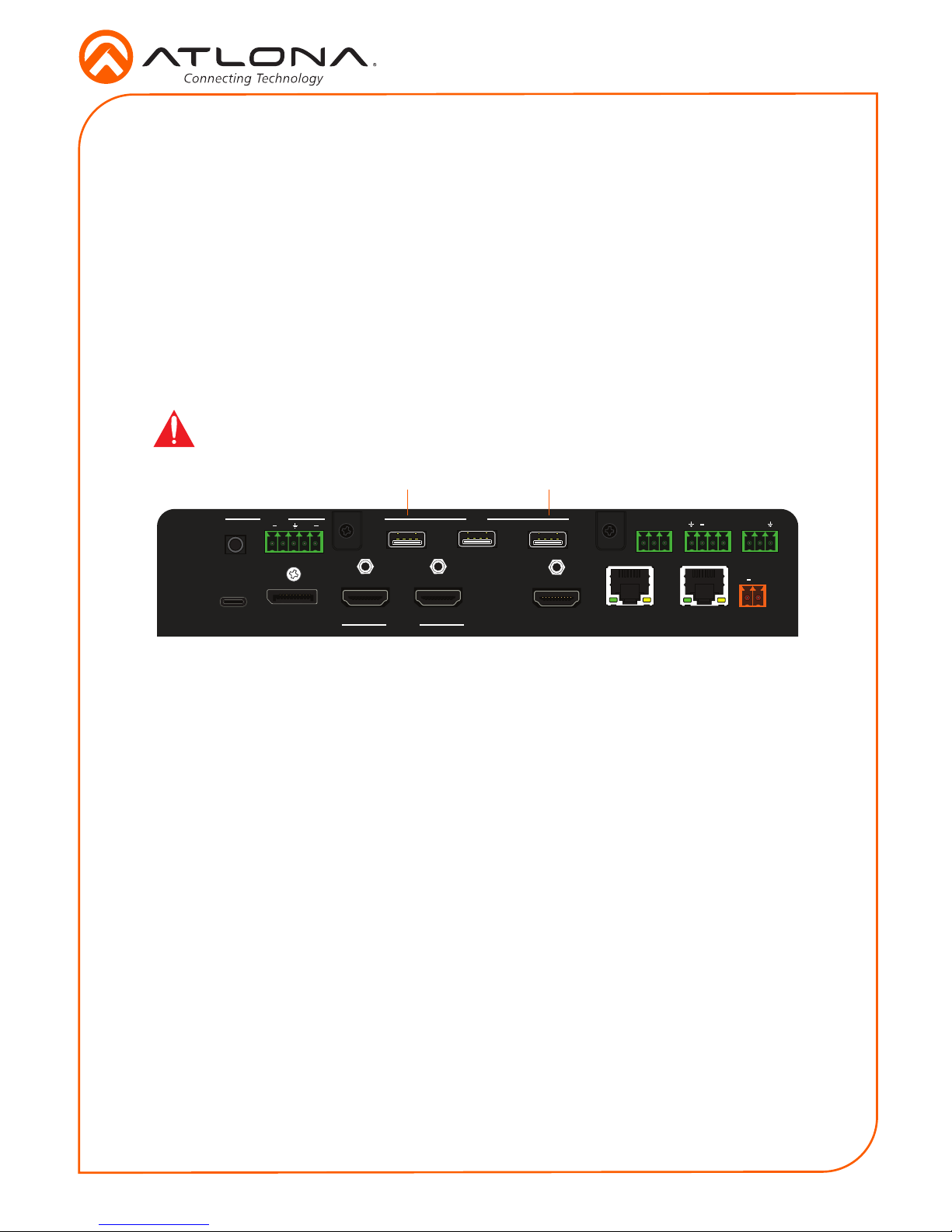
5. Connect up to two USB wireless antenna modules to the identied USB (WiFi) ports, below.
Two USB wireless antennas are included. WiFi (1) supports Google Cast™ and Apple
AirPlay®. WiFi (2) supports Miracast™, only. The AUX port is reserved for obtaining the IP
address of the unit. Refer to Obtaining the IP Address on page 10 for more information.
6. Connect the relay leads from the control motors of the projection screen, blinds, or curtains,
to the relay outputs to the RELAY port, using the included 3-pin captive screw connector.
Use a 48 V DC relay with no more than 1 A current draw.
7. Connect a trigger device, such as an occupancy sensor switch, to the TRIGGER I/O port.
A 4-pin captive screw connector is required. Voltages from 3 to 30 V are supported.
8. Connect a 3.5 mm analog audio cable from an analog source to the AUDIO IN port.
This audio source can be used to embed analog audio on any of the input sources.
9. Connect an Ethernet cable from the LAN port to the Local Area Network (LAN).
10. Connect an Ethernet cable from the HDBaseT port to an HDBaseT receiver unit, such as
the AT-UHD-EX-100CE-RX-PSE.
11. Connect the included green 5-pin captive screw connector to the AUDIO OUT connector.
12. Connect the included orange captive screw connector block to the DC 24V connector.
13. Connect the included power supply to an available AC outlet.
14. Follow the on-screen instructions to complete the installation procedure.