manuals.online logo
Brands
  1. Home
  2. •
  3. Brands
  4. •
  5. Atoll Electronique
  6. •
  7. Amplifier
  8. •
  9. Atoll Electronique AM200 Signature User manual

Atoll Electronique AM200 Signature User manual

Other Atoll Electronique Amplifier manuals

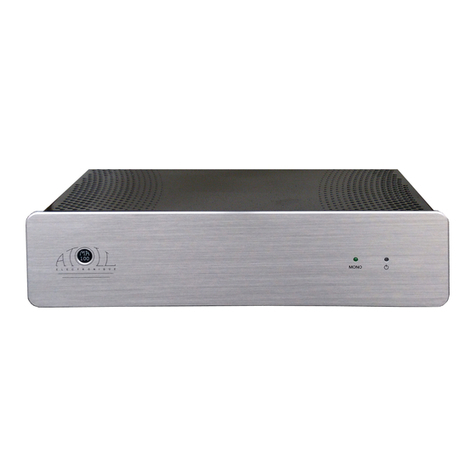
Atoll Electronique AV500 User manual

Atoll Electronique

Atoll Electronique AV500 User manual

Atoll Electronique AM400 User manual

Atoll Electronique

Atoll Electronique AM400 User manual

Atoll Electronique IN50se User manual

Atoll Electronique

Atoll Electronique IN50se User manual

Atoll Electronique IN30 User manual

Atoll Electronique

Atoll Electronique IN30 User manual

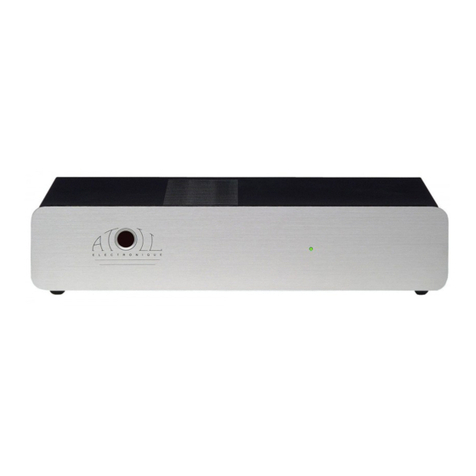
Atoll Electronique PR300 User manual

Atoll Electronique

Atoll Electronique PR300 User manual

Atoll Electronique MA100 User manual

Atoll Electronique

Atoll Electronique MA100 User manual

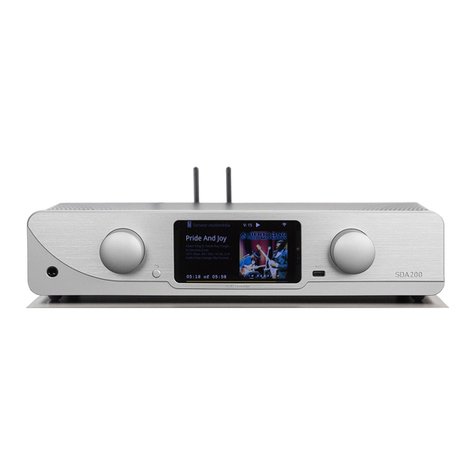
Atoll Electronique SIGNATURE SDA200 User manual

Atoll Electronique

Atoll Electronique SIGNATURE SDA200 User manual

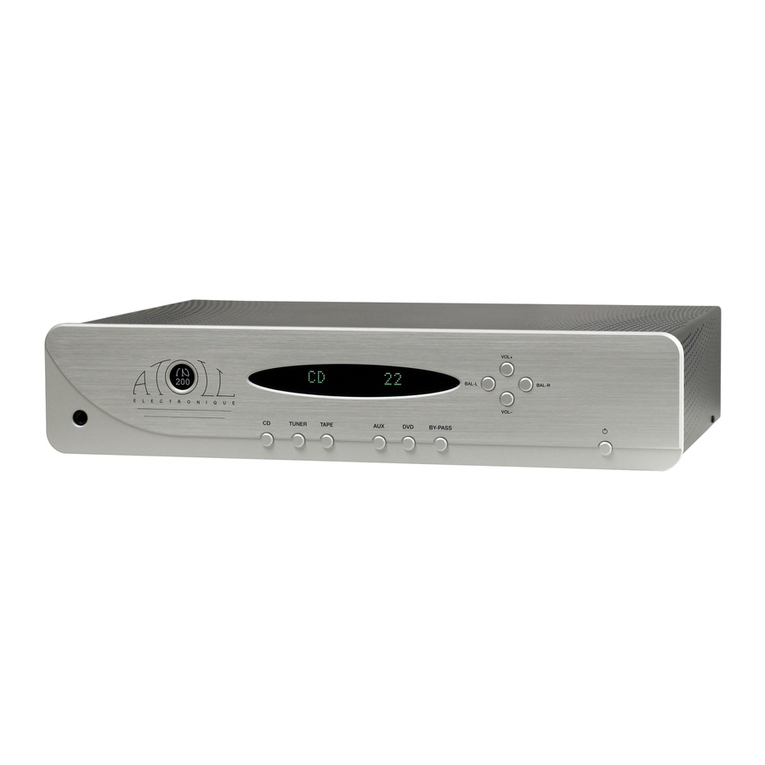
Atoll Electronique IN200SE User manual

Atoll Electronique

Atoll Electronique IN200SE User manual

Atoll Electronique AV50 User manual

Atoll Electronique

Atoll Electronique AV50 User manual

Atoll Electronique AM50SE User manual

Atoll Electronique

Atoll Electronique AM50SE User manual

Atoll Electronique HD120 User manual

Atoll Electronique

Atoll Electronique HD120 User manual

Popular Amplifier manuals by other brands

Magnat Audio EDITION FOUR Owner's manual/warranty document

Magnat Audio

Magnat Audio EDITION FOUR Owner's manual/warranty document

Inter-m PA-2000A Operation manual

Inter-m

Inter-m PA-2000A Operation manual

Yamaha TX6n owner's manual

Yamaha

Yamaha TX6n owner's manual

Peavey TNT 150 user guide

Peavey

Peavey TNT 150 user guide

Bosch LBB 1903/10 Installation and user instructions

Bosch

Bosch LBB 1903/10 Installation and user instructions

Avocent Emerge DA1200D Installer/user guide

Avocent

Avocent Emerge DA1200D Installer/user guide

Redgum RGi35 operating instructions

Redgum

Redgum RGi35 operating instructions

Cambridge Audio AXA25 user manual

Cambridge Audio

Cambridge Audio AXA25 user manual

Alpine MRP-M200 owner's manual

Alpine

Alpine MRP-M200 owner's manual

Technical Pro H1502UrBT user manual

Technical Pro

Technical Pro H1502UrBT user manual

FMS EMGZ307 operating manual

FMS

FMS EMGZ307 operating manual

Racal Instruments 5601 user manual

Racal Instruments

Racal Instruments 5601 user manual

Valcom V-1094A Technical specifications

Valcom

Valcom V-1094A Technical specifications

Cambridge Audio 851D user manual

Cambridge Audio

Cambridge Audio 851D user manual

QSC 3800 Specifications

QSC

QSC 3800 Specifications

NAD C300 owner's manual

NAD

NAD C300 owner's manual

Rotel RMB-1077 owner's manual

Rotel

Rotel RMB-1077 owner's manual

Peavey Monitor 300 Series operating guide

Peavey

Peavey Monitor 300 Series operating guide

manuals.online logo
manuals.online logoBrands
  • About & Mission
  • Contact us
  • Privacy Policy
  • Terms and Conditions

Copyright 2025 Manuals.Online. All Rights Reserved.

CONNECTING:
Rear view of appliance:
1) Ampli IN (double pair)
2) General power plug and ON/OFF button (with internal fuse)
3) Left channel Output
4) Right channel Output
5) Trigger Input: This input allows the control ON/OFF of your amplifier
simultaneously to any device with a 12V trigger outlet. In order that the
system is operating, the ON/OFF button of your AM200 must remain in
position OFF (position (0)). If the switch is in the ON position (I), the
amplifier will work but not the Trigger function.
Trigger cable must be a Male to Male STEREO jack plug 3.5mm (1/8”)
DETAILS OF FUNCTIONS:
Front view of Amplifier:
6) Power indicator led.
ADVISES:
-To optimise the performances of your amplifier, you should switch it on
at least half an hour before any listening, the time for power stage to
reach their ideal working temperature. Between two utilisation, it's better
to use the stand-by position, so that the power stages remains at their
optimal temperatures.
-We advise you to use good wires to link with the other elements
(Preamplifier, Loudspeakers…). Don't hesitate to take advise from your
dealer.
-Your Amplifier is equipped with a temporised switch on. A relay protect
loudspeakers on output power stage from over-voltage.
MODE BRIDGE MONO
To transform your Power Amplifier from Stereo to mono, you have to push the
switch (a) placed inside the appliance as shown below:
Careful: be sure that your
amplifier is unplugged and
that no other appliance is
plug in during this
operation.
E.C. MARKING:
E.C. marking certified the conformity with low tension directive
73/23/CEE, directive CEM 89/336/CEE and national transpositions.
GUARANTEE:
The guarantee is two years long from date of purchase. We recommend
you to ask your dealer to fill the guarantee and to conserve it. The
guarantee is only available for appliance which have been use correctly.
CLEANING:
Before any cleaning, switch off your amplifier (6). Use a soft and dry rag to
clean up the appliance. Never use acetone, white-spirit, ammoniac, or any
kind of product containing abrasive agent. Never try to clean up inside the
appliance.

(a
)
(a)
6
4 1 2 3 5
CONNECTING:
(Configuration: 1 Preamplifier & 2 bridged mono amplifier)
TECHNICAL FACTS
AM200SIG
Power Wrms / ch. / 8 ohms (230v)
Power Wrms / ch. / 4 ohms (230v)
Alimentation :
Total of capacitors :
Number of Inputs :
Input Impedance :
Sensitivity :
Rate Signal/Noise :
Distortion at 1kHz :
Frequency Response :
Rise Time :
Dimensions :
Weight :
120 W
200 W
660 VA
62 000 µF
2X2
220 kohms
1,8 V
100 dB
0,005%
5Hz-200kHz
1,5µs
440*90*280mm
12 Kg
ATOLL ELECTRONIQUE®is a French Company who conceive,
manufacture and commercialise all its products.
You have just bought an amplifier with exceptional audiophile
performance. We really thank you for your confidence in our
products. To get the best part of your amplifier, please read
carefully this manual.
CAUTIONS :
- Put your amplifier in a dry and well ventilated place, far from
source of heat;
- Do not put something on your amplifier;
- Do not make any plug in when the amplifier is on;
- Avoid any short-cut;
- Respect polarity + & - and switch left & right;
- Do not plug in two speakers in parallel on the same output.
You will find enclosed:
- a power amplifier AM200 Signature ;
- one powerlead;
- this manual with the certificate of guarantee.
L
R
DO NOT OPEN
NE PAS OUVRIR
SERIAL NUMBER
NUMERO DESERIE
MADEIN FRANCE
FABRIQUE EN FRANCE
PREAMP
AMPLI 1
AMPLI 2
+ -
+ -
AUX. CD TUNER DVD. PRE OUT
L
R
POWER
DO NOT
OPEN
NE PAS
OUVRIR
SERIAL NUMBER
NUMERO DESERIE
MADEIN FRANCE
FABRIQUE EN
FRANCE
+
RIGHT
-
+
LEFT
-
AUX. CD TUNER DVD. PRE OUT
L
R
+
DO NOT
OPEN
NE PAS
OUVRIR
SERIAL NUMBER
NUMERO DESERIE
MADEIN FRANCE
FABRIQUE EN
FRANCE
+
RIGHT
-
PRE-OUT
+
LEFT
-

G U A R A N T E E
To present to your dealer with the invoice when returning back the
appliance:
Model AM200 Signature
ATOLL ELECTRONIQUE®
Bd des Merisiers
50370 BRECEY
FRANCE
Dealer Stamp
Date of purchase :
Place of purchase :
Buyer signature :
OWNER’S MANUAL
Stereo Power Amplifier
AM200 Signature