manuals.online logo
Brands
  1. Home
  2. •
  3. Brands
  4. •
  5. Audiovox
  6. •
  7. LCD TV
  8. •
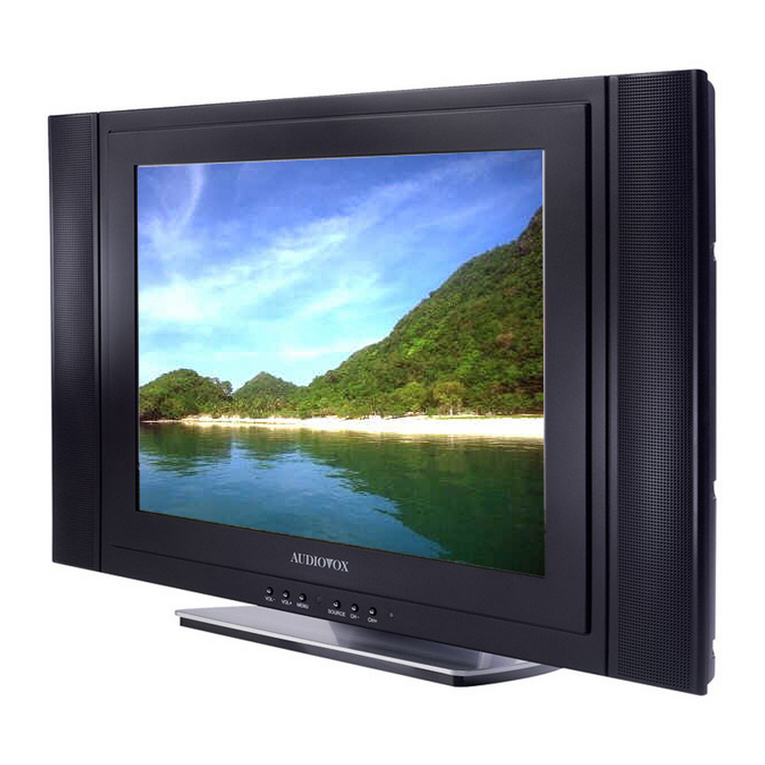
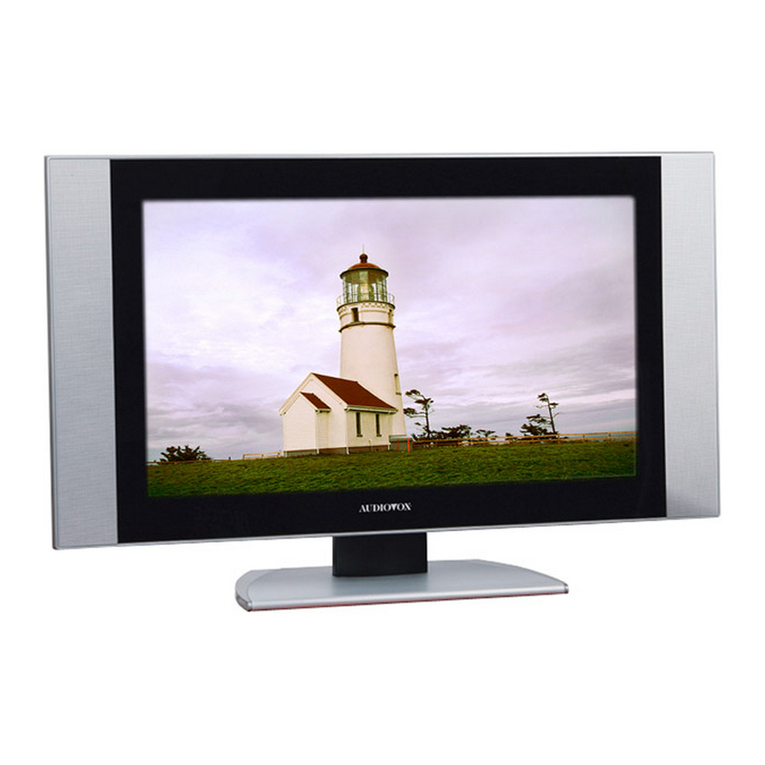
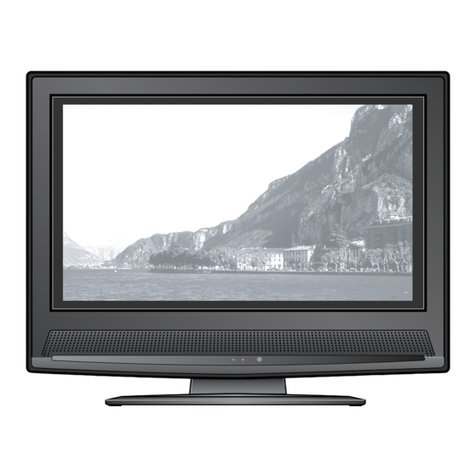
  9. Audiovox FPE2306 - 23" LCD TV User manual

Audiovox FPE2306 - 23" LCD TV User manual

Other Audiovox LCD TV manuals

Audiovox TFT5000 User manual

Audiovox

Audiovox TFT5000 User manual

Audiovox PLV16081 User manual

Audiovox

Audiovox PLV16081 User manual

Audiovox FPE1505 User manual

Audiovox

Audiovox FPE1505 User manual

Audiovox FPE4207HR - 42" LCD TV User manual

Audiovox

Audiovox FPE4207HR - 42" LCD TV User manual

Audiovox CTV-5040 User manual

Audiovox

Audiovox CTV-5040 User manual

Audiovox FPE2006 User manual

Audiovox

Audiovox FPE2006 User manual

Audiovox FPE4707HR - 47" LCD TV User manual

Audiovox

Audiovox FPE4707HR - 47" LCD TV User manual

Audiovox FPE1909DVDC User manual

Audiovox

Audiovox FPE1909DVDC User manual

Audiovox FP1520 User manual

Audiovox

Audiovox FP1520 User manual

Audiovox FPE2706 User manual

Audiovox

Audiovox FPE2706 User manual

Audiovox FPE1506 User manual

Audiovox

Audiovox FPE1506 User manual

Audiovox FPE2000 User manual

Audiovox

Audiovox FPE2000 User manual

Audiovox FP1500 - annexe 1 User manual

Audiovox

Audiovox FP1500 - annexe 1 User manual

Audiovox FPE1708DV - 17" LCD TV User manual

Audiovox

Audiovox FPE1708DV - 17" LCD TV User manual

Audiovox FPE2305 - 23" LCD TV User manual

Audiovox

Audiovox FPE2305 - 23" LCD TV User manual

Audiovox D1210 User manual

Audiovox

Audiovox D1210 User manual

Audiovox FPE2607 - 26" LCD TV User manual

Audiovox

Audiovox FPE2607 - 26" LCD TV User manual

Audiovox FPE1506DV User manual

Audiovox

Audiovox FPE1506DV User manual

Audiovox D1210 User manual

Audiovox

Audiovox D1210 User manual

Audiovox D1210 User manual

Audiovox

Audiovox D1210 User manual

Audiovox FPE2705 User manual

Audiovox

Audiovox FPE2705 User manual

Audiovox FPE3207 - 32" LCD TV User manual

Audiovox

Audiovox FPE3207 - 32" LCD TV User manual

Audiovox FPE2706 User manual

Audiovox

Audiovox FPE2706 User manual

Audiovox FPE2705 User manual

Audiovox

Audiovox FPE2705 User manual

Popular LCD TV manuals by other brands

Samsung LA32E420 E-manual

Samsung

Samsung LA32E420 E-manual

ViewSonic VS12119-1M user guide

ViewSonic

ViewSonic VS12119-1M user guide

iLO CIWL3706 owner's manual

iLO

iLO CIWL3706 owner's manual

LG 32LT560C Quick reference guide

LG

LG 32LT560C Quick reference guide

Sony WEGA KLV-27HR3 operating instructions

Sony

Sony WEGA KLV-27HR3 operating instructions

Zenith Z32LC2D Specifications

Zenith

Zenith Z32LC2D Specifications

Sony KDL-32S3000R - 32" Class Bravia S-series Digital Lcd... Specifications

Sony

Sony KDL-32S3000R - 32" Class Bravia S-series Digital Lcd... Specifications

Medion MEDION LIFE X14330 quick start guide

Medion

Medion MEDION LIFE X14330 quick start guide

Vizio HDTV30A VW32L Service manual

Vizio

Vizio HDTV30A VW32L Service manual

Sharp LC-24DV250K Operation manual

Sharp

Sharp LC-24DV250K Operation manual

SOYO Dymond DYLT032A user manual

SOYO

SOYO Dymond DYLT032A user manual

Kalley K-LED40FHDST2 Service manual

Kalley

Kalley K-LED40FHDST2 Service manual

Dynex DX-L40-10A Guide de l'utilisateur

Dynex

Dynex DX-L40-10A Guide de l'utilisateur

Hisense M3300 user manual

Hisense

Hisense M3300 user manual

Toshiba 42XV600A owner's manual

Toshiba

Toshiba 42XV600A owner's manual

Panasonic TX-26LX1A operating instructions

Panasonic

Panasonic TX-26LX1A operating instructions

HP LT3200 Illustrated parts & service map

HP

HP LT3200 Illustrated parts & service map

Sharp LC-32GA8 Service manual

Sharp

Sharp LC-32GA8 Service manual

manuals.online logo
manuals.online logoBrands
  • About & Mission
  • Contact us
  • Privacy Policy
  • Terms and Conditions

Copyright 2025 Manuals.Online. All Rights Reserved.

Before connecting, operating or adjusting this product, please read the manual
completely.
LCD TV
Operating Manual
FPE2306
FOR ASSISTANCE CALL 1-800-619-3848
OR VISIT US AT WWW.AUDIOVOX.COM 1287614
Table of Contents
Important Information...................................................................................................1
Important Safety Precautions......................................................................................2
Preparations ..................................................................................................................5
Identification of Controls..............................................................................................7
Connections.................................................................................................................10
Turning the Unit On and Off .......................................................................................14
Memorizing the Channels...........................................................................................15
Basic Operations .........................................................................................................17
Setting Picture..............................................................................................................18
Adjusting Image in D-Sub mode................................................................................19
Setting Sound...............................................................................................................20
Other Functions ...........................................................................................................21
Viewing Closed Captions...........................................................................................22
Parental Controls.........................................................................................................23
Troubleshooting ...........................................................................................................28
.............................................................................................29
Specifications...............................................................................................................30
Care and Maintenance
Important Information
WARNING: TO REDUCE THE RISK OF FIRE OR ELECTRIC SHOCK, DO NOT EXPOSE THIS APPARATUS TO RAIN
OR MOISTURE.
The lightning flash with arrowhead
symbol,within an equilateral triangle is
intended to alert the user to the
presence of uninsulated dangerous
voltage within the product's enclosure
that may be of sufficient magnitude to
constitute a risk of electric shock to
The exclamation point within an
equilateral triangle is intended to alert
theuser to the presence of important
o p e r a t i n g a n d m a i n t e n a n c e
(servicing) instructions in the literature
accompanying the appliance.
RISK OF ELECTRIC SHOCK
DO NOT OPEN
CAUTION
CAUTION-To reduce the risk of electric shock, do
not perform any servicing other than that
contained in the operating instructions
unless you are qualified to do so.
"Note to CATV system installer: This reminder is provided to call the CATV system installer's attention to Article
820-40 of the National Electrical Code that provides guidelines for proper grounding and, in particular,
specifies that the cable ground shall be connected to the grounding system of the building, as close to the
point of cable entry as practical.”
This product utilizes tin-lead solder, and fluorescent lamp containing a small amount of mercury. Disposal of
these materials may be regulated due to environmental considerations. For disposal or recycling information,
please contact your local authorities or the Electronic Industries Alliance: www.eia.org
FCC STATEMENT
FCC Notice
LCD TV: A CLASS B digital device
This equipment has been tested and found to comply with the limits for a Class B digital device, pursuant
to part 15 of the FCC Rules. These limits are designed to provide reasonable protection against harmful
interference when the equipment is operated in a commercial environment.
This equipment generates, uses, and can radiate radio frequency energy and, if not installed and used
in accordance with the instruction manual, may cause harmful interference to radio communications.
Operation of this equipment in a residential area is likely to cause harmful interference in which case the
user will be required to correct the interference at his own expense.
FCC CAUTION:
Pursuant to 47CFR, Part 15.21 of the FCC rules, any changes or modifications to this monitor not expressly
approved by the manufacturer could cause harmful interference and would void the user's authority to
operate this device.
WARNING: This is a CLASS B product. In a domestic environment this product may cause
radio interference in which case the user may be required to take adequate
measures to counter interference.
1
Important Safety Precautions
Electrical energy can perform many useful functions, but it can also cause personal injuries and property
damage if improperly handled. This product has been engineered and manufactured with the highest
priority on safety. But IMPROPER USE CAN RESULT IN POTENTIAL ELECTRICAL SHOCK OR FIRE HAZARD. In
order to prevent potential danger, please observe the following instructions when installing, operating
and cleaning the product. To ensure your safety and prolong the service life of your LCD TV product,
please read the following precautions carefully before using the product.
1. Read these instructions---All operating instructions must be read and understood before the product is
operated.
2. Keep these instructions---These safety and operating instructions must be kept in a safe place for
future reference.
3. Heed all warnings---All warnings on the product and in the instructions must be observed closely.
4. Follow all instructions---All operating instructions must be followed.
5. Do not use this apparatus near water---for example, near a
bathtub, washbowl, kitchen sink, or laundry tub, in a wet
basement, or near a swimming pool, and the like.
Do not use immediately after moving from a low temperature to
high temperature environment, as this causes condensation,
which may result in fire, electric shock, or other hazards.
Apparatus shall not be exposed to dripping or splashing and no
objects filled with liquids, such as vases, shall be placed on the
6. Clean only with dry cloth---Unplug this product from the wall
outlet before cleaning. Do not use liquid cleaners or aerosol
cleaners. Use a dry cloth for cleaning.
7. Ventilation---Do not block any ventilation openings. Install in
accordance with the manufacturer instructions. The vents and
other openings in the cabinet are designed for ventilation. Do not
cover or block these vents and openings since insufficient
ventilation can cause overheating and/or shorten the life of the
product. Do not place the product on a bed, sofa, rug or other
similar surface, since they can block ventilation openings. This
product is not designed for built-in installation; do not place the
product in an enclosed place such as a bookcase or rack, unless
proper ventilation is provided or the manufacturer’s instructions
8.Heat sources---Do not install near any heat sources such as
radiators, heat registers, stoves, or other apparatus (including
amplifiers) that produce heat.
9.Grounding or Polarization---Do not defeat the safety purpose of the polarized or grounding-type plug.
A polarized plug has two blades with one wider than the other. A grounding type plug has two blades
and a third grounding prong. The wide blade or the third prong are provided for your safety. If the
provided plug does not fit into your outlet, consult an electrician for replacement of the obsolete outlet.
10.Power cord protection---Protect the power cord from being walked on or pinched particularly at
plugs, convenience receptacles, and the point where they exit from the apparatus.
11.Attachments---Only use attachments/accessories specified by the manufacturer. Do not use
attachments not recommended by the manufacturer. Use of improper attachments can result in
2
Important Safety Precautions (continued)
12. Stand---Use only with the cart, stand, tripod, bracket, or table specified
by the manufacturer, or sold with the apparatus. Do not place the
product on an unstable trolley, stand, tripod or table. Placing the product
on an unstable base can cause the product to fall, resulting inserious
personal injuries as well as damage to the product. When mounting the
product on a wall, be sure to follow the manufacturer’s instructions. Use
only the mounting hardware recommended by the manufacturer.
13. Move Carefully---When a cart is used, use caution when moving the
cart/apparatus combination to avoid injury from tip-over. Sudden stops,
excessive force and uneven floor surfaces can cause the product to fall
from the trolley.
14. Lightning---Unplug this apparatus during lightning storms or when
unused for long periods of time.
For added protection for this television equipment during a lightning
storm, or when it is left unattended and unused for long periods of time,
unplug it from the wall outlet and disconnect the antenna. This will prevent
damage to the equipment due to lightning and power-line surges.
15. Servicing---Refer all servicing to qualified service personnel. Servicing is required when the apparatus
has been damaged in any way, such as power-supply cord or plug is damaged, liquid has been spilled
or objects have fallen into the apparatus, the apparatus has been exposed to rain or moisture, does not
operate normally, or has been dropped.
16. Replacement parts---In case the product needs replacement parts, make sure that the service
person uses replacement parts specified by the manufacturer, or those with the same characteristics
and performance as the original parts. Use of unauthorized parts can result in fire, electric shock and/or
17.Overloading---Do not overload wall outlets, extension cords, or convenience receptacles on other
equipment as this can result in a risk of fire or electric shock.
18.Entering of objects and liquids---Never insert an object into the product through vents or openings.
High voltage flows in the product, and inserting an object can cause electric shock and/or short internal
parts. For the same reason, do not spill water or liquid on the product.
19.Damage requiring service---If any of the following conditions occurs, unplug the power cord from the
AC outlet, and request a qualified service person to perform repairs.
a. When the power cord or plug is damaged.
b. When a liquid is spilled on the product or when objects have fallen into the product.
c. When the product has been exposed to rain or water.
d. When the product does not operate properly as described in the operating instructions.
Do not touch the controls other than those described in the operating instructions. Improper adjustment
of controls not described in the instructions can cause damage, which often requires extensive
adjustment work by a qualified technician.
e. If the product has been dropped or the cabinet has been damaged in any way.
f. When the product displays an abnormal condition or exhibits a distinct change in performance. Any
noticeable abnormality in the product indicates that the product needs servicing.
20.Safety checks---Upon completion of service or repair work, request the service technician to perform
safety checks to ensure that the product is in proper operating condition.
21.Wall or ceiling mounting---When mounting the product on a wall or ceiling, be sure to install the
product according to the method recommended by the manufacturer. This is a safety feature.
3

23.Panel protection---The LCD panel used in this product is made of glass.
Therefore, it can break when the product is dropped or impacted upon by
other objects. Be careful not to be injured by broken glass pieces in case
the LCD panel breaks.
24.Pixel defect---The LCD panel is a very high technology product, giving you finely detailed pictures.
Occasionally, a few non-active pixels may appear on the screen as a fixed point of blue, green or red.
Please note that this does not affect the performance of your product.
Important Safety Precautions (continued)
EXAMPLE OF ANTENNA GROUNDING AS PER
NATIONAL ELECTRICAL CODE
NEC—NATIONAL ELECTRICAL CODE
<If an outside antenna is connected to the television equipment, be sure the antenna system is
grounded so as to provide some protection against voltage surges and built-up static charges.
Section 810 of the National Electrical Code provides information with respect to proper grounding of
the mast and supporting structure, grounding of the lead-in wire to an antenna discharge unit, size of
grounding conductors, location of antenna-discharge unit, connection to grounding electrodes, and
<An outside antenna system should not be located in the vicinity of
overhead power lines or other electric light or power circuits, or where it
can collide with such power lines or circuits. When installing an outside
antenna system, extreme care should be taken to keep from touching
such power lines or circuits, as contact with them might be fatal.
22. Power source---This product is intended to be supplied by a listed power supply indicated on the
marking label. If you are not sure of the type of power supply to your home, consult your product dealer
or local power company. For added protection for this product during a lightning storm, or when it is left
unattended and unused for long periods of time, unplug it from the wall outlet and disconnect the
cable system. This will prevent damage to the product due to lightning and power line surges. When the
unit has to be used with another power supply voltage, the power cable must be changed. Consult your
product dealer. The socket outlet should be installed near the equipment and easily accessible. Use
only the power cord designated by our dealer to ensure safety and EMC. When connecting other
products such as VCRs and personal computers, you should turn off the power of the unit for protection
4
Preparations
Precaution on battery use
Improper use of batteries can result in a leakage of chemicals and/or explosion. Be sure to follow the
instructions below.
<Place batteries with their terminals corresponding to the (+) and (–) indications.
<Different types of batteries have different characteristics. Do not mix batteries of different types.
<Do not mix old and new batteries. Mixing old and new batteries can shorten the life of new batteries
and/or cause old batteries to leak chemicals.
<Remove batteries as soon as they are non-operable. Chemicals that leak from batteries can cause a
rash. If chemical leakage is found, wipe with a cloth.
<The batteries supplied with the product may have a shorter life expectancy due to storage conditions.
<If the remote control is not used for an extended period of time, remove the batteries from the remote
control.
Using the Remote Control
<Use the remote control by pointing it towards the remote sensor window of
the set. Objects between the remote control and sensor window may
prevent proper operation.
Cautions regarding use of remote control
<Do not expose the remote control to shock. In addition, do not expose the
remote control to liquids, and do not place in an area with high humidity.
<Do not install or place the remote control under direct sunlight. The heat may cause deformation of
<The remote control may not work properly if the remote sensor window of the main unit is under direct
sunlight or strong lighting. In such a case, change the angle of the lighting or LCD TV set, or operate the
remote control closer to the remote sensor window.
Batteries for the Remote Control
If the remote control fails to operate the LCD TV functions, replace the batteries in the remote control.
Open the battery
1I n s e r t t w o s i z e - A A A
batteries.
2 3
Note: This illustration is for reference only. The remote sensor may be in
different locations on different models.
5
Replace the battery
I n s t a l l t w o " A A A "
batteries matching
the +/- polarities of the
battery to the +/-
m a r k s i n s i d e t h e
b a t t e r y
30
0
3
5m
Preparation (continued)
CABLE TV (CATV) CONNECTION
A 75-ohm coaxial cable connector is built into the set for easy hookup. When connecting the 75- ohm
coaxial cable to the set, screw the 75-ohm cable to the ANT. Terminal.
Some cable TV companies offer “premium pay channels”. Since the signals of these premium pay
channels are scrambled, a cable TV converter/descrambler is generally provided to the subscriber by
the cable TV company.
This converter/descrambler is necessary for normal viewing of the scrambled channels. For more
specific instructions on installing cable TV, consult your cable TV company. One possible method of
utilizing the converter/descrambler provided by your cable TV company is explained below. Please
“A” position on the RF switch (not supplied) : You can view all unscrambled channels by using the TV’s
channel keys.
“B” position on the RF switch (not supplied) : You can view the scrambled channels via the
converter/descrambler by using the converter’s channel keys.
Antenna Connection
Note:
Consult your Dealer or Service Center for the type of splitter, RF switch or combiner that might
be required.
Cable TV converter/
descrambler
(not supplied)
Two-set
signal
splitter
(not
supplied)
Cable TV Line
RF switch (not supplied)
OUT IN
ANTENNAS
The antenna requirements for good color television reception are more important than those for black
& white television reception. For this reason, a good quality outdoor antenna is strongly recommended.
The following is a brief explanation of the type of connections that are provided with the various
antenna systems.
1. A 75-ohm system is generally a round cable with F-type
connector that can easily be attached to a terminal without
tools (not supplied).
2. A 300-ohm system is a flat “twin-lead” cable that can be
attached to a 75-ohm terminal through a 300-75-ohm
adapter (not supplied).
OUTDOOR ANTENNA CONNECTION
Use one of the following two diagrams if you connect an
outdoor antenna.
A: Using a VHF/UHF combination outdoor antenna.
B: Using separate VHF and/or UHF outdoor antennas.
Connect the outdoor antenna cable lead-in to the ANT.
terminal on the rear of the TV set.
F-type connector
75-ohm coaxial cable (round)
300-ohm twin-lead cable (flat)
A. Combination VHF/UHF Antenna
B. Separate VHF and/or
UHF Antennas
Antenna cable
75-ohm
coaxial cable
300-ohm
twin-lead
VHF/UHF
antenna
VHF/UHF
antenna
300/75-ohm
adapter
(not supplied)
300-ohm
twin-lead
300-ohm
twin-lead
75-ohm
coaxial cable
OUT IN
VHF
antenna
UHF
antenna
Combiner
(not supplied)
or
or
6
Identification of Controls
Main Unit
Note:
Functions of VOL+/-, CH+/-, SOURCE and POWER are also provided to the remote control. This
operation manual provides a description based on operating functions with the remote control.
7
1. POWER
2. SOURCE
To select the input signal source.
3. MENU
Press this button to access the MENU main page.
4. VOL+/-
Press the VOL+ or VOL- button to directly increase or decrease the sound volume level;
In OSD MENU, press these buttons to adjust the value or setting of each item.
5. CH+/-
Press these two buttons to directly change the TV channel;
In OSD MENU, press these buttons to choose the OSD items.
Press this button to turn the unit ON from STANDBY mode. Press it again to turn the set back to
STANDBY.
Power Indicator
Remote Sensor
Channel Down/Up
Volume Down/Up Select input signal
Power On/ Standby
MENU
+
CH+
CH +
VOL+
VOLVOLVOLCHCH MENU MENU SOURCESOURCE
Identification of Controls (continued)
Main Unit
1. D-Sub input /Audio Line in
Connect to the D-Sub/audio output jacks on your PC.
2. Component inputs (Y, Pb/Cb, Pr/Cr, Audio L, R)
Connect to the audio and component output jacks of a DVD player or Set-Top Box.
3. Antenna input
Allows you to connect cable or outdoor antenna.
4. S-Video input
Receive a S-Video signal from external source such as VCR or DVD player.
5. AV inputs (Video, Audio L, R)
Receive video/audio signals from external sources such as VCR or DVD player.
6. Speaker output jacks
Connect the speaker audio cable to the speaker output jacks on the unit matching the “+”
and “-” ends of the cable with color.
8