manuals.online logo
Brands
  1. Home
  2. •
  3. Brands
  4. •
  5. Avermedia
  6. •
  7. TV Receiver
  8. •
  9. Avermedia AVerTV Box W9 User manual

Avermedia AVerTV Box W9 User manual

Other manuals for AVerTV Box W9

2

Other Avermedia TV Receiver manuals

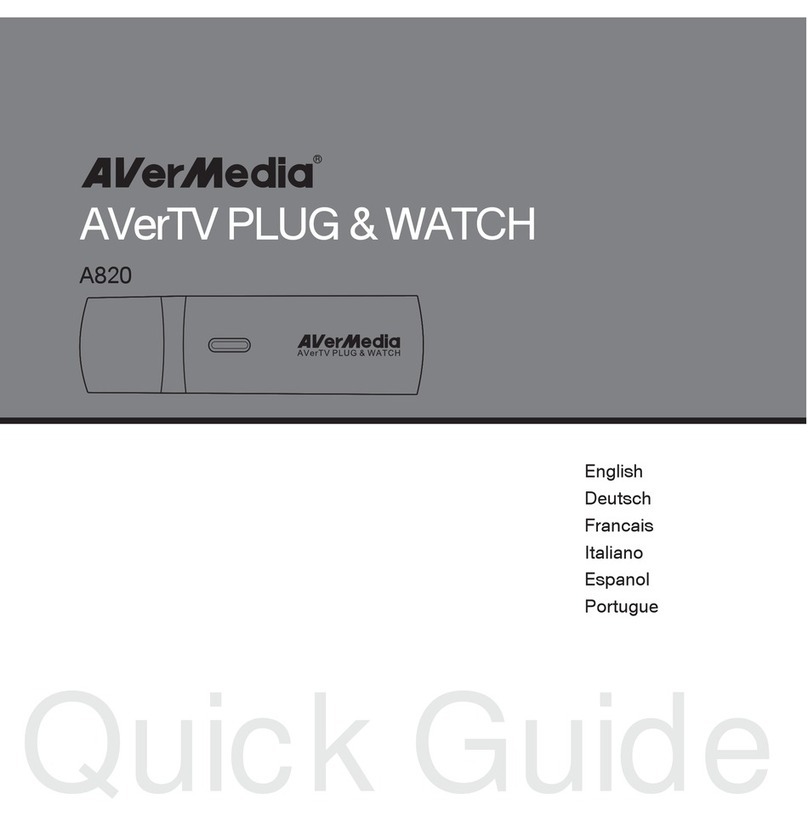
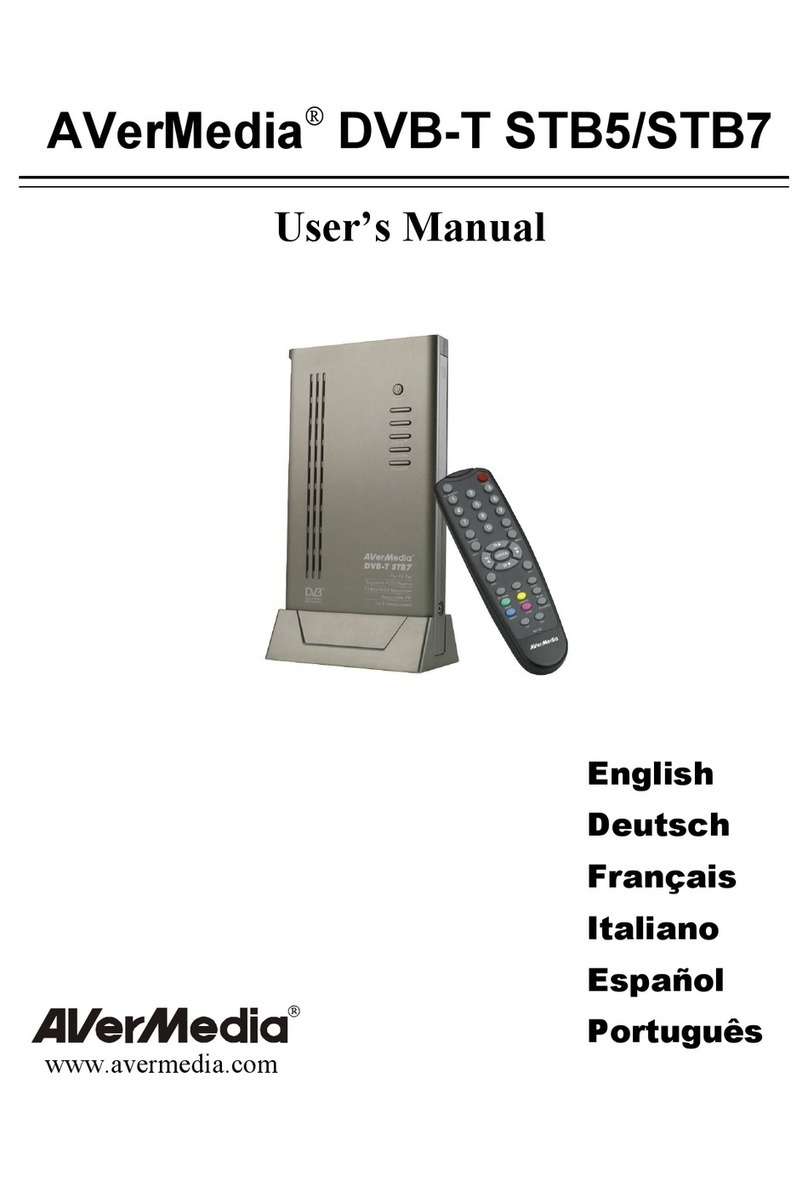
Avermedia AVerTV PLUG & WATCH User manual

Avermedia

Avermedia AVerTV PLUG & WATCH User manual

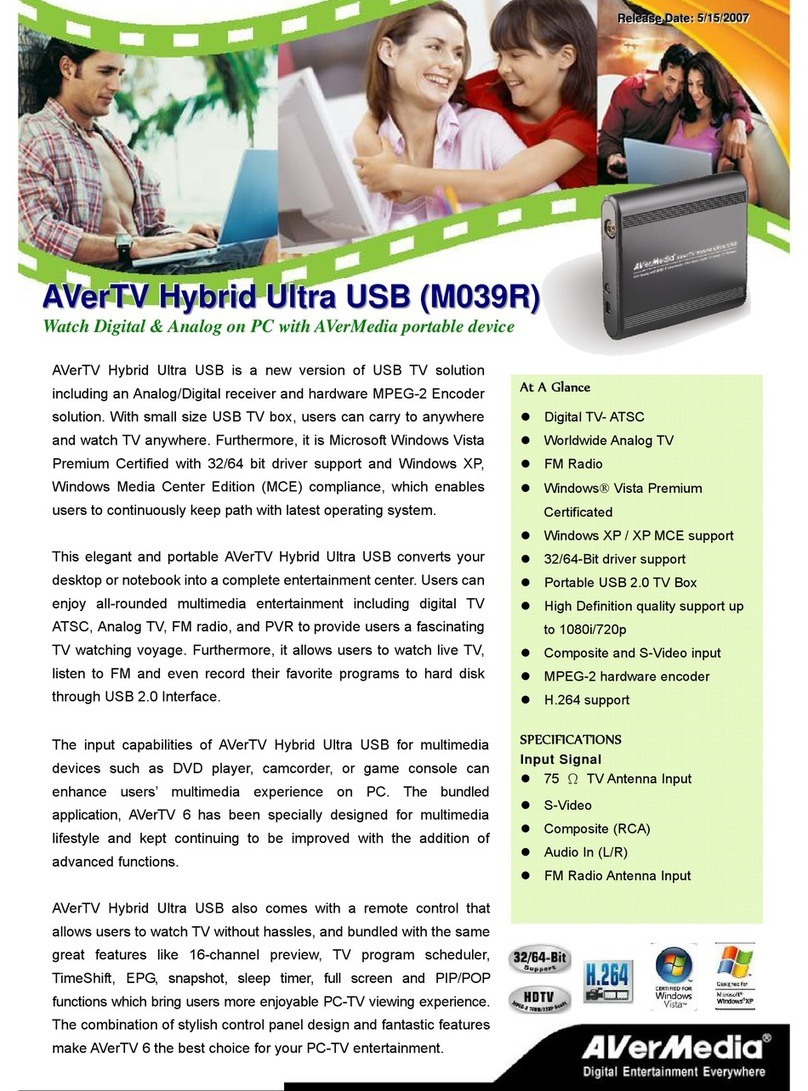
Avermedia M039R User manual

Avermedia

Avermedia M039R User manual

Avermedia VCEB23TRS A867R User manual

Avermedia

Avermedia VCEB23TRS A867R User manual

Avermedia MCE 2005 User manual

Avermedia

Avermedia MCE 2005 User manual

Avermedia DVB-S User manual

Avermedia

Avermedia DVB-S User manual

Avermedia DVB-T STB5 User manual

Avermedia

Avermedia DVB-T STB5 User manual

Avermedia TV TUNER BOX User manual

Avermedia

Avermedia TV TUNER BOX User manual

Avermedia AVerTV Mobile iOS EW330 User manual

Avermedia

Avermedia AVerTV Mobile iOS EW330 User manual

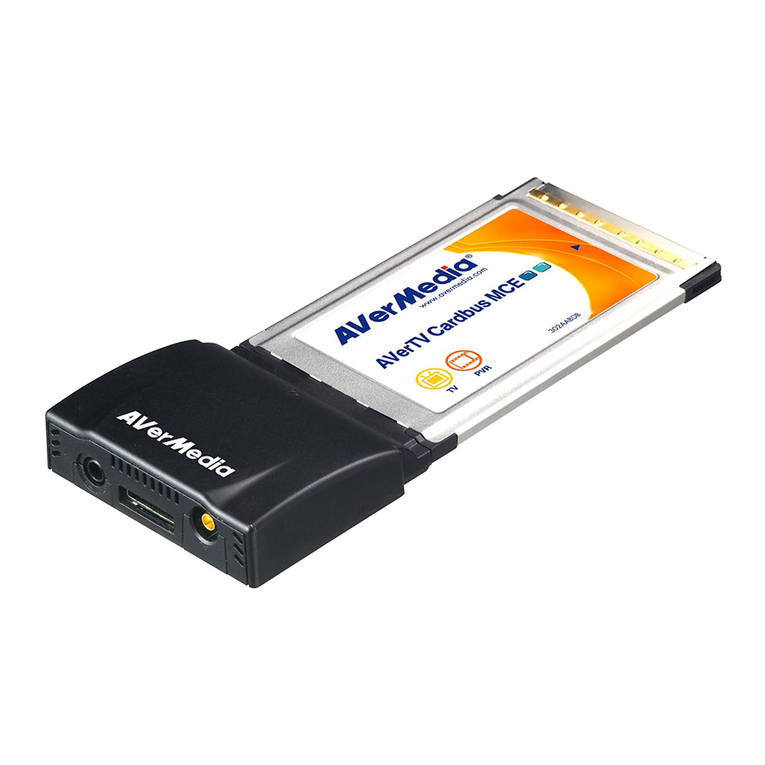
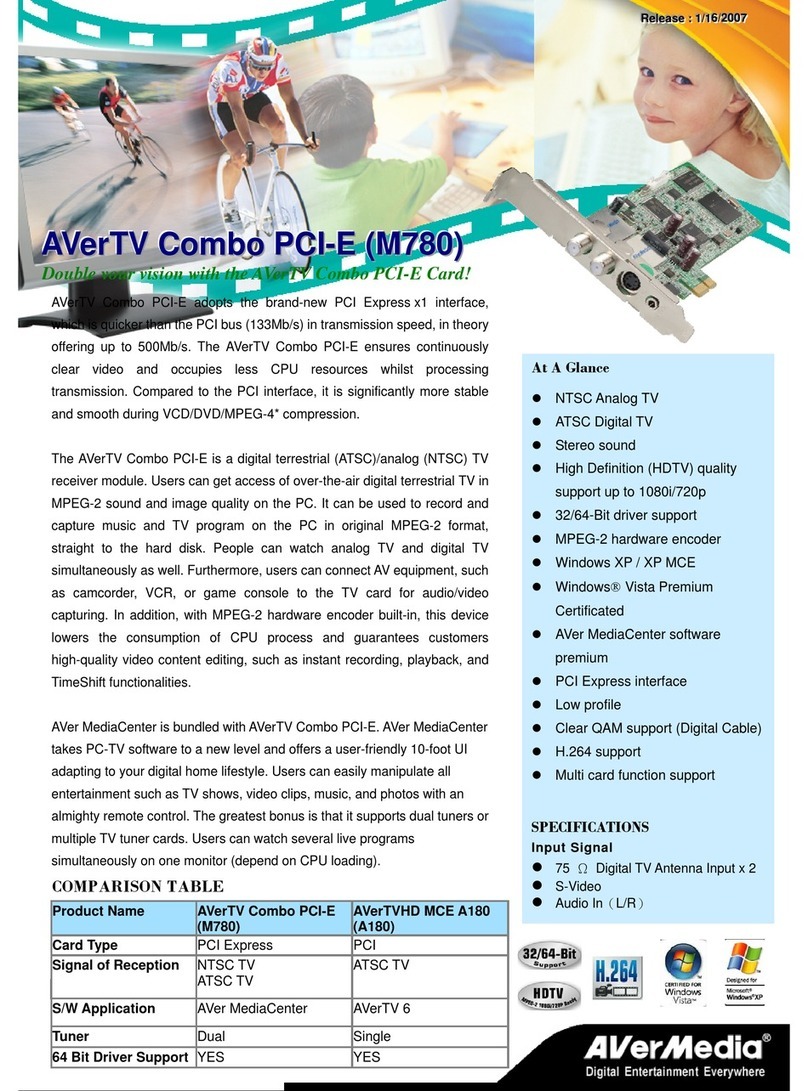
Avermedia AVerTV Combo PCI-E User manual

Avermedia

Avermedia AVerTV Combo PCI-E User manual

Popular TV Receiver manuals by other brands

Edision Piccollino user guide

Edision

Edision Piccollino user guide

Matsui DTR1 user manual

Matsui

Matsui DTR1 user manual

Dyon Raptor Specifications

Dyon

Dyon Raptor Specifications

Strong SRT 2401 Troubleshooting

Strong

Strong SRT 2401 Troubleshooting

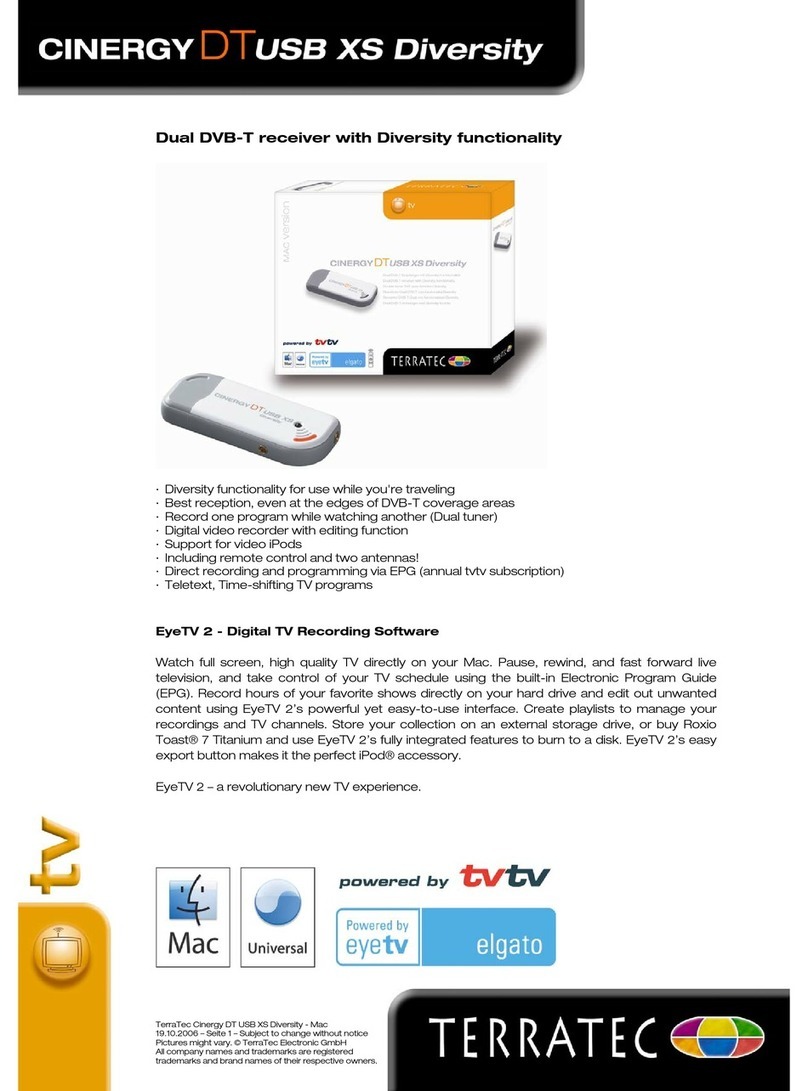
TerraTec CINERGY DT USB XS DIVERSITY Technical data

TerraTec

TerraTec CINERGY DT USB XS DIVERSITY Technical data

Haier 34F9K owner's manual

Haier

Haier 34F9K owner's manual

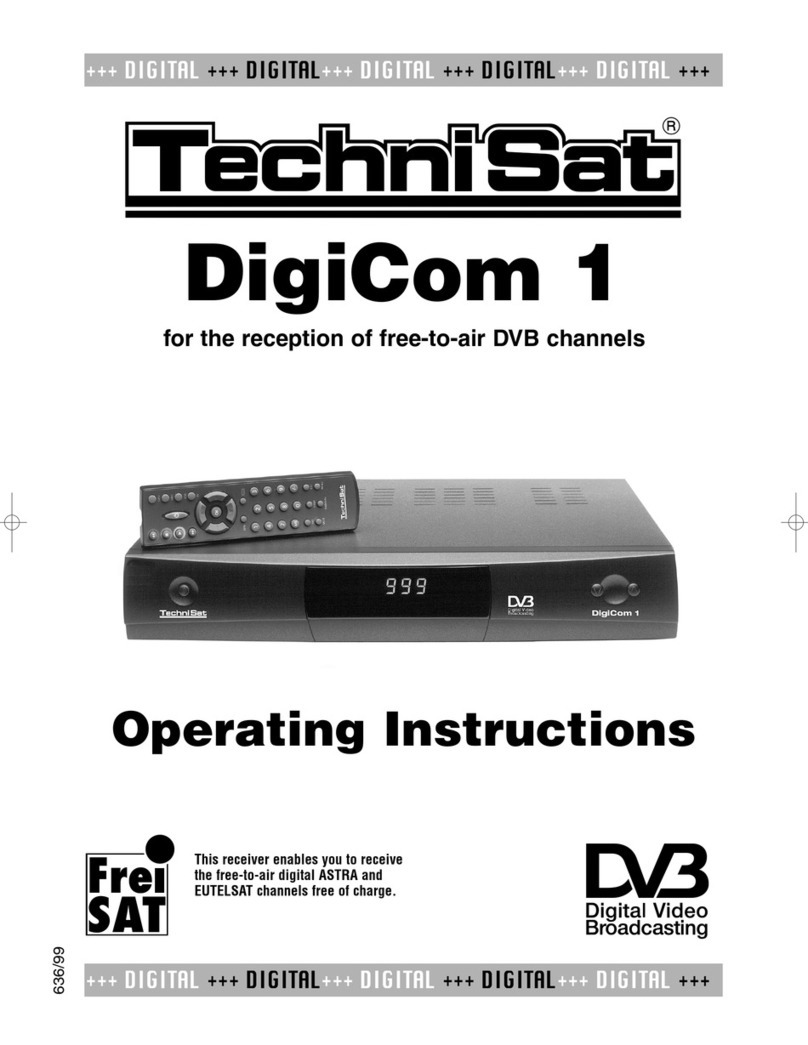
TechniSat DigiCom 1 operating instructions

TechniSat

TechniSat DigiCom 1 operating instructions

Haier LT19A1 user manual

Haier

Haier LT19A1 user manual

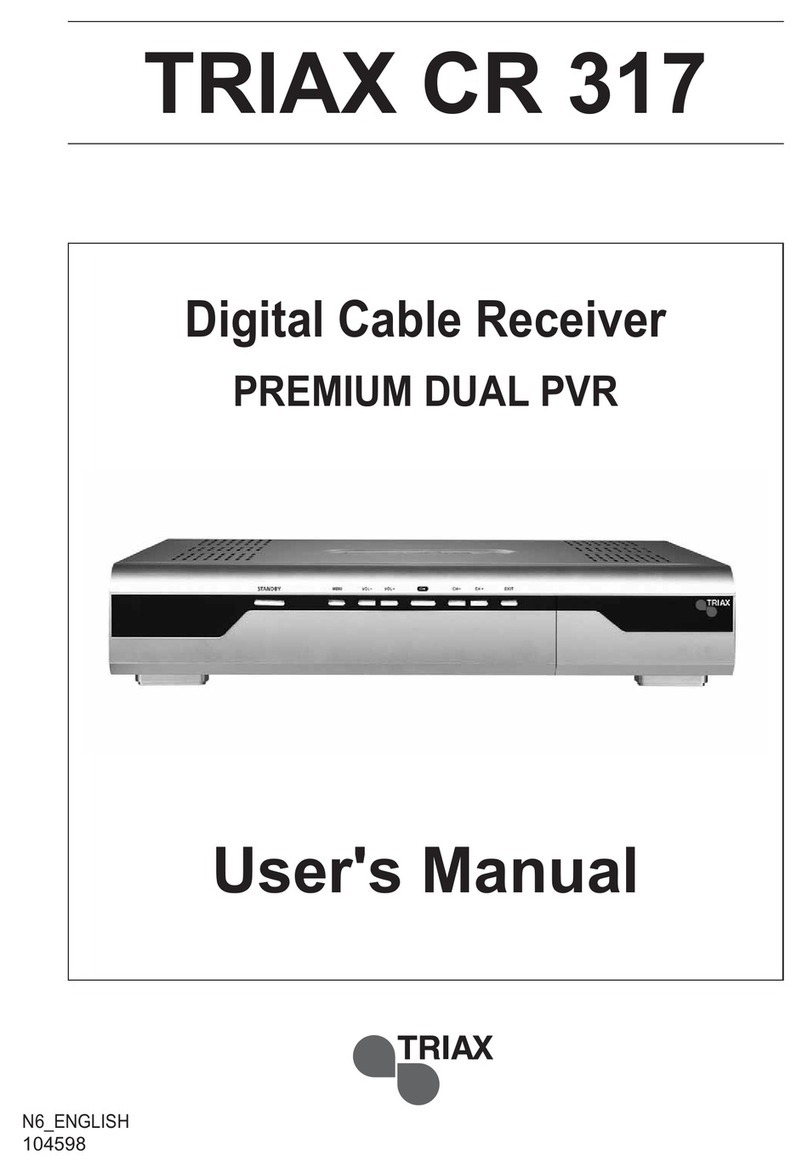
Triax CR 317 user manual

Triax

Triax CR 317 user manual

DirecTV D10-300 user guide

DirecTV

DirecTV D10-300 user guide

Motorola VIP2502W installation guide

Motorola

Motorola VIP2502W installation guide

Motorola VIP1200 Series installation manual

Motorola

Motorola VIP1200 Series installation manual

Xoro HRT 1300 Operation manual

Xoro

Xoro HRT 1300 Operation manual

Motorola DH6200 installation manual

Motorola

Motorola DH6200 installation manual

Manhattan Plaza DS-100 quick start guide

Manhattan

Manhattan Plaza DS-100 quick start guide

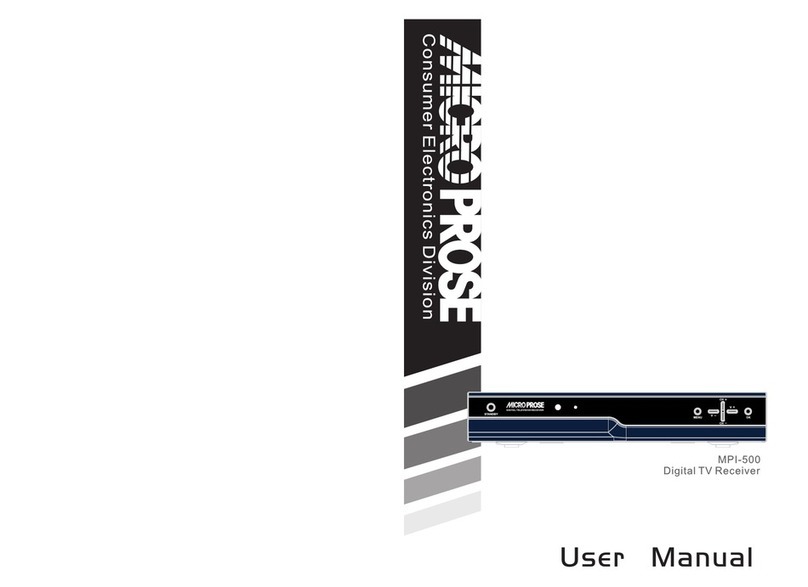
Micro Prose MPI-500 user manual

Micro Prose

Micro Prose MPI-500 user manual

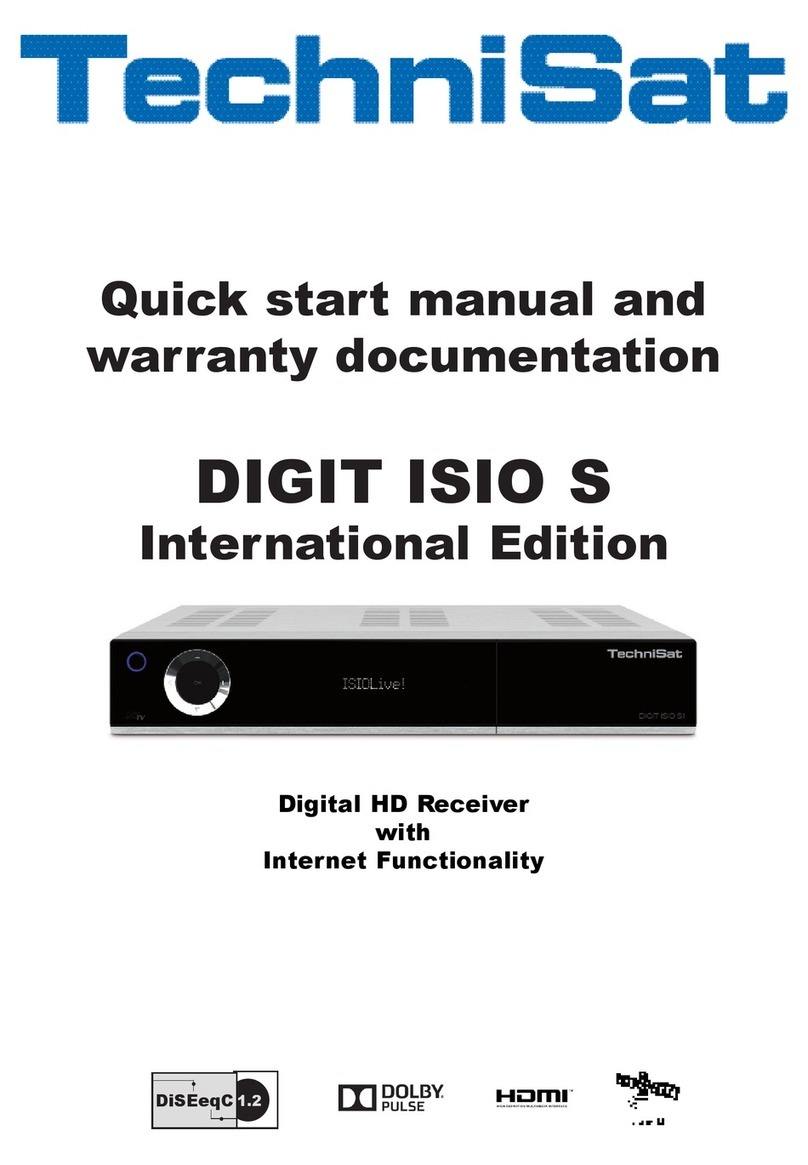
TechniSat DIGIT ISIO S Quick start manual

TechniSat

TechniSat DIGIT ISIO S Quick start manual

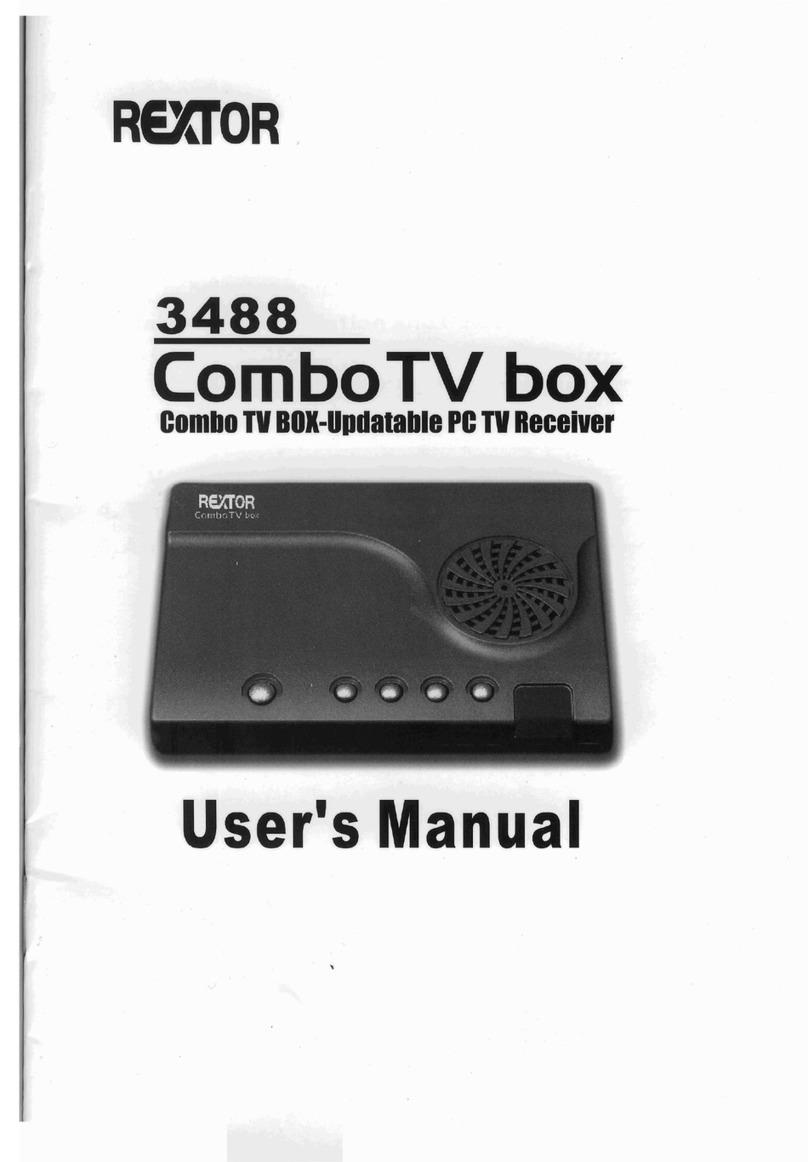
Rextor 3488 user manual

Rextor

Rextor 3488 user manual

manuals.online logo
manuals.online logoBrands
  • About & Mission
  • Contact us
  • Privacy Policy
  • Terms and Conditions

Copyright 2025 Manuals.Online. All Rights Reserved.

At a Glance
Resolution up to 1920×1200/
1920x 1080 60Hz in PIP Mode
Transparent PIP
Fast Switch of 4:3/16:9/16:10 Screen
Color/Edge Enhancement
Video Pause
Auto Power-off
Progressive Scan
LCD/CRT Monitor, PDP and Projector
Support
Brightness/Contrast/Hue/Color/Sharp
Adjustment
Input Signal
Analog RF
Composite (RCA)
S-Video
PC Audio
VGA
Output Signal
VGA
Audio
AVerTV BoxW9 Lite
Smart Choice for Enriching Your PC Monitor!
Transparent/Resizable PIP
Users can watch TV programs while working or surfing the
Internet on their PC through the transparent PIP function. The
PIP window can be resized to 1/4, 1/9 and 1/16 of PC monitor!
Color/Edge Enhancement
The AVerTV BoxW9 Lite also features Color/Edge Enhancement
which addresses better image quality and improves image
sharpness.
3D-motion Adaptive De-interlace
Advanced 3D-motion Adaptive De-interlace can eliminate
jagged edges of live TV & DVD movie and improve the overall
video clarity.
Noise Reduction Technology
AVerTV BoxW9 Lite can reduce the noise from analog TV signal.
You can enjoy the best video quality in PCTV experience.

Package Included
AVerTV BoxW9 Lite (Weigh: 190g)
User Manual
VGA Cable
Audio Cable
Power Adapter
Remote Control (Batteries Included)
Notice:
The accessories may slightly vary depending
upon the country of purchase.
System Requirements
PC:LCD/Plasma monitor with VGA* (D-Sub)
input
Projector:With VGA input
※AVerTV BoxW9 Lite supports D-Sub input
only
※AVerTV BoxW9 Lite functions only with
the TV system of the country it is
manufactured for and originally
distributed in
Resolution up to 1920x1200/1920x1080
60 Hz in PIP Mode
2:2 Pull Down (For PAL Only)
3D-motion Adaptive De-interlace
Progressive Scan