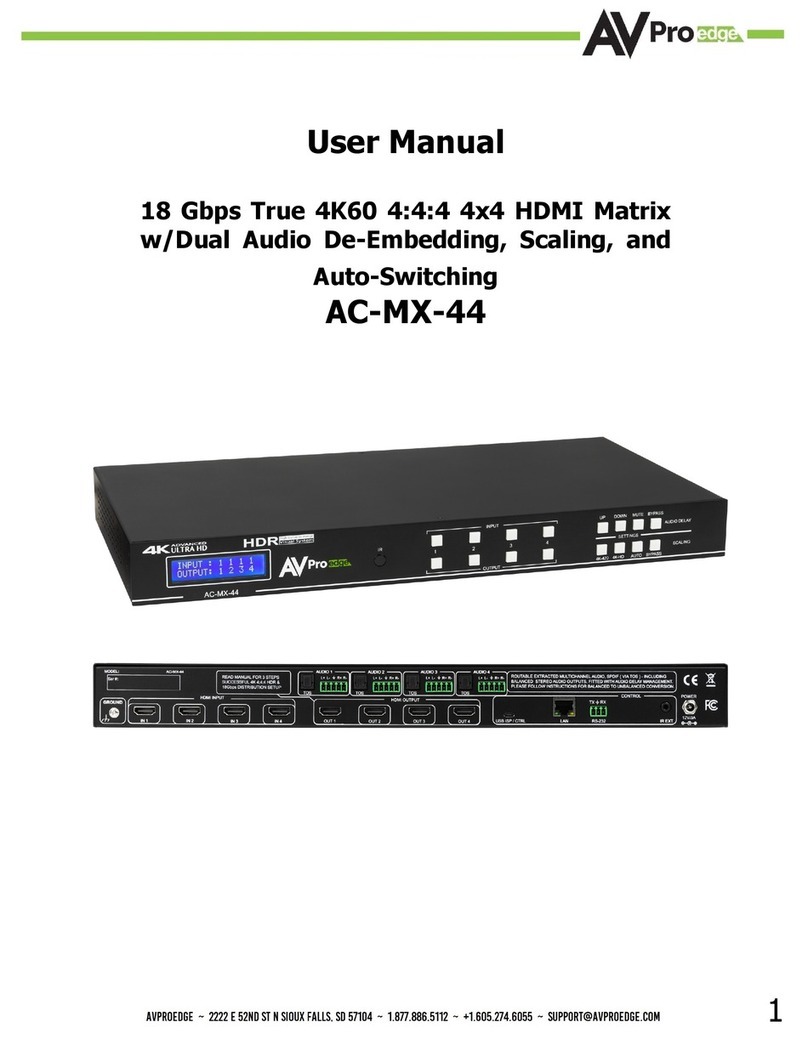
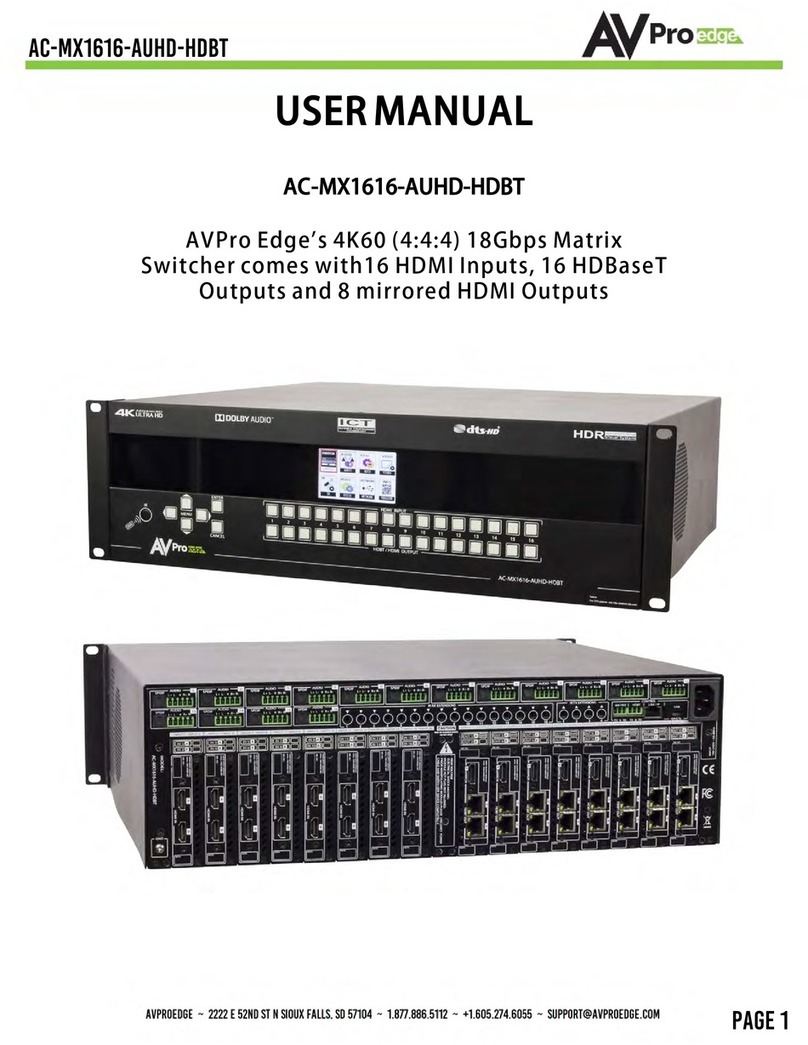
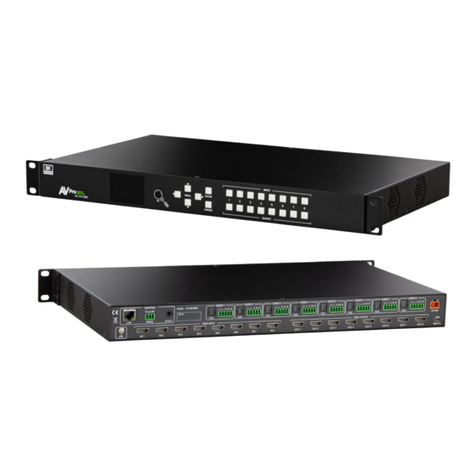
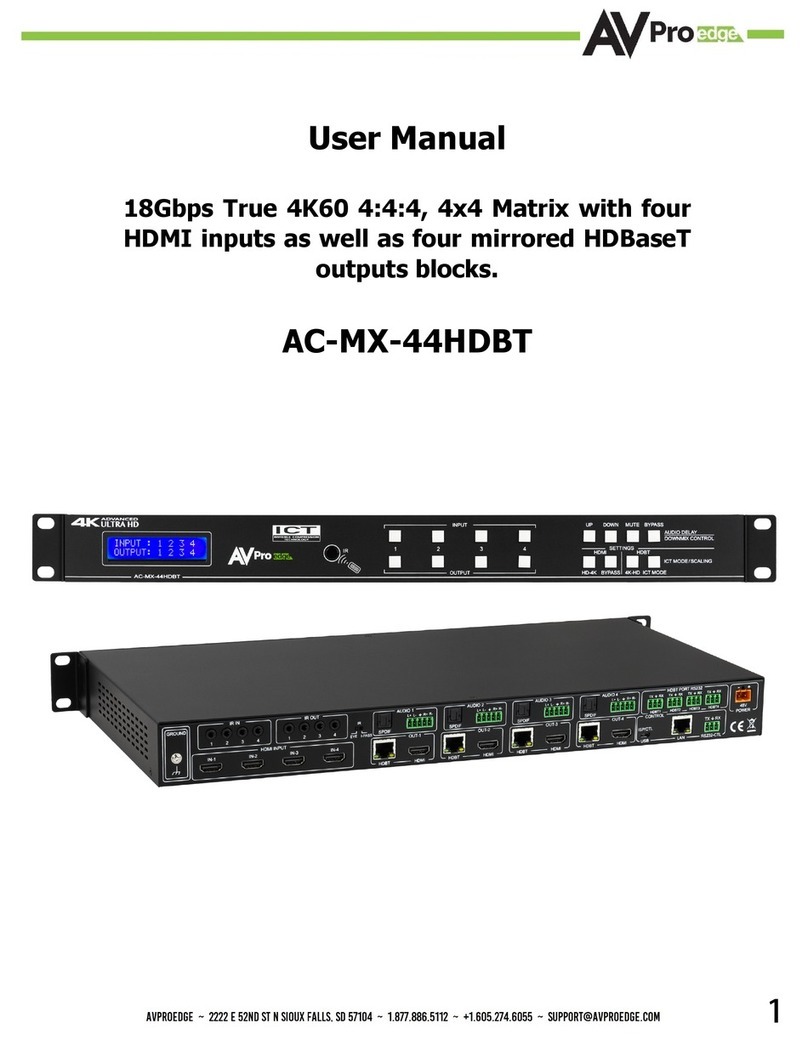
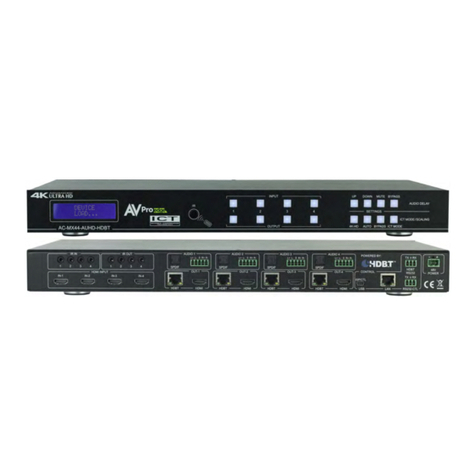
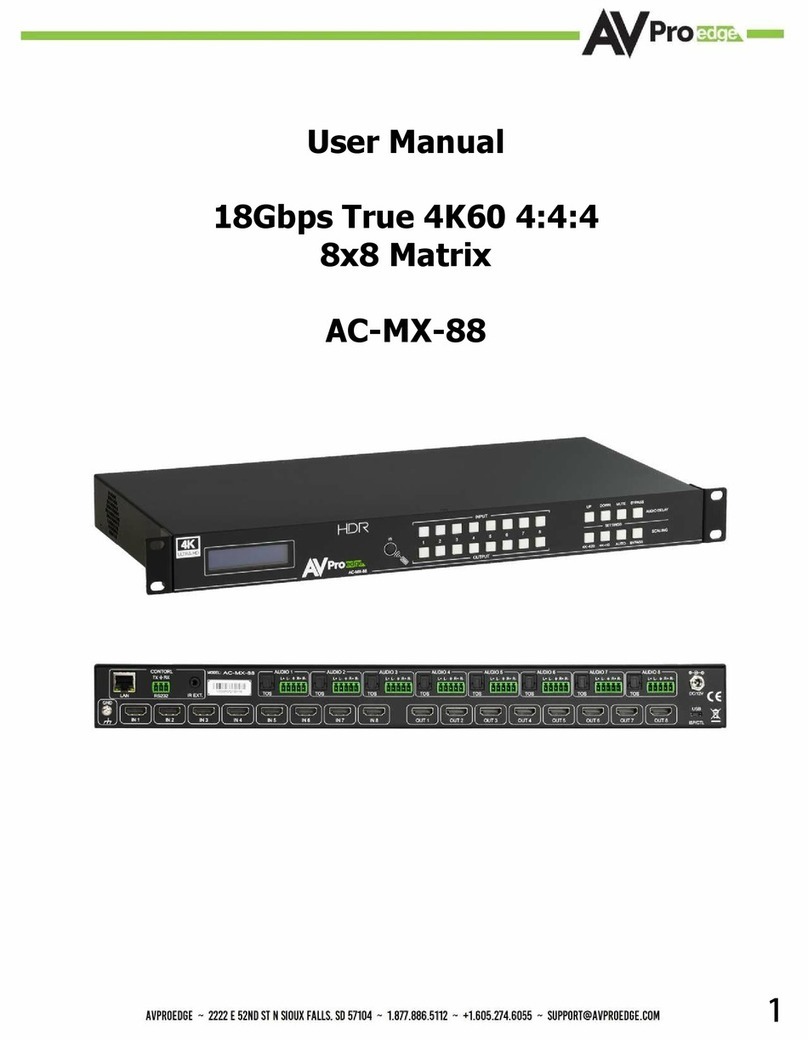
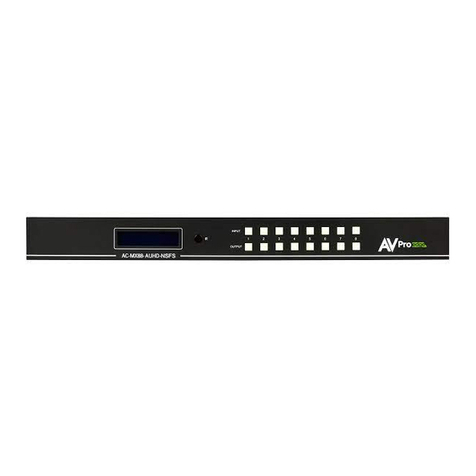
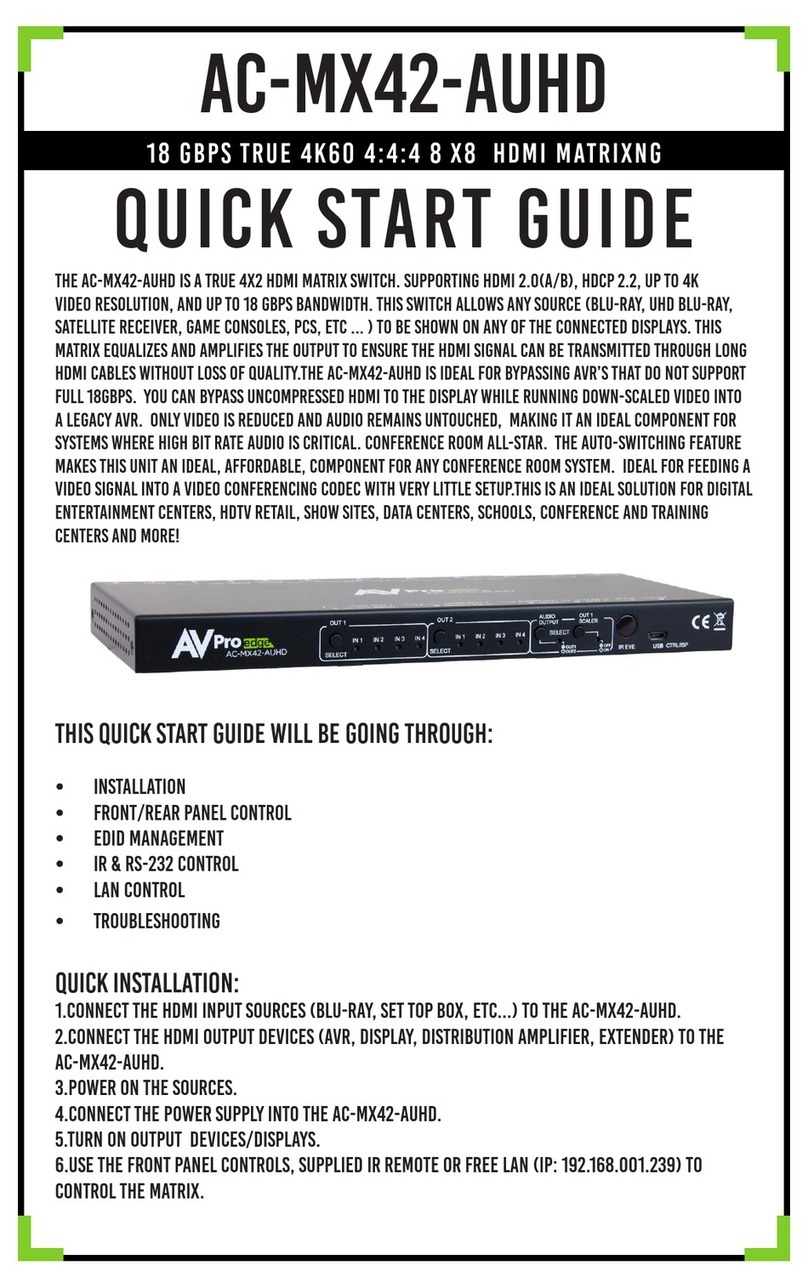
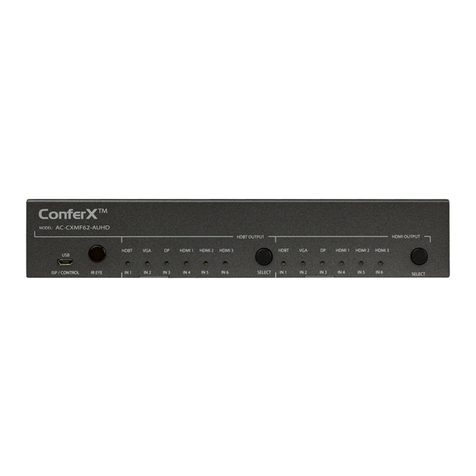
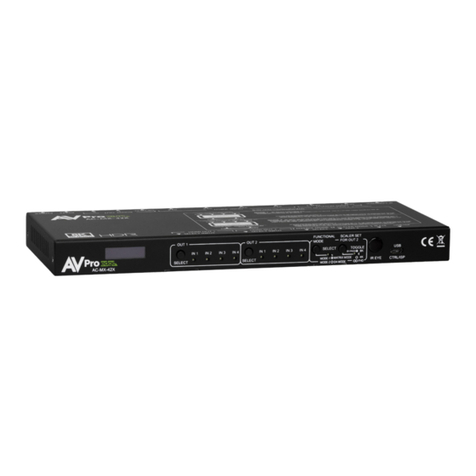
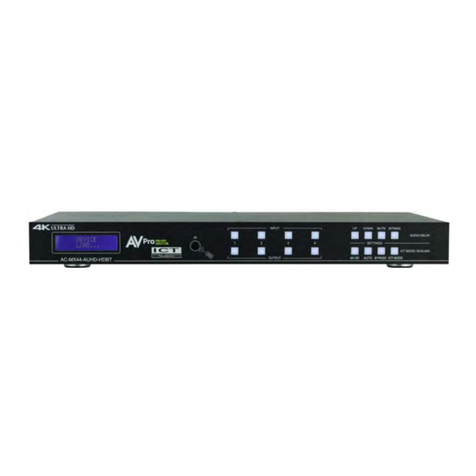
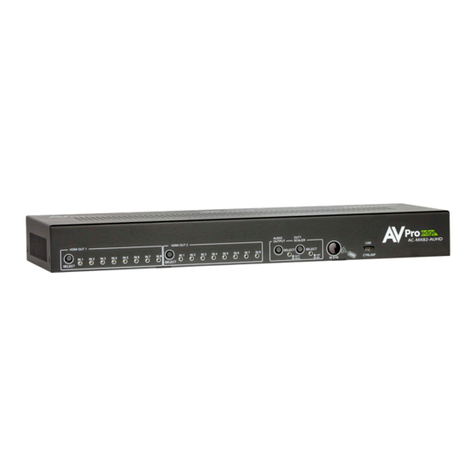
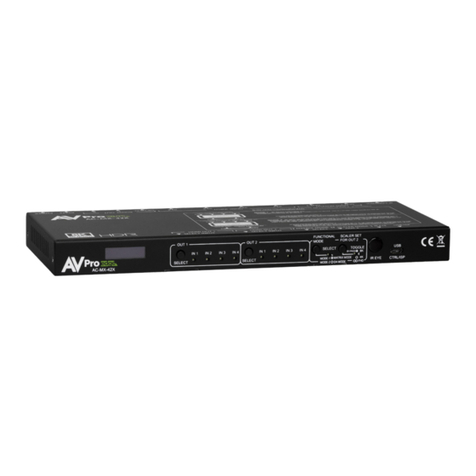
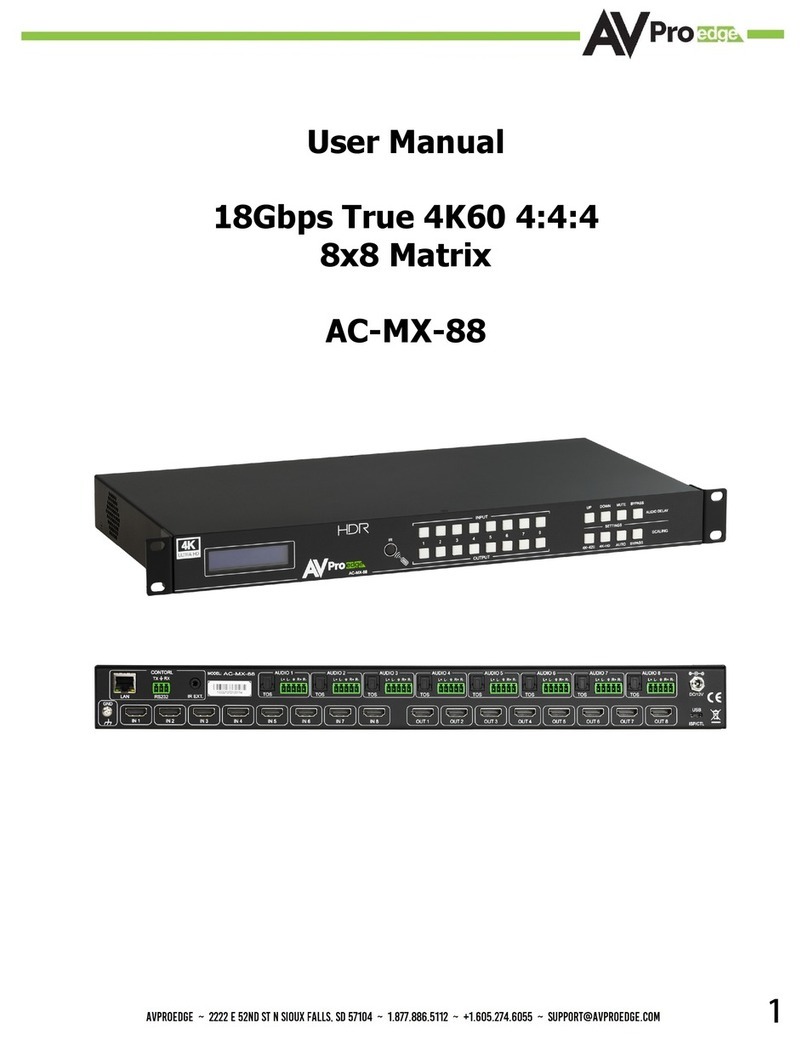
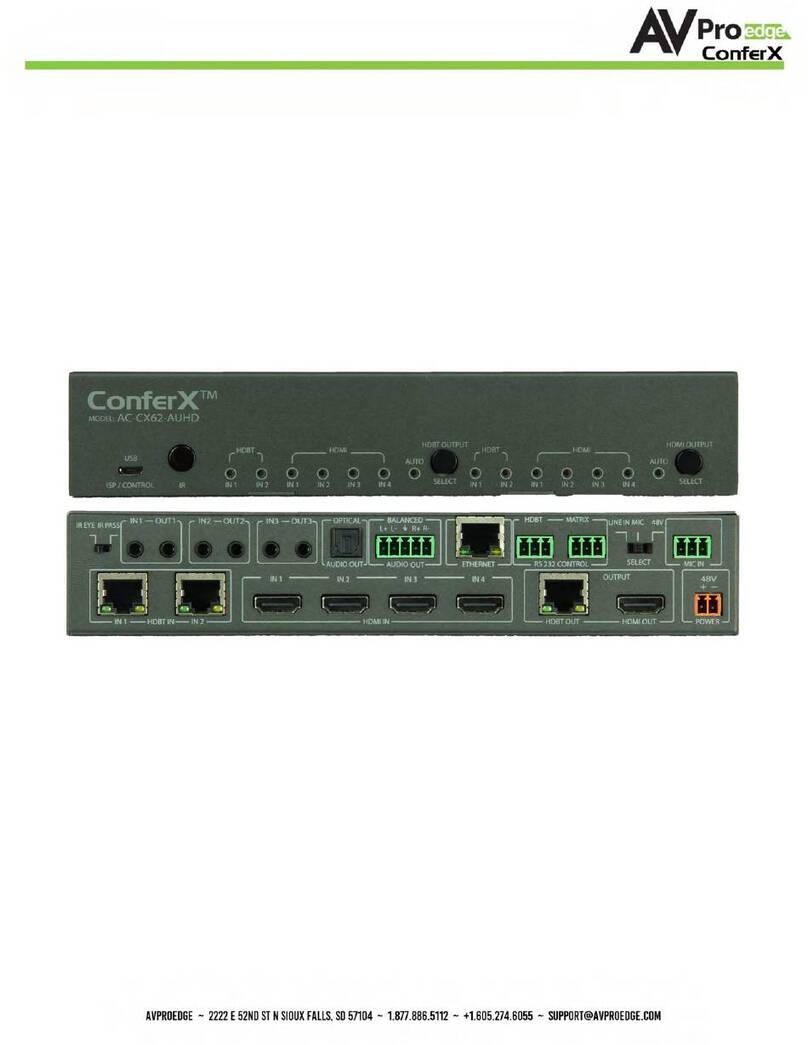
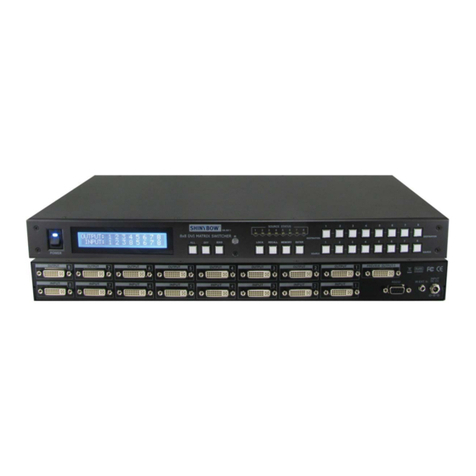
*NOTE: A factory reset may be performed by pressing and holding 4 buttons together for 10 seconds.
Press and hold:
•HD-->4K (Scaler Settings)
•4K-->HD (Scaler Settings)
•MUTE (Audio Delay Settings)
•BYPASS (Audio Delay Settings)
Parameter How To Options
Switching Control
EDID Setup
Scaling Control
Audio Delay Control
Set Extracted Audio
Bindings
Initialize Test
Pattern Generator
Toggle DHCP Mode
View Network Settings
View Firmware Version
1. Press the OUTPUT button you want to switch
2. Press the desired INPUT button
1. Press and hold (3 sec) the OUPUT button that you would like to scale
2. The BOTTOM row of buttons on the right hand side of the machine light
up, allowing you to make your selection
1. Press and hold (3 sec) the OUTPUT button that you would like to
scale
2. The TOP row of buttons on the right hand side of the machine light
up, allowing you to make your selection
1. Press and hold (3 sec) the BYPASS button on the audio settings (top right)
2. Press the "UP" & "DOWN" buttons to switch between desired settings
3. Press BYPASS button again to set mode
NOTE: If "MATRIX" is selected, you will be able to route audio. Please see
"Extracted Audio Switching"
4. Press BYPASS again to exit.
1. Press and hold (3 sec) the INPUT & OUTPUT together
2. Repeat to turn off test pattern
1. Press and hold (3 sec) INPUT 1 & INPUT 4 together
1. Press and hold (3 sec) INPUT 3 & INPUT 4 together
1. Press and hold (3 sec) INPUT 2 & INPUT 4 together
See Pages 7, 12, 18, 21, and 24 in the manual for full list of
available EDIDS
1. Press and hold (3 sec) the INPUT button of the source you want to set EDID for
2. Use the corresponding INPUT/OUTPUT buttons as UP/DOWN to select EDID
3. Press and hold (3 sec) the INPUT button again to set EDID
- HD > 4K
- 4K > HD
- AUTO (Detects Display)
- BYPASS (No Scaling)
- UP
- DOWN
- MUTE (Turns Off Audio)
- BYPASS (No Delay)
The BYPASS and UP/DOWN button will light up
- Press UP/DOWN to select extracted audio setting
- Press the BYPASS button again to select
- Press the BYPASS button again to exit
EX. Pressing and holding INPUT 1 & OUTPUT 1 (3 sec) will
generate a test pattern out of OUTPUT 1
Toggles DHCP OFF/ON
Note: The default mode is OFF, default IP is 192.168.1.239
The screen will flash the following
- Device IP
- Host IP
- Subnet Mask
- MAC Address