manuals.online logo
Brands
  1. Home
  2. •
  3. Brands
  4. •
  5. Axio MET
  6. •
  7. Multimeter
  8. •
  9. Axio MET AX-588B User manual

Axio MET AX-588B User manual

Other Axio MET Multimeter manuals
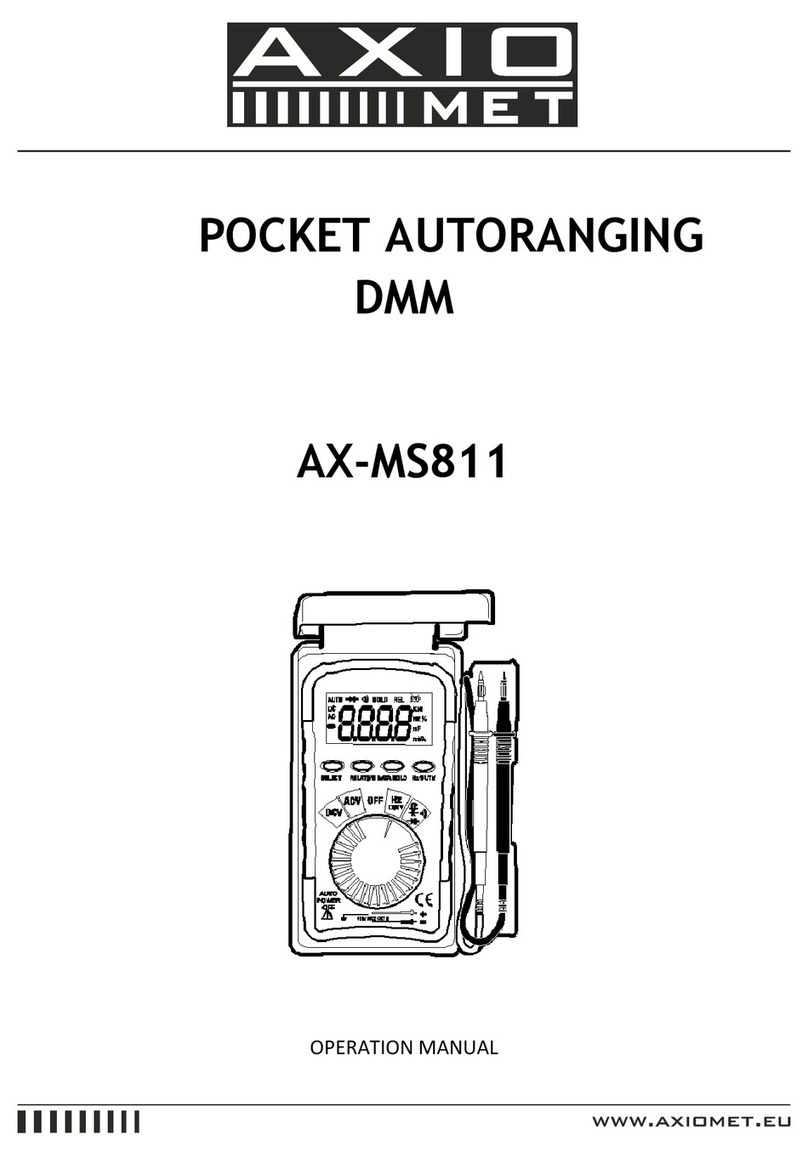
Axio MET AX-MS811 User manual

Axio MET

Axio MET AX-MS811 User manual

Axio MET AX-588 User manual

Axio MET

Axio MET AX-588 User manual

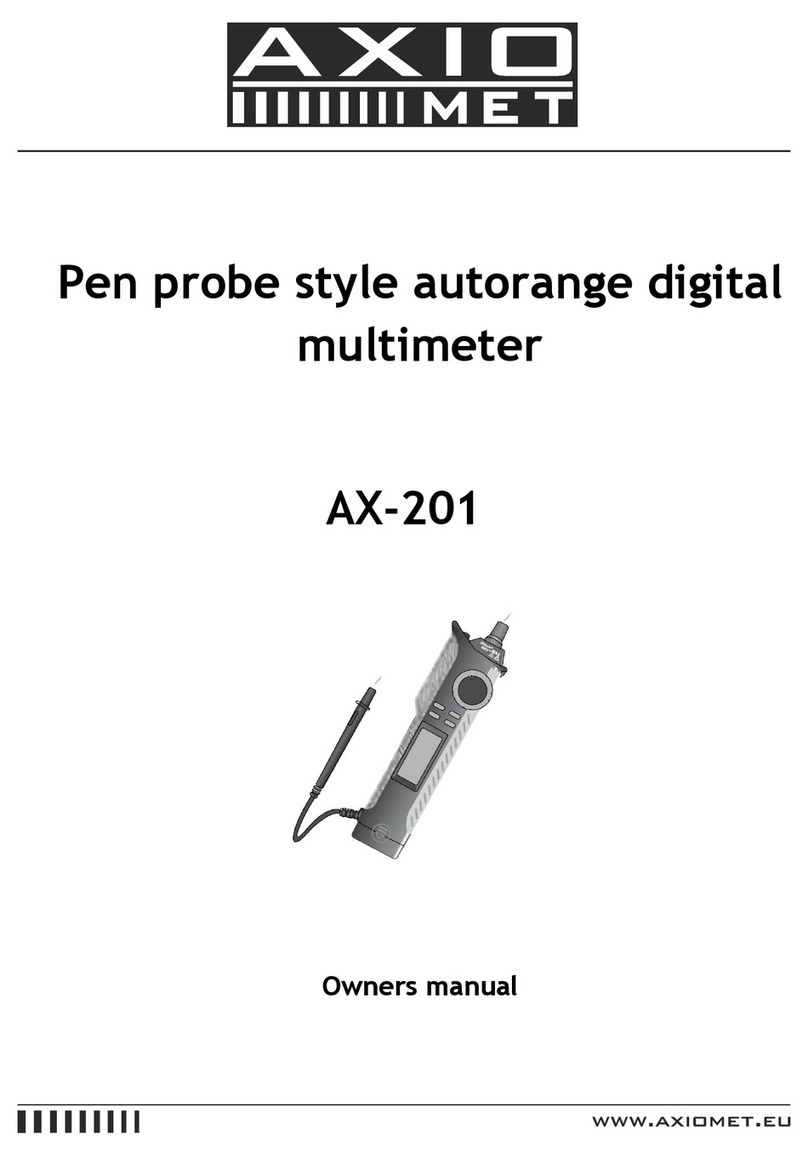
Axio MET AX-201 User manual

Axio MET

Axio MET AX-201 User manual

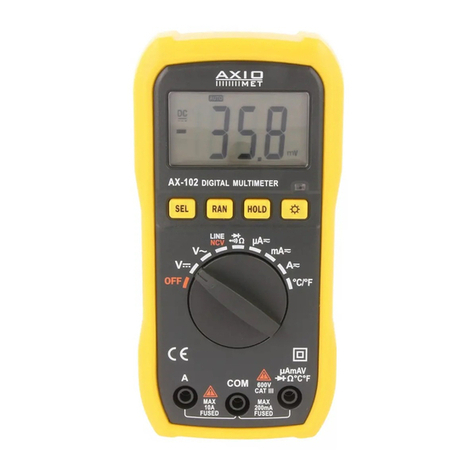
Axio MET AX-102 User manual

Axio MET

Axio MET AX-102 User manual

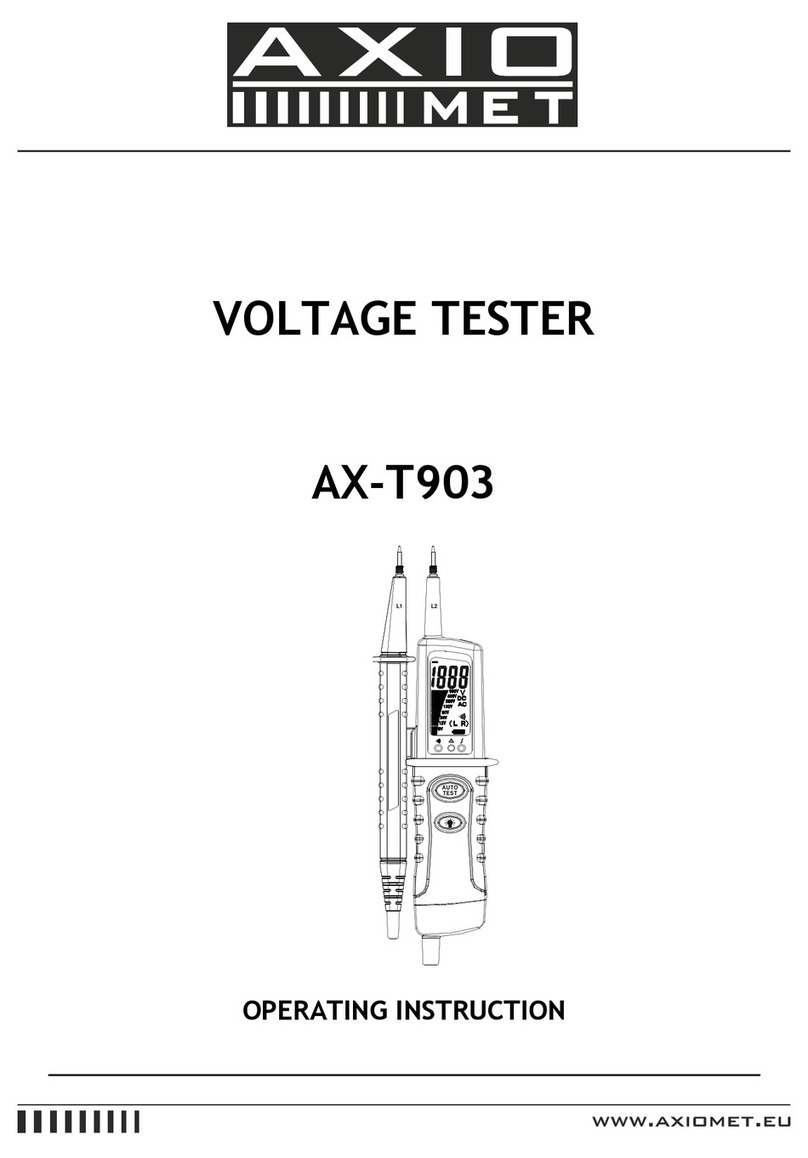
Axio MET AX-T903 User manual

Axio MET

Axio MET AX-T903 User manual

Axio MET AX-MS8250 User manual

Axio MET

Axio MET AX-MS8250 User manual

Axio MET AX-102 User manual

Axio MET

Axio MET AX-102 User manual

Axio MET AX-101 User manual

Axio MET

Axio MET AX-101 User manual

Axio MET AX-18B User manual

Axio MET

Axio MET AX-18B User manual

Axio MET AX-T520 User manual

Axio MET

Axio MET AX-T520 User manual

Axio MET AX-582B User manual

Axio MET

Axio MET AX-582B User manual

Axio MET AX-176 User manual

Axio MET

Axio MET AX-176 User manual

Axio MET AX-160IP User manual

Axio MET

Axio MET AX-160IP User manual

Axio MET AX-174 User manual

Axio MET

Axio MET AX-174 User manual

Axio MET AX-594 User manual

Axio MET

Axio MET AX-594 User manual

Axio MET AX-TI220 User manual

Axio MET

Axio MET AX-TI220 User manual

Axio MET AX-190A User manual

Axio MET

Axio MET AX-190A User manual

Axio MET AX-101B User manual

Axio MET

Axio MET AX-101B User manual

Axio MET AX-C708 User manual

Axio MET

Axio MET AX-C708 User manual

Axio MET AX-573 User manual

Axio MET

Axio MET AX-573 User manual

Axio MET ax-585b User manual

Axio MET

Axio MET ax-585b User manual

Axio MET AX-588B User manual

Axio MET

Axio MET AX-588B User manual
Axio MET AX-105 User manual

Axio MET

Axio MET AX-105 User manual
Axio MET AX-582 User manual

Axio MET

Axio MET AX-582 User manual

Popular Multimeter manuals by other brands

Fluke 106 user manual

Fluke

Fluke 106 user manual

VAR DV-71600 manual

VAR

VAR DV-71600 manual

Agilent Technologies 34420A user guide

Agilent Technologies

Agilent Technologies 34420A user guide

Fluke 83 user manual

Fluke

Fluke 83 user manual

Hameg HM 8012 manual

Hameg

Hameg HM 8012 manual

Mastech MY70 Operation manual

Mastech

Mastech MY70 Operation manual

Steren MUL-300 user manual

Steren

Steren MUL-300 user manual

Somogyi Elektronic home SMA 92 instruction manual

Somogyi Elektronic

Somogyi Elektronic home SMA 92 instruction manual

Gossen MetraWatt METRAmax 6 operating instructions

Gossen MetraWatt

Gossen MetraWatt METRAmax 6 operating instructions

PeakTech 4000 Procedure of calibration

PeakTech

PeakTech 4000 Procedure of calibration

YOKOGAWA 90050B user manual

YOKOGAWA

YOKOGAWA 90050B user manual

Fluke 8846A Programmer's manual

Fluke

Fluke 8846A Programmer's manual

Tempo Communications MM200 instruction manual

Tempo Communications

Tempo Communications MM200 instruction manual

APPA 607 user manual

APPA

APPA 607 user manual

Elenco Electronics CM-1555 operating instructions

Elenco Electronics

Elenco Electronics CM-1555 operating instructions

Mastech MS8238C user manual

Mastech

Mastech MS8238C user manual

SDAR 830A, 830B, 830D, 830C user manual

SDAR

SDAR 830A, 830B, 830D, 830C user manual

RS PRO RS-9519BT instruction manual

RS PRO

RS PRO RS-9519BT instruction manual

manuals.online logo
manuals.online logoBrands
  • About & Mission
  • Contact us
  • Privacy Policy
  • Terms and Conditions

Copyright 2025 Manuals.Online. All Rights Reserved.

DIGITAL MULTIMETER
AX-588B
OPERATION MANUAL
2
1. Sumary
His series product is a stable and battery-driven 3 ½ digital multimeter with high reliability.
It adopts LCD screen with character height of 28mm; with functions including unit sign/backlight
and overload protection, it is easy to use.
This series of device can be used to measure DCV, ACV, DC, AC, resistance, capacitance,
inductance, diode, triode, open circuit, temperature and frequency, as well as hold peak value.
As an instrument with excellent performance it adopts double integral A/D converter as its core.
2. For purchasers of this multimeter
Safety notice
This series of device is designed according to IEC1010 standard (safety standard issued by
International Electrotechnical Committee). Please read these safety notices before using it.
1) Never input DC higher than 1000V or AC higher than 750V virtual voltage as measuring voltage.
2) The voltage lower than 36V is safe. Please confirm the earthing, connection and isolation of
pencils to avoid electric shock when measuring the voltage of DC higher than 36V or AC higher than
25V
3) Pencils should be away from test points when switching function or range.
4) Select correct function and range and beware of miss-operation. You may still be careful to
ensure the safety even the device has range protection functions.
5) Never input current higher than 20A when measuring current
6) Introduction for safety sign.
Dangerous voltage existing
Earthing
Double Isolation
Shall refer to the user’s manual
3
Low battery
3. Unpacking inspection
Open the package to check if all parts and accessories are all right in the box.
Multimeter 1
Battery (9V) 1
Temperature probe (banana type) 1 pair
Testing accessory 1
Pencil(20A) 1 pair
User’s manual 1
4. Features
1) General features
1-1. Display mode: LCD
1-2. Max. display: 1999 (3 ½) digits automatic polarity display
1-3. Measurement method: double integral A/D conversion
1-4. Sampling rate: about 3 time per second
1-5. Over-range display: the highest digit displays “OL” or “-OL”
1-6. Low voltage display:
1-7. Working environment: (0~40)°C, relative humidity: <80%
1-8. Power supply: one 9V battery (6F22 or equivqlent model)
1-9. Dimension: 189mm*97mm*35mm (length*width*height)
1-10. Weight: about 400g (including 9V battery)
2) Technical features
2-1. Accuracy: ±(a% x reading data + character number), ensure in accuracy environment
temperature:
4
(23±5)°C, relative humidity <75%, and the calibration warranty period lasts for one year from the
data of leaving the factory.
2-2. Performance (▲indicates the function is available for this model)
Function:
DCV ▲
ACV ▲
DCA ▲
ACA ▲
Resistance Ω▲
Diode/Open circuit ▲
Triode hFE ▲
Capacitance C ▲
Temperature °C ▲
Frequency f ▲
Indicate L ▲
Auto power off ▲
Backlight ▲
Peak value holding ▲
2-3. Technical index
2-3-1. DCV
Range
Accuracy
Resolution
200 mV
± (0,5 % + 3)
100 μV
2 V
1 mV
20 V
10 mV
200 V
100 mV
1000 V
± (1,0 % + 5)
1 V
5
Input impedance: All range is 10MΩ
Over load protection: 250V DC or 250V AC peak value for range
200mV; 1000V DC or 1000V AC peak value for other.
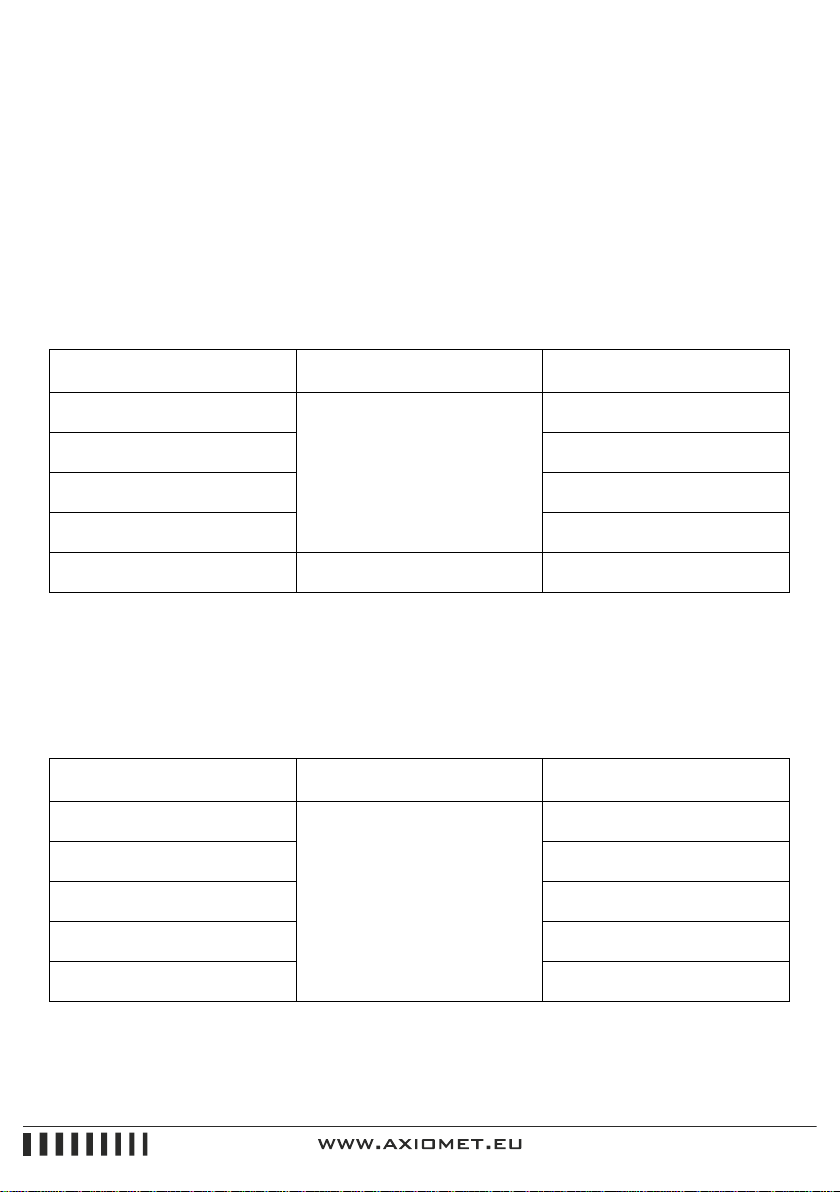
2-3-2. ACV
Range
Accuracy
Resolution
200 mV
± (1,2 % + 3)
100 μV
2 V
± (0,8 % + 5)
1 mV
20 V
10 mV
200 V
100 mV
750 V
750V
1 V
Input impedance: All range is 10MΩ
Over load protection: 250V DC or 205V AC peak value for range
200mV; 1000V DC or 1000V AC peak value for other
Frequency response: 40~400Hz for range under 200V
40~100Hz for range 750V
Display: Sine wave virtual value (AVG value response)
2-3-3. DCA
Range
Accuracy
Resolution
2 mA
± (0,8 % + 3)
1 μA
20 mA
10 μA
200 mA
± (1,2 % + 4)
100 μA
20 A
± (2,0 % + 5)
10 mA
Max measurement voltage drop: 200mV
Max input current: 20A (no more than 10 seconds)
6
Overload protection: 0.2A/250V self-healing fuse for ranges under 200mA, 12A/20V quick acting
fuse for range 20A.
2-3-4. ACA
Range
Accuracy
Resolution
2 mA
± (1,0 % + 5)
1 μA
20 mA
10 μA
200 mA
± (2,0 % + 5)
100 μA
20 A
± (3,0 % + 10)
10 mA
Max measurement voltage drop: 200mV
Max input current: 20A (no more than 10 seconds)
Over load protection: 0.2A/250V self-healing fuse for ranges under 200mA. 12 A/250V quick acting
fuse for range 20A
Frequency response: 40~200Hz
Display: Sine wave virtual value (AVG value response)
2-3-5. Resistance (Ω)
Range
Accuracy
Resolution
200 Ω
± (0,8 % + 5)
0,1 Ω
2 kΩ
± (0,8 % + 3)
1 Ω
20 kΩ
10 Ω
200 kΩ
100 Ω
2 MΩ
1 kΩ
200MΩ
± (1,0 % + 15)
10 kΩ
2000 MΩ
± [5,0 %(odczyt -10) +20]
1 MΩ
Open circuit voltage: lower than 3V
Over load protection: 250VDC or AC peak value
7
Caution:
a) If in range 200Ω, please short pencils and measure lead resistance, and then subtract the
resistance from the value measured.
b) It is normal to show 10MΩ when pencils shorted in range 2000MΩ, it will not effect the accuracy
and shall be subtracted from the value measured. For example: the object resistance is 1000MΩ,
the reading value is 1010MΩ then the correct value shall be 1010-10=1000MΩ
c) Lagged showing of value is normal when measuring resistance higher than 1MΩ. Please wait until
the display is stable.
2-3-6. Capacitance (C)
Range
Accuracy
Resolution
20 nF
± (2,5 % + 20)
10 pF
200 nF
100 pF
2 μF
1 nF
20 μF
10 nF
200 μF
± (5,0 % + 5)
100 nF
Testing frequency: 100Hz
Over load protection: 36V DC or AC peak value
2-3-7. Inductance (L)
Range
Accuracy
Resoluton
2 mH
± (2,5 % + 20)
1 μH
20 mH
10 μH
200 mH
100 μH
2 H
1 mH
20 H
10 mH
Testing frequency: 100Hz
Over load protection: 36V DC or AC peak value
8
2-3-8. Temperature (°C)
Range
Accuracy
Resolution
(-20 ÷ 1000) °C
± (1,0 % +4) < 400 °C
± (1,5 % +15) ≥ 400 °C
1 °C
Thermocouple (plug of banan type)
2-3-9. Frequency (f)
Range
Accuracy
Resolution
2 kHz
± (0,5 % + 4)
1 Hz
20 kHz
10 Hz
200 kHz
100 Hz
2000 kHz
1 kHz
10 MHz
10 kHz
Input sensitivity: higher than 3.5V V p-p
Over load protection: 250V DC or AC peak value (less than 10 seconds)
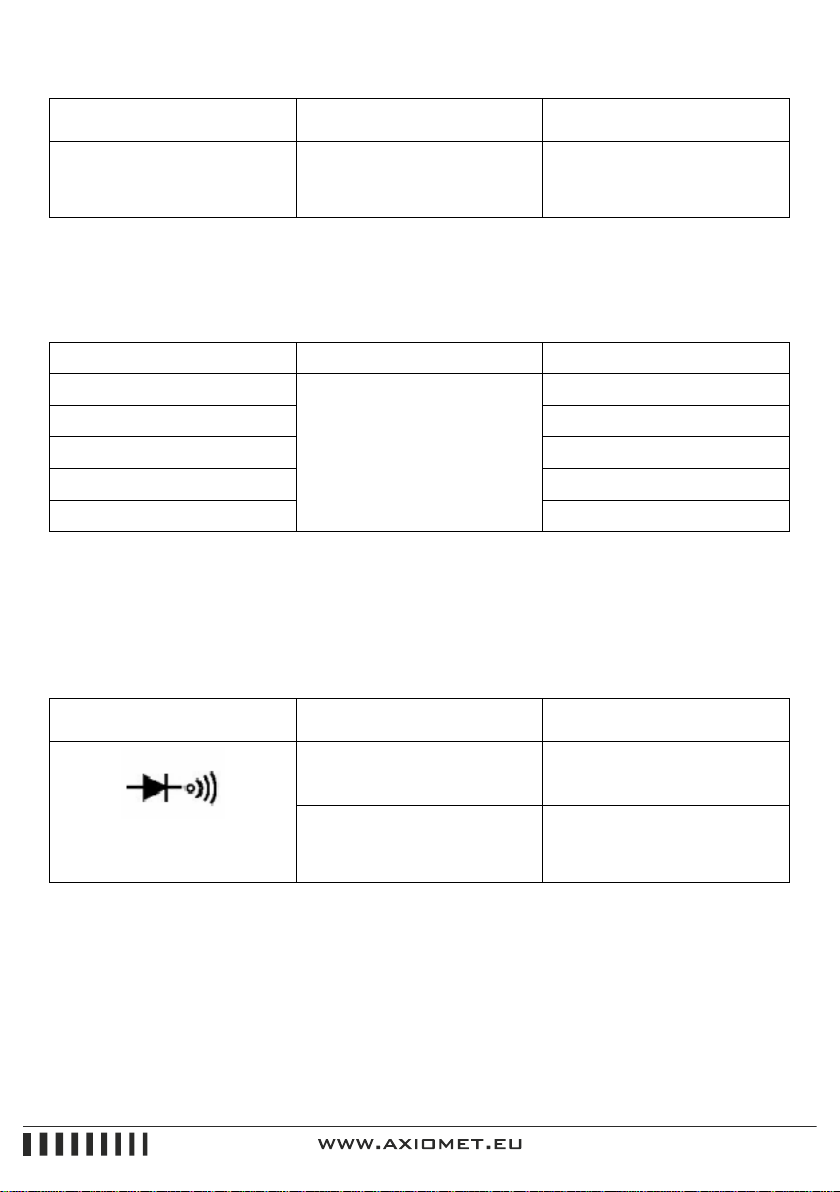
2-3-10. Diode and open circuit test
Range
Value displayed
Test condition
Diode forward voltage drop
(Unit:Mv)
Forward DC: abort 1mA
reversevoltage: abort 3V
Buzzer sounds continuously,
resistance between two test
points is less than (70 ± 20) Ω
Open circuit voltage is about
3V
Over load protection: 250V DC or AC peak value
Warning: Never input voltage in this range
9
2-3-11. Measuring triode’s hFE parameter
Range
Display range
Test condition
hFE NPN lub PNP
0 ÷ 1000
Base electrode current is abort
10uA, and Vce is about 3V
5. Operation method
5-1. Operation panel introduction
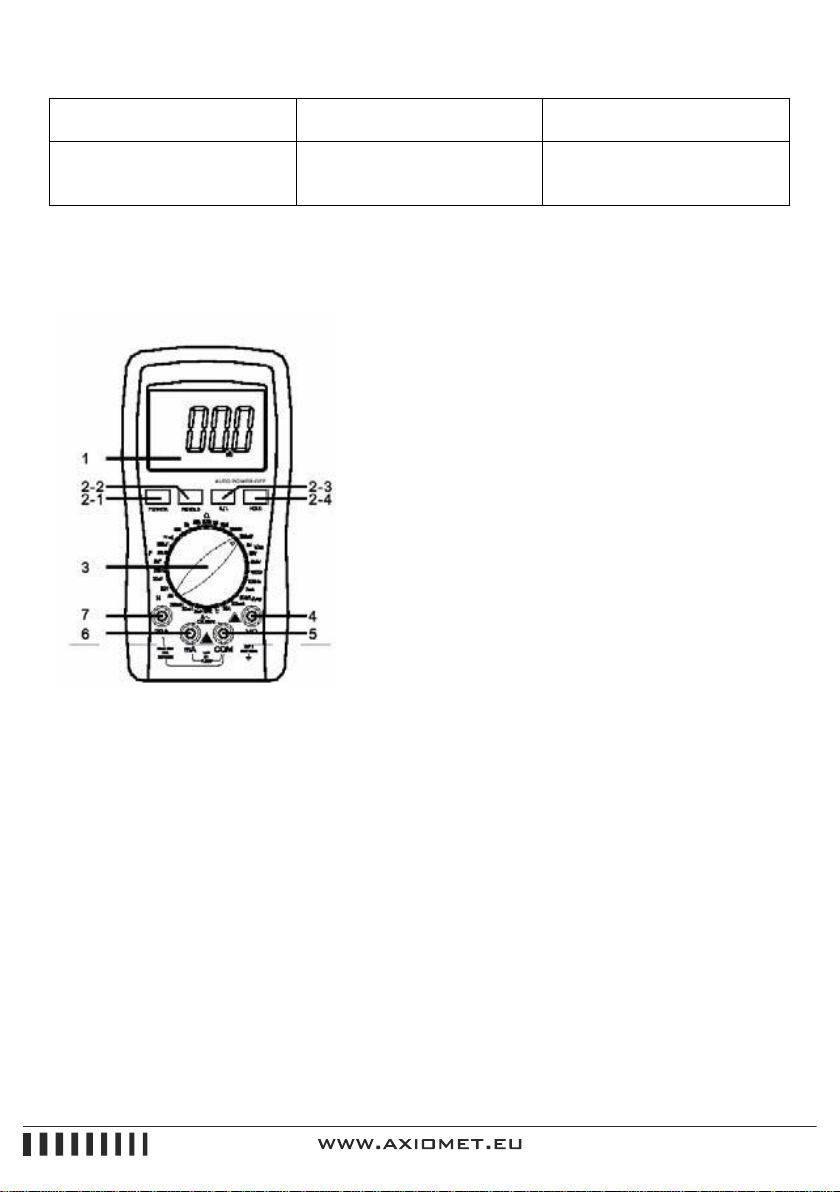
1. LCD: display the measured value and the unit
2. Function keys
2-1. power switch: turn on/turn off power
2-2. PK HOLD: Pressing this key will hold all max value
measured in the screen showing sign “PH”; press again,
“PH” will disappear and exit the status of peak value
holding.
2-3. B/L switch to enable backlight which will be turned
off auto after about 5 seconds.
2-4. DC/AC: select DC/AC working mode.
3. Rotary switch: to change measurement function and
range.
4. Jack for measurement of voltage, resistance and frequency.
5. Common ground: positive input for capacitance (Cx), inductance (Lx), triode and temperature.
6. Positive jack for current lower than 200mA; negative input for capacitance (Cx), inductance (Lx),
triode and temperature.
7.Jack for current 20A. Please refer to the figure.
5-2. Voltage measurement
1) Insert the black pencil into the “COM” jack, and the red one into the “V/Ω/Hz” jack.
2) Turn the switch to position “V”. If the level of voltage to be measured is unknown then select the
biggest range and then decrease the range step by step until getting the value with the highest
resolution.
10
3) Popup the key “DC/AC” to enter into DC mode if measuring DC. Press down the key “DC/AC” to
set into AC mode.
4) The screen will show the voltage measured if touch the testing point using the pencils; the point
touched by the red pencil is in positive voltage if the value showed is positive.
Notice:
1) As showed, “OL” indicates the range is over and shall switch to a higher range.
2) The voltage to be tested shall not over DC 1000V or AC 750V. The pencils shall be away from the
testing point as switching functions or ranges.
3) When measuring high voltage circuit, any parts of your body should not touch the high voltage
circuit, otherwise it may hurt your body.
5-3. Current measurement
1) Insert the black pencil into the “COM” jack, and the red one into the “mA” or “20A” jack.
2) Turn the switch to position “A”. If the level of current to be measured is unknown then select the
biggest range and then decrease the range step by step until getting the value with the highest
resolution.
3) Popup the key “DC/AC” to enter into DC mode if measuring DC; press down the key “DC/AC” to
set into AC mode.
4) The screen will show the value of current measurement if connect in parallel the pencil to the
circuit to be tested; the point touched by the red pencil is in positive voltage if the value showed is
positive.
Notice:
1) As showed “OL” indicates the range is over and shall switch to a higher range.
2) The input in “mA” jack shall not over 200mA and “20A” not over 20A (less than 10 seconds of
testing duration) as measuring current, the pencils shall away from testing points as switching
function or range.
5-4. Resistance measurement
1) Insert the black pencil into the “COM” jack, and the red one into the “V/ΩHz” jack.
2) Turn the range switch to resistance position, then bride two pencils at the two ends of the
resistor.