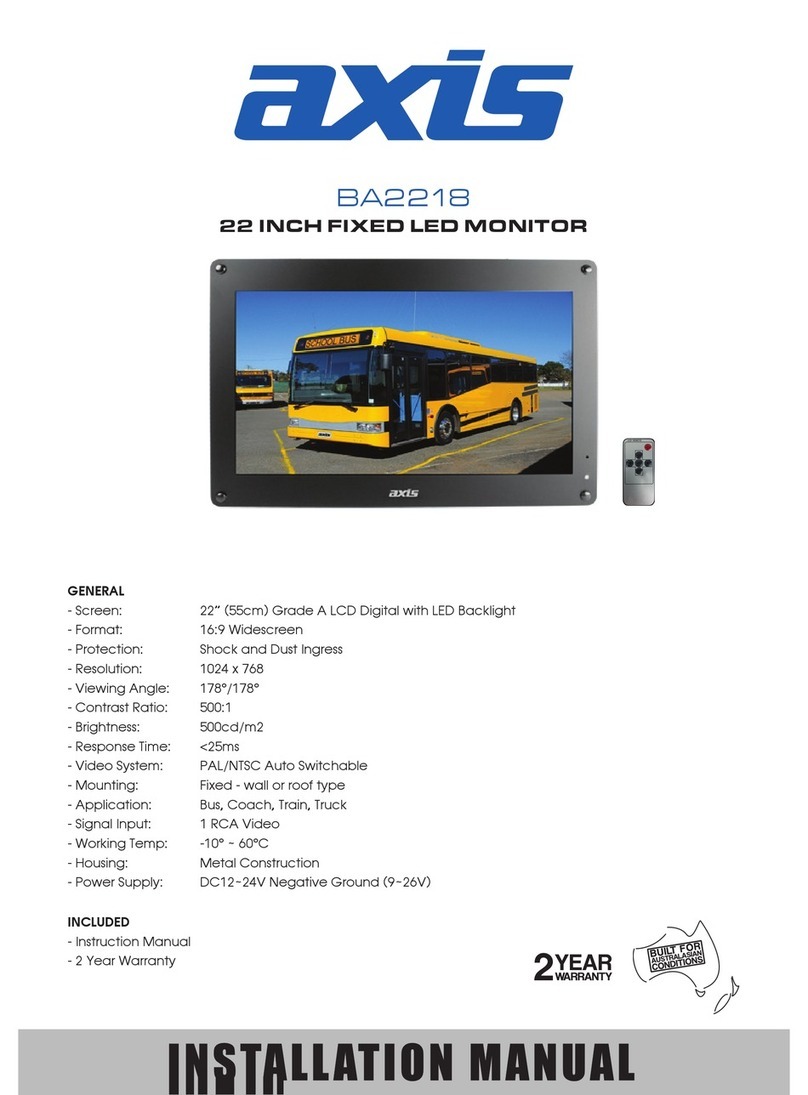
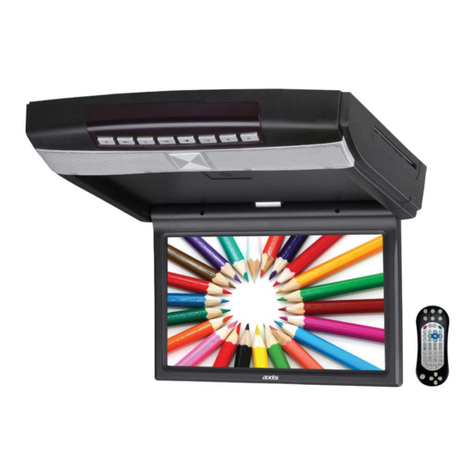
Axis HD1014 Manual

1
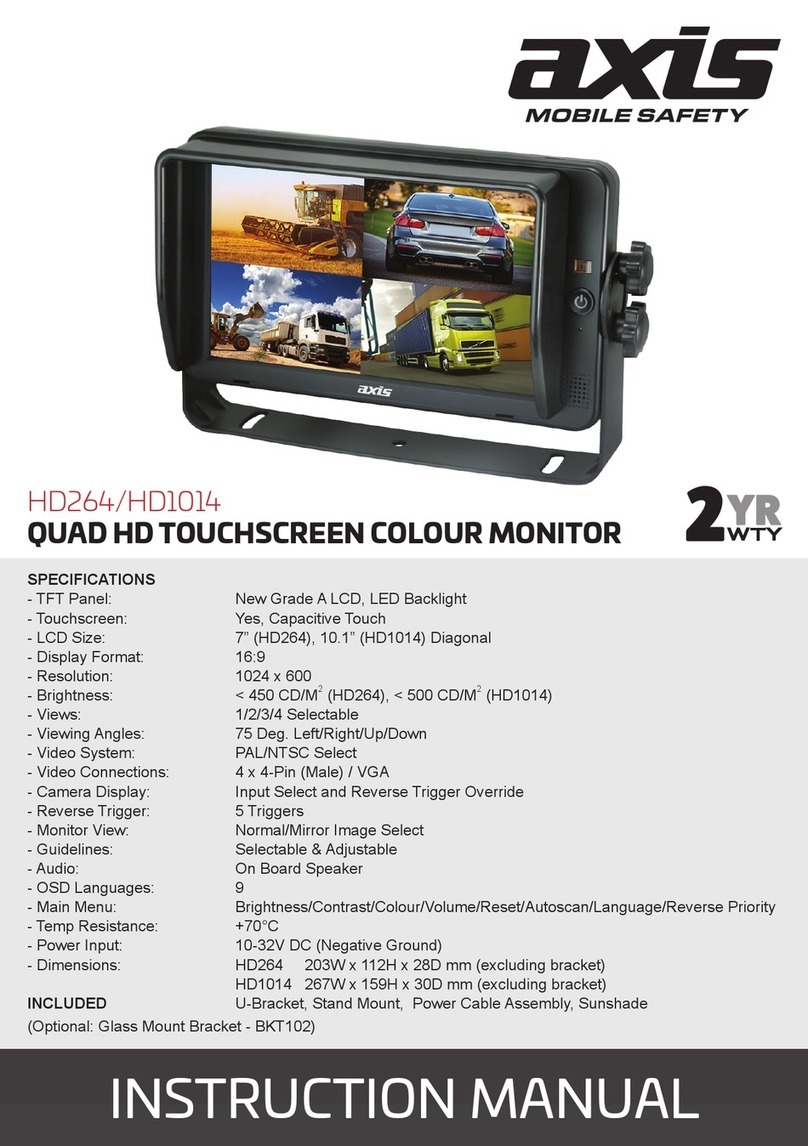
HD264/HD1014
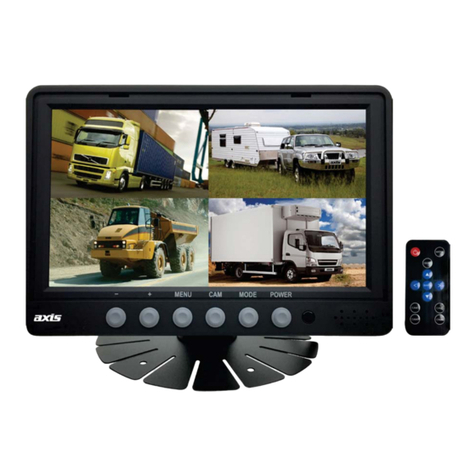
QUAD HD TOUCHSCREEN COLOUR MONITOR
INSTRUCTION MANUAL
SPECIFICATIONS
- TFT Panel: New Grade A LCD, LED Backlight
- Touchscreen: Yes, Capacitive Touch
- LCD Size: 7” (HD264), 10.1” (HD1014) Diagonal
- Display Format: 16:9
- Resolution: 1024 x 600
- Brightness: < 450 CD/M2 (HD264), < 500 CD/M2 (HD1014)
- Views: 1/2/3/4 Selectable
- Viewing Angles: 75 Deg. Left/Right/Up/Down
- Video System: PAL/NTSC Select
- Video Connections: 4 x 4-Pin (Male) / HDMI / VGA
- Camera Display: Input Select and Reverse Trigger Override
- Reverse Trigger: 5 Triggers
- Monitor View: Normal/Mirror Image Select
- Guidelines: Selectable & Adjustable
- Audio: On Board Speaker
- OSD Languages: 9
- Main Menu: Brightness/Contrast/Colour/Volume/Reset/Autoscan/Language/Reverse Priority
- Temp Resistance: +70°C
- Power Input: 10-32V DC (Negative Ground)
- Dimensions: HD264 203W x 112H x 28D mm (excluding bracket)
HD1014 267W x 159H x 30D mm (excluding bracket)
INCLUDED U-Bracket, Stand Mount, Remote Control, Power Cable Assembly, Sunshade
(Optional: Glass Mount Bracket - BKT101)

2
Contents
1. Precautions ............................................................................................................... 3
2. Accessories ............................................................................................................... 5
3. Connections ................................................................................................................... 6
4. Menu Operation ........................................................................................................ 8
4.1 IR Remote Control ........................................................................................ 8
4.2 Menu Operation ............................................................................................ 9
4.2.1 Desktop ..................................................................................... 9
4.2.3 Volume ...................................................................................... 11
4.2.4 Mode ......................................................................................... 12
4.2.5 Source ....................................................................................... 12
4.2.6 Setting ........................................................................................ 13

3
1. Precautions
Storage and Keeping
1. Do not expose the monitor to excessive heat or cold. Storage temperature is -30 ~ +70°C;
Operating temperature is -20 ~ +70°C; Battery operating temperature is 0-70°C; Humidity is Rh90%.
2. Never use this device near a bathtub, wash basin, kitchen, damp basement, swimming pool or
similar places.
3. Never use this device in environment with excessive moisture, dust or smoke.
4. Avoid dropping or striking.
5. Never use this device in enclosed spaces, areas with excessive vibration or subject to severe
impacts.
6. Never puncture, scratch or use abrasive cleaning materials on this device.
7. Do not place cables where they may be pinched or stepped on.
8. Leave at least a 50mm space between the monitor and walls, cabinets or other objects to allow
adequate air circulation around the device.
9. The monitor is not designed to be waterproof.
Operating Precautions
1. The device may be powered by a 12 or 24 volt automotive battery or vehicle electrical system.
2. Make sure all cables are connected properly. Observe polarity. Improper cable connections may
damage the monitor. Remove the power cable connections when you do not intend to use
the device for an extended period.
1. High voltage is present within the monitor. Opening the monitor case should be done by
professionals.
2. Do not watch video while driving unless you are monitoring rear view camera display.
Occasionally, a few highlights or dark spots may occur on the LCD screen. That is a very common
phenomenon in active matrix display technology, and it does not necessarily indicate any defect
or fault.
1HYHUWU\WRUHSDLUWKLVGHYLFHE\\RXUVHOI,IDQ\SUREOHPSOHDVHWXUQRႇWKHGLVSOD\DWRQFH
and notify our company or authorized dealer. The monitor is a complex device. Any disassembly
RUPRGL¿FDWLRQPD\OHDGWRGDPDJHDQGLQYDOLGDWHZDUUDQW\
Warning!
Special Notice!

4
Maintenance
1. Remove all the cable connections from monitor before cleaning the device.
2. Use mild household detergent to clean the device with slightly damp, soft cloth.
3. Never use strong solvents such as thinner or benzine.
This symbol is to call attention to the presence of uninsulated ”dangerous voltage” within the product’s
enclosure, which may cause electric shock.
This symbol is to call attention to the presence of important operating and maintenance (service)
instructions in the literature accompanying the appliance.
This symbol is to call attention to recycle displosal of the electronic equipment.
Risk of electric shock
Do not open
Caution: to reduce the risk of electric shock,
Do not remove cover (or back).
No user-serviceable parts inside.
5HIHUVHUYLFLQJWRTXDOL¿HGVHUYLFHSHUVRQQHO
CAUTION

5
2. Accessories
Special Notice!
$FFHVVRU\VXSSO\PD\GLႇHUIURPDERYH
U-Support Bracket
Sun Shield
Angle Adjustment Screws
Centre Mount Bracket
Power Cable
IR Remote Control

6
3. Connections
A: Camera 1 White 4 PIN Male
B: Camera 2 Blue 4 PIN Male
C: Camera 3 Green 4 PIN Male
D: Camera 4 Brown 4 PIN Male
E: Black 5 PIN Male
F: Black 5 PIN Female:
: Red: VCC 10-32VDC
: Black: GND
: White: Camera 1 Trigger
: Blue: Camera 2 Trigger
: Green: Camera 3 Trigger
: Brown: Camera 4 Trigger
: Yellow: Split Trigger

7
Basic functions of HD Quad-View Monitor
6SHFL¿FDWLRQV
• 7” or 10.1” HD quad-view monitor with LVDS interface, supports high resolution 1280*800.
• Supports 4 x camera inputs in 720P/1080P and multiple TV system like PAL/NTSC/HD-AHD/HD-TVI/
HD-CVI, and 1080P video input.
,PDJHFDQEHKRUL]RQWDOO\YHUWLFDOO\ÀLSSHGQRUPDOPLUURULPDJH0HQXFKDUDFWHUVUHPDLQ
the same while setting to mirror image.
• Support multiple image display modes like single, dual, triple, quad, trefoil, Y-split, H-split.
• Support 1 x HDMI video input, for easy connection to PC or smart electronic devices, etc.
• Support 1 x VGA video input and resolution can be 1080P.
• Support 1 x CVBS video input for DVD, etc.
• Capacitive touch-screen.
• Support 5 x triggers. Trigger priority & trigger delay are selectable.
• Support auto scan. Scan channel and scan time are selectable.
• Support backlight adjustment manually in 3 levels and automatic.
• Parking line.
• With 1.5W speaker.
• Monitor operated by buttons, remote control or touch-screen.
• Support 9 languages OSD (English, German, Japanese, Russian, Chinese, Italian, Spanish,
French, Dutch).
• Working voltage: 10-32V, with short circuit protection and short circuit alarm function.
• Compliance with CE/FCC/RCM standards.
HD Wiring conguration:
Note: Compatible with HD cameras only
Monitor Camera

8
4. Menu Operation
4.1. IR Remote Control
As shown in picture 4.1, IR remote control has 13 buttons and below are corresponding functions:
Ɣ087(0XWHRUXQPXWH
Ɣ3RZHU7XUQRQRUHQWHUVWDQGE\PRGH
Ɣ92/0RYHWKHPHQXFXUVRUULJKWRULQFUHDVHYROXPH
Ɣ92/0RYHWKHPHQXFXUVRUOHIWRUGHFUHDVHYROXPH
Ɣ0(182SHQPHQXRUUHWXUQWRSUHYLRXVPHQX
Ɣ830RYHXSWKHPHQXFXUVRURUVZLWFKVFUHHQGLVSOD\PRGHZKHQWKHUHLVQRSRSXSPHQXDQG
signal source is selected as camera.
Ɣ'2:10RYHGRZQWKHPHQXFXUVRURUVZLWFKVFUHHQGLVSOD\PRGHZKHQWKHUHLVQRSRSXSPHQX
and signal source is selected as camera.
Ɣ02'(6ZLWFKLQSXWVRXUFHLQWKHRUGHU&$0(5$!+'0,!:,),!'9'!9*$
Ɣ6(/&RQ¿UPDWLRQEXWWRQ
Ɣ31:KHQVLJQDOVRXUFHLVVHOHFWHGDVFDPHUDVZLWFK79V\VWHPXQGHUVSOLWVFUHHQPRGHLQWKH
RUGHU176&!3$/!3+=!3+=!,+=!,+=
Ɣ/$1*(QWHUWKH/DQJXDJHVHWXS0HQX
Ɣ5(676\VWHPUHVHWEXWWRQ
Ɣ$91XOO
Mute or unmute
Pic. 4.1
Turn on or enter
standby mode
Open menu or return to
previous menu
Move the menu cursor right
or increase volume
&RQ¿UPDWLRQEXWWRQ
Move the menu cursor left
or decrease volume
Move down the menu cursor
Switch input source
Move up the menu cursor
or decrease
Enter the Language
setup Menu
Switch TV system
System reset
N.A

9
4.2. Menu Operation
4.2.1. Desktop
Pic. 4.2.1

10
Desktop interface is shown in Pic. 4.2.1. When Home Menu does not pop up.
Touch the White border shown in Pic. 4.2.1 to pop up Home Menu.
When signal source is selected to be cameras, image display mode can be switched by sliding to left/
ULJKWRQVFUHHQLQWKHRUGHU/()7!5,*+7!)5217!%$&.!'28%/(!75,3/(!75()2,/!
<63/,7!+63/,7!48$'!/()7
Pic. 4.2.2
Pic. 4.2.3
This manual suits for next models
1
Table of contents
Other Axis Monitor manuals