manuals.online logo
Brands
  1. Home
  2. •
  3. Brands
  4. •
  5. Bayer HealthCare
  6. •
  7. Blood Glucose Meter
  8. •
  9. Bayer HealthCare A1CNOW User manual

Bayer HealthCare A1CNOW User manual

Other Bayer HealthCare Blood Glucose Meter manuals

Bayer HealthCare Ascensia Breeze User manual

Bayer HealthCare

Bayer HealthCare Ascensia Breeze User manual

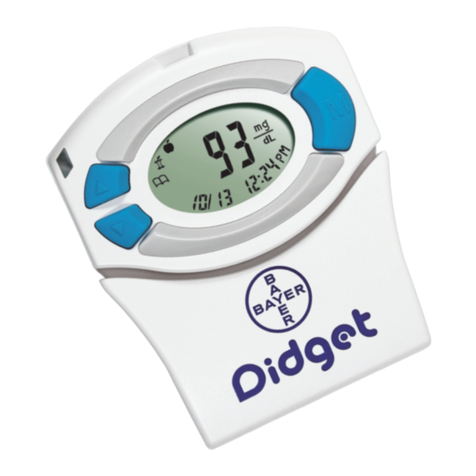
Bayer HealthCare Didget User manual

Bayer HealthCare

Bayer HealthCare Didget User manual

Bayer HealthCare Ascensia Breeze Ascensia BREEZE and Ascensia AUTODISCTM Unique 10-Test... User manual

Bayer HealthCare

Bayer HealthCare Ascensia Breeze Ascensia BREEZE and Ascensia AUTODISCTM Unique 10-Test... User manual

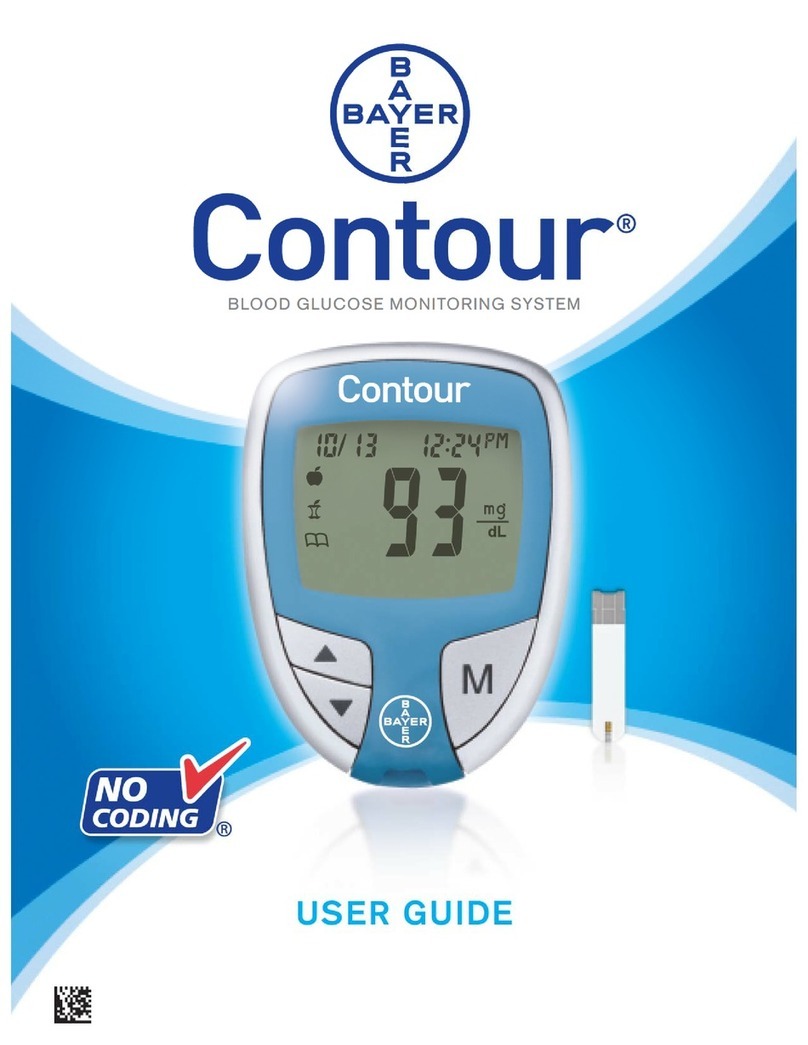
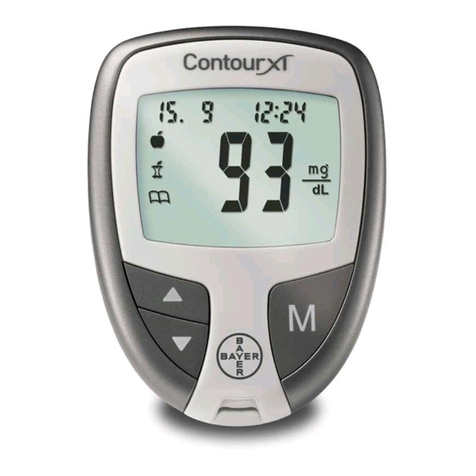
Bayer HealthCare CONTOUR User manual

Bayer HealthCare

Bayer HealthCare CONTOUR User manual

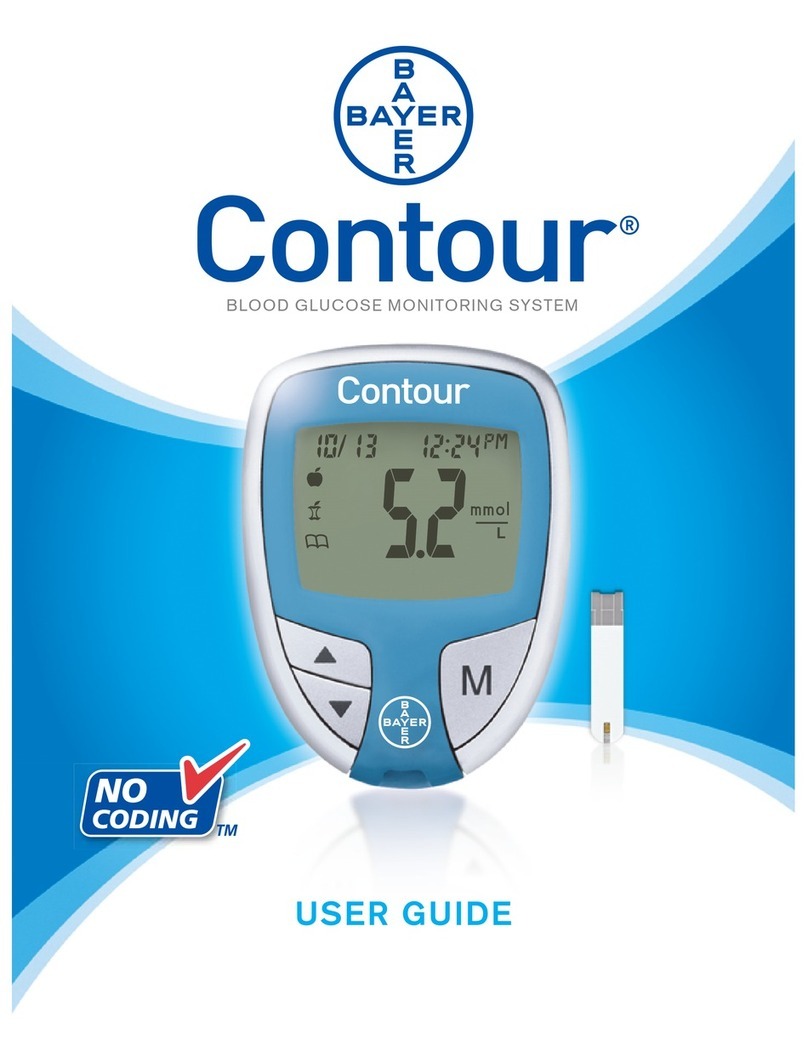
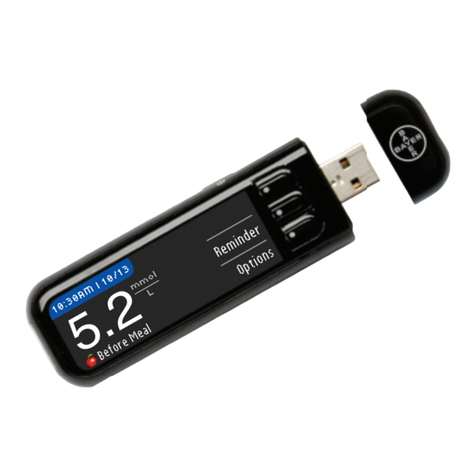
Bayer HealthCare CONTOUR User manual

Bayer HealthCare

Bayer HealthCare CONTOUR User manual

Bayer HealthCare ESPRIT User manual

Bayer HealthCare

Bayer HealthCare ESPRIT User manual
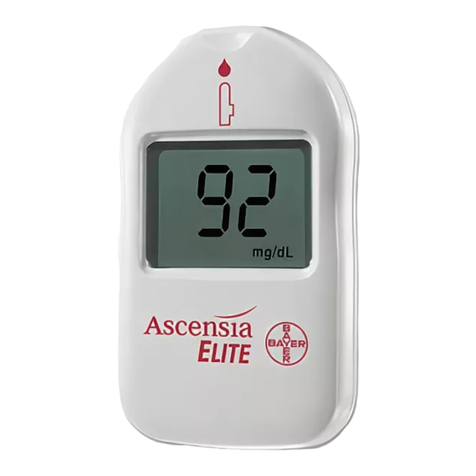
Bayer HealthCare Contour Next EX User manual

Bayer HealthCare

Bayer HealthCare Contour Next EX User manual

Bayer HealthCare CONTOUR NEXT User manual

Bayer HealthCare

Bayer HealthCare CONTOUR NEXT User manual

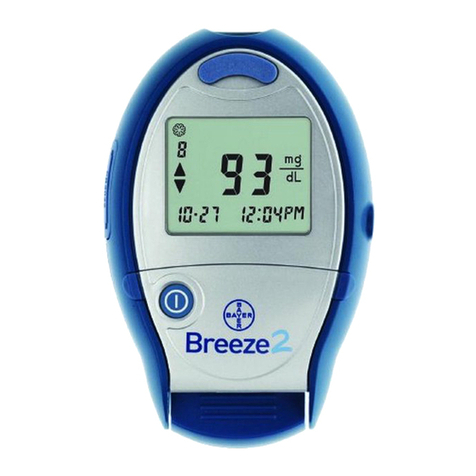
Bayer HealthCare Breeze2 User manual

Bayer HealthCare

Bayer HealthCare Breeze2 User manual

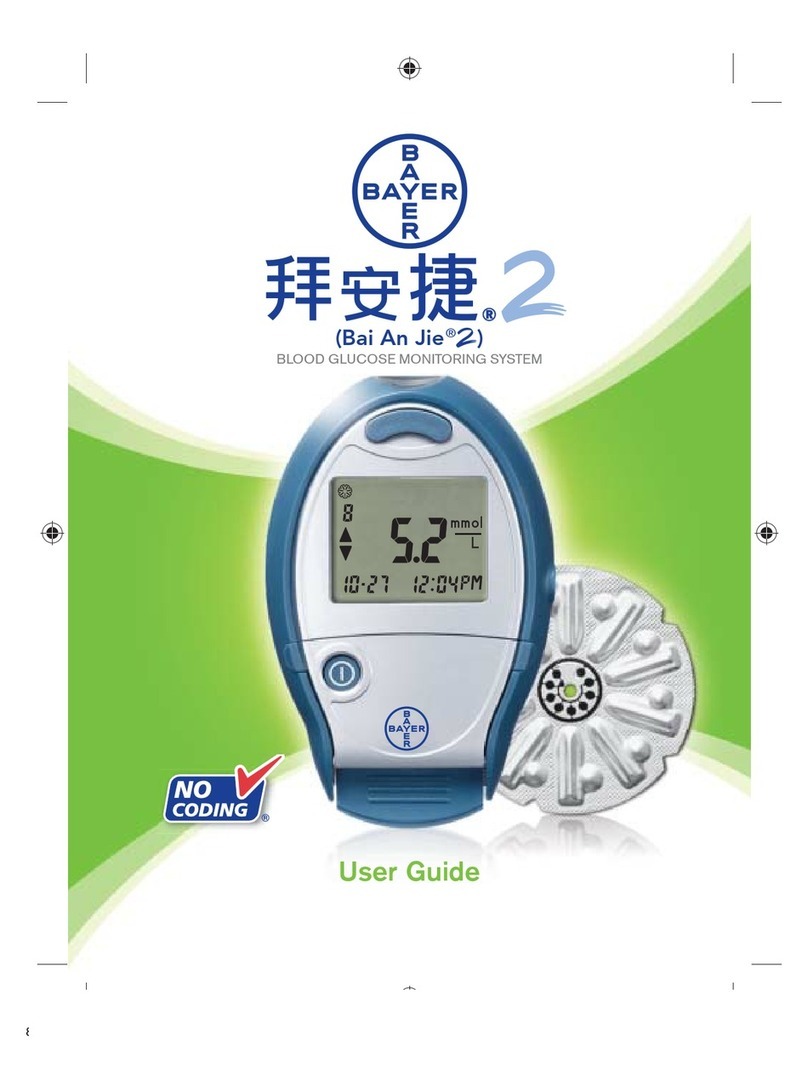
Bayer HealthCare Bai An Jie 2 User manual

Bayer HealthCare

Bayer HealthCare Bai An Jie 2 User manual

Bayer HealthCare CONTOUR User manual

Bayer HealthCare

Bayer HealthCare CONTOUR User manual

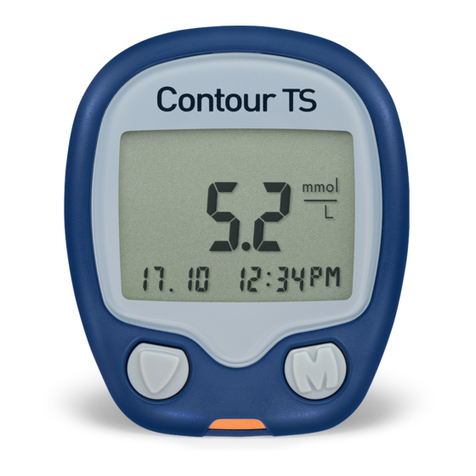
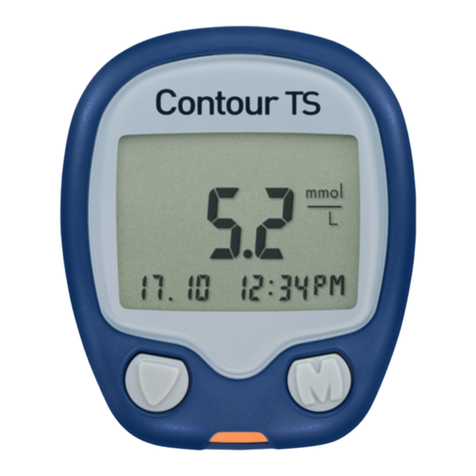
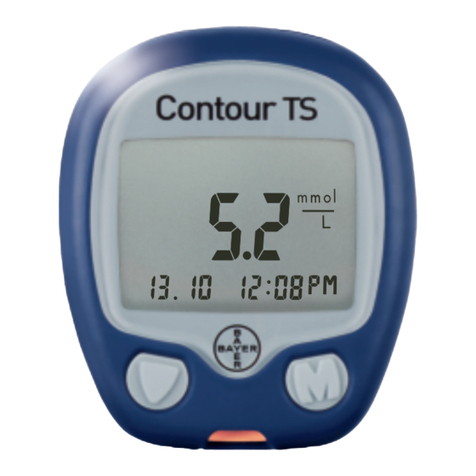
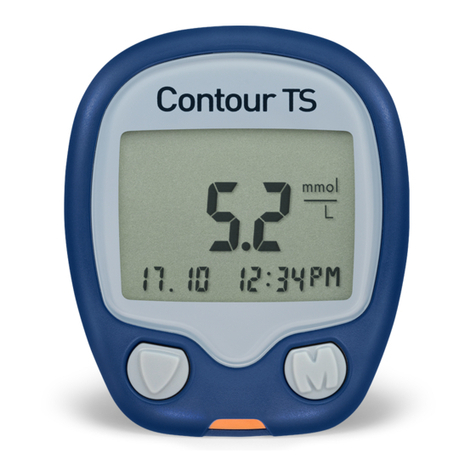
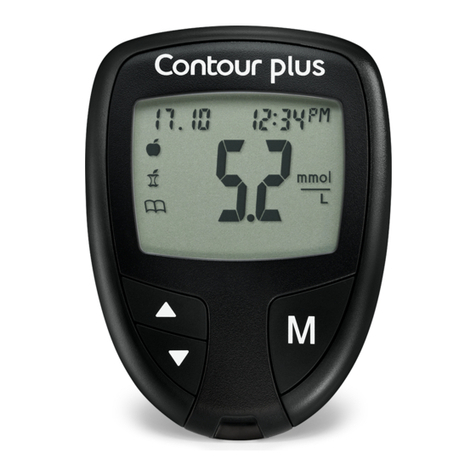
Bayer HealthCare Contour TS User manual
Bayer HealthCare

Bayer HealthCare Contour TS User manual

Bayer HealthCare CONTOUR User manual

Bayer HealthCare

Bayer HealthCare CONTOUR User manual

Bayer HealthCare CONTOUR User manual

Bayer HealthCare

Bayer HealthCare CONTOUR User manual

Bayer HealthCare Ascensia DEX2 User manual

Bayer HealthCare

Bayer HealthCare Ascensia DEX2 User manual

Bayer HealthCare CONTOUR NEXT User manual

Bayer HealthCare

Bayer HealthCare CONTOUR NEXT User manual

Bayer HealthCare CONTOUR User manual

Bayer HealthCare

Bayer HealthCare CONTOUR User manual

Bayer HealthCare Contour next Link 2.4 User manual

Bayer HealthCare

Bayer HealthCare Contour next Link 2.4 User manual

Bayer HealthCare CONTOUR User manual

Bayer HealthCare

Bayer HealthCare CONTOUR User manual

Bayer HealthCare Breeze 2 User manual

Bayer HealthCare

Bayer HealthCare Breeze 2 User manual

Bayer HealthCare CONTOUR NEXT User manual

Bayer HealthCare

Bayer HealthCare CONTOUR NEXT User manual

Bayer HealthCare Contour next EZ User manual

Bayer HealthCare

Bayer HealthCare Contour next EZ User manual

Bayer HealthCare CONTOUR User manual

Bayer HealthCare

Bayer HealthCare CONTOUR User manual
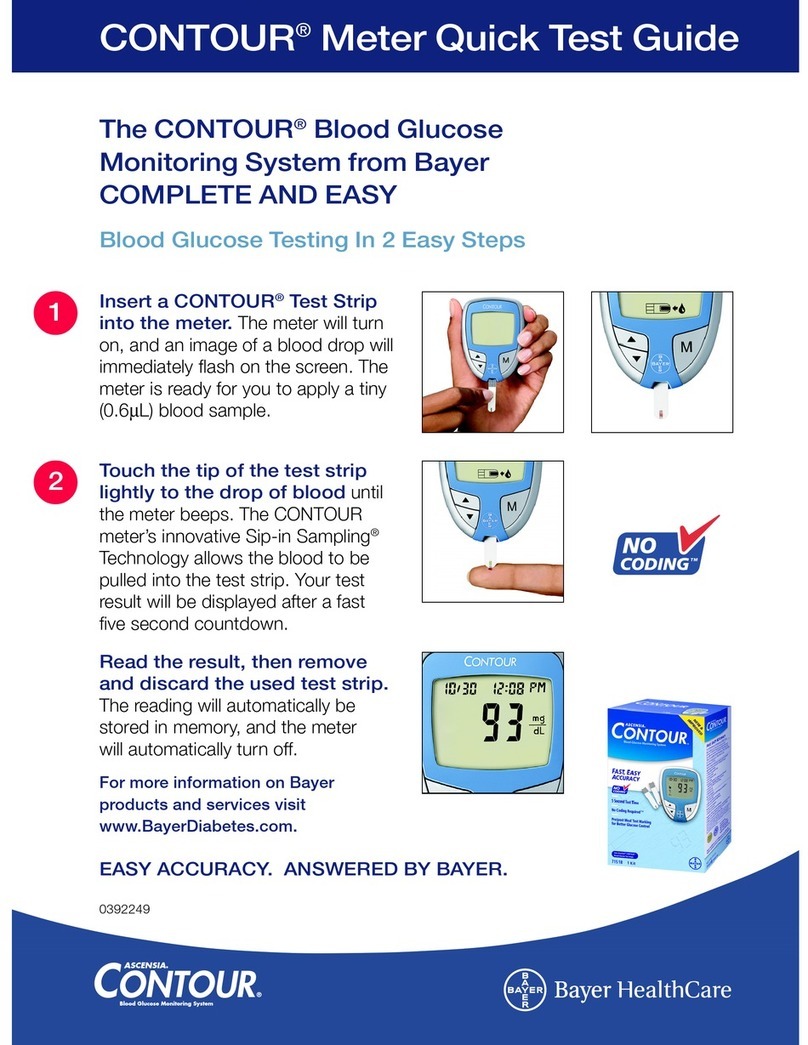
Bayer HealthCare CONTOUR NEXT LINK User manual

Bayer HealthCare

Bayer HealthCare CONTOUR NEXT LINK User manual

Popular Blood Glucose Meter manuals by other brands

ReliOn Prime User instruction manual

ReliOn

ReliOn Prime User instruction manual

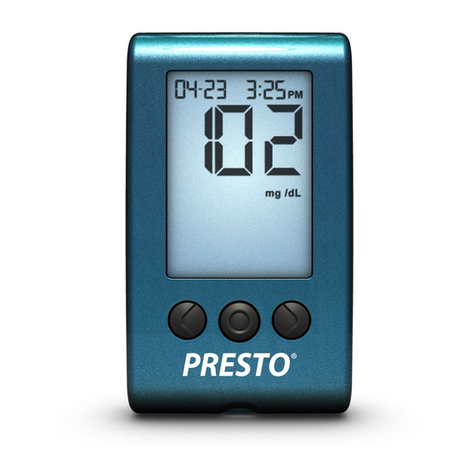
AgaMatrix Presto owner's guide

AgaMatrix

AgaMatrix Presto owner's guide

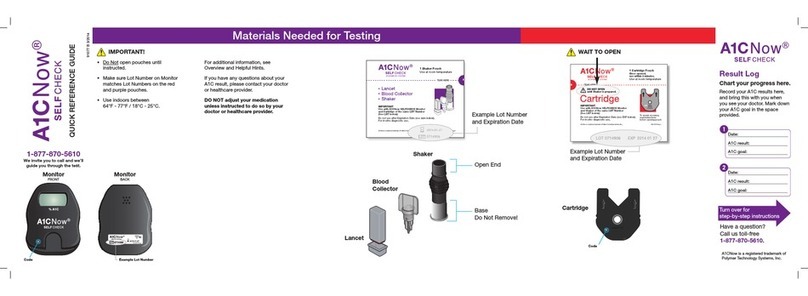
Polymer Technology Systems A1C Now Self Check user manual

Polymer Technology Systems

Polymer Technology Systems A1C Now Self Check user manual

Medisana GlucoDock instruction manual

Medisana

Medisana GlucoDock instruction manual

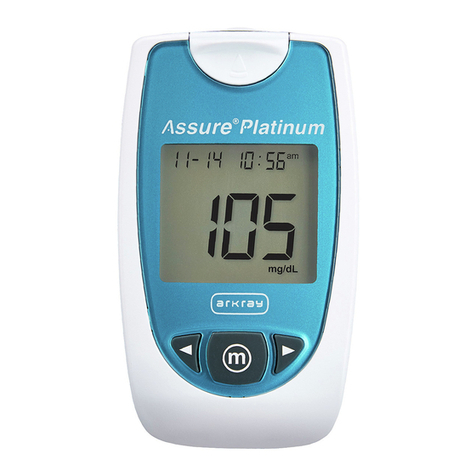
Arkray ASSURE PLATINUM quick start guide

Arkray

Arkray ASSURE PLATINUM quick start guide

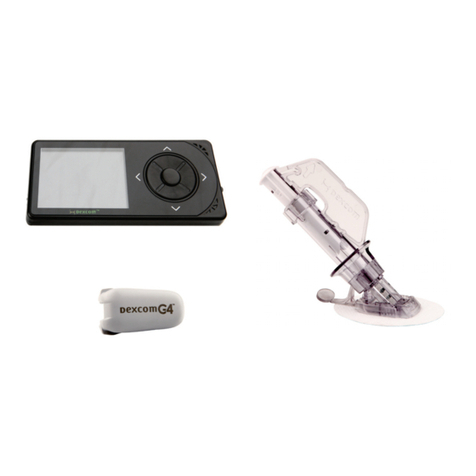
Dexcom G4 Professional user guide

Dexcom

Dexcom G4 Professional user guide

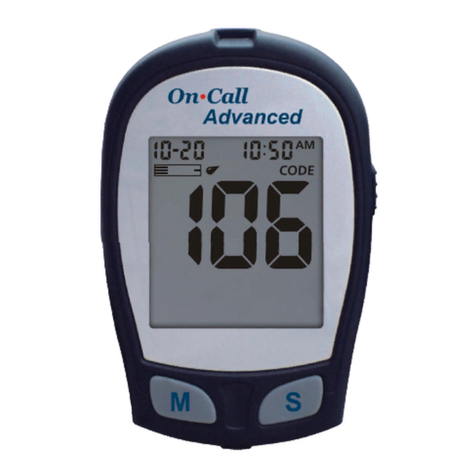
Acon On Call user manual

Acon

Acon On Call user manual

veri-Q BALANCE PRO user manual

veri-Q

veri-Q BALANCE PRO user manual

Medisana MediTouch 2 instruction manual

Medisana

Medisana MediTouch 2 instruction manual

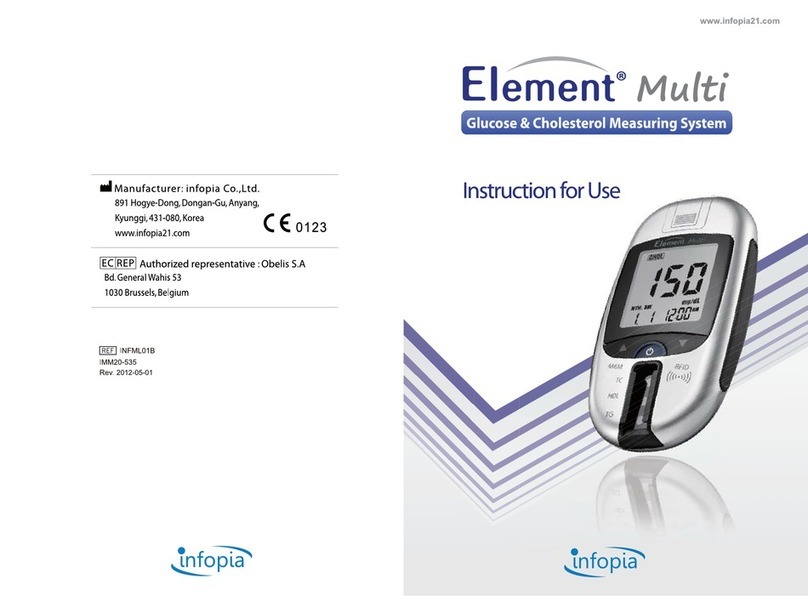
Infopia Element Instructions for use

Infopia

Infopia Element Instructions for use

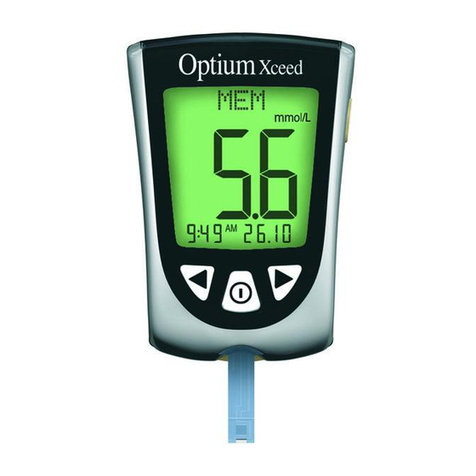
Abbott Optimum Xceed user guide

Abbott

Abbott Optimum Xceed user guide

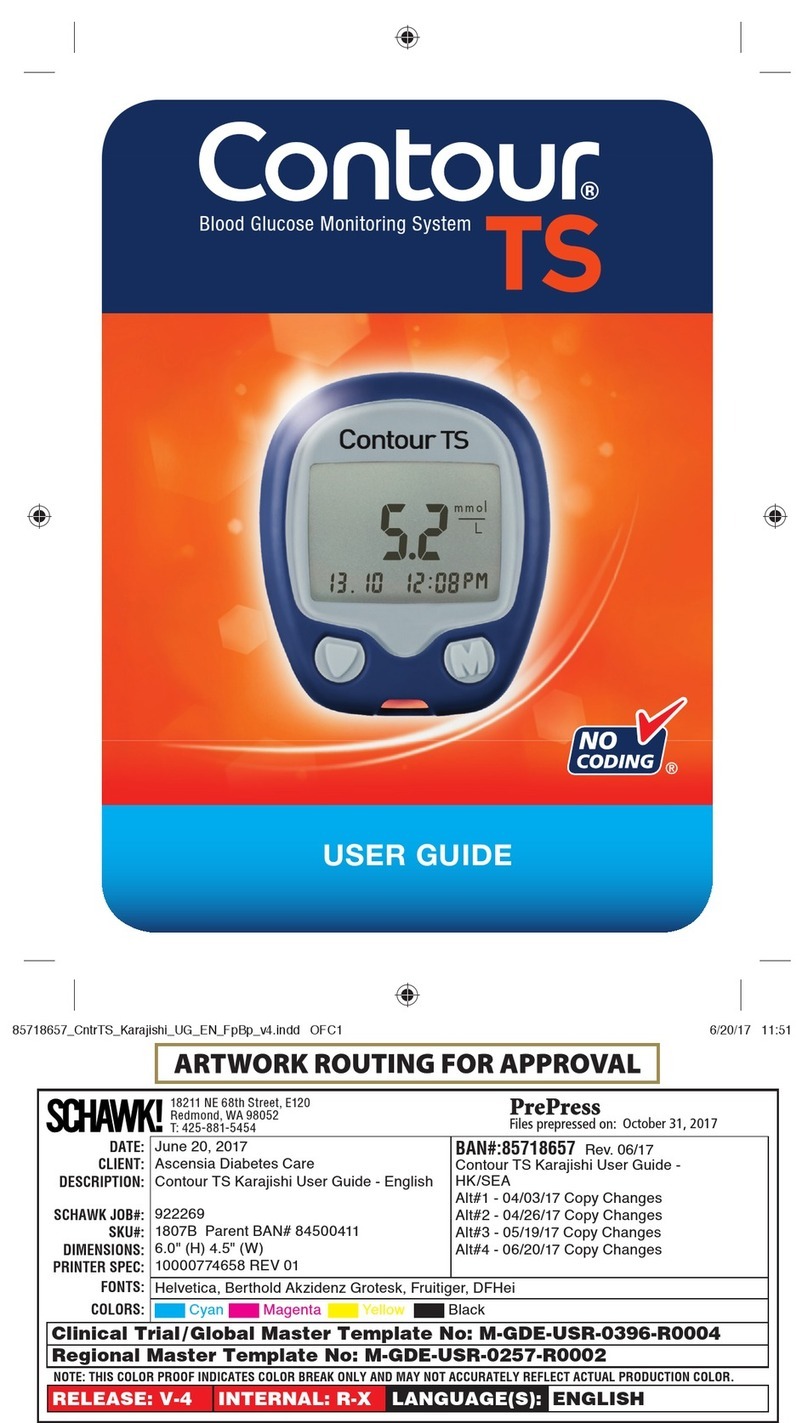
Contour TS user guide

Contour

Contour TS user guide

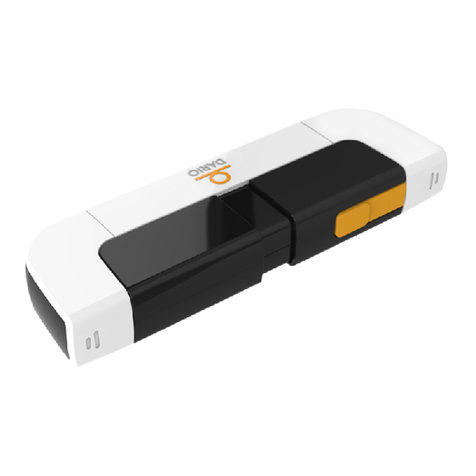
LabStyle Dario user guide

LabStyle

LabStyle Dario user guide

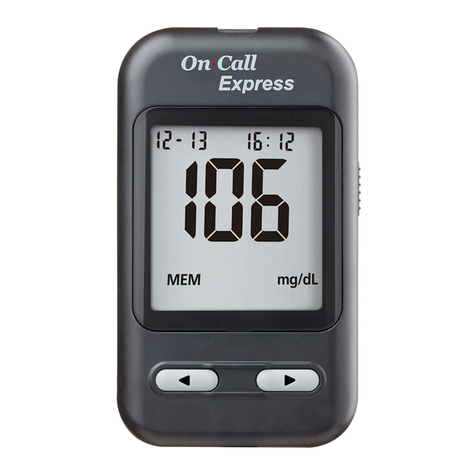
ACONLABS ON CALL EXPRESS user manual

ACONLABS

ACONLABS ON CALL EXPRESS user manual

Higi Technology iGlucose quick start guide

Higi Technology

Higi Technology iGlucose quick start guide

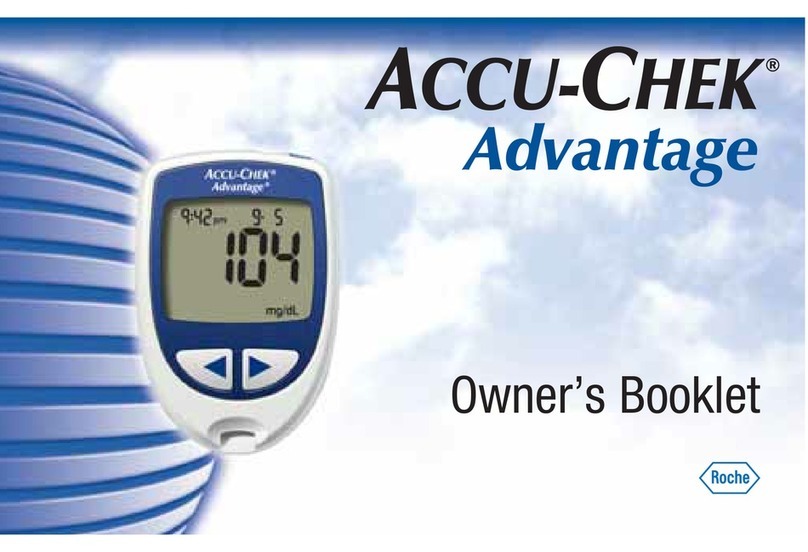
Accu-Chek ADVANTAGE owner's booklet

Accu-Chek

Accu-Chek ADVANTAGE owner's booklet

Sanofi-aventis BG STAR Brief operating instructions

Sanofi-aventis

Sanofi-aventis BG STAR Brief operating instructions

Abbott Precision Xtra user manual

Abbott

Abbott Precision Xtra user manual

manuals.online logo
manuals.online logoBrands
  • About & Mission
  • Contact us
  • Privacy Policy
  • Terms and Conditions

Copyright 2025 Manuals.Online. All Rights Reserved.

LOT 0714906 2009-06-03
1-866-371-9044
www.a1cnowselfcheck.com
OE
IMPORTANT!
Follow all steps on
reverse side after review-
ing DVD instructions.
Do Not open pouches until
instructed.
Make sure lot number on
Monitor matches lot num-
bers on the red and purple
pouches.
Use indoors between
64°F - 77°F / 18°C - 25°C.
Materials Needed for Testing
Example Lot Number
Monitor
1-866-371-9044
We invite you to call and we’ll
walk you through the test.
Monitor
FRONT BACK
Shaker
Base
Do Not Remove!
Open End
Lancet
Blood
Collector
Use at room temperature
Shaker
Blood Collector
Lancet
TEAR HERE
Example Lot Number
and Expiration Date
For additional information,
see Overview and Helpful Hints.
If you have any questions about
your A1C result, please contact
your doctor or healthcare provider.
Do not adjust your medication
unless instructed to do so by your
doctor or healthcare provider.
Cartridge
Example Lot Number
and Expiration Date
Cartridge
Once opened, use within
2 minutes.
WAIT TO OPEN
QUICK REFERENCE GUIDE
OE
SELFCHECK
If you are not able to view
the instructional DVD or
access it in our website,
www.a1cnowselfcheck.com,
we encourage you to call
our customer support to
have them walk you through
the test. Call us toll-free at
1-866-371-9044.
AT-HOM E A1C SYSTEM
SELFCHECK
DO NOT OPEN
until Shaker is prepared.
AT-HOM E A1C SYSTEM
SELFCHECK
Turn to reverse side for
step-by-step instructions
Date:
A1C level is:
A1C goal:
Date:
A1C level is:
A1C goal:
1
2
Chart your progress here.
Record you A1C measure-
ments here, and bring them
with you when you see your
doctor. Mark down your A1C
goal in the space provided.
Have a question
call us toll-free
1-866-371-9044.
©2009 Bayer, the Bayer Cross,
and A1CNow, are registered
trademarks of Bayer.
1600 Sherwin Ave.
Des Plaines, IL 60018
T 847.296.6000
April 28, 2009
Bayer Health Care
A1C Quick Reference Guide - English
474717A05
90865 Rev. 04/09
N/A
6.75" (H) x 22.5" (W)
N/A
ENGLISH
V-6
Helvetica
DATE:
CLIENT:
PROJECT NAME:
SCHAWK JOB#:
BAN#:
SKU#:
PAGE SIZE:
UPC CODE:
New Layout - AC1 Now
Alt#1 - 3/16/2009 - Copy Changes and new images
Alt#2 - 3/30/2009 - Copy Changes and image alts
Alt#3 - 4/07/2009 - Copy Changes and image alts
Alt#4 - 4/15/2009 - Copy Changes
Alt#5 - 4/20/2009 - Copy Changes and image alts
Alt#6 - 4/28/2009 - Copy Changes
®
®®
®
SELFCHECK
xxxx
5 6 7b 8
OE
1 2 3a 4 7a3b
90865A Rev. 4/09
Manufactured by:
Bayer HealthCare LLC
Sunnyvale, CA 94085 USA
www.a1cnowselfcheck.com
x
OE
SELFCHECK
®
Do not handle until
countdown is completed.
Following a 5 minute
countdown, result will
alternate with “QCOK”.
Refer to back of the carton
for details on the result.
Remove Cartridge and
discard with Shaker.
Save Monitor for second test.
Monitor will display “01TL” if
there is one test left and “00TL”
if you just used your last test.
After shaking, stand Shaker
on table.
TOO LITTLE
add more
blood
JUST RIGHT
wipe away
excess
Remove cap.
Press Lancet into finger.
Squeeze finger to get
adequate blood.
Gently touch Blood Collector to
top of blood drop. Push firmly to fully insert! There should be NO GAP
between the Blood Collector
and the Shaker.
Make sure tube is adequately filled.
Stick
Finger
Collect
Blood
Insert Blood Collector
into Open End of
Shaker
SHAKE for 5 Seconds
and Set Aside
Fully inserted
Check for Full Insertion
of Blood Collector
into Shaker
Not fully inserted
Keep pushing!
Open End
“SMPL” means ready for
sample from Shaker.
Cartridge will click into place.
Push firmly to fully insert!
TOO MUCH
Insert
Cartridge
“WAIT” for
“SMPL” Display
Push hard!
“RUN”will appear
Press Shaker into
Cartridge and
Remove Quickly
when “RUN” Appears
Remove Base
from Shaker
Leave Monitor Flat
on Table
Blood Collection
Open purple pouch ONLY!
Blood Testing
Open red pouch AFTER blood collection!
ONCE OPENED USE CARTRIDGE WITHIN 2 MINUTES
Cartridge
Once opened, use within
2 minutes.
Use at room temperature
Shaker
Blood Collector
Lancet
TEAR HERE
Do Not remove Base
GAP
AT-HOM E A1C SYSTEM
®
SELFCHECK
DO NOT OPEN
until Shaker is prepared.
AT-HOM E A1C SYSTEM
®
SELFCHECK
SELFCHECK
xxxx
5 6 7b 8
OE
1 2 3a 4 7a3b
90865A Rev. 4/09
Manufactured by:
Bayer HealthCare LLC
Sunnyvale, CA 94085 USA
www.a1cnowselfcheck.com
x
OE
SELFCHECK
®
Do not handle until
countdown is completed.
Following a 5 minute
countdown, result will
alternate with “QCOK”.
Refer to back of the carton
for details on the result.
Remove Cartridge and
discard with Shaker.
Save Monitor for second test.
Monitor will display “01TL” if
there is one test left and “00TL”
if you just used your last test.
After shaking, stand Shaker
on table.
TOO LITTLE
add more
blood
JUST RIGHT
wipe away
excess
Remove cap.
Press Lancet into finger.
Squeeze finger to get
adequate blood.
Gently touch Blood Collector to
top of blood drop. Push firmly to fully insert! There should be NO GAP
between the Blood Collector
and the Shaker.
Make sure tube is adequately filled.
Stick
Finger
Collect
Blood
Insert Blood Collector
into Open End of
Shaker
SHAKE for 5 Seconds
and Set Aside
Fully inserted
Check for Full Insertion
of Blood Collector
into Shaker
Not fully inserted
Keep pushing!
Open End
“SMPL” means ready for
sample from Shaker.
Cartridge will click into place.
Push firmly to fully insert!
TOO MUCH
Insert
Cartridge
“WAIT” for
“SMPL” Display
Push hard!
“RUN”will appear
Press Shaker into
Cartridge and
Remove Quickly
when “RUN” Appears
Remove Base
from Shaker
Leave Monitor Flat
on Table
Blood Collection
Open purple pouch ONLY!
Blood Testing
Open red pouch AFTER blood collection!
ONCE OPENED USE CARTRIDGE WITHIN 2 MINUTES
Cartridge
Once opened, use within
2 minutes.
Use at room temperature
Shaker
Blood Collector
Lancet
TEAR HERE
Do Not remove Base
GAP
AT-HOM E A1C SYSTEM
®
SELFCHECK
DO NOT OPEN
until Shaker is prepared.
AT-HOM E A1C SYSTEM
®
SELFCHECK
SELFCHECK