
BEA ZENSAFE User manual

ZENSAFE
2
1
5
7
8
9
6
TECHNICAL SPECIFICATIONS
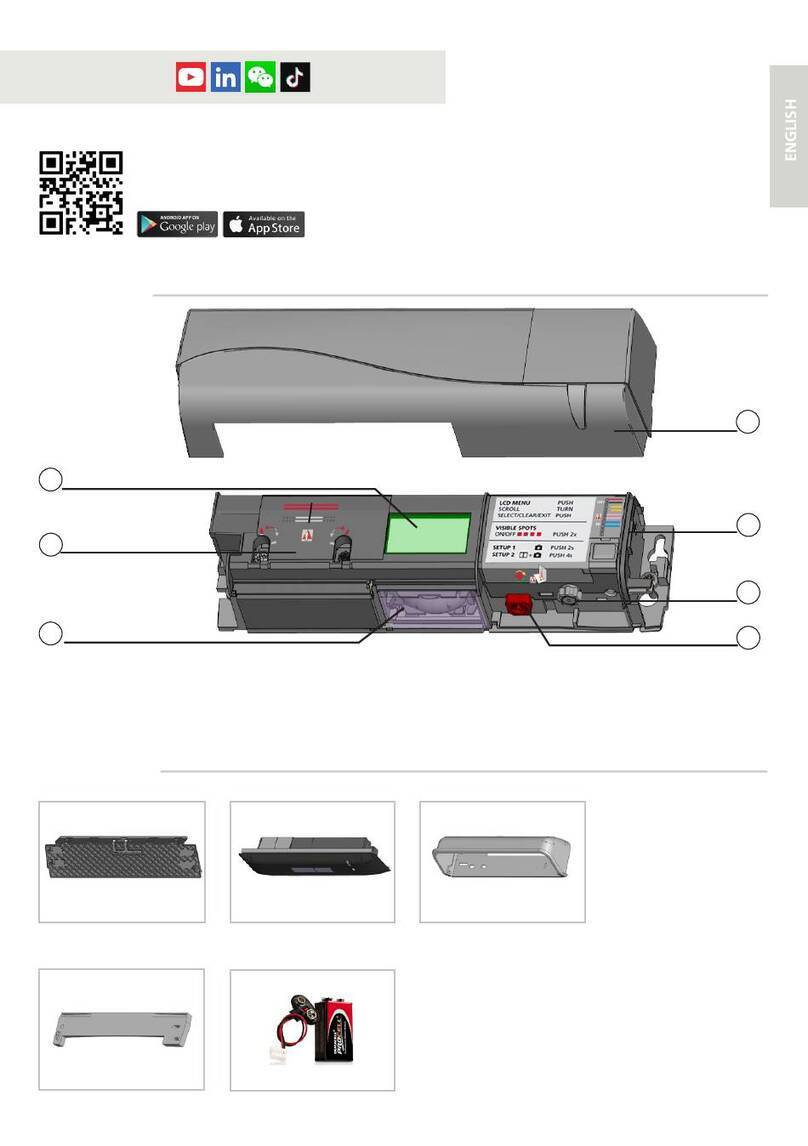
1. Cover
2. Front cover
3. Infrared lens
4. Microwave antenna
5. IR-curtain ajustment screw
DESCRIPTION
Presence
Typical response time: <128 ms (max. 500 ms)
Active infrared with background analysis
Spot diameter: 6 cm (typ)
Number of spots: 24 by curtain
Number of curtains: 1
From -5 ° to +8 ° (adjustable)
Relay (free of potential)
Max. contact voltage: 42 V AC/DC
Max. contact current: 1 A (resistive)
Max. switching power: 30 W (DC)/60 VA (AC)
0.5 s
EN
Opening & safety sensor
for automatic sliding doors
12 V - 24 V AC +/-10% ; 12 V - 30 V DC 0%/+10%
< 3 W
1.8 m to 3 m
-25 °C to +55 °C
IP54
Supply voltage:
Power consumption:
Mounting height:
Temperature range:
Degree of protection:
Motion
Min. detection speed: 5 cm/s
Microwave doppler radar
Transmitter frequency: 24.150 GHz
Transmitter radiated power: < 20 dBm EIRP
Transmitter power density: < 5 mW/cm2
From 15 ° to 45 ° vertical (adjustable)
Relay (free of potential)
Max. contact voltage: 42 V AC/DC
Max. contact current: 1 A (resistive)
Max. switching power: 30 W (DC)/60 VA (AC)
0.5 s
Detection mode:
Technology:
Angle:
Output:
Hold time output signal:
GREEN
LED
RED
LED
Specifications are sub
j
ect to chan
g
es without prior notice
.
All values measured in o
p
timal conditions
.
Other use of the device is outside the permitted purpose and can not be
guaranteed by the manufacturer. The manufacturer cannot be held responsible for
incorrect installations or inappropriate adjustments of the sensor.
6. Dip switch
7. LED
8. Microwave sensitive potentiometer
9. Cable plug
4
3
BEA | 3rd-5th Floor Tower B / No.10 Jiu Xian Qiao North Road, Chao yang District, Beijing | T +86 10 57761616 / F +86 10 62628775 | [email protected] |
1
1
1
2
1
2
1
2
1
1
2
1
1
1
2
3
1
2
|
Origina
l
instruction
s
|
69
.
059
1
/
V4 -
0
7.1
3
Angleur, November 2010 Jean-Pierre Valkenberg, Authorized representative
The complete declaration of conformity is available on our website: www.bea.be
LED-SIGNALS
The ORANGE LED
flashes 1 x.
The ORANGE LED
flashes every second.
The ORANGE LED
is on.
The RED LED flashes
quickly after a setup.
The RED LED
lights up
sporadically.
The GREEN LED
lights up
sporadically.
The reaction of
the door does not
correspond to the
LED-signal.
The sensor goes into
security mode.
The sensor signals
an internal fault.
The sensor encounters
a memory problem.
The sensor vibrates.
The sensor sees the door
during the setup.
The sensor sees the door.
The sensor vibrates.
Ghosting
The sensor sees the door
or other moving objects.
Cut and restore power supply.
Cut and restore power supply.
If orange LED lights up again, replace sensor.
Check the angle of the IR-curtains.
Launch a new setup.
Attention: Do not stand in the detection eld!
Check wiring.
Check if the sensor is fastened firmly.
Check position of prism and cover.
Change radar antenna angle.
Check if the sensor is fastened firmly.
Check position of cable and cover.
Change radar antenna.
Change radar field size (sensitivity).
Remove the objects if possible.
Launch a setup and adjust the IR angle.
Cut and restore power supply.
If orange LED flashes again, replace sensor.
Only for EC countries: According to the European Guideline 2002/96/EC for Waste Electrical and Electronic Equipment (WEEE)
SAFETY INSTRUCTIONS
The manufacturer of the door system is responsible for carrying out a risk assessment and installing the sensor and the door system
in compliance with applicable national and international regulations and standards on door safety.
Only trained and qualified personnel may install and setup the sensor.
The warranty is void if unauthorized repairs are made or attempted by unauthorized personnel.
Avoid touching any electronic and optical components.

max.
5 cm
ZENSAFE
H
W
3
1m left
1m right
1m middle
INFRARED FIELD - SAFETY
Spont finder LED
WIDTHANGLE
DOOR
RED
RED
LED
* Mask is an accessary.
Max. mounting height: 3 m
CLOSER
AWAY
Measured in optimal
conditions.
Use mask to get different areas
of detection field.
HW
2.20 m 2.20 m
2.50 m 2.50 m
3.00 m 3.00 m
4SETUP
Dip switch
Assistance
setting
1234
ON Criticalenvironment/outdoor Presence time 5min Push from OFF to
ON,start assistance set up Reservation
OFF Indoor Presence time 1min
Step out of the detection field during setup.
+
OPEN+CLOSE RED-GREEN OFF
IMPORTANT: Test the good functioning of the installation before leaving the premises.
It is recommended to clean the optical parts at least once a year or more often if required due to
environmental conditions.
*The critical environment/outdoor
sensitivity is decreased, and the immunity
is increased.
1
12-24 V
AC-DC
ZENSAFE
max 5 cm
*
*
MOUNTING & WIRING
POWER SUPPLY
OPENING INPUT
OPENS DOOR
SAFETY INPUT
KEEPS DOOR OPEN
2RADAR FIELD - OPENING IMPULSE GREEN
LED
* Output status when sensor is operational
Please make sure the cable conectior is maintained the IP class.
ANGLE
2.2 m
The door control unit and the door cover profile must be correctly earthed.
SENSOR
GREEN
BROWN
YELLOW
BLACK
WHITE
PINK
GREY
VIOLET
WIDTH
2.2 m
The maximum detection field is 4 m x 2 m.
The width of the radar field varies according
to the mounting height of the sensor.
FIELD SIZE
0
1
2
1
2
0
1
2
33
3
+... L, XL, XXL
0
1
2
1
2
0
1
2
33
3
-XXS, XS, S ...
X
Other BEA Door Opening System manuals

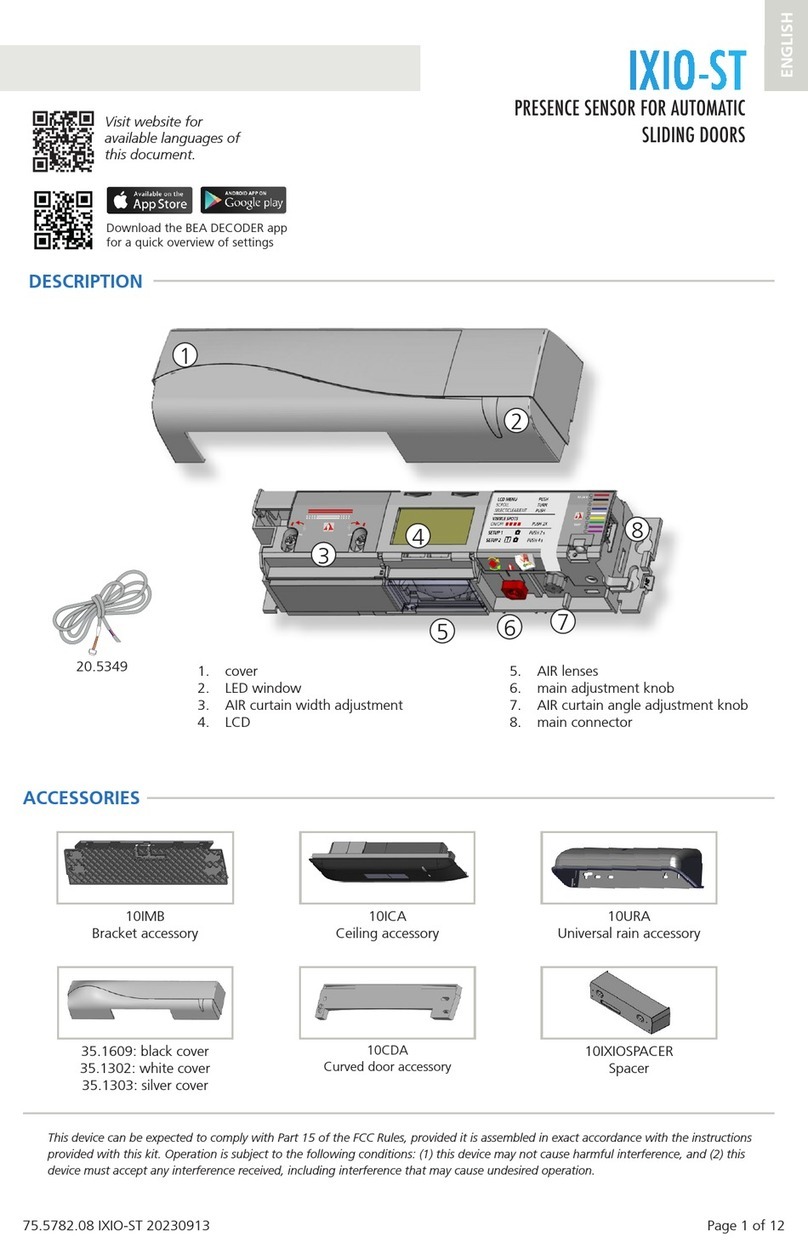

Popular Door Opening System manuals by other brands
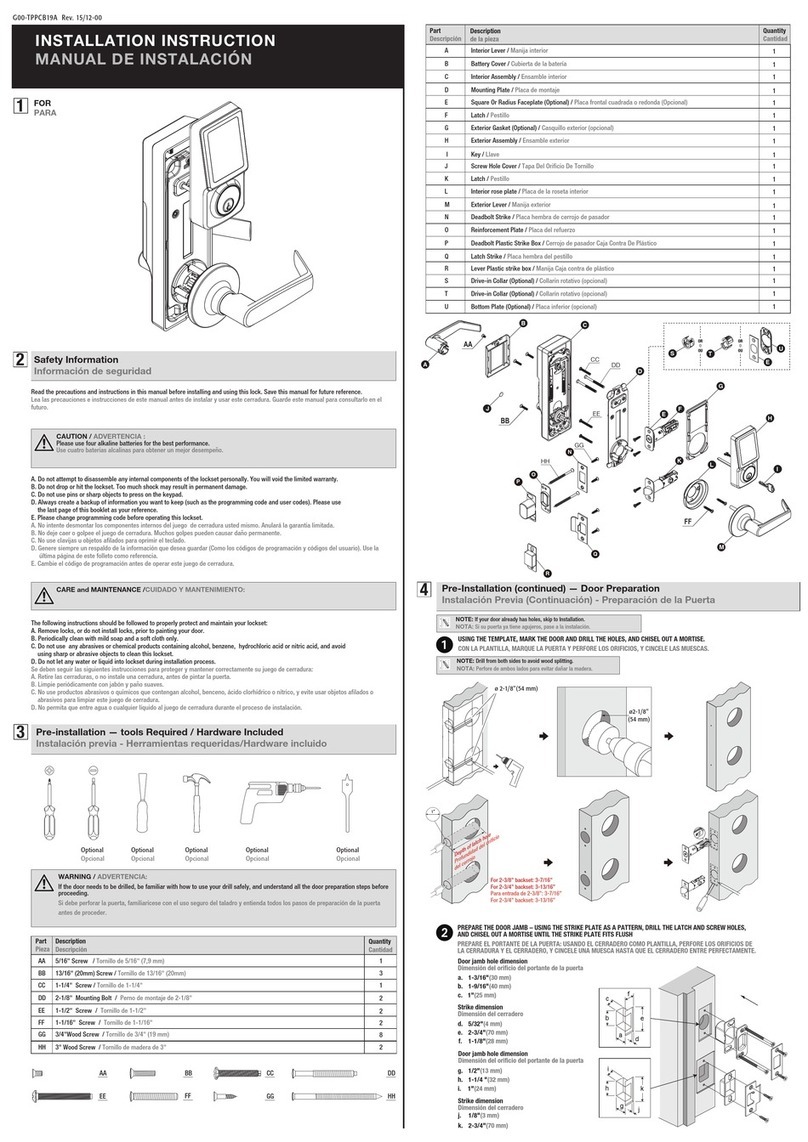




AGS
AGS D-PL Instructions for fitting, operating and maintenance

Stanley
Stanley MA900ñ Installation and owner's manual
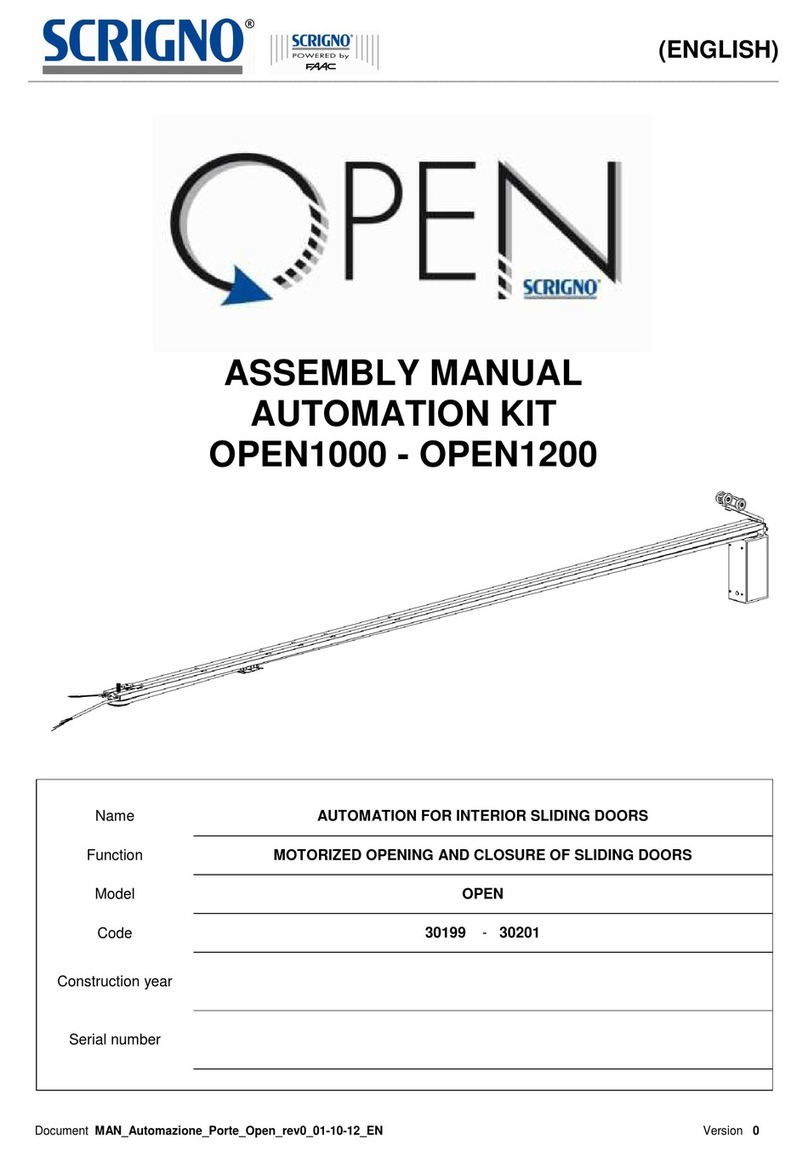
WITTUR
WITTUR Hydra Plus UD300 Instruction handbook

Alutech
Alutech TR-3019-230E-ICU Assembly and operation manual

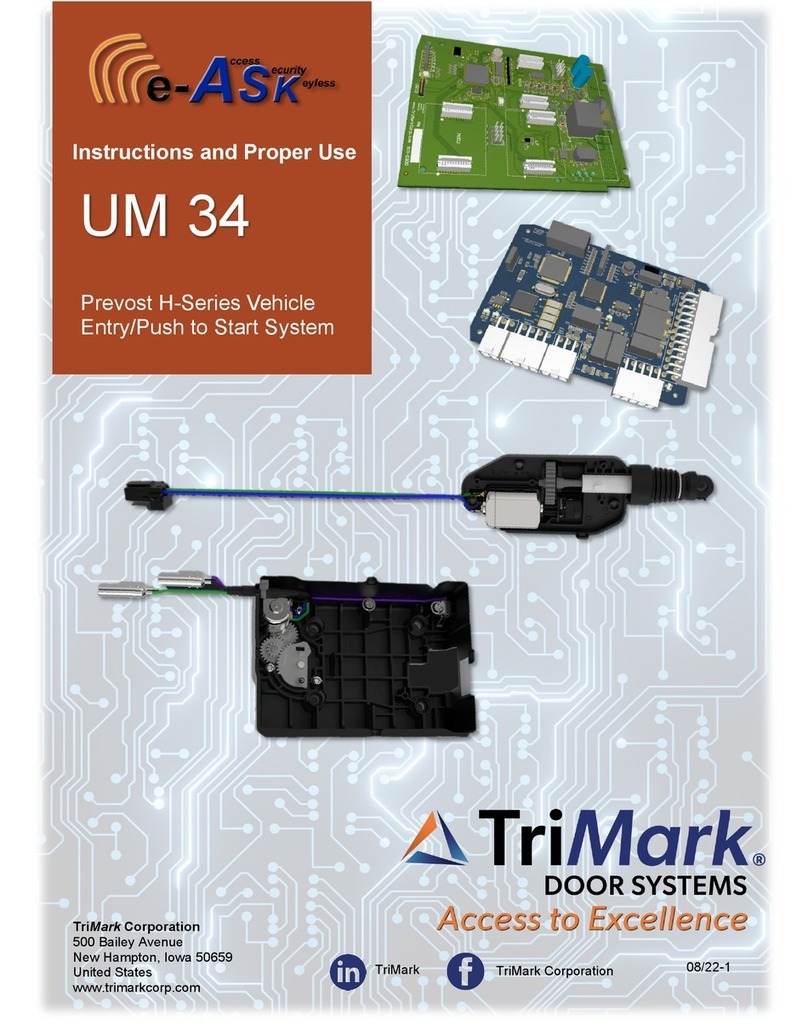
MPC
MPC ATD ACTUATOR 50 ATD-313186 Operating and OPERATING AND INSTALLATION Manual
GEZE
GEZE ECturn user manual