5
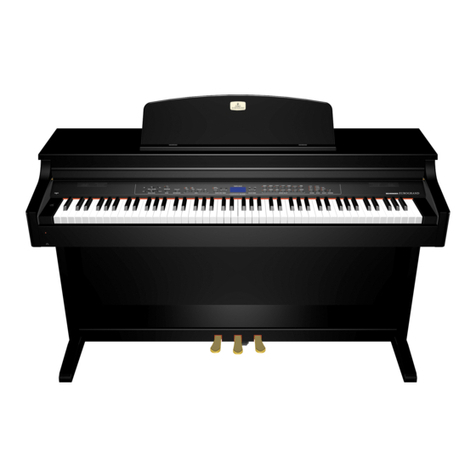
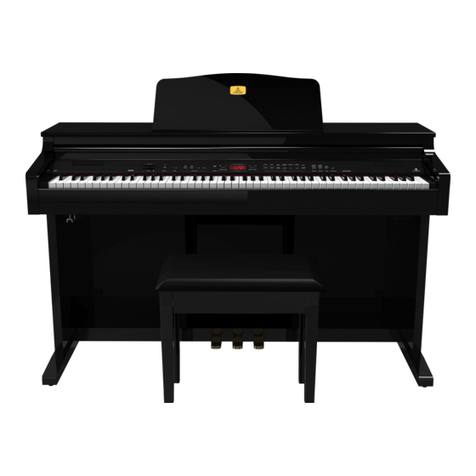
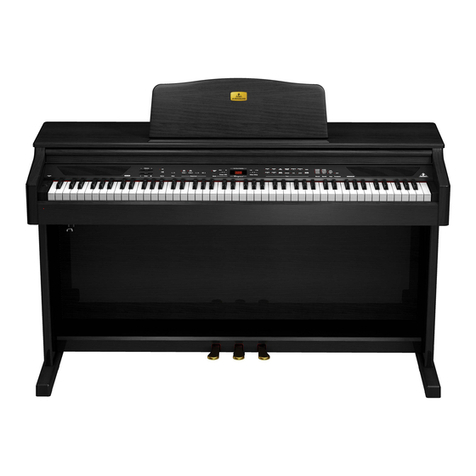
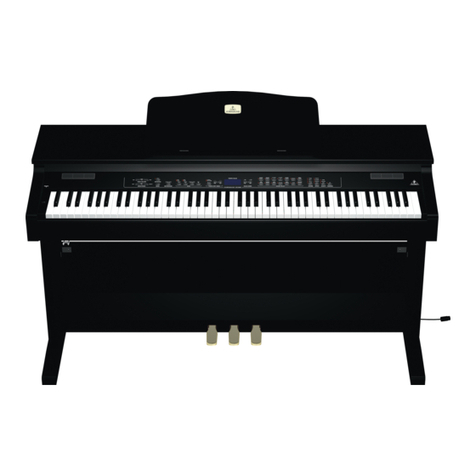
EUROGRAND EG2080-RW/BK
TABLE OF CONTENTS
1. INTRODUCTION .........................................................6
1.1 Before you get started ................................................. 6
1.1.1 Shipment............................................................ 6
1.1.2 Initialoperation .................................................. 6
1.1.3 Online registration ............................................. 6
2. ASSEMBLYINSTRUCTIONS ......................................6
3. QUICKSTART ............................................................8
3.1 Power on/off ................................................................ 8
3.2 Adjusting the volume .................................................... 8
3.3 Demo playback ............................................................. 9
3.3.1 Playing back the sound demos ......................... 9
3.3.2 Playing back the piano music demos................ 9
3.4 Selecting and playing sounds ...................................... 9
4. CONTROLELEMENTS ANDCONNECTIONS ...........10
4.1 Control panel ............................................................... 10
4.2 Connectors ................................................................. 11
4.3 Foot pedals ................................................................. 11
4.4 Power supply ............................................................. 11
4.5 Headphone connectors .............................................. 11
5. BASICOPERATION ..................................................12
5.1 Using two sounds (layer mode) ................................ 12
5.2 Changing the sound character................................... 12
5.2.1 Brightness equalizer....................................... 12
5.2.2 Room effects .................................................. 12
5.2.3 Modulation effects .......................................... 12
5.3 Using the pedals ......................................................... 13
5.4 Using headphones...................................................... 13
6. ADVANCEDOPERATION ..........................................14
6.1 Using EDITmode ......................................................... 14
6.1.1 Quick access to layer mode functions........... 14
6.2 Transposition .............................................................. 14
6.3 Layer mode settings ................................................... 14
6.3.1 Volume ratio .................................................... 15
6.3.2 Detune ............................................................. 15
6.3.3 Transposition .................................................. 15
6.3.4 Effect intensity ................................................ 15
6.3.5 Reset ............................................................... 15
6.4 Using the metronome .................................................. 15
6.4.1 Metronomevolume .......................................... 16
6.5 Music sequencer ........................................................ 16
6.5.1 Recording pieces of music ............................. 16
6.5.2 Editing pieces of music ................................... 17
6.5.3 Playing back pieces of music ......................... 17
6.5.4 Repeating musical passages for practicing... 18
6.5.5 Setting the volume of muted tracks ................ 18
6.5.6 Editing the music sequencer settings............. 19
6.5.7 Sync start........................................................ 19
6.5.8 Starting the music sequencer with the foot
pedal................................................................ 19
6.6 System settings .......................................................... 19
6.6.1 Key velocity .................................................... 20
6.6.2 Soft pedal intensity ......................................... 20
6.6.3 Finetuning ....................................................... 20
6.6.4 Tunings............................................................ 20
6.6.5 Saving parameter settings.............................. 21
6.6.6 Restoring the factory default settings............ 22
7. CONNECTION TOEXTERNALEQUIPMENT .............22
7.1 Connecting external sound sources.......................... 22
7.2 Connection to external amplifiers and recording
equipment.................................................................... 22
7.3 MIDI functions ............................................................. 23
7.3.1 MIDI connection to other sound modules ....... 23
7.3.2 MIDI connection to a music computer loaded
with sequencing software ............................. 23
7.3.3 MIDIsettings .................................................... 24
8. TROUBLESHOOTING ...............................................26
9. SPECIFICATIONS .....................................................27
10.APPENDIX..............................................................28
10.1 Cables ......................................................................... 28
10.1.1 Unbalanced 1/4" cable.................................... 28
10.1.2 RCA cables ..................................................... 28
10.1.3 1/4" to RCA cable ............................................ 28
10.1.4 MIDIcables ...................................................... 28
10.2 Presets on the EG2080 .............................................. 29
10.3 List of demo music pieces included ........................... 30
10.4 EDITparameters ......................................................... 31
10.5 MIDIimplementationchart ........................................... 32
10.6 Blank note sheet ......................................................... 33
11. WARRANTY ............................................................34