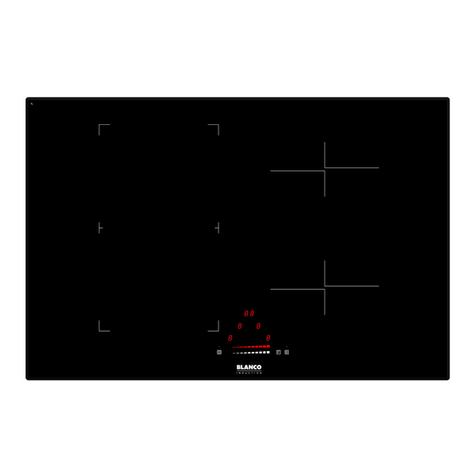
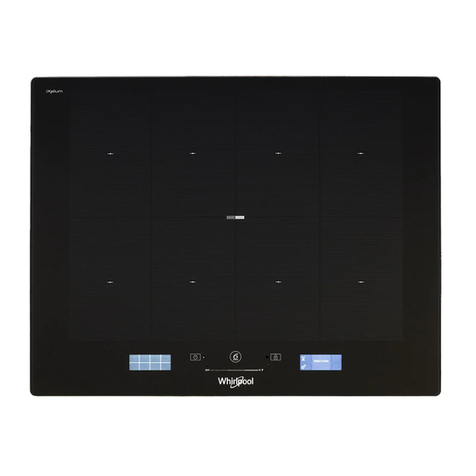
When the hob is in standby, the safety lock button is active and the relative LED is on.
After removing the safety lock button (pressing the symbol for 2 seconds), switch on the hob by
pressing the button for 2 seconds.
If no function is activated within 10 seconds of switching on the hob, it switches off automatically.
The associated cooking zone is indicated next to each control area. Identify the cooking zone to be
activated ( ) and activate it using the buttons and to regulate the level of cooking
required on a user scale of 1 (minimum) to 9 (maximum).
6
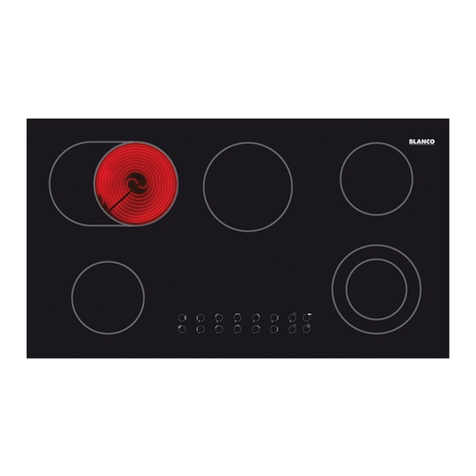
Model BCC905T
Every time that a button is pressed, it is confirmed by a check beep. The functions of hobs that use this
type of technology are activated by gently pressing the serigraph buttons on the surface of the hob. The
first time the hob is connected to the electricity supply, an operating check will be run automatically and all
the warning lights will come on for several seconds.
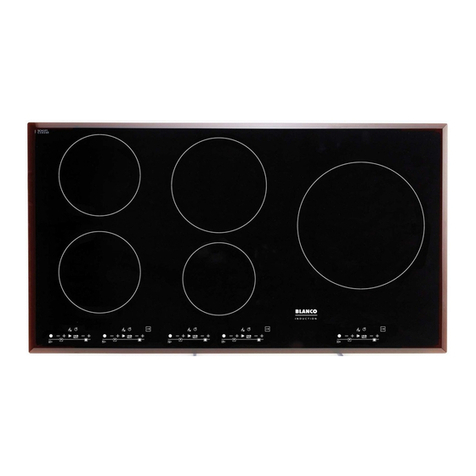
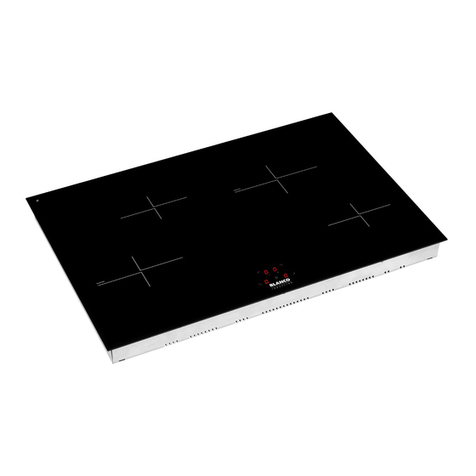
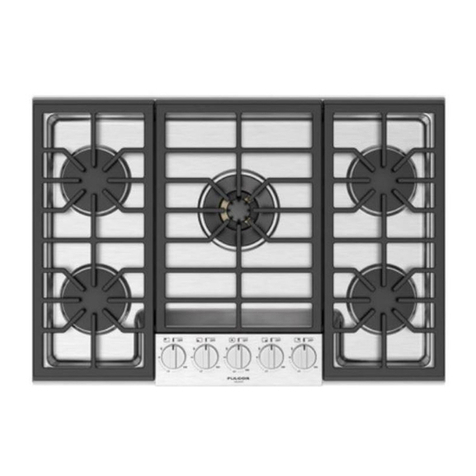
LEFT FRONT LEFT REAR CENTRAL
RIGHT REAR RIGHT FRONT
button and the double zone led will light up,
Double cooking area activation
After activating the cooking zone, press the or
depending on whether the plate is concentric or oval.
button and the corresponding LED will be
Double cooking area deactivation
When the double cooking zone is active, press the or
deactivated.
MINUTE MINDER
There is a minute minder for setting cooking zone run times from 1 to 99 minutes.
To set the minute minder, turn on the cook top, select a cooking zone and set the desired cooking setting.
Once this has been done, press the or below the timer symbol . Set the desired time by
pressing the and sy buttons. The Minute Minder will begin 5 seconds after the last key has been
button
pressed. When the time has ended, there will be 2 beeps at 3 second intervals for one minute. The
minute minder function does not deactivate the cooking zone. To stop timer mid cycle, use the
to decrease the time to 0.
TIMER
There is a timer for setting cooking zone run times from 1 to 99 minutes.
To set the timer, turn on the Hob and select the desired cooking zone and setting. Press the
button under the timer icon .This will cause all zones to flash "t" in the display.
Press the button of the required cooking zone. This will cause the cooking setting to flash alternately
with "t", this shows that the timer has been activated for this zone.
Set the desired cooking time by using the and buttons under the timer symbol.
The timer will indicate that it is set by have a dot next to the time shown.
When the time has ended, the cooking zone will turn off and there will be 2 beeps at 3 second intervals for
one minute. To stop timer mid cycle, use the button to decrease the time to 0.