Up
Red LED Green LED
Screen
DownLeft
Enter
Right
Exit
Fig. 2 Control panel button functions
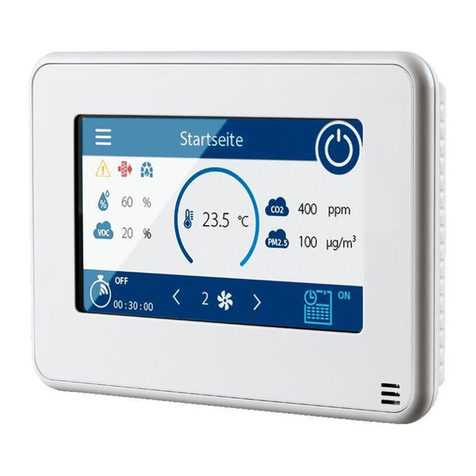
The control panel screen displays the information about the current state of the ventilation system automatic control system. The screen interface
is divided into several main windows. Use the Right/Left buttons to navigate between the windows. To enter the functions menu press Enter. To
return to the language menu press Exit.
Upon connecting the air handling unit to the electric mains and automatic cut-out switch activation the control panel screen displays the
manufacturer’s logo. If the „Restart“ function has been enabled (see p. 10.1) the air handling unit switches on automatically in a few seconds. If
the „Restart“ function is disabled, press the Up or Down button to select the air handling unit status.
To save the selected status select „Off“ and press Enter. The light goes off and the air handling unit remains disabled. To enable the air handling
unit select „On“ in the window and press Enter. The air handling unit activates, the green LED indicator lights up, and the screen displays the main
window with the current information (see Fig. 3).
The air temperature can be regulated in two ways:
• using the supply air duct temperature sensor;
• using the room air temperature sensor built into the control panel.
The main windows display the following information:
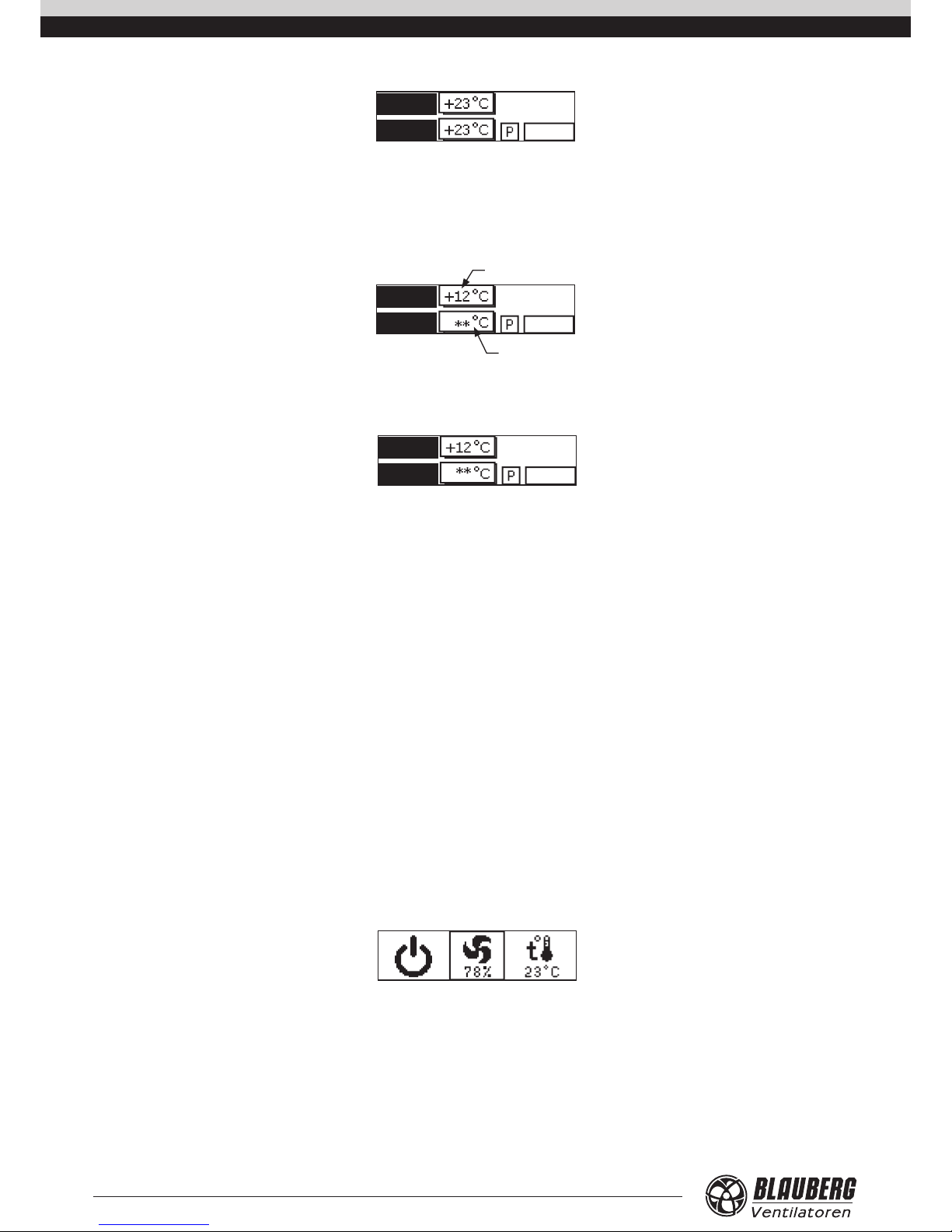
Window 1 (see Fig. 3) – temperature regulation using the supply duct air temperature sensor:
„a“ – current temperature in the supply duct;
„b“ – pre-set supply duct temperature value (SETPOINT);
„c“ – current fan speed;
„d“ – current heater output;
„e“ – current operation mode of the air handling unit;
„f“ – current time.
c
d
a
feb
Fig. 3
The air handling unit operation mode (field„e“) has three possible values:
„M“ – the manual mode. Any adjustments to the parameter values such as air flow rate, heating temperature as well as air handling unit activation
or deactivation can only be made by the user. The daily timer and weekly schedules are disabled.
„D“ – daily timer enabled. The air handling unit is enabled or disabled according to the pre-programmed temperature, air flow rate and daily
operation schedule. However, this mode also allows to enable or disable the air handling unit manually.
„W“ – weekly schedule enabled. The air handling unit is enabled or disabled according to the pre-programmed temperature, air flow rate and
weekly operation schedule. However, this mode also allows to enable or disable the air handling unit manually.
To enable temperature regulation using the room air temperature sensor press the Up or Down button. Main Window 1 displays the
information given on Fig. 4.
#2
34 %
Unit status
Duct Fan
Heater
Setpoint
On
Off
12 :3 4
UNIT CONTROL