-8-
Initial Operation
• Protect the tool against moisture and
direct sun irradiation.
• Do not subject the tool to extreme
temperatures or variations in
temperature.
Asan example, do not leave it in vehicles
for longer periods. In case of large
variationsin temperature, allow the
tool to adjust to the ambient temperature
before putting it into operation.
• Avoid heavy impact or falling of the
tool. Damage to the tool can impair its
accuracy.After heavy impact or shock,
compare the laser line with aknown
horizontal or vertical reference line.
• Switch the tool off during transport.
When switching off, the leveling unit,
which can be damaged in case of intense
movement, islocked.
Switching On and Off
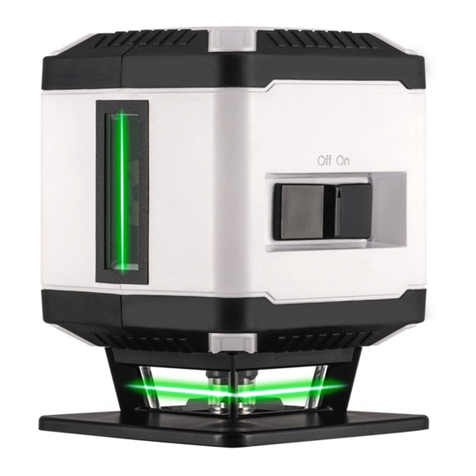
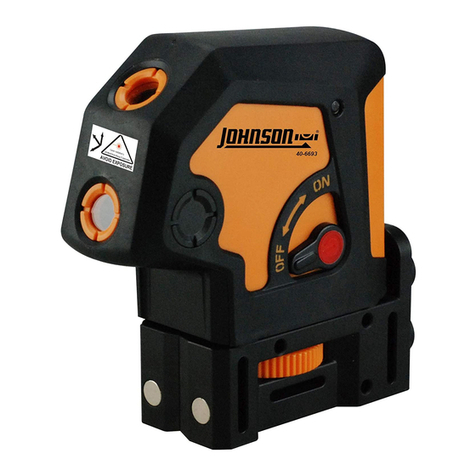
To switch on the tool, push the On/Off
switch 3to the “On” position. Immediately
after switching on, the tool sendstwo laser
beamsout of the exit opening 1.
• Do not point the laser beam at persons
or animals and do not look into the
laser beam yourself, not even from a
large distance.
To switch off the tool, push the On/Off
switch 3to the “Off” position. When
switching off, the levelling unit islocked.
•Do not leave the switched on tool
unattended and switch the tool off after
use. Other personscould be blinded by the
laser beam.
Automatic Leveling
Working with Automatic Leveling (see
figures A-B)
Position the tool on alevel and firm support,
hold it by the contact surfaces6against a
vertical surface or attach it to atripod 11.
After switching on, the leveling function
automatically compensatesirregularities
within the self-leveling range of ±4°. The
leveling isfinished as soon as the laser
beamsdo not move any more. The indicator
2lightsup green.
If the automatic leveling function isnot
possible, e. g. because the surface on which
the tool standsdeviatesby more than 4°
from the horizontal plane, the indicator 2
lightsup red and the laser isautomatically
switched off. In thiscase, bring the tool to
the level position or hold it by the contact
surfaces6straightly against avertical
surface, and wait for the selfleveling to take
place. Assoon as the tool iswithin the self-
leveling range of ±4° again, the indicator 2
lightsup green and the laser beamsare
switched on.
When not within the self-leveling range of
±4°, working with the tool isnot possible,
because it cannot be assured that the laser
beamsrun at aright angle to each other.
In case of ground vibrationsor position
changesduring operation, the tool is
automatically leveled in again. To avoid
errors, check the position of the horizontal
and vertical laser line with regard to the
reference pointsupon re-leveling.
Working Advice
• Always use the center of the laser line
for marking. The width of the laser line
changeswith the distance.
Operation