10 en | Setup tasks CIP5000 series storage
2019-10 | V01 | F.01U.380.028 Quick installation guide Bosch Security Systems B.V.
4 Setup tasks
Finish the basic setup tasks described in the guide.
4.1 Task 1: unpacking
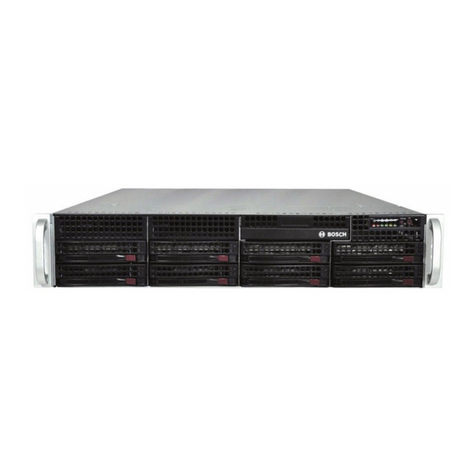
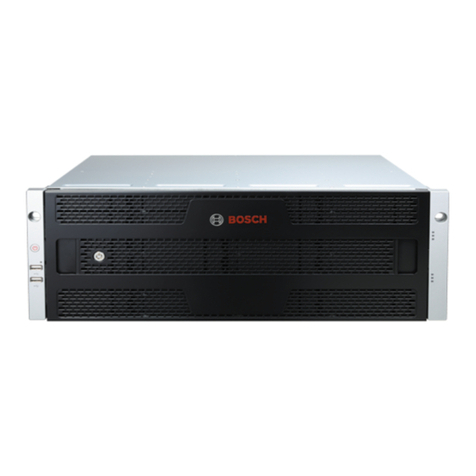
Note that the two models are nearly identical, except for the number of disk drive bays.
Packing List
The box contains the following items:
– One of the following storage appliances:
– CIP-5316W-00N
– CIP-5424W-00N
– Two 1.83m (6 ft) power cords
– Screws for disk drives
– Front panel bezel cover
– Quick installation guide
– (Optional) Sliding rail assembly for rack mounting
4.2 Task 2: install enclosure on the rack
The instructions here apply to 3U 16-bay models CIP-5316W-00N and the JBOD expansion
CIP-5316-JBOD, as well as the 4U 24-bay model CIP-5424W-00N.
Caution!
Do not populate any enclosure hardware with hard drives until it has been securely installed
in the rack.
Caution!
At least two persons are required to safely lift, place, and attach the enclosure hardware into
a rack system.
Caution!
Do not lift or move the enclosure hardware by the handles, or power supplies. Hold the
system itself.
Caution!
Do not install the enclosure hardware into a rack without rails to support the system.
Caution!
Only a qualified technician who is familiar with the installation procedure should mount and
install the enclosure hardware.
Caution!
Mount the rails to the rack using the appropriate screws and flange nuts, fully tightened, at
each end of the rail.