
Brookstone iConvert User manual

Photo Scanner
iCONVERT®

1
TablE Of CONTENTs
WarningsandCautions..................................................2-4
LocationofControls.......................................................5
ConnectingtheScannertotheComputer...................................6
InstallingtheSoftware...................................................6-8
CalibratingtheScanner....................................................9
UsingtheScanner......................................................9-10
Using the Protective Sheet while Scanning . . . . . . . . . . . . . . . . . . . . . . . . . . . . . . . . .10
EditingPhotosafterScanning.............................................10
CareandMaintenance....................................................11
Specifications............................................................12
Troubleshooting......................................................13-14

2
CaUTION
TO REDUCE THE RISK OF ELECTRIC SHOCK, DO NOT REMOVE COVER.
THERE ARE NO SERVICEABLE PARTS INSIDE.
TO REDUCE THE RISK OF FIRE OR ELECTRIC SHOCK, DO NOT EXPOSE
THIS UNIT TO RAIN OR MOISTURE.
The lightning flash with arrow-head symbol within an equilateral triangle
is intended to alert the user to the presence of uninsulated “dangerous
voltage” within the unit’s enclosure that may be of sufficient magnitude
to constitute a risk of electric shock.
The exclamation point within an equilateral triangle is intended to alert
the user to the presence of important operating and maintenance
(servicing) instructions in the literature accompanying the unit.
IMPORTaNT safETY INsTRUCTIONs
All the safety and operating instructions should be read, adhered to and followed
before the unit is operated.
saVE ThEsE INsTRUCTIONs
•
•

DaNGER
To reduce the risk of electric shock, burns, fire or injury:
Do not use while bathing or in a shower.
Do not place or store unit where it can fall or be pulled into a tub or sink.
Do not place in, drop or submerge in water or other liquid.
Do not reach for unit that has fallen into water. Unplug it immediately.
Care should be taken so that objects do not fall and liquids are not
spilled onto the unit.
WaRNING
Close supervision is necessary when this appliance/product is used
by or near children or mentally disabled individuals.
Use this unit only for its intended use as described in this manual.
Unplug this unit during lightning storms or when unused for long
periods of time.
Never drop or insert an object into any opening.
Protect the power cord from being walked on or pinched, particularly at
plug outlets, convenience receptacles and the point where it exits the unit.
Do not allow cord to touch hot surfaces. Wrap cord loosely around
the unit when storing.
1.
2.
3.
4.
5.
1.
2.
3.
4.
5.
6.
3

7. The unit should be situated away from direct sunlight or heat sources such
as radiators, electric heaters, heat registers, stoves, or other units (including
amplifiers) that produce heat. Avoid placing on top of stereo equipment that
radiates heat.
8. Never block the air openings of the unit with materials such as clothing,
plastic bags or papers, or place it on a soft surface such as a bed or couch,
where the air openings may be blocked.
9. Do not overload electrical outlet. Use only the power source as indicated.
10. Do not carry this unit by cord or use cord as handle.
11. Never operate this unit if it has a damaged cord or plug, if it is not working
properly, or if it has been dropped or damaged, or dropped into water. If the
unit’s power supply cord or plug is damaged, do not attempt to fix it yourself.
12. To avoid the risk of electric shock, do not disassemble or attempt to repair
the unit. Incorrect repair can cause risk of electric shock or injury to persons
when unit is used.
13. Do not operate in the presence of explosive and/or flammable fumes.
14. Never remove the plug from the socket by pulling the power cord.
4

5
Scan Button
LED Indicator Light
USB Cable
Software CD
Calibration Card
1.
2.
3.
4.
5.
Protective Sheet
Cleaning Sheet
USB Port
Scan Page Feed
Main Unit
6.
7.
8.
9.
10.
lOCaTION Of PaRTs aND CONTROls
5
7
8
91
2
3
4
6
10

6
CONNECTING ThE sCaNNER TO ThE COMPUTER
Plug the ends of the USB cable into the scanner and into your computer,
or a port on a USB hub.
INsTallING ThE sOfTWaRE
Your computer will automatically detect the scanner when you connect it, and
“Add New Hardware Wizard” or “Found New Hardware Wizard” will be launched.
Click on the “Next” button when “Add New Hardware Wizard” window
is displayed.
Select “Search for the Best Driver for your Device (Recommended)”
and click on the “Next” button.
The next window will ask you where to search to find the drive.
Select “CD-ROM Drive”, and deselect “Floppy Disk Drives” if it is checked.
Insert the Setup/Application CD-ROM, included with your scanner,
into your CD-ROM drive and then click on the “Next” button.
Please skip to FINISHING THE INSTALL at this time.
During the process of installation, a message “Digital Signature
Required” may appear on-screen. Please ignore it and click on “Yes” to continue the
installation and then go to the FINISHING THE INSTALL section on page 8.
•
•
•
•

7
Insert the Setup/Application CD-ROM into your CD-ROM drive.
Select “Install the Software Automatically (Recommended)” and click
on the “Next” button.
Click on the “Next” button in the window that appears, and skip to
the FINISHING THE INSTALL section on page 8.
Select “Locate and Install Driver Software (Recommended)” when
the “Found New Hardware” window is displayed.
Click on the “Continue” button when the “User Account Control”
button pops up.
Insert the Setup/Application CD-ROM into your CD-ROM drive
when the system prompts you to “Insert the disk that came with
your USB Scanner” and then click on the “Next” button.
During the process of the installation, a message “Windows can’t verify
the publisher of this driver software” may appear. Please ignore and click
on “Install this drive software anyway” to continue the installation.
Click on the “Next” button in the window that appears, and skip to
the FINISHING THE INSTALL section on page 8.
Insert the Setup/Application CD-ROM into your CD-ROM drive. Close the
AutoPlay window that appears.
•
•
•
•
•
•
•
•
•

8
From the “Windows Start” menu, right click on “Computer” and select “Properties”
from the pop-up menu. Click on “Device Manager” on the following screen.
In the “Device Manager” window, right click on 600dpi USB Scanner under
“Other Devices” and select “Update Driver Software” from the pop-up menu.
Click on “Browse my computer for driver software” in the window that appears,
and click the “Browse” button.
In the “Browse For Folder” window, select the folder that contains this scanner
driver and click the “OK” button to return to the previous screen.
Click on the “Next” button in the window that appears, and skip to FINISHING
THE INSTALL at the bottom of this page.
Insert the Setup/Application CD-ROM into your CD-ROM drive.
Double click on Apple Installation folder on your desktop to load MAC
DRIVER software and follow instructions.
After the software/driver is installed, close all open applications, click on
the “Finish” button and restart your computer.
fINIshING ThE INsTall
Follow the on-screen instructions to install all software that your new
scanner requires.
After the software is installed, close all open applications and click on
the “Finish” button and restart your computer.
•
•
•
•
•
•
•
•
•

CalIbRaTING YOUR sCaNNER
After the computer restarts, you will be prompted to calibrate the scanner.
Insert the special calibration sheet (included) face up in the SCAN PAGE
FEED of the scanner, with the left side of the sheet touching the left edge.
Press the OK button.
Follow the on-screen instructions to complete the scanner calibration.
5. To calibrate the scanner after the first use, right click on the DigiPhoto icon
and select “Calibrate” from the pop-up menu. Insert the calibration sheet
and press OK.
UsING ThE sCaNNER
After you connect your scanner to your computer via USB, the Settings
window will pop up. Make any desired adjustments in the DigiPhoto Settings
window, including Brightness, Continuous Scan, Contrast and DPI setting of
either 100, 300 or 600 (300 being the default).
2. If the Settings window does not pop up automatically, double click on the
DigiPhoto icon, or right click on the DigiPhoto icon and choose “Settings”
in the pop-up window. Make your adjustments and click “OK” to continue.
3. This is also where you name and select the destination of your newly
scanned photos.
1.
2.
3.
4.
1.
9
Other manuals for iConvert
6
Table of contents
Other Brookstone Scanner manuals
Brookstone
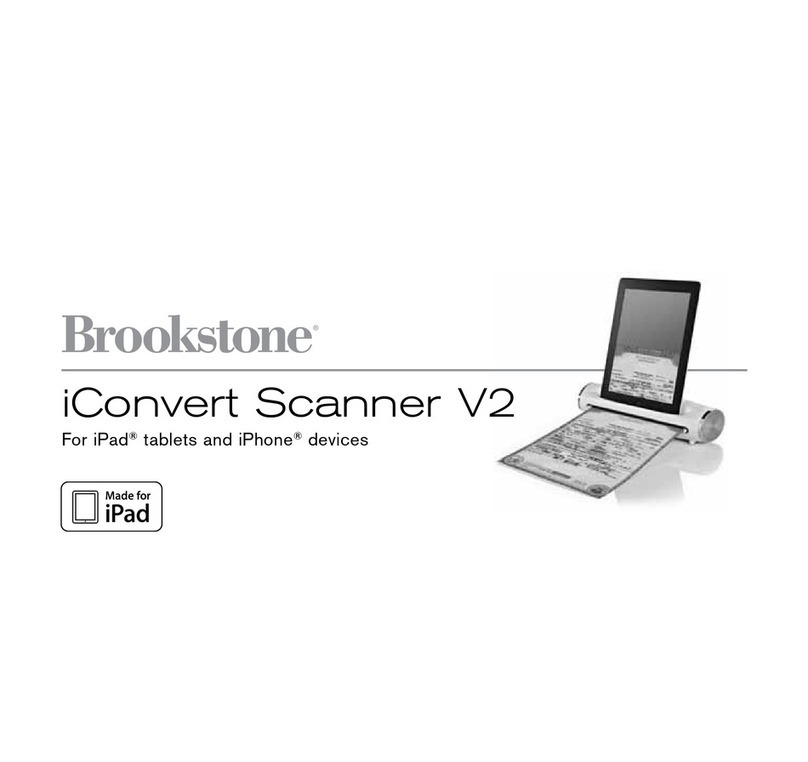
Brookstone iConvert Scanner V2 User manual

Brookstone
Brookstone iConvert User manual

Brookstone
Brookstone Wi-Fi Scanner Wand User manual
Brookstone
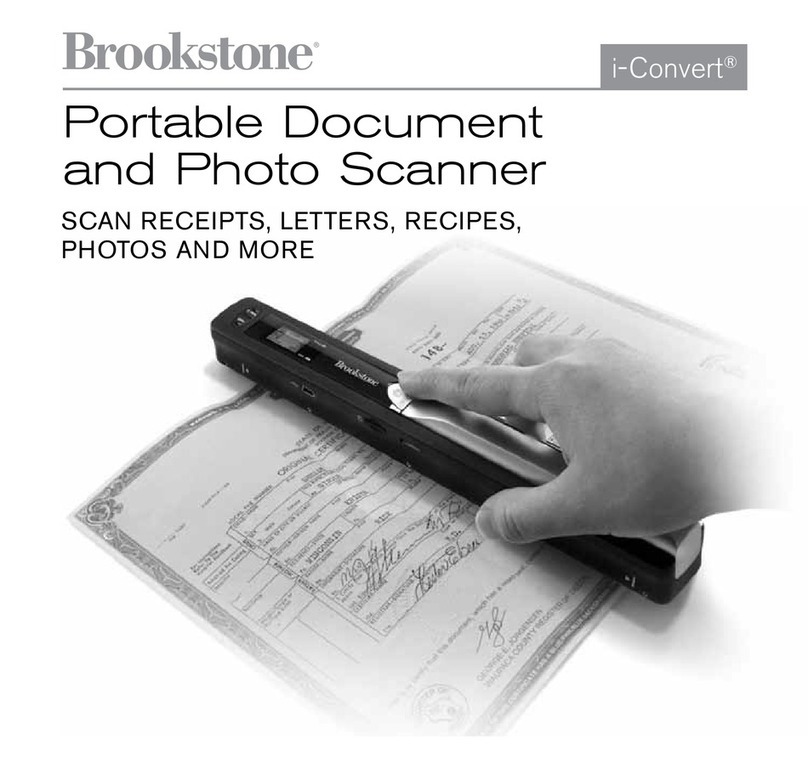
Brookstone iConvert User manual

Brookstone
Brookstone Scanner Mouse User manual
Brookstone
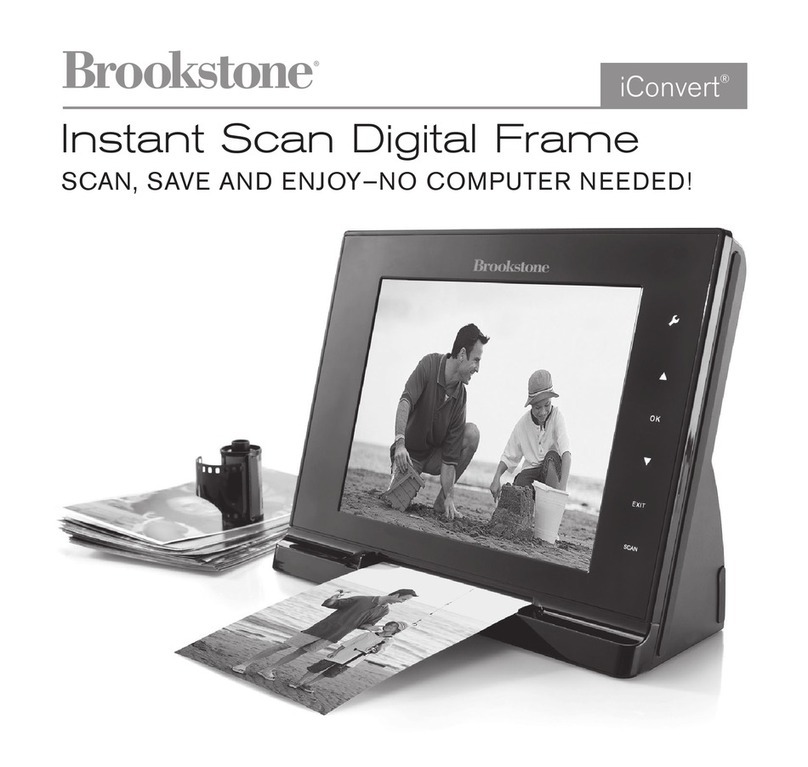
Brookstone iConvert User manual
Brookstone
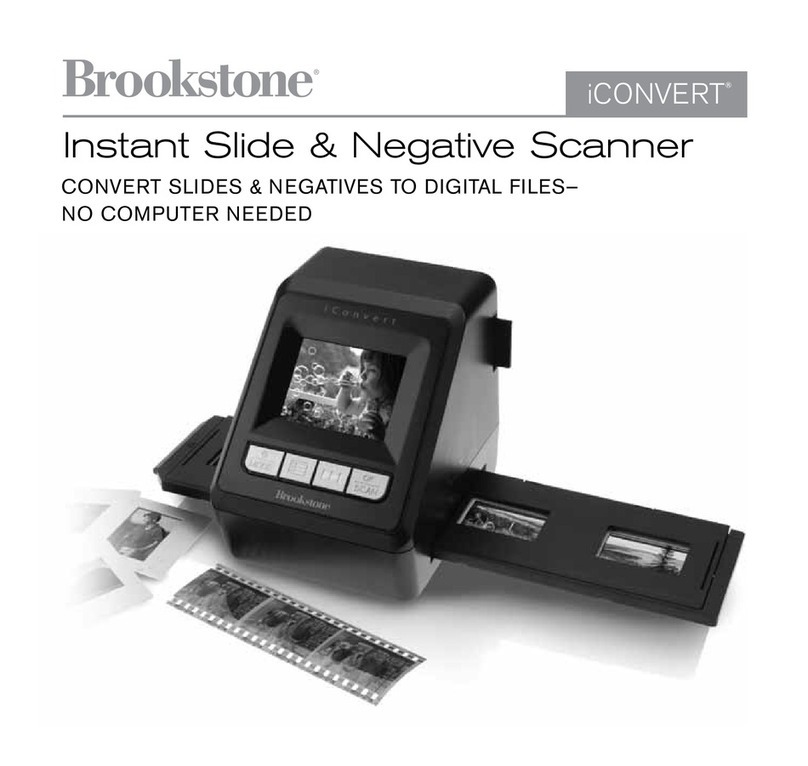
Brookstone Instant Slide & Negative User manual

Brookstone
Brookstone Photo Scanner User manual
Brookstone
Brookstone iConvert User manual
Brookstone
Brookstone iConvert User manual

















