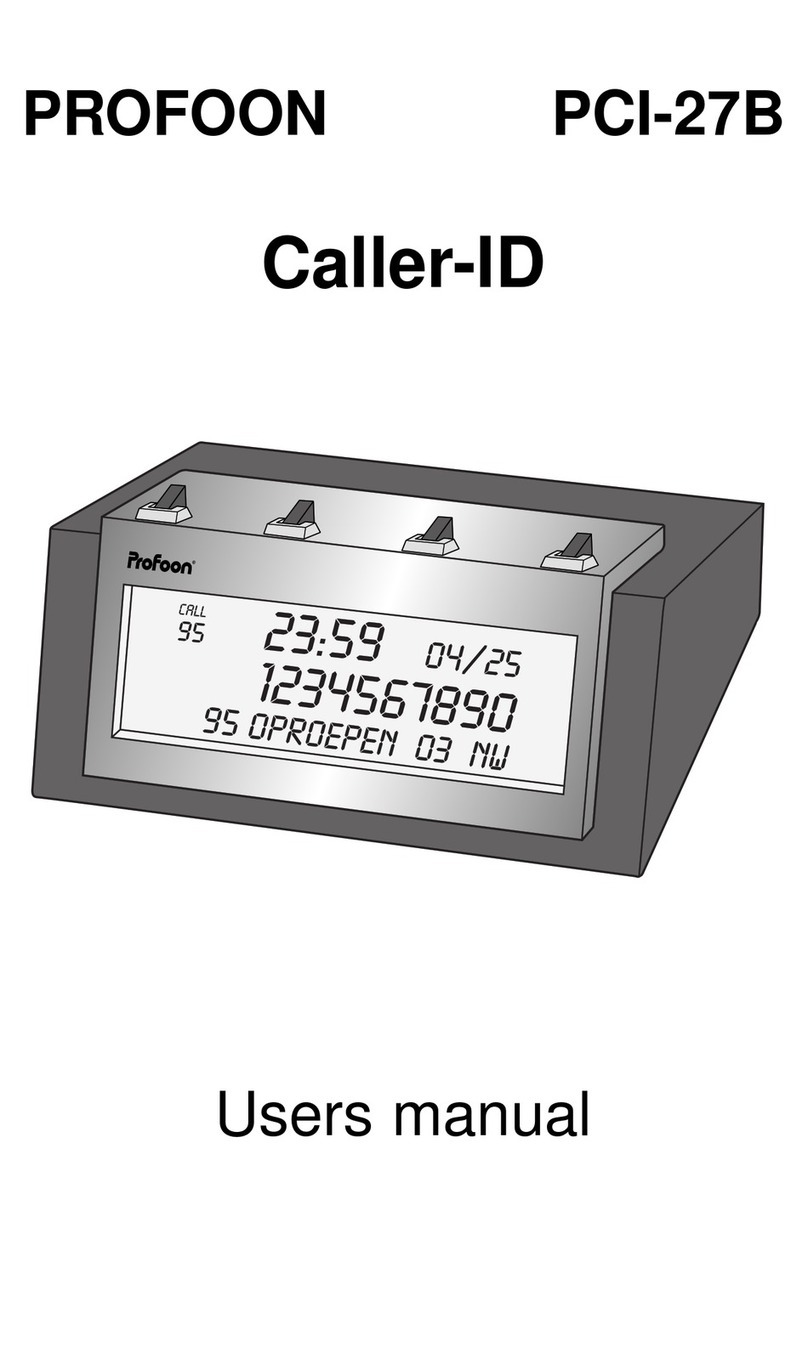
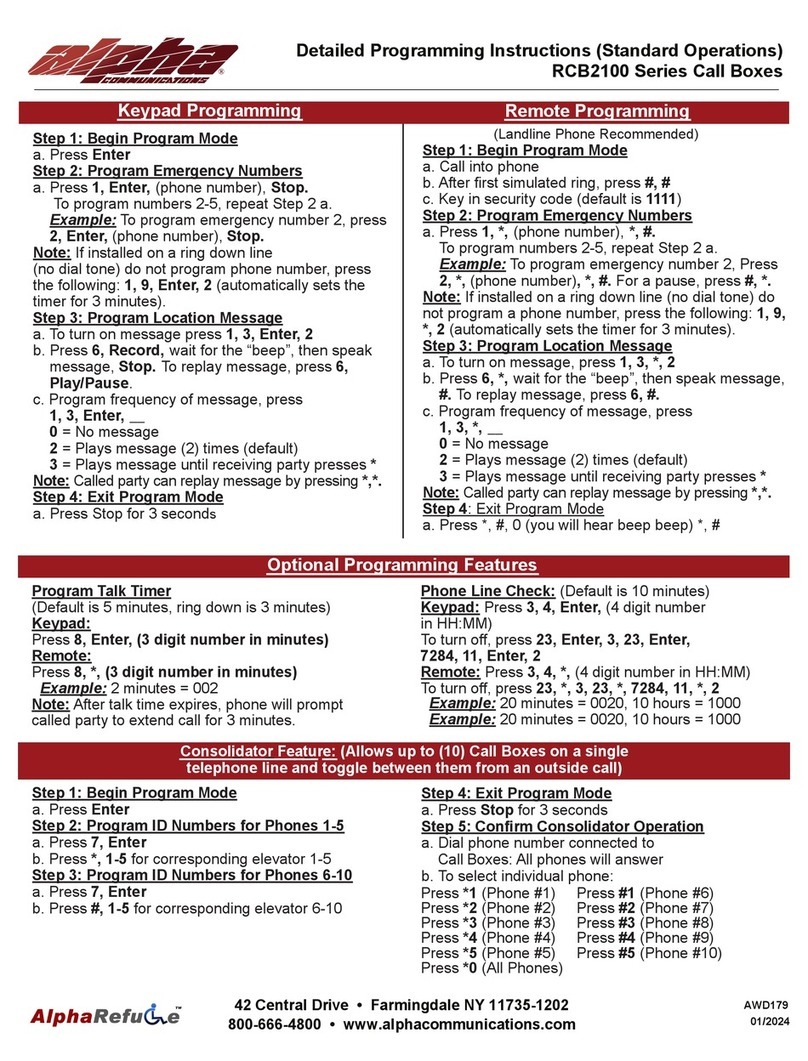
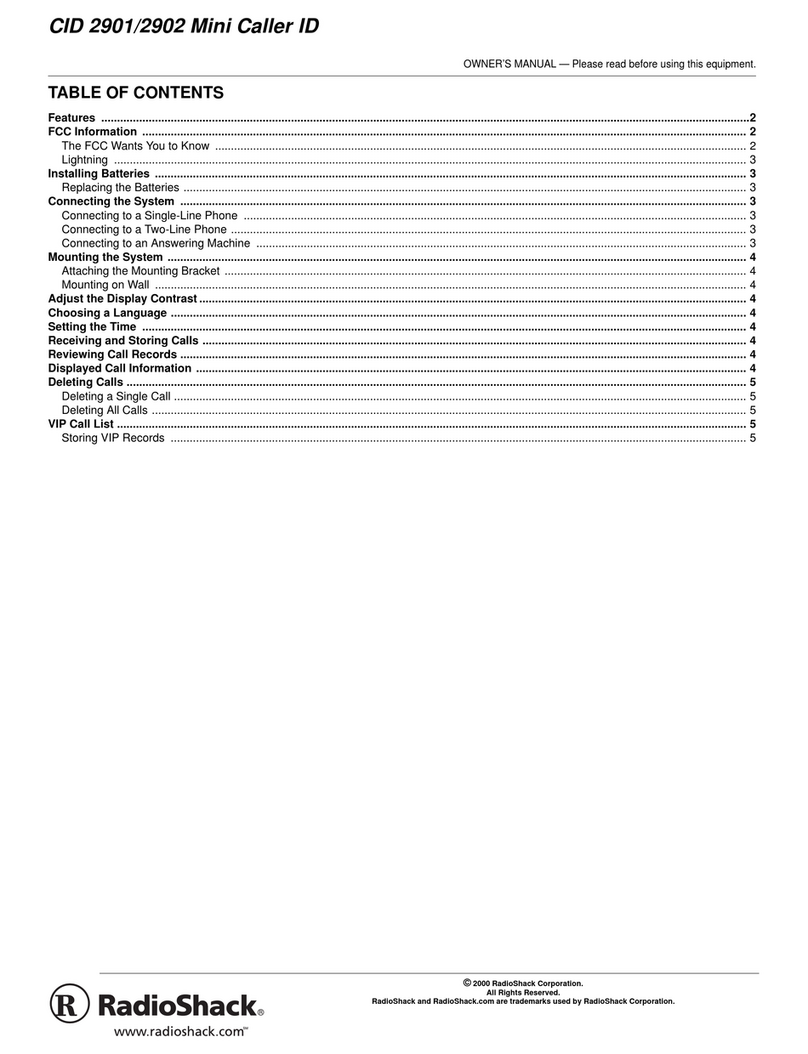
BT CALLER DISPLAY 1000 User manual

BT Caller Display 1000_Issue 2_Edition 1_1.10.03
User Guide
BT CALLER DISPLAY 1000
Please note that batteries are not included
You will need 4x AAA batteries
This product is intended for connection to analogue
public switched telephone networks and private
switchboards in the UK
YOU MUST
SUBSCRIBE TO THE CALLER
DISPLAY SERVICE OFFERED BY
YOUR NETWORK PROVIDER TO
DISPLAY CALLER INFORMATION.
A QUARTERLY FEE IS PAYABLE.

BT Caller Display 1000_Issue 2_Edition 1_1.10.03
At a glance
1
BT CD 1000
Down and U buttons
Used to scroll through the
Calls List. Also used to
adjust the contrast of the
display.
Dial button
Press to
automatically dial
a number shown
on the display.
Clear button
Deletes individual
or all numbers
stored in the
Calls List.
Dis lay
Displays caller information, including
a caller’s phone number and the date
and time the call was received.
Also indicates when the batteries are
nearing the end of their useful life.

BT Caller Display 1000_Issue 2_Edition 1_1.10.03
In this guide
2
At a glance 1
Introduction 3
For your records 3
Unpacking your
Caller Display 1000 3
Setting up 4
Safety instructions 7
General 7
Environmental 7
Caller Display 8
Using your Caller Display 8
Using the Calls ist 8
Caller information not
available 12
General information 13
Guarantee 13
Technical information 14
Help 1
Index 16

Clear
Dial
BT CD 1000
BT Caller Display 1000_Issue 2_Edition 1_1.10.03
Introduction Your Caller Dis lay 1000
is designed for ease of use and made to the high
standards set by BT.
3
Thank you for choosing BT’s
Caller Display 1000. You can
expect many years of quality
service.
Please read the instructions
carefully before use, and keep
this user guide for future
reference.
Please note
In this user guide we’ve included
helpful tips and useful notes. They
are shown in a white box like this.
Unpacking your
Caller Display 1000
If anything is missing, please
contact your place of purchase
immediately.
Caller Display 1000
base unit
Telephone
line cord
User Guide
For your records:
Date of urchase:
Place of urchase:
Serial number (see base of unit):
Purchase rice:
For guarantee purposes, proof of
purchase is required, so please
keep your receipt.
Please note that batteries
are not included. You will
need 4 x AAA batteries

You will need 4 x AAA Alkaline
batteries. (not included).
Insert the batteries as shown
in the diagram and replace the
compartment cover.
It is important to maintain the
batteries in your Caller Display
1000. If the battery low icon
appears on the display you will
need to replace the batteries.
It is important to do this as
soon as possible in order to
retain information in the Caller
Display memory and for the
display features to work.
If no batteries are fitted the
display will remain blank.
BT Caller Display 1000_Issue 2_Edition 1_1.10.03
Setting up
4
Follow these easy steps to get
your Caller Display 1000 ready
for use.
Position your Caller Display
1000 close enough to a phone
socket for the telephone line
cord to reach.
Do not stand it on carpets or
other similar surfaces which
might generate fibres.
Do not cover or enclose the
machine. Allow a free flow of
air to its surfaces.
1Planning the
location of your
Caller Dis lay 1000
Open the battery compartment
at the back of your Caller Display
1000.
2Install the batteries

5
BT Caller Display 1000_Issue 2_Edition 1_1.10.03
Battery low warning
When the batteries are nearing the
end of their useful life the display
will flash the battery low icon and
show
CHANGE BATTERIES
when in
the idle screen. The display will be
blank if no batteries are fitted or
if the batteries are completely flat.
Warning
When replacing batteries remember
to disconnect the telephone line cord
from the Caller Display base unit.
3Connect your
Caller Dis lay 1000
to the wall socket
4Connect your
tele hone to the
Caller Dis lay 1000
Connect the telephone line cord
supplied into the back of your
Caller Display 1000 and the
adaptor end into the telephone
wall socket.
To connect your phone to the
Caller Display 1000, plug the
telephone line cord from your
phone into the socket on the
adaptor.
Warning
Never install telephone wiring
during a lightning storm.
Always disconnect the telephone
cord from the wall socket before
changing or relocating your
telephone connections.
Clear
Dial
BT CD 1000
The date and time will be set
automatically when your Caller
Display 1000 receives its first
call, provided you have
subscribed to a Caller Display
service.
5To set the date
and time

BT Caller Display 1000_Issue 2_Edition 1_1.10.03
6
You can adjust the
contrast on the display
to make the screen
lighter or darker.
There are 8 levels of
contrast to choose from.
Press and hold the
Down button, and at
the same time press the
U button.
The display will show
LCD CONTRAST
.
Continue to press and
release the U button
until the contrast you
want is reached. Release
the Down button to set
your chosen contrast.
6To adjust the contrast
on the dis lay

BT Caller Display 1000_Issue 2_Edition 1_1.10.03
Safety instructions
7
General
• Simply clean your Caller
Display 1000 with a damp (not
wet) cloth, or an antistatic
wipe. Never use household
polish as this may damage the
product. Never use a dry cloth
as this may cause static shock.
• Do not open the Caller Display
1000. This could expose you
to high voltages or other risks.
• Never dispose of batteries in a
fire. There is a serious risk of
explosion and/or the release
of highly toxic chemicals.
Environmental
• Do not expose to direct
sunlight.
• We recommend that
you do not place the product
on antique/veneered wood to
avoid damage.
• Do not stand your product on
carpets or other surfaces
which generate fibres, or
place it in locations preventing
free flow of air over it’s
surfaces.
• Do not submerge any part of
your product in water and do
not use it in damp or humid
conditions, such as in
bathrooms.
• Do not expose your product
to fire, explosive or other
hazardous conditions.

Your Caller Display 1000 receives,
stores and displays caller
information automatically. This
includes a caller’s phone number,
the date and time the call was
received and, any text message
associated with that number.
Using the Calls List
BT Caller Display 1000_Issue 2_Edition 1_1.10.03
Caller Display
8
Your Caller Display 1000
receives and displays caller
information, which is transmitted
over your telephone network.
Your Caller Display 1000 can:
• Identify callers before you
answer the phone (providing
the number has not been
withheld).
• Store the time and date of
each incoming call.
• Save the last 40 incoming
calls in a calls list.
• Allow you to call back directly
from a received call.
To enable your Caller Display
1000 to show this information,
you will need to subscribe to
your network provider’s Caller
Display Service. A quarterly fee
is payable.
For more details on BT’s Caller
Display service please call:
Freefone 0800 00 150 for
residential customers.
Freefone 0800 00 152 for
business customers.
Information dis layed via
other UK networks
If you are connected to a
different network, you will first
have to subscribe to that
network’s Caller Display service.
Call your network provider for
more information.
Using your
Caller Display 1000

9
BT Caller Display 1000_Issue 2_Edition 1_1.10.03
It can store up to a maximum of
40 calls. To make room for new
calls if a call is received from a
number already in the Calls list
only the latest call will be stored.
The Repeat Call Counter will
show how many times the
number has called previously.
When the Calls list is full, a
new call will replace the oldest
call in the list.
When a call is received, the
display will show the caller’s
information for 20 seconds after
the last ring.
Your Caller Display 1000
indicates:
In the idle screen:
Displays the time, the number
of new calls and the number of
total calls stored in the Calls list.
•
NEW
Displays the number of
different calls received since
you last viewed your Calls list.
If you have received new
calls since you last viewed
the Calls list the new call icon
will flash to indicate this.
•
ALL
Displays the total number of
calls stored in the Calls list.
In the calls list:
Displays the caller’s number
and any text message associated
with it. Also records the time
and date the call was received,
and whether the call was
answered or not. See example
below:
The repeat call counter shows
you the number of times, prior
to this call that this number has
called you. See example below:
NEW
10 : 23
NEW:04 ALL:36
PAYPHONE
0410 : 23 08/ 12
0 1234-56789 1
CALL
PAYPHONE
03 0410 : 23 08/ 12
0 1234-56789 1
REPEAT
CALL CALL
Other manuals for CALLER DISPLAY 1000
13
This manual suits for next models
2
Table of contents
Other BT Caller ID Box manuals

Popular Caller ID Box manuals by other brands
Radio Shack
Radio Shack System 420 owner's manual
GE
GE 2-9030 user guide
GE
GE 290961 - Call Waiting Caller ID user guide
Geemarc
Geemarc Clearview Cordless Caller Display Unit user guide
Radio Shack
Radio Shack 43-931 owner's manual
CallerID
CallerID WHOZZ CALLING 2 User Interface Guide & Programmer's Reference