5
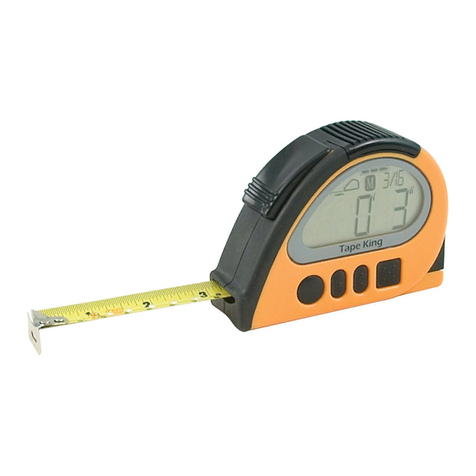
The front of the device
Above the three horizontal lines you will find a (centrally located) short
marking that is perpendicular to the horizontal lines. This easily palpable
line shows in the direction of the measuring sensor which is located at the
top end of the device, on the upper narrow side.
Below the horizontal lines, you will find three round tactile buttons (A, B,
C) all lined up in avertical row. All three buttons have clear tactile markings
and allow users to perform all operating steps. If you continue to run your
fingers further down, you will come across a small light-emitting diode that
gives the charge status of the battery. Then, further down, a star shaped
grille covers the speaker installed underneath. At the bottom end of Color
Star‘s case there is an eyelet that you can attach a lanyard to, if you wish.
From top to bottom, the button closest to the measuring sensor is the color
measurement button (A) recognizable with its 6 tactile dots arranged in a
circle. The next button is the light measurement button (B) with one tactile
dot in the middle and the last is the volume measurement button (C) with
three raised dots in one row.
The narrow sides
The measuring sensor is situated on the devices‘ top end or upper narrow
side. You can find the earphone jack on the lower left narrow side of the
device. Right on the other side, on the lower right narrow side, you will find
the socket for the pendrive charger cable. The lower narrow side features
the small (1mm) hole for the reset function.
The back of the device
On the back of the device you will find a sticker with Color Star‘s serial
number and four countersunk screws that hold the case together.
Note:
An audio manual (on CD or pendrive) for blind and visually
impaired users is included in the package content.