5
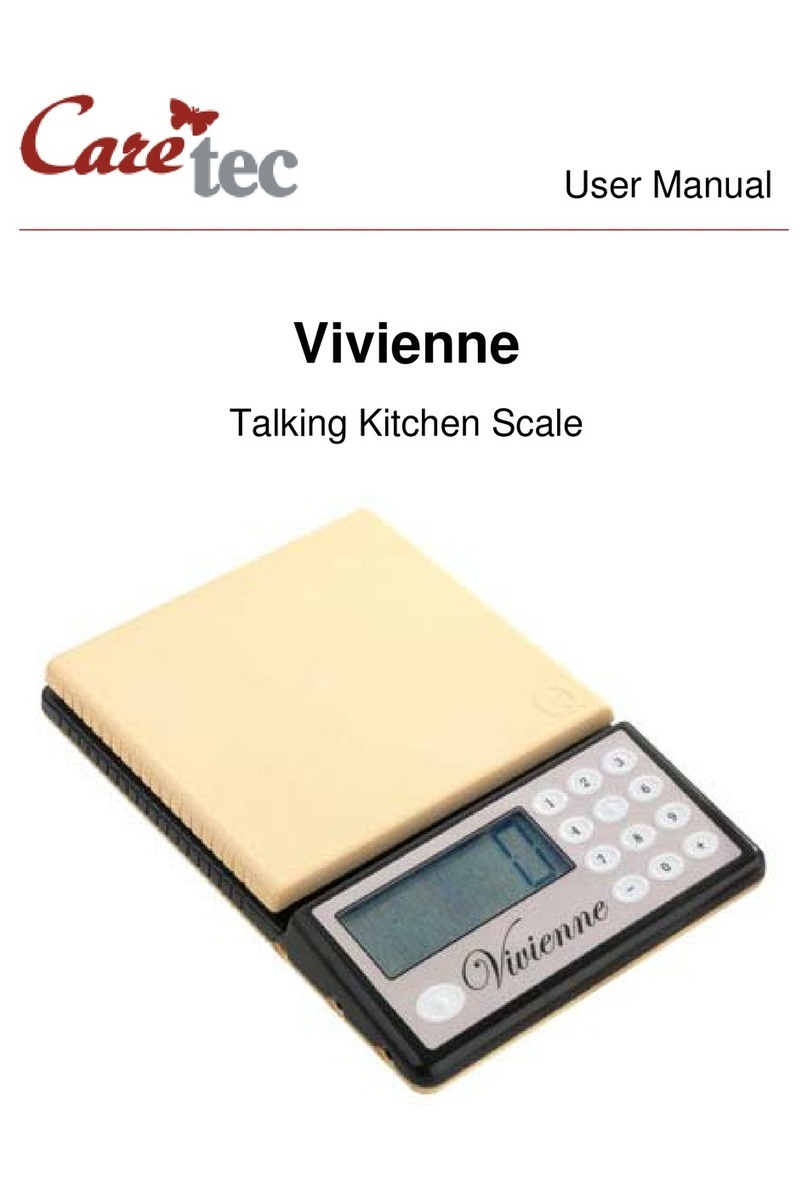
Front Side
The operating elements and the display should face towards you. You
can now feel the following buttons: near the left corner there is a round
button with a tactile point. This is the ON/OFF key. To the right of the
ON/OFF key are oval buttons: use the left one to decrease the volume,
and the right one to increase the volume. Press the two volume keys
simultaneously to activate and deactivate the key lock. On the right hand
side, arranged vertically, you will find three oblong buttons. From bottom
to top, we will refer to these buttons as key 1 (bottom), key 2 (middle) and
key 3 (top). Use key 1 to repeat the weighing results, key 2 to operate the
reference measurement function and key 3 to add weight. Right behind
the surface with the operating elements you find the weighing plate. This
is where you put the items you wish to weigh.
Left Side
On the left side of the device there are three sockets. The one closest to
you is an earphone socket (earphones optional available), the one in the
middle is a service connector for our technicians and the one farthest
away from you is the socket for the optionally available power supply unit.
Bottom
On the bottom of the device you can feel six squared rubber feet, which
prevent the device from sliding. Right below the area with the operating
elements – that is closer to you – you can feel the rectangular battery lid,
as well as the loudspeaker.
3: Power Supply
Heidi can be operated with batteries as well as a power supply unit. A
suitable power supply unit is optional and has to be ordered separately.
Batteries
To access the battery compartment on the bottom pull the latch of the lid
towards the loudspeaker grill and lift it at the same time. The lid can not
be removed completely. Insert the batteries observing the correct polarity:
The flat negative side of the battery must show to the tactile spring
located in the battery compartment. Once the batteries are properly
inserted, you will hear a melody for confirmation. Close the battery cover
gently, until it clicks into place.