7
Configuration Procedure
Step 1: Drive Configuration
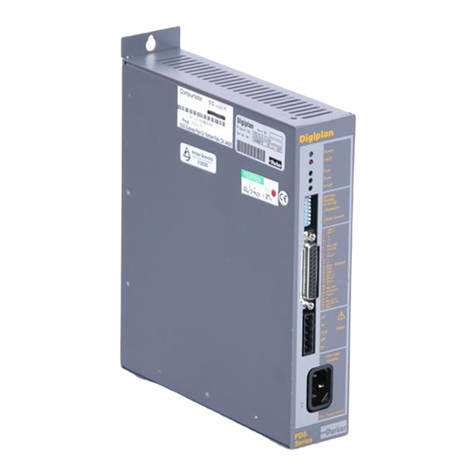
1. Apply power to the Elite Pro drive. Set the following parameters:
1.1.R3.02=38400
1.2. R3.04=2 STOP BITS
1.3. R3.05=ON (Note! Value will automatically return to OFF)
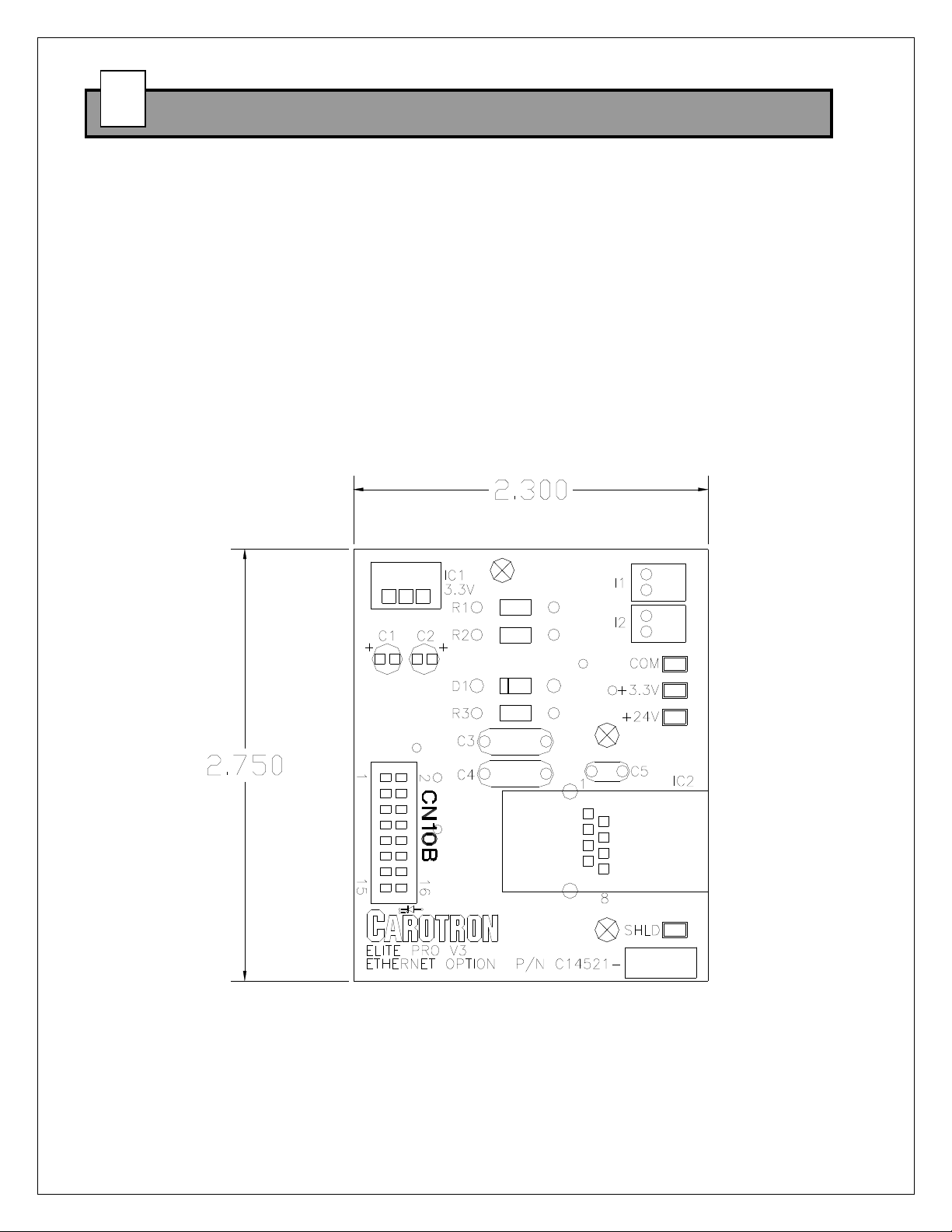
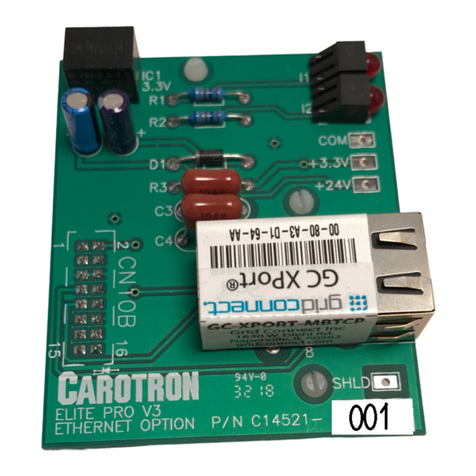
2. Verify option card is installed properly and recognized by the drive by examining
parameter T1.17. It should list the model number of the installed card: C14521-000.
Step 2: IP Address
1. When the option card is initially used, an IP address will be automatically assigned if
a DHCP server exists on the network. If this IP address is unknown or no DHCP
server exists, the Lantronix DeviceInstaller utility must be used to 'find' and configure
the unit's network settings. Download and install the DeviceInstaller utility from
http://www.carotron.com/instsoftwlist/DevInstallSetup4.4.0.4.exe
2. When the DeviceInstaller utility initially runs, it searches the network for devices and
displays the IP address when found. If you wish to change the IP address, select the
device in the right hand pane. Click on the Assign IP button in the toolbar. Follow the
prompts to change the network settings.
3. When complete, close the DeviceInstaller utility. The IP address of the card is now
set. Refer to the drive's manual for the parameter's Modbus addresses.
Step 3: Web Configuration
Under most circumstances, the web configuration is only needed for advanced
configurations. When changes are made on a page, click the OK button. After all pages
have the desired settings, click the Apply Settings on the left.
1. Open a web browser (Chrome or Safari recommended) and enter the IP address
of the card from the previous section. Leave the username and password fields
blank when prompted.
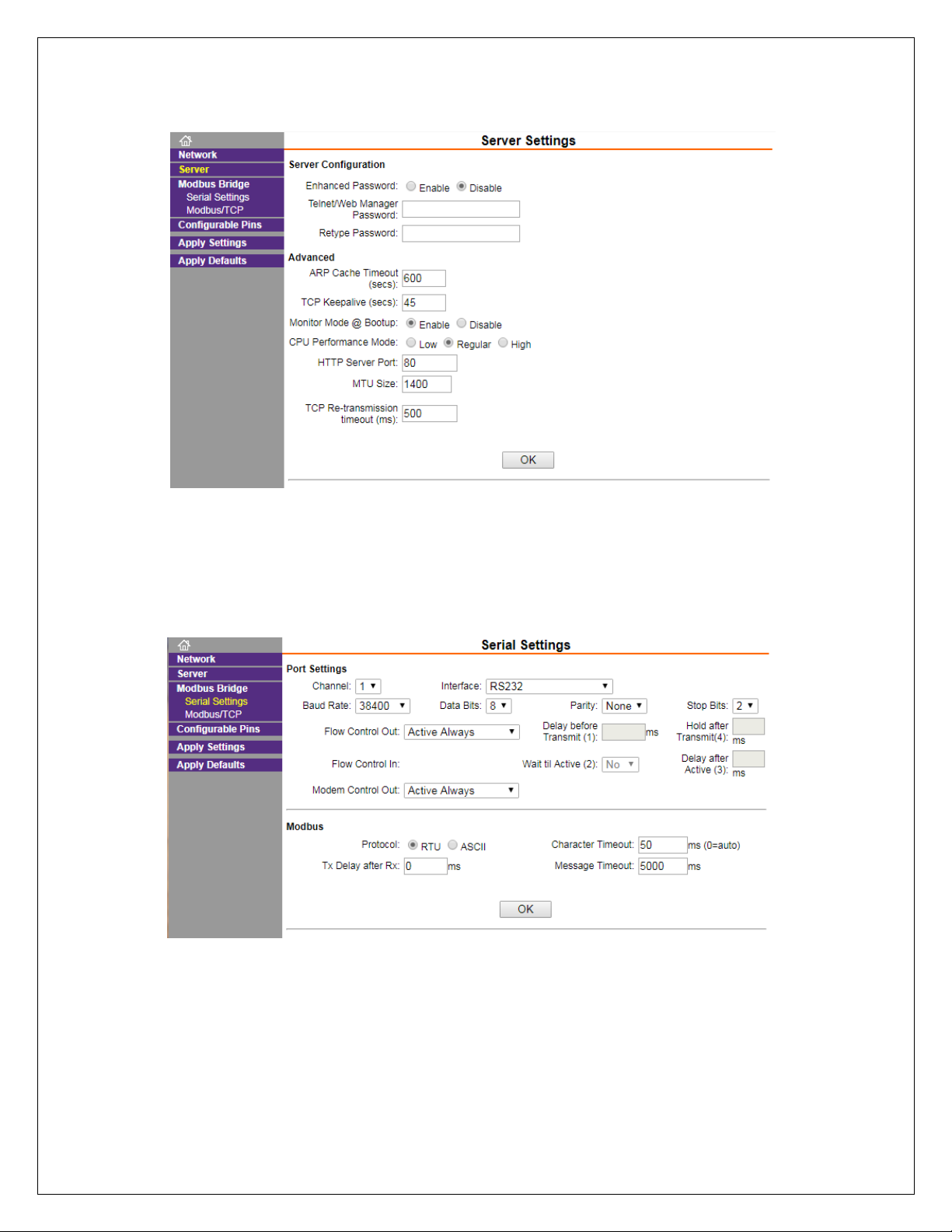
2. The module's web page configuration utility should be displayed. Below are the
standard settings that should be used with an Elite Pro V3 drive.
5
55
5