manuals.online logo
Brands
  1. Home
  2. •
  3. Brands
  4. •
  5. Cavalry
  6. •
  7. Storage
  8. •
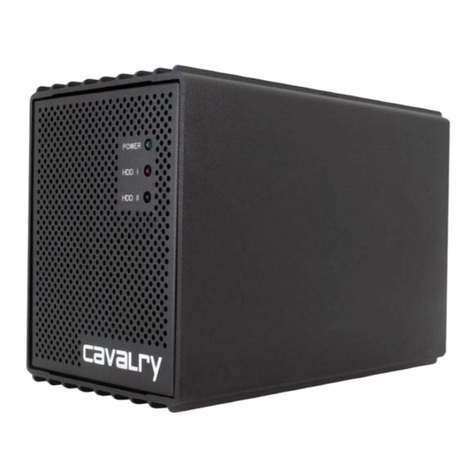
  9. Cavalry CADA002SA4 User manual

Cavalry CADA002SA4 User manual

Other manuals for CADA002SA4

1

This manual suits for next models

3

Other Cavalry Storage manuals

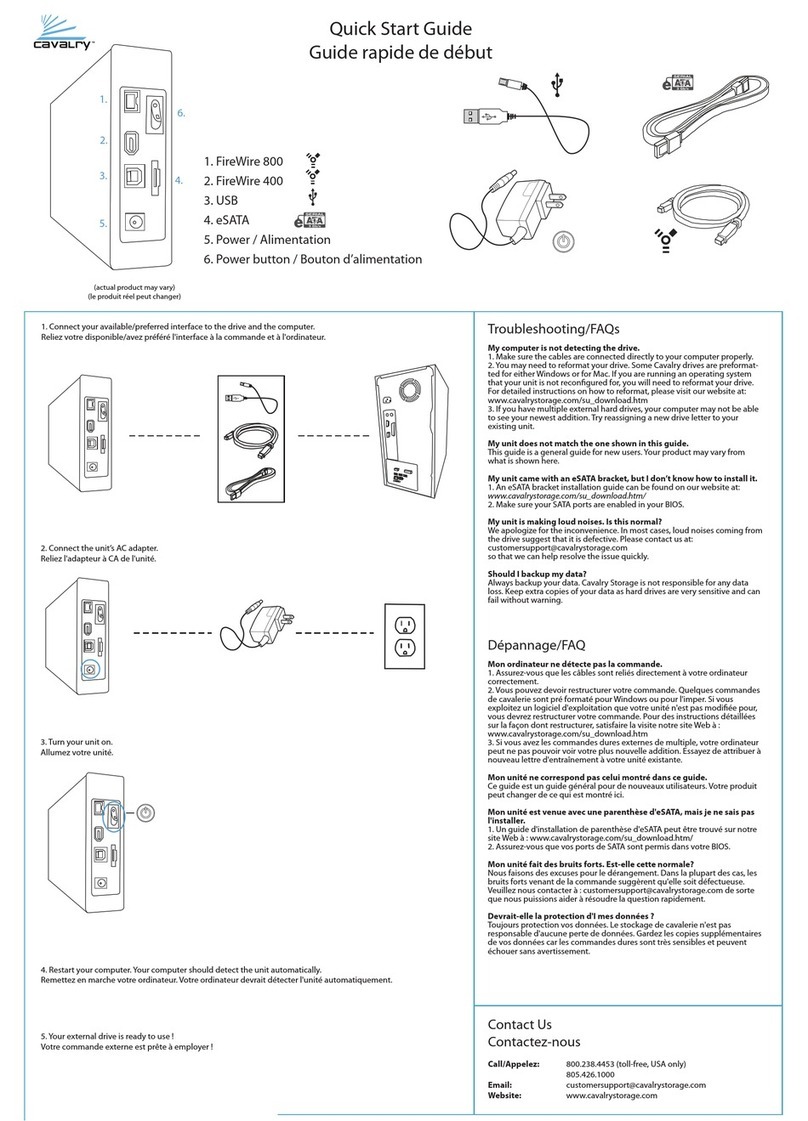
Cavalry CADAxxxU32A User manual

Cavalry

Cavalry CADAxxxU32A User manual

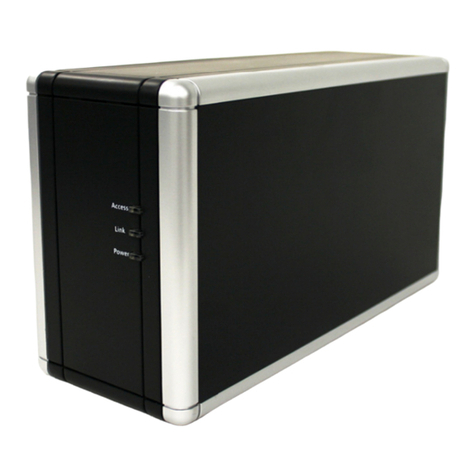
Cavalry CADA002SA2 User manual

Cavalry

Cavalry CADA002SA2 User manual

Cavalry Hurricane ACBS3501000F Parts list manual

Cavalry

Cavalry Hurricane ACBS3501000F Parts list manual

Cavalry CAXB Series User manual

Cavalry

Cavalry CAXB Series User manual

Cavalry Passio CAXH3702T3 User manual

Cavalry

Cavalry Passio CAXH3702T3 User manual

Cavalry CAUC3701T0 User manual

Cavalry

Cavalry CAUC3701T0 User manual

Cavalry CAUM3701T0 User manual

Cavalry

Cavalry CAUM3701T0 User manual

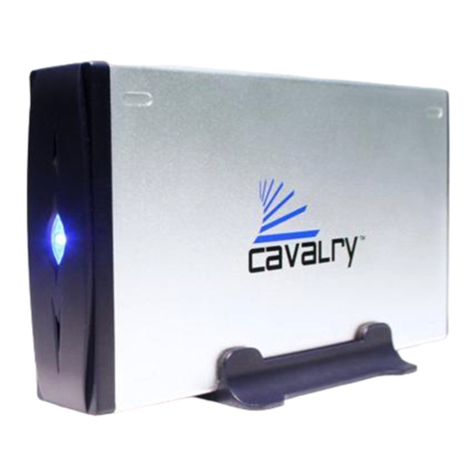
Cavalry CADA002SA8 User manual

Cavalry

Cavalry CADA002SA8 User manual

Cavalry CAND Series User manual

Cavalry

Cavalry CAND Series User manual

Cavalry Cavalry ACSSDS32F Parts list manual

Cavalry

Cavalry Cavalry ACSSDS32F Parts list manual

Cavalry CAXM3701T0 User manual

Cavalry

Cavalry CAXM3701T0 User manual

Cavalry CAXR SERIES User manual

Cavalry

Cavalry CAXR SERIES User manual

Cavalry CAUT3701T0 User manual

Cavalry

Cavalry CAUT3701T0 User manual

Cavalry CAUPT25160 User manual

Cavalry

Cavalry CAUPT25160 User manual

Cavalry EN-CAUH-B User manual

Cavalry

Cavalry EN-CAUH-B User manual

Cavalry CAXE Series User manual

Cavalry

Cavalry CAXE Series User manual

Cavalry CAUQ25100 User manual

Cavalry

Cavalry CAUQ25100 User manual

Cavalry CADT001U32 User manual

Cavalry

Cavalry CADT001U32 User manual
Cavalry CADB001U32 User manual

Cavalry

Cavalry CADB001U32 User manual

Cavalry CADA001C32A User manual

Cavalry

Cavalry CADA001C32A User manual

Cavalry CAXR SERIES User manual

Cavalry

Cavalry CAXR SERIES User manual

Cavalry CACE3701T0 User manual

Cavalry

Cavalry CACE3701T0 User manual

Cavalry CADT001SA2 User manual

Cavalry

Cavalry CADT001SA2 User manual

Cavalry CADB Series User manual

Cavalry

Cavalry CADB Series User manual

Popular Storage manuals by other brands

IBM 40/80 GB HH DLTVS user guide

IBM

IBM 40/80 GB HH DLTVS user guide

Synology DiskStation DS716+II Quick installation guide

Synology

Synology DiskStation DS716+II Quick installation guide

Vantec NexStar-HX4 user manual

Vantec

Vantec NexStar-HX4 user manual

LaCie Christofle Galet datasheet

LaCie

LaCie Christofle Galet datasheet

LaCie Rugged Thunderbolt user manual

LaCie

LaCie Rugged Thunderbolt user manual

OCZ IBIS datasheet

OCZ

OCZ IBIS datasheet

Transcend JetFlash 110 Brochure & specs

Transcend

Transcend JetFlash 110 Brochure & specs

QNAP TS 32PXU Series user guide

QNAP

QNAP TS 32PXU Series user guide

LaCie RUGGED RAID user manual

LaCie

LaCie RUGGED RAID user manual

Freecom CLS DOCK Quick install guide

Freecom

Freecom CLS DOCK Quick install guide

PNY Attache P-FD64MBATT3 install guide

PNY

PNY Attache P-FD64MBATT3 install guide

OWC Mercury Elite Pro Dual mini Assembly manual

OWC

OWC Mercury Elite Pro Dual mini Assembly manual

OLT 6x6 Maximizer Assembly manual

OLT

OLT 6x6 Maximizer Assembly manual

Transcend JetFlash 160 Specifications

Transcend

Transcend JetFlash 160 Specifications

Thunderbolt 600 user manual

Thunderbolt

Thunderbolt 600 user manual

Intel RAID High Availability user guide

Intel

Intel RAID High Availability user guide

LaCie 12big Thunderbolt 3 Quick install guide

LaCie

LaCie 12big Thunderbolt 3 Quick install guide

Spectra Logic T-Series Spectra T50e quick start guide

Spectra Logic

Spectra Logic T-Series Spectra T50e quick start guide

manuals.online logo
manuals.online logoBrands
  • About & Mission
  • Contact us
  • Privacy Policy
  • Terms and Conditions

Copyright 2025 Manuals.Online. All Rights Reserved.

User's Manual
CADA-SA4 Series
Preface
Copyright
Please respect copyrighted content. Duplication or modification of this publication in whole or in
part is prohibited without express or written authorization.
Usage
Strong impacts or dropping the product may cause damage. Only allow qualified personnel to
repair this product. Disassembling or opening this product will void your warranty.
Disclaimer
Cavalry is not liable for compensation for data loss which may result from a malfunction of the
product or from changes due to improper use, repairs, defects, or battery change. Please back
up your data to avoid unexpected losses. Cavalry reserves the right to make changes to the
content of this manual without notice. The most current manuals and software are available for
download at our download page: www.cavalrystorage.com/su_download.htm
2 2
Thank you for choosing Cavalry.
We at Cavalry extend our sincere gratitude for your purchase of this product.
We hope our dedication to delivering high quality products with excellent
customer service will ensure your continued interest in our products.
This manual will assist in the operation of the product. To optimize your
experience with this product, we recommend reading this entire manual
before usage. Please keep this manual for future reference.
3 3
Table of Contents
Preface .................................................................................................... 2
List of Accessories ............................................................................. 5
Product Illustrations ........................................................................... 6
Features ............................................................................................. 8
Setup Instructions .............................................................................. 9
RAID ................................................................................................. 13
Troubleshooting ................................................................................. 14
Warranty ............................................................................................ 17
Contact ............................................................................................... 18
44
List of Accessories
1. Power cord
2. eSATA RAID Controller PCI-Express
or PCI-X Card (depending on model)
3. eSATA cable
4. Resources CD
55
3
12
4
Front
11. LED status indicators
66
Back
36
4
5
2. Ventilation fan
3. Power switch
4. Power jack
5. eSATA port
6. 115V / 230V switch
77
2
8
Features
eSATA interface
Supports RAID levels 0, 0+1, 5 and 5+hot spare
Exceptional heat dissipating ability
LED light indicators
Nearly silent operation
PC and Mac compatible
Bay door for easy access to hard drives
8
Setup Instructions
Follow the steps below to successfully set up your Cavalry External Hard
Drive with your computer. You will need the Resources CD. If you do not
have the Resources CD, any PDF guide referenced in this manual can be
found online at: www.cavalrystorage.com/manuals.htm
Step 1. Start your computer and wait for the Windows/Mac OS to load
completely.
Step 2. Set the 115V/230V switch on the back of
the drive. If you live in North America, use 115V.
Please check carefully which voltage your region
supports before using the drive.
Connect the power cord to the drive. Then plug
the power cord into an electrical outlet.
99
Step 3. Load the Resources CD, go to the folder "Contents/CADA-SA4/" and
load the "Driver and Software Installation Guide" PDF file and follow the
instructions. These instructions will guide you through:
a) the installation of your PCI-X / PCI-E RAID Controller card
b) the installation of the necessary drivers
c) the installation of the RAID configuration software
d) the initialization of your CADA-SA4 disk array
e) the partitioning and formatting of your CADA-SA4 disk array
Step 4. After following the PDF Guide, make sure your drive is recognized
by your computer. Make sure you have initialized, partitioned, and formatted
your drive (instructions are in the guide).
Step 5. After following the instructions in the Driver and Software
Installation Guide, your drive will be ready for use.
1110