low voltage
CBI ASP-D
Data Sheet
ASP-D-DAT REV A
Page 3
2110014
Installation
1. This device must be installed by a qualied electrician
2. Isolate supply before installing the ASP-D
3. Install the ASP-D in the outlet box
4. Connect the ASP-D according to Figure 1
5. To power the ASP-D press the isolation switch (refer to Figure 2). Once power is ON the LED will light up.
6. Download and install the CBI Home App from either the App Store or on Google Play
7. Follow the pairing guide as indicated in the Instruction Manual (www.cbi-lowvoltage.co.za/asp-d)
Figure 1: ASP-D installation
LED Status Information
LED Status Indication
Power Wi-Fi Pair Mode Output LED Status Comment
RED BLUE
OFF * * * OFF OFF Power OFF
ON * UNPAIRED OFF ON OFF Not paired and / or no Wi-Fi
ON * ACTIVE OFF ON ON
FLASHING Pairing Mode active
ON ON PAIRED OFF ON ON Successful connection to Wi-Fi
and output OFF
ON * PAIRED ON ON
FLASHING ON Manual or App output ON
ON * UNPAIRED ON ON
FLASHING OFF Manual ON only
Isolation Switch
Always turn off isolation switch before performing an insulation resistance
test on the installation. Turning the isolation switch off for 1 second will
reboot the ASP-D.
Power Button
Power Button
Press Power Button and release after LED Status
Manual Control 1 second RED FLASH
Wi-Fi Pairing 5 seconds BLUE FLASH
Power Failure
The unit will not operate during a power failure. The functions of the ASP-D will be re-established when power, a Wi-Fi
and internet connection is restored.
Programming instructions are provided in the instruction manual supplied with each Astute
Smart Plug Dedicated and are also available online: www.cbi-lowvoltage.co.za/ASP-D
Astute Smart Plug Dedicated
LED (BLUE / RED)
POWER BUTTON
ISOLATION
SWITCH
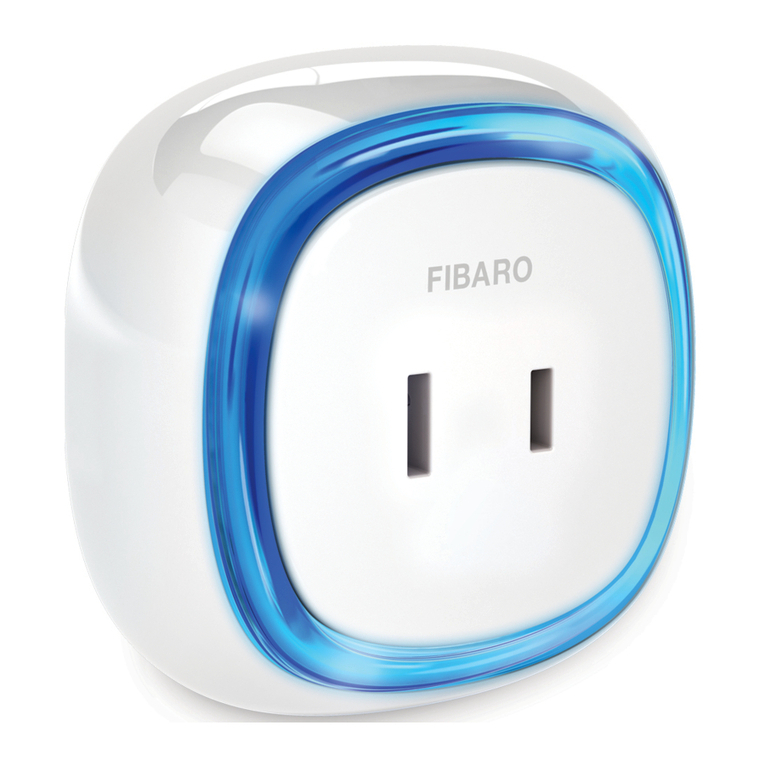
Figure 2: ASP-D Front Face
TERMINALS