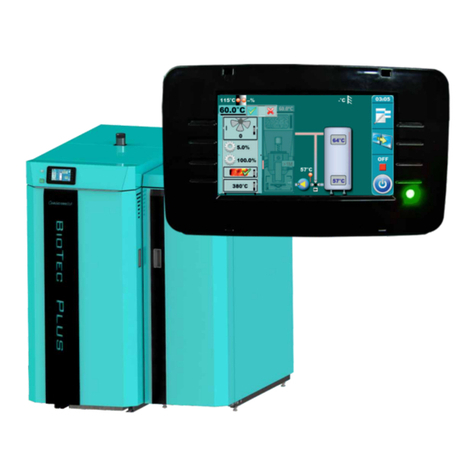
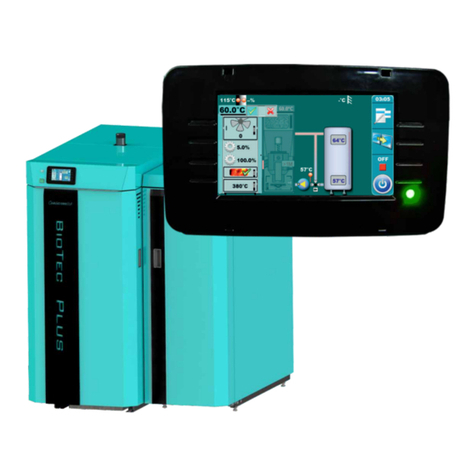
Display
80°C
120°C
0%
1700
0
30%
60°C
05:08
OFF
58°C
45°C
It is possible to graphically monitor the operation of both heating circuits.
To open the graphical window of 2 heating circuits, it is necessary to press the .
75°C
52°C
05:08
OFF
20°C +3.0°C
22°C
22.0°C +0.0°C
21°C
For each heating circuit can be specifically select items.
For example, you can Include / exclude heating circuits, turn on/off room corrector, choose heating
type in each circuit (radiators / floor), choose the mode (day / night).
40.0°C
39°C
45°C
53.0°C
1a
1
2a
2
3a
3
4a
4
5a
5
7a
7
8
8.a
6a
1. Mixing valve (1.circuit)
2. The calculated flow temperature to
achieve the the required room temperature
(1.circuit)
3. Current measured flow temperature
(1.circuit)
4. Heating type on 1. circuit (radiators or
floor heating)
5. Room corrector „CSK“ on 1. circuit (if turned off,
icon disappears)
6. The desired temperature + deviation
by room corrector (1.circuit)
7. Current measured room temperature
(shown only if the room corrector is
turned on) in 1.circuit
8. Mode (1.circuit)
(day / night)
Items 1a - 8a have the same meaning as items 1-8 (described above)
which only relate to 2. heating circuit.
6
1
2
Technical instructions CM2K-P (PelTec / PelTec-lambda)
10