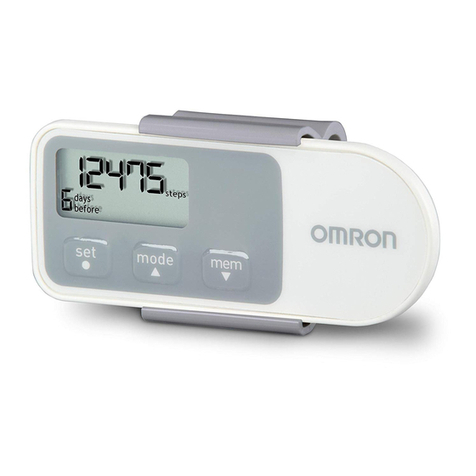
Citizen TW310 User manual

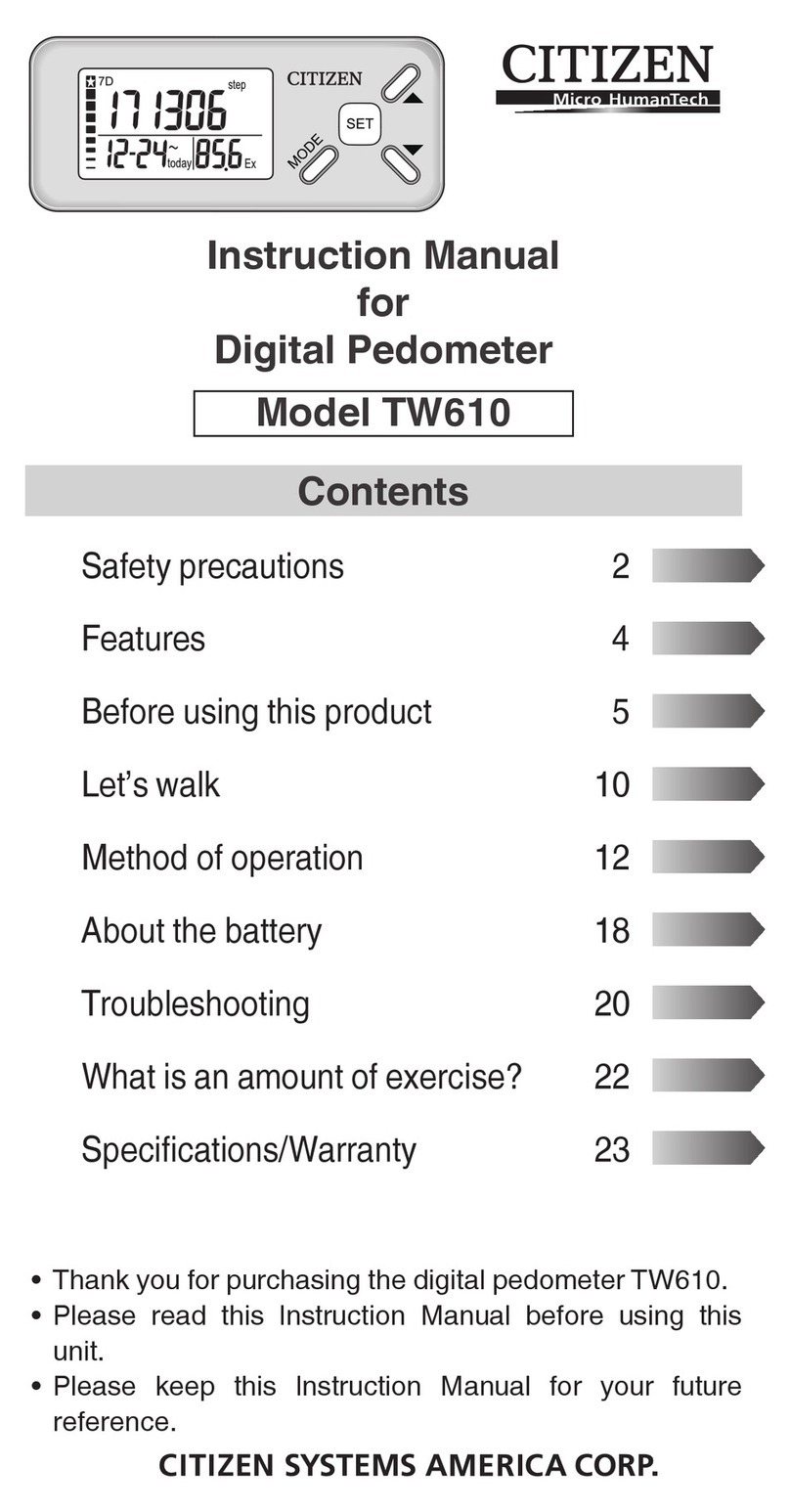
Instruction Manual
for
Digital Pedometer
Model TW310
Contents
Safety precautions 2
Features 4
Before using this product 5
Changing the time 6
Let’s walk 7
Method of operation 9
About the battery 10
Troubleshooting 12
Specifications/Warranty 14
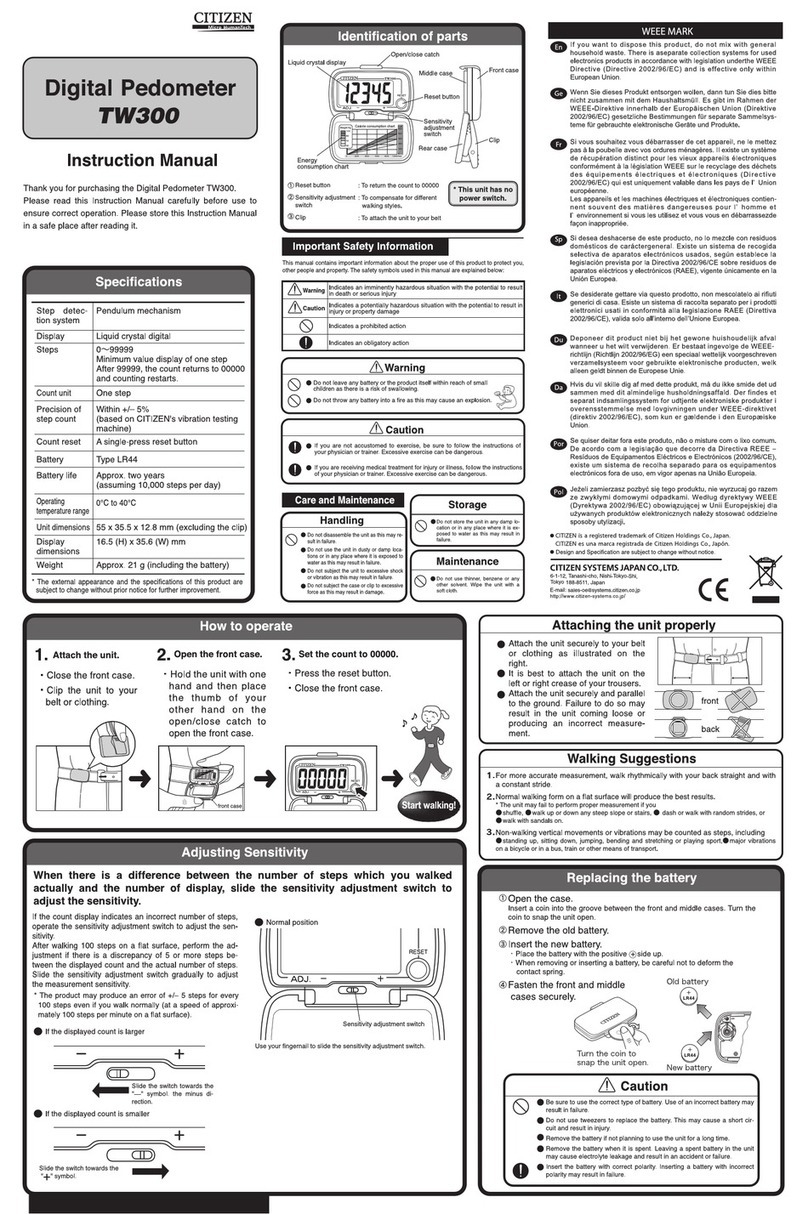
Thank you for purchasing the digital pedometer TW310.•
Please read this Instruction Manual before using this•
unit.
Please keep this Instruction Manual for your future•
reference.
2
Safety precautions
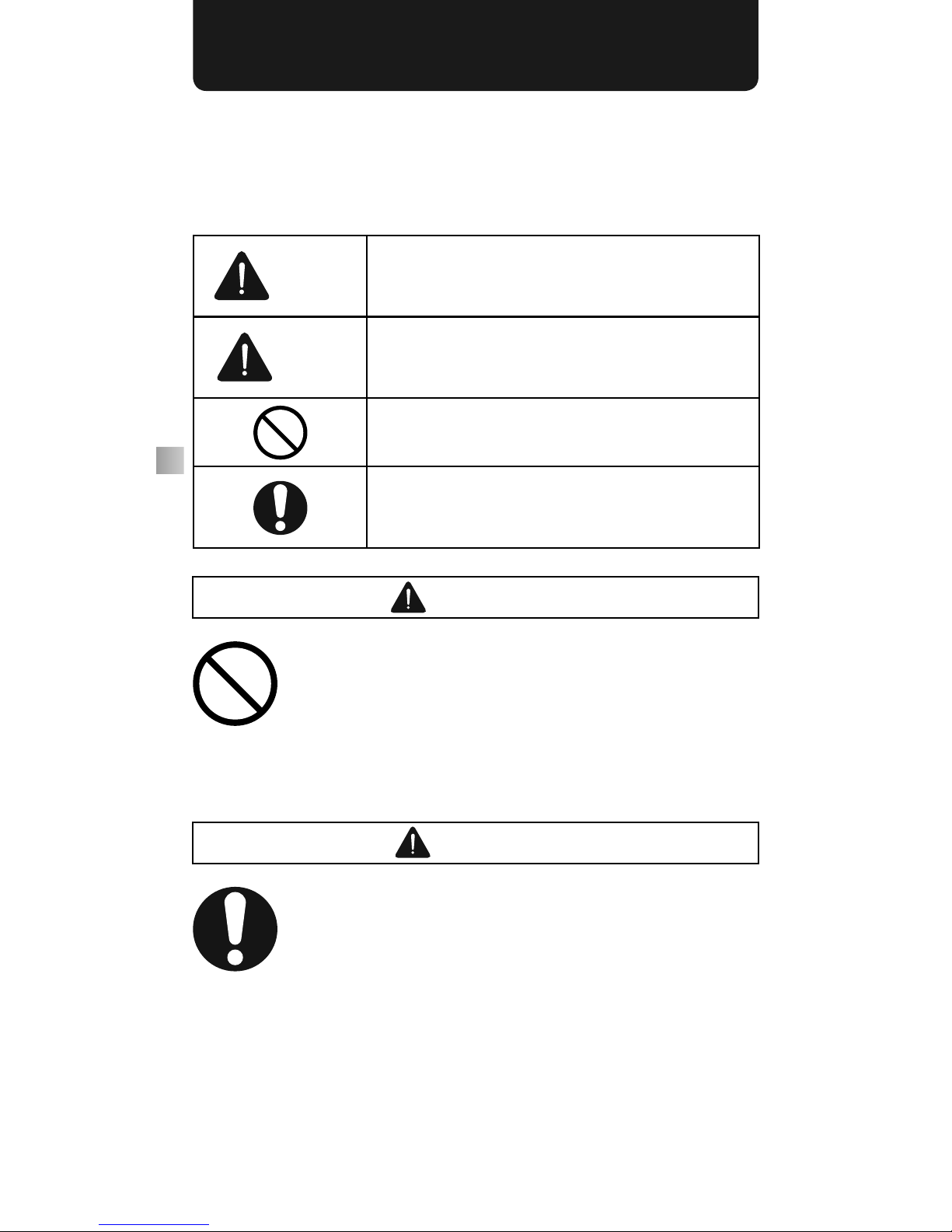
This instruction manual uses various illustrations to
explain how to use the product correctly and safely in
order to prevent any damage or injuries occurring to
you, other people or property.
Warning
The column bearing this mark describes
the content related to a hazard that may
cause death or serious injuries.
Caution
The column bearing this mark describes
the content related to a hazard that may
cause injuries or property damage.
This mark indicates prohibited actions.
This mark indicates items that are manda-
tory and the user is required to observe at
all times.
Warning
• Keep batteries, main unit and attached driver
away from babies.
>> Otherwise they may be accidentally
ingested or cause injuries.
• Never dispose of batteries in the fire.
>> Otherwise they may explode.
Caution
• If you are not accustomed to daily exercise,
consult your physician or trainer.
>> Sudden and strenuous exercise is dan-
gerous.
• If you are receiving treatment for injuries or
diseases, consult your physician or train-
er.
3
Precautions for handling and
storage
■■ About handling
• Never disassemble the product.
>> Otherwise it may result in product failure.
• Do not use or store the product in a dusty or
damp location or where it may come in con-
tact with water.
>> Otherwise it may cause the product to
fail.
• Do not subject the product to vibration or
impact.
>> Otherwise it may cause the product to
fail.
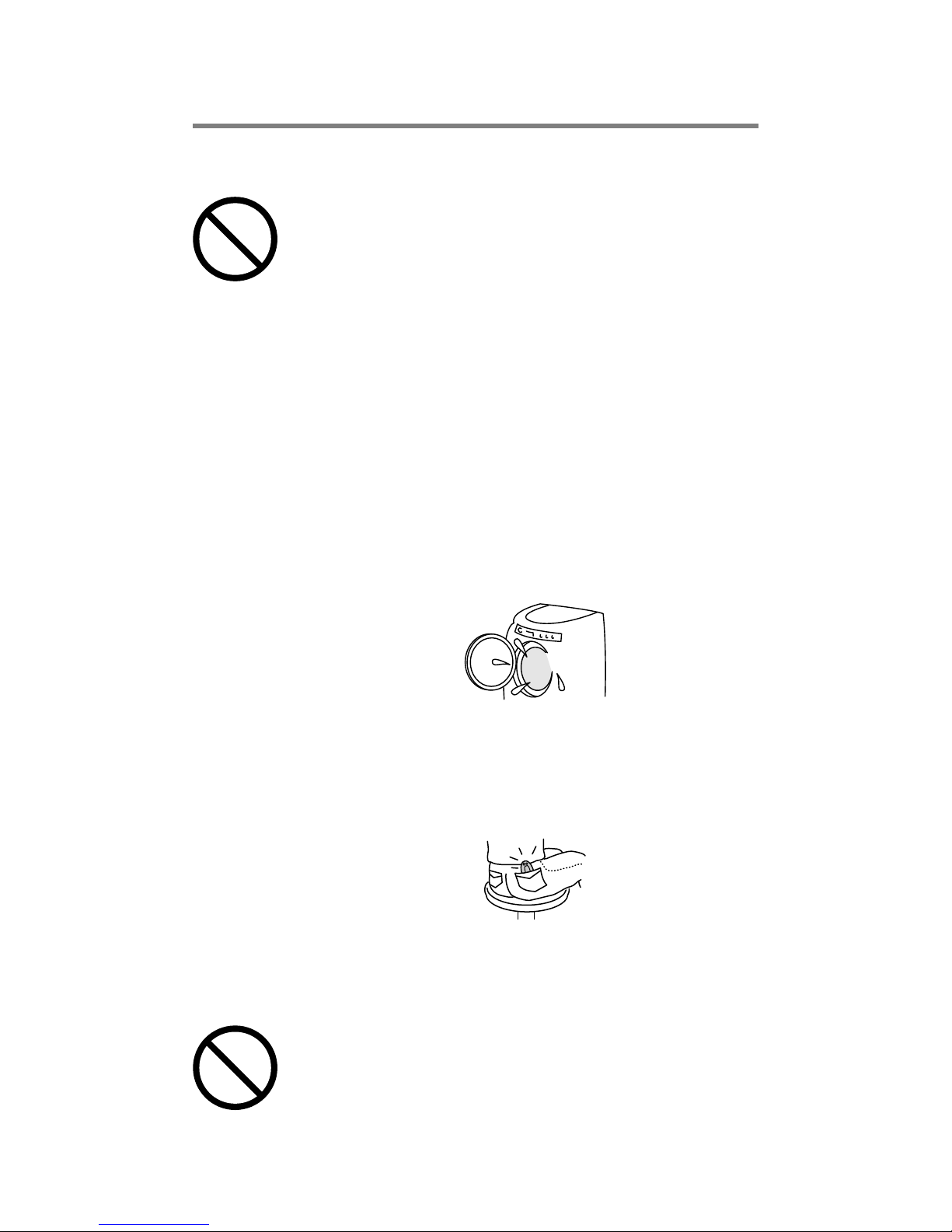
• Be careful not to put the product into a wash-
ing machine by mistake or drop it in water.
>> Otherwise it may cause the product to
fail.
• Refrain from wearing it in the hip/rear pocket
of your trousers.
>> Otherwise it may break or cause an injury
when you sit down.
■■ About maintenance
• Do not use thinner, benzine, alcohol, etc. for
maintenance.
>> Clean the main unit using a soft cloth.

4
Features
• The 3D (triaxial accelerometer) sensor
enables the pedometer to count the number of
steps in any direction when placed in a pocket
or bag.
• Simple function for measuring the number
of steps only.
• Large, easy-to-see display.
• The number of steps taken the previous day
is stored in the memory. You can view the data
at any time.
• If no buttons are pressed for a while, the screen
is automatically returned from the clock/memory
screen for the previous day to the step number
display screen for the current day by the auto
return function.
• The power-saving mode prolongs the life
of the battery. If no buttons are pressed or no
vibration is generated by walking, the screen
automatically goes blank and battery consump-
tion is reduced.
5
Before using this product
Before actually using the pedometer,
be sure to read the Safety Precautions.
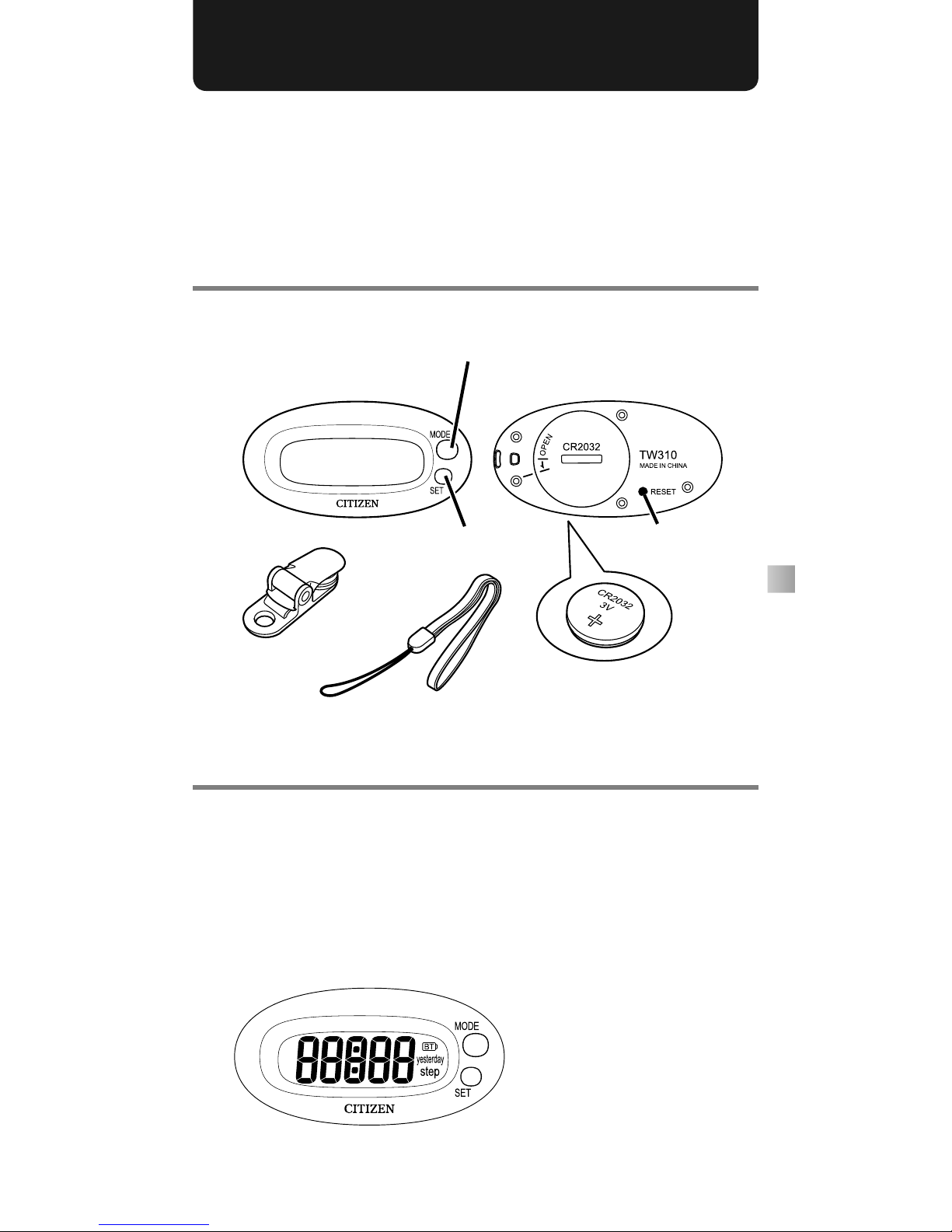
Check the contents of the pack-
age and the names of the parts
Initializing the product
Turn on the power
1 Press and hold the [MODE] button (for at
least three seconds).
The entire display screen lights and clock•
setting mode is enabled.
Battery for trial use
(inserted)
(Front) (Back)
Main unit MODE button
SET button Reset button
Clip
Strap
6
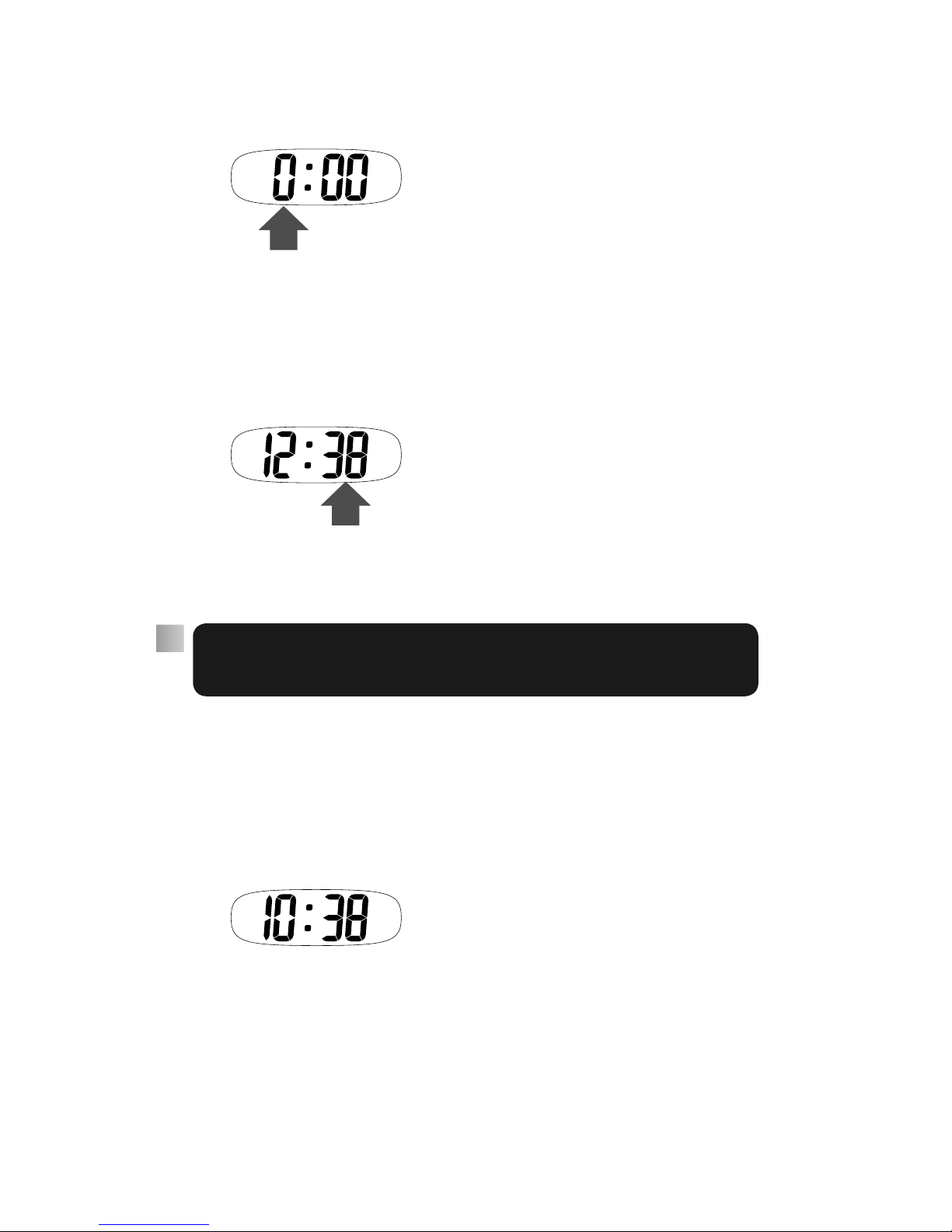
Set the clock
2 Press the [MODE] button until the correct
hour is displayed.
The hour is displayed in 24-hour format. For•
example, to set 2:00 pm, set 14:00.
3 Press the [SET] button.
4 Press the [MODE] button until the correct
minutes are displayed.
5 Press the [SET] button.
Clock setting is now completed.•
Changing the time
If you make a mistake or if you want to
change the time, follow the procedure
below.
1 Press the [MODE] button to display the cur-
rent time. (See page 9)
2 Press and hold the [SET] button for approxi-
mately two seconds.
The clock setting screen is displayed and•
you can set the time.
For details of how to set the time, see
above.
7
Let’s walk
When you have finished setting the
clock, the pedometer is ready to use.
This section explains how to carry
around the pedometer.
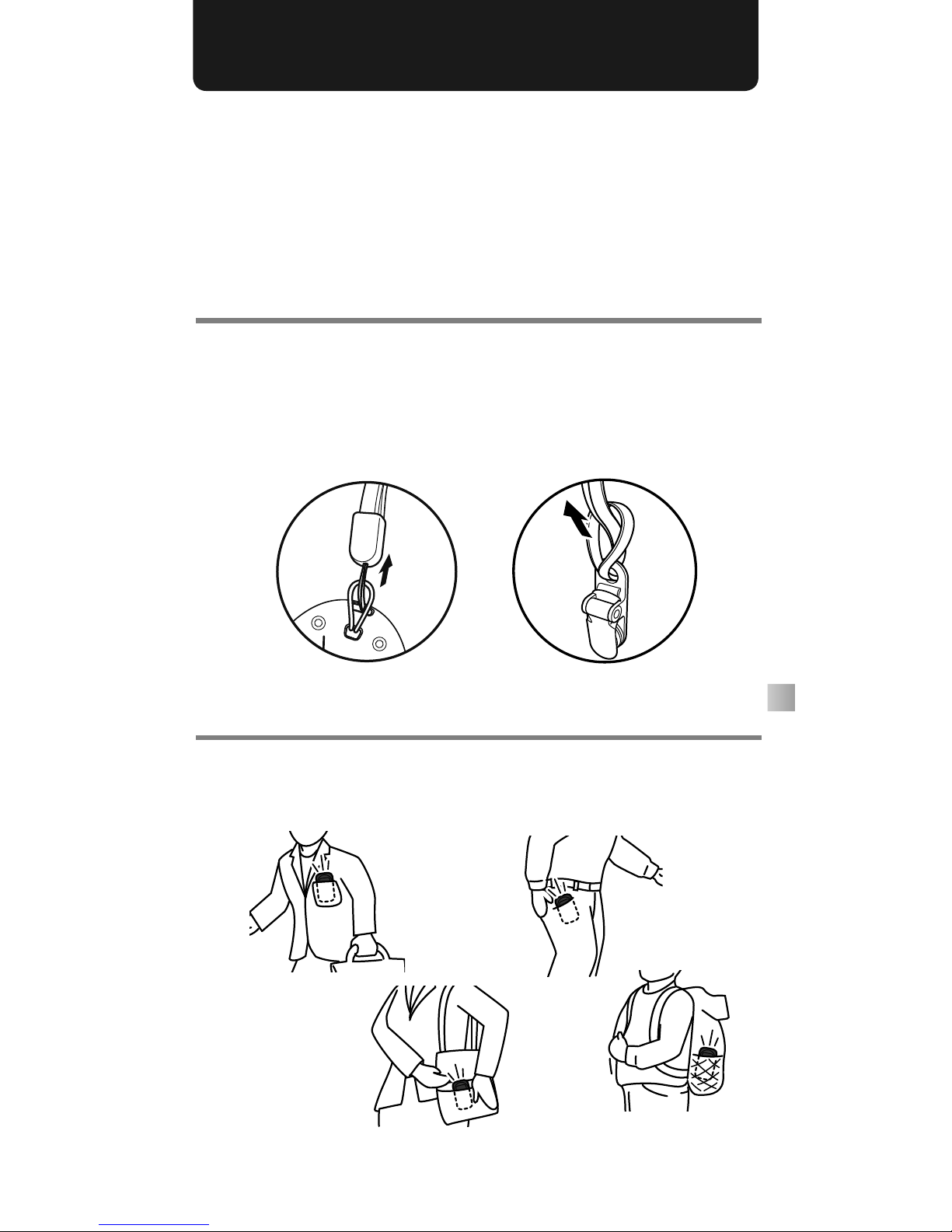
How to attach the strap
Thread the short end of the strap through
the pedometer as illustrated in 1and
thread the long end of the strap through the
clip as illustrated in 2.
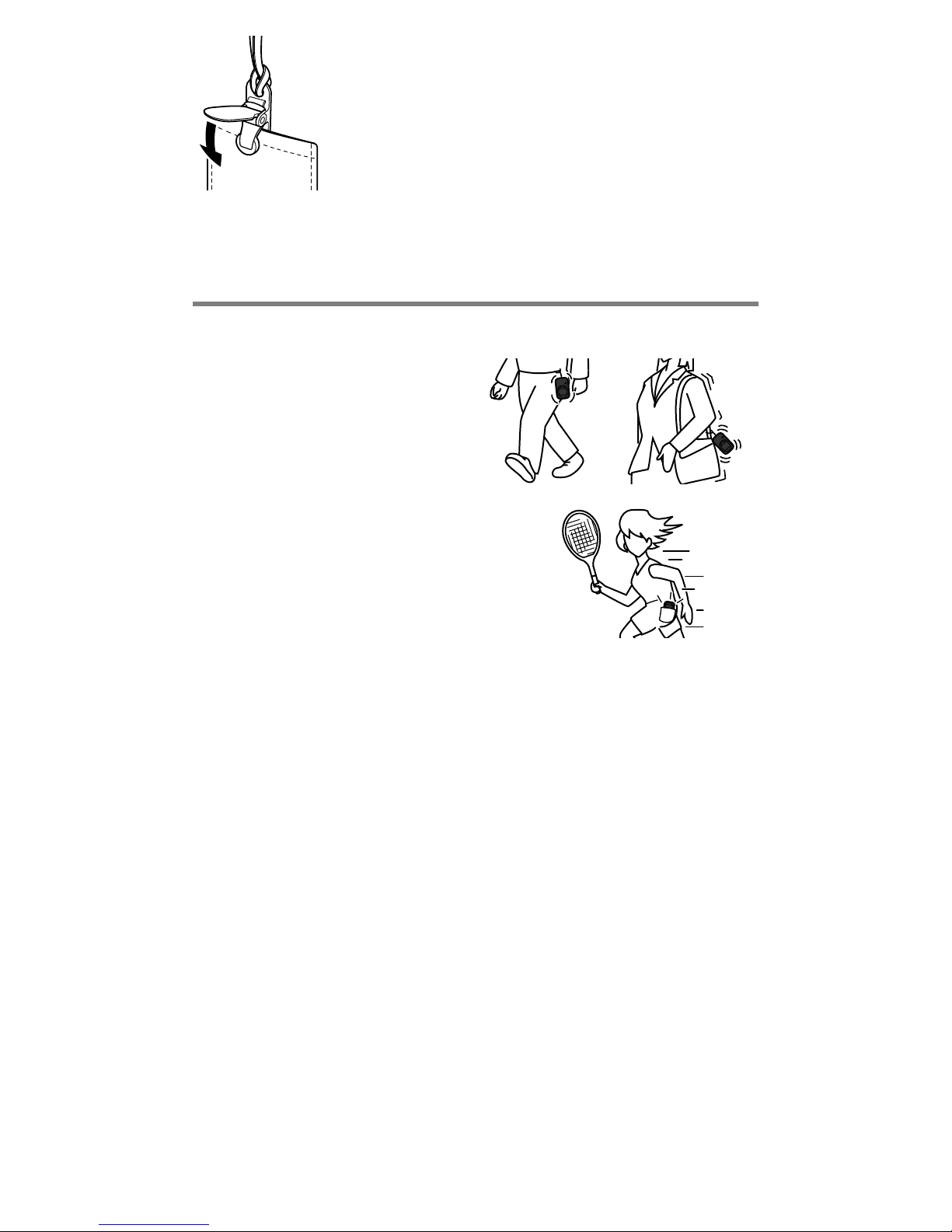
How to carry around the pedometer
Slide the pedometer in your pocket or carry
it around in your bag.
12
8
Clip the strap to your pocket or
the side of your bag to prevent it
from falling out. Take care not to
pull too hard on the strap while
the clip is attached to your
clothes. Doing so may damage the fabric.
For correct measuring
Do not swing the pedometer
No sports or jogging
Other causes of measuring errors
The pedometer may not measure correctly
in the following situations.
When you shuffle your feet•
When you wear sandals, clogs or flip-flops•
When you walk up or down a steep slope or stairs•
When you walk at an irregular pace in a crowded place•
When you walk repeatedly for short periods of less than•
five seconds
When you are riding a bicycle, motorcycle, in a car, train•
or other means of transport
When the pedometer is exposed to loud noise or•
continuous vibration

9
Method of operation
Standard display
The following image illustrates the standard
display. When an alternate mode is selected.
the unit automatically returns to standard
display mode if it is not in active usage for
approximately 15 seconds.
If the pedometer is not in active usage for over 30•
seconds, the LCD blacks out and the device enters
power save mode. The device returns to normal mode
when the user begins walking or operates any of the
buttons.
The number of steps taken on any one day is memorized•
at 2:00 am and the counter returns to zero.
When the data for the previous day is stored, the data•
from two days earlier is erased.
How to read the data
You can view the current time and the
number of steps taken the previous day.
1 Press the [MODE] button.
Each time the button is pressed, the display•
switches between the current time, number
of steps walked the previous day and the
standard display.
Number of steps
walked today
Current time
Number of steps
yesterday
Standard screen
10
About the battery
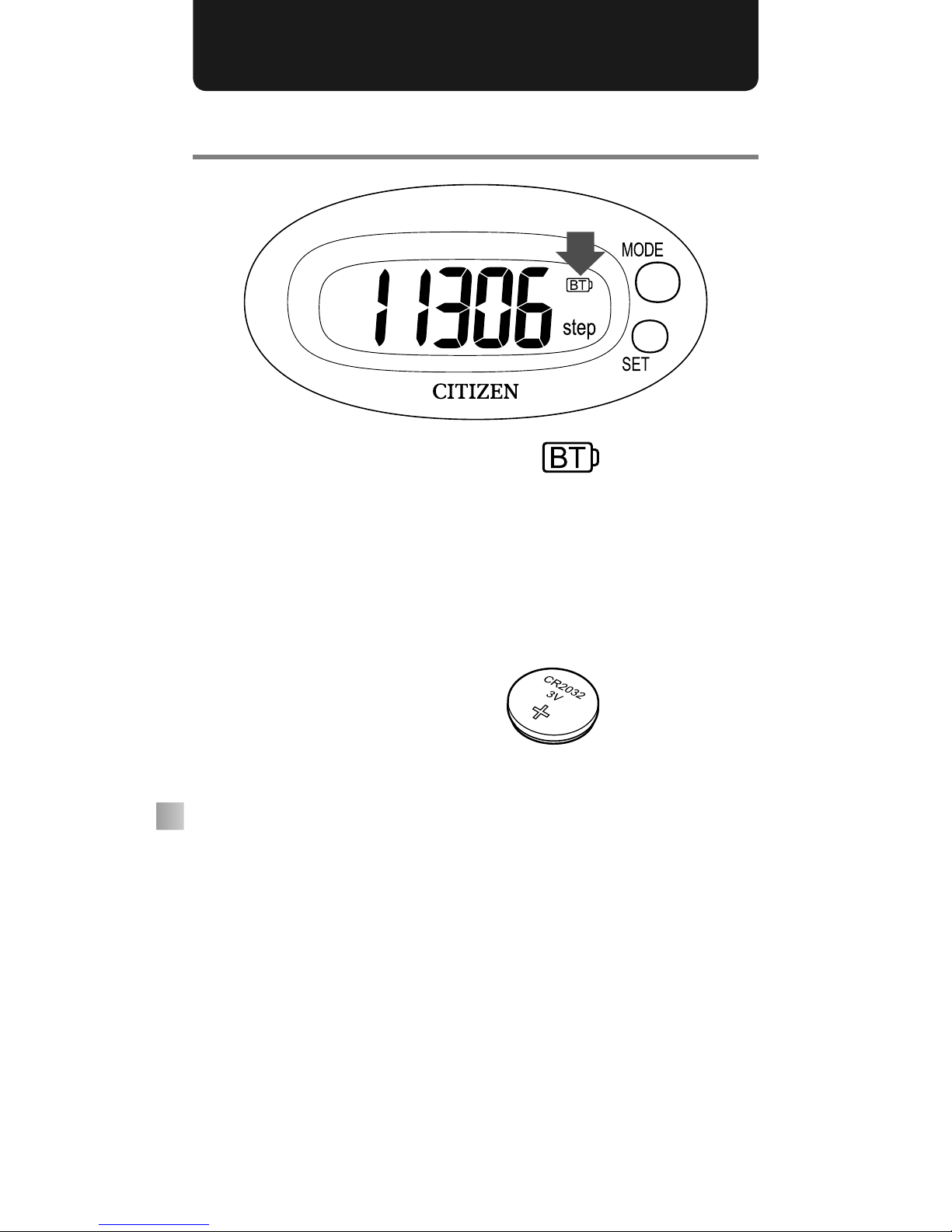
When the battery is low
When the battery is low, appears in
the top right corner of the screen. Replace
the battery with a new battery of the
following type as soon as possible (within
approximately one week).
Battery: CR2032
The service life of the battery is approximately one•
year.
The battery provided with the pedometer is only for trial•
use. Its service life may be short.
All data is erased when the battery is replaced.•
Dispose of used batteries according to the disposal•
method specified by the local authorities in your area.
Table of contents
Other Citizen Pedometer manuals