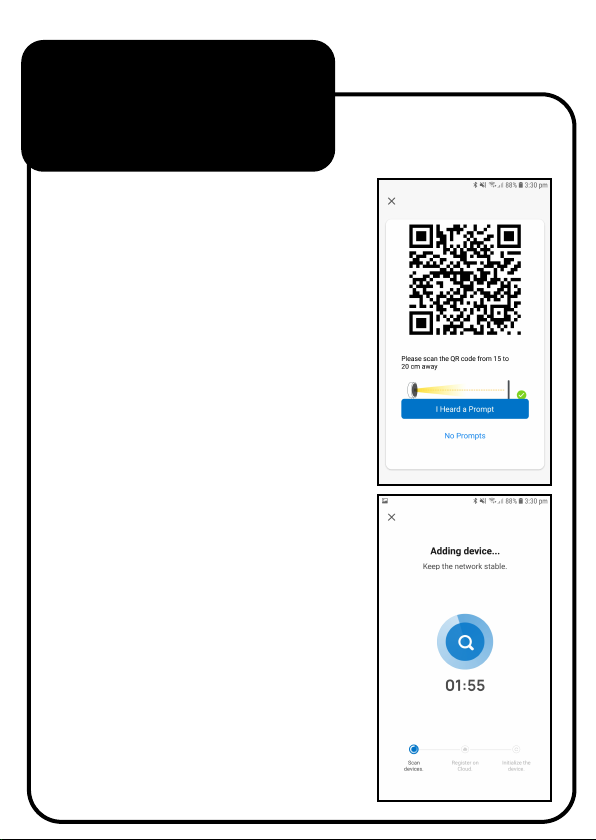
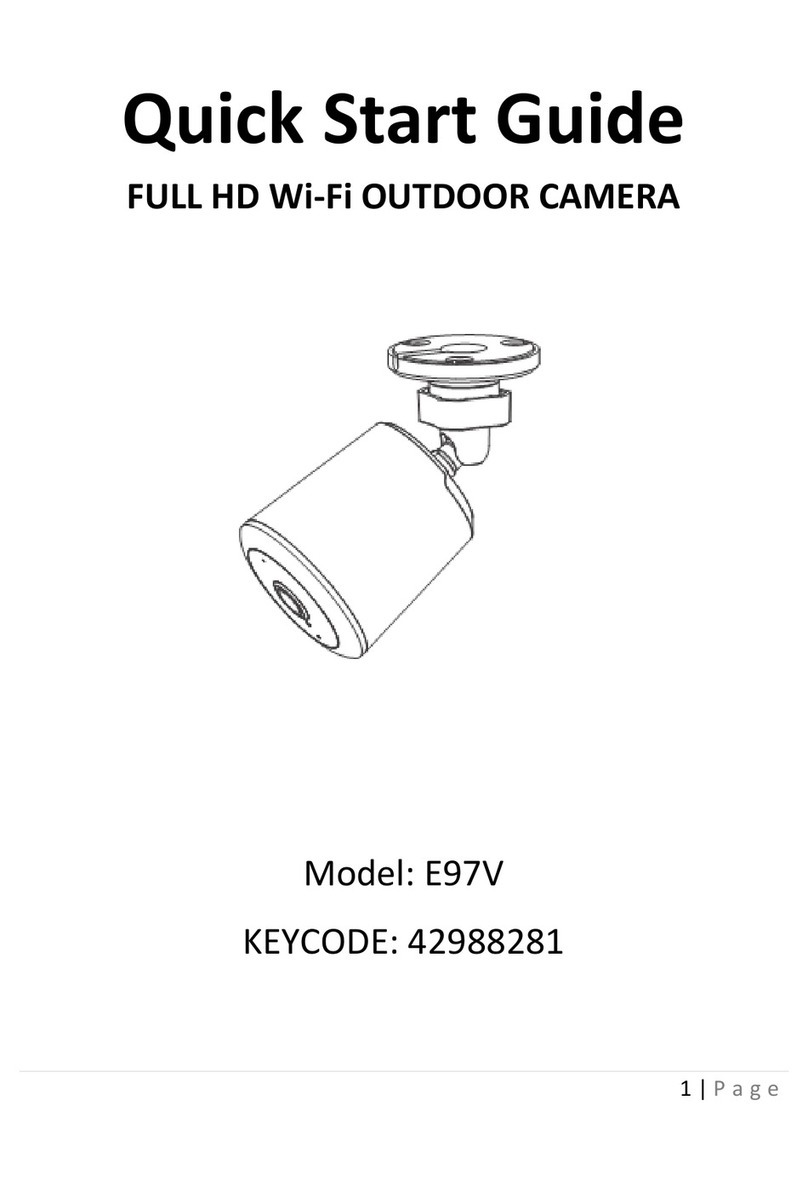
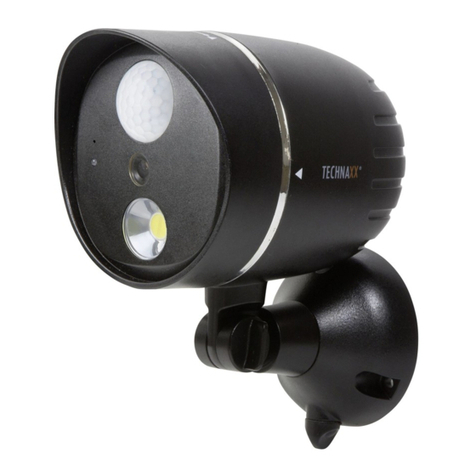
7. On the next screen you will
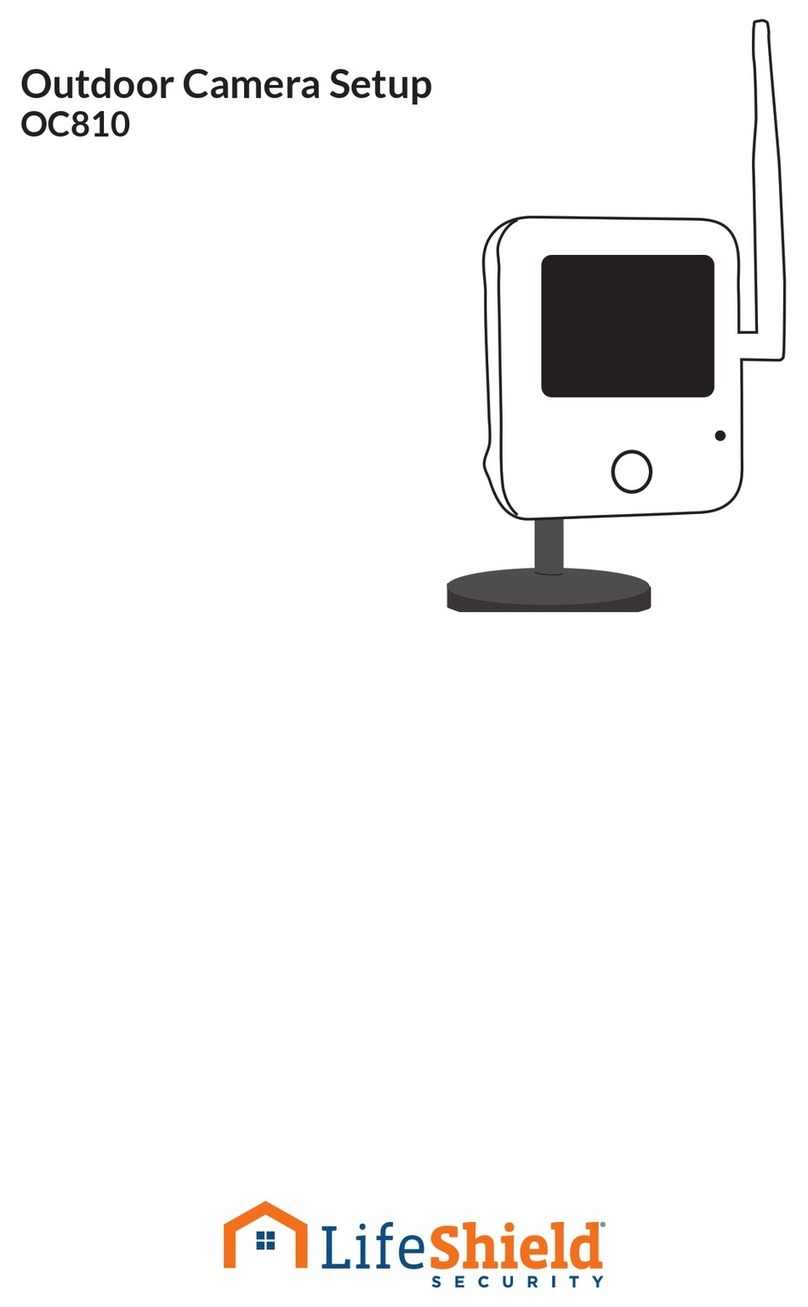
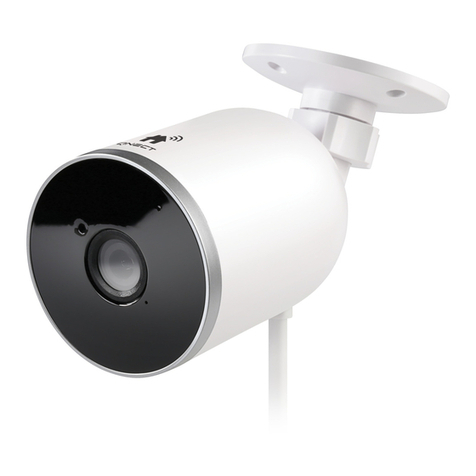
need to hold the QR Code on
the App towards the camera
lens on the Outdoor Camera.
A tone will be heard when
done correctly. Tap “I Heard
a Prompt” to continue.
Tip: Move the QR code on the
phone away, then towards
the camera lens a few times
so that it can detect it
properly.
8. Wait for network pairing
to complete.
Connecting
to the App
continued...