POWER LEVELS
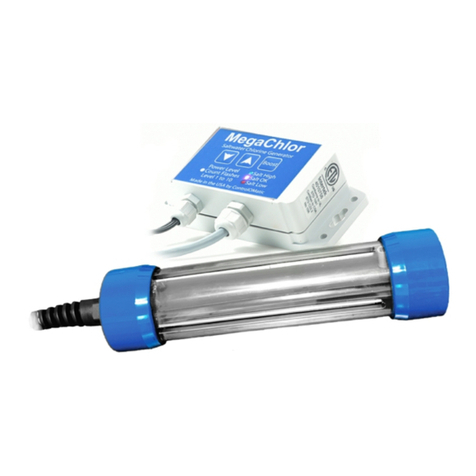
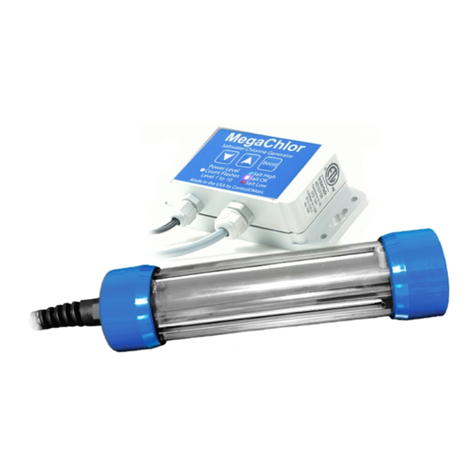
MegaChlor includes 10 power level settings that need to be set based on water volume, usage and testing.
MegaChlor is set to power level 3 straight from the factory. The output power to the cell is always the same,
the power levels change the amount of time the cell is energized every three hours. At the start of the three
hour period the cell will be energized and then after the time indicated by the power level the cell will be put
into standby mode and stop producing chlorine and at the start of the next 3 hour period will repeat. Please
follow the steps below to increase or decrease the power from the factory default power level 3.
VIEW THE CURRENT POWER LEVEL SETTING
Simply press the UP or DOWN arrow button once and count the WHITE flashes. Each flash represents a
power level. For example: 3 WHITE flashes = power level 3, 7 WHITE flashes = power level 7, and so on.
CHANGE POWER LEVELS
1. Press both the UP arrow and the DOWN arrow at the same time. The WHITE Light will turn on solid
indicating that it is in power change mode.
2. Then press UP arrow to increase power. The GREEN light will flash each time the UP arrow is pressed.
Or press the DOWN arrow to decrease power. The RED light will flash each time the DOWN arrow is
pressed.
3. When finished do not press any buttons for 3 seconds. The WHITE light will flash (count the flashes)
confirming the new power level setting.
SELECTING THE RIGHT POWER LEVEL
Selecting the right power level requires some testing and adjustment. There are many factors that affect the
sanitizing needs of a pool such as: use, number of people, if there is an Ozone Generator, temperature, last
drain and refill, does it have a cover, cyanuric acid or stabilizer, etc. However, after the testing and
adjustment period, MegaChlor will take care of your sanitation needs day after day with minimal
Power Level Water Volume (gals)
1 to 3 Less than 1000
4 1000 to 2000
5 2000 to 4000
6 4000 to 6000
7 to 10 6000 and above
adjustments. As a starting point, please program MegaChlor
and set the power level to the general recommendations
shown in the chart below.
Test the Chlorine Level with test strips after 1 to 2 days.
When testing, always try to measure at the same time of the
day. If the chlorine level is LOW, increase the power level by
one level. If the chlorine level is HIGH decrease the power
level by one level. Wait a day or so after this initial
adjustment, re-test and repeat as necessary until a
consistent chlorine residual has been achieved. If the chlorine level is VERY high or VERY low, adjust by 2
levels, as needed.
IMPORTANT NOTE: If the chlorine level is zero 24 hours after installation, the initial chlorine demand may
be above what MegaChlor can produce to break away from zero. In this case, manually add chlorine or
shock (according to the company product label) to assist in the initial set-up.
If conditions change on the pool usage make sure to adjust the power level. If usage significantly increases,
(return from vacation, etc) it is important to adjust the power level up accordingly. Always retest and adjust
the power level as needed.