1723 W. 4th Street Tempe Arizona 85281
USER MANUAL
Switching Modes
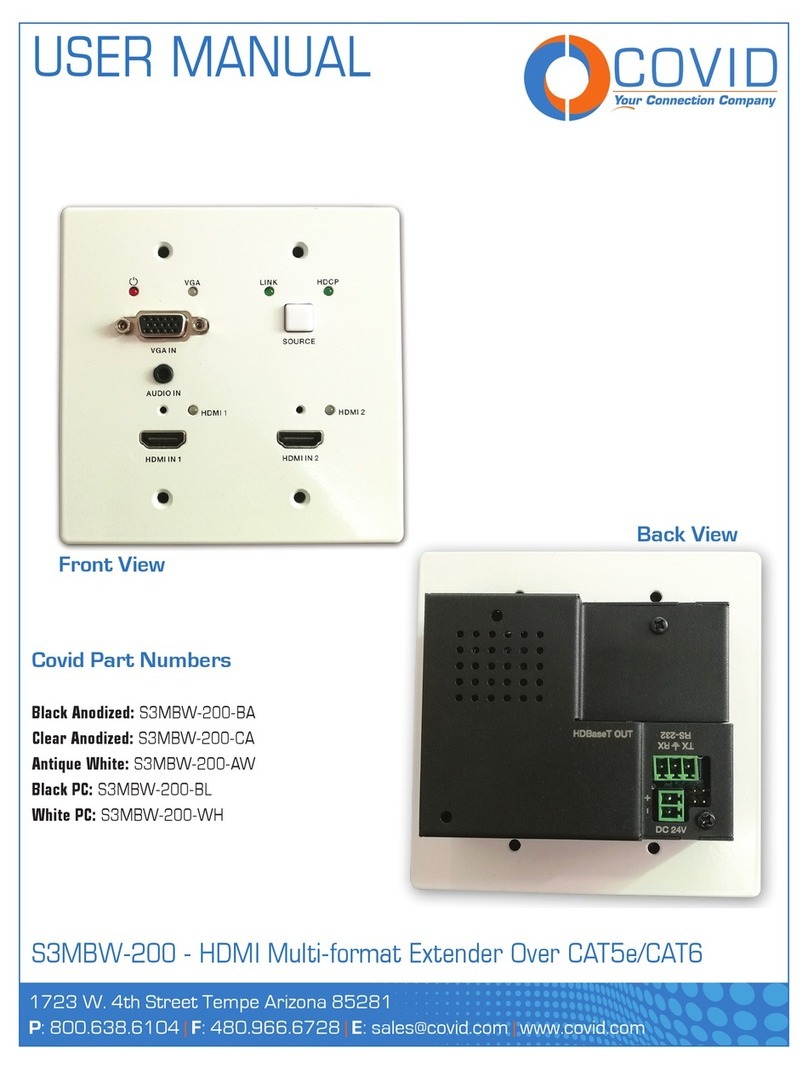
The S3MBW-200 has four switching modes available to help customize a unique solution to your specific
needs. The switching modes on the S3MBW-200 can be setup and changed by connecting to the RS-232
port and sending the appropriate command using the Covid configuration utility software. You can also use
terminal software and send the correct RS-232 command string.
Manual Mode: In this mode the S3MBW-200 will not auto-switch at all. Even if the currently active in-
put is disconnected, the S3MBW-200 will not switch. The only way to initiate a switch is by using the button
on the front interface or RS232 commands.
Hybrid Mode: In this mode, the S3MBW-200 will auto switch to the first connected active source. From
then on, the S3MBW-200 will only switch by using the button on the front interface or RS232 commands. If
the currently active source is disconnected, the S3MBW-200 will then auto-switch to another active source
input.
Auto Mode: (Default) In this mode the S3MBW-200 will switch automatically to any new source, So
whenever a new input is connected, the S3MBW-200 will auto-switch to that input. If the active input is dis-
connected, the S3MBW-200 will switch to another active input. The front interface button and RS232 switch-
ing commands can also still be used in this mode for manual override.
Priority Mode: In this mode the user assigns a hierarchy for the inputs to the S3MBW-200. When an
input that is assigned a higher priority is connected the S3MBW-200 will auto-switch to it. If an input with
a lower priority is connected, the S3MBW-200 does nothing. When the highest priority input is disconnect-
ed, the S3MBW-200 switches to the next highest priority connected. The front interface button and RS232
switching commands can still be used; however, if a higher priority input is connected after manually switch-
ing, the S3MBW-200 switches to the higher priority input still. The port hierarchy can be set on the Input/
Output Config Tab.
S3MBW-200 - HDMI Multi-format Extender Over CAT5e/CAT6
Page 6