6
€ (or other currency specific features) MT is turned of as well, but can be
selected again to work as a general detection of the MT feature on bank notes.
Example: Euro notes as well as English and Danish banknotes have a
magnetic code on them. With the € feature selected the machine only accepts
Euro notes. When the € function is turned off and the MT function on, the
machine will accept Euro, English and Danish notes, but not banknotes
without magnetic code on it.
3D detection measures the horizontal dimension (length) and vertical
dimension (width) of the note and uses these data to determine the value of
the note or to reject notes of wrong size. The 3D function can be used on
value counters to determine the denomination of the currency the machine is
made for. In other cases the feature is used to sort the ‘odd one out’. The first
note counted, that is the one at the bottom of the stack of notes counted, is the
reference note. Notes successively counted from the same batch that deviate
from the size of the first note will be rejected. This feature then finds a
smaller note that by accident got into a bundle of larger notes. In case the
currency counted has notes all of the same length or width, the specific
feature can be disabled to reduce unnecessary stops caused by torn, worn or
otherwise damaged notes. To do so press SETUP for more than one second.
Select the 3D feature by pressing the 3D key. Either ‘LENGTH LEVEL’ or
‘WIDTH LEVEL’ are on the display and can be changed by pressing the 3D
key for more than two seconds. Below the level is the class value. Default:
03. Setting this value to zero (00) disables the respective function. After
changing the settings, changes need to be confirmed by pressing the SETUP
button. Pressing START/RESET cancels the changes.
DD measures the vertical dimension (width) of the note and uses this to reject
wrong size notes from a batch. Go into SETUP and press the IR key to turn
the IR function on or off.
DEN measures the density of the bank note paper to reject heavily soiled
notes and avoid miscounting due to notes sticking together or overlapping.
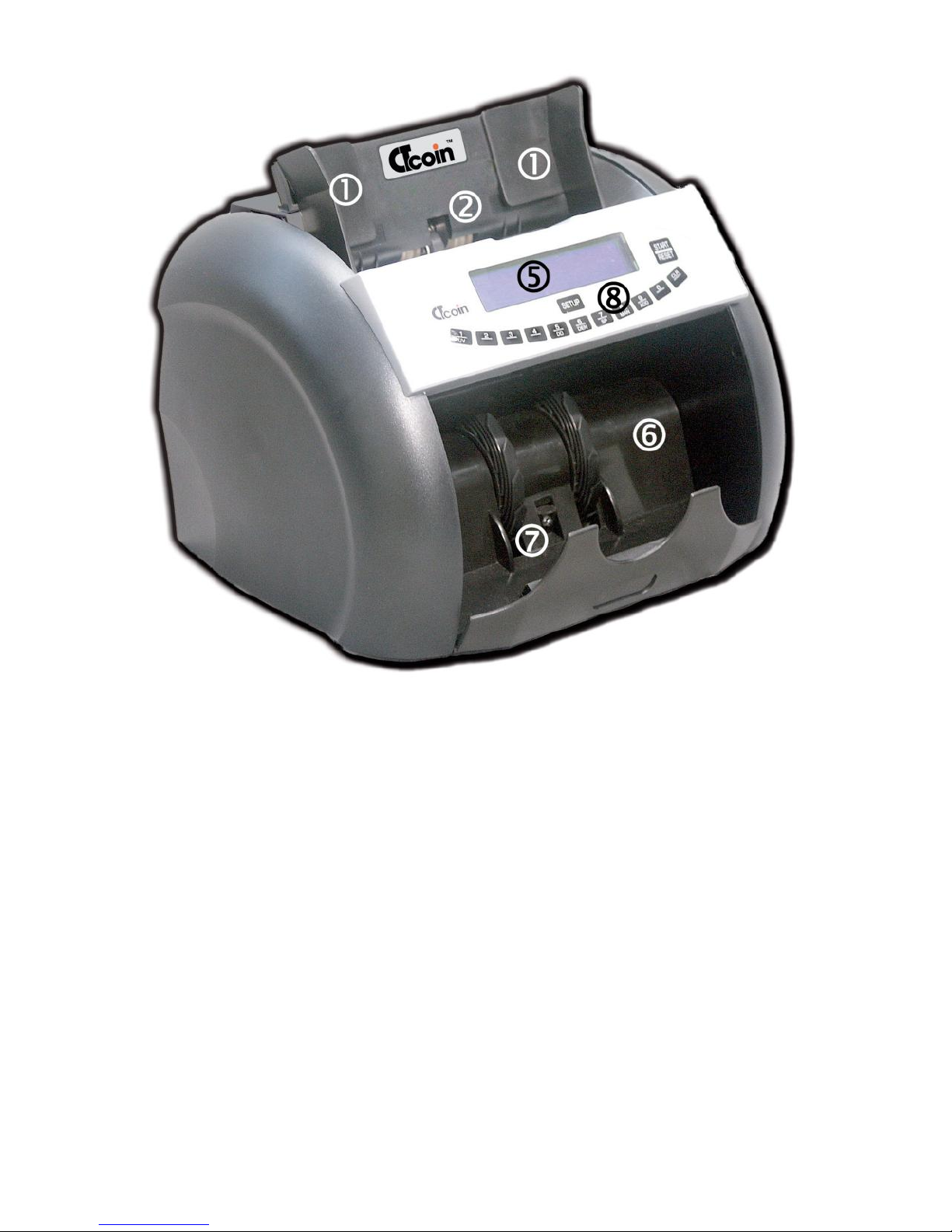
SP sets the counting speed in four steps. Steps 1 and 2 are for damaged and
worn out notes, speed 3 is for notes in fair condition and speed 4 is for
counting only at fastest speed with limited fake note detection. Depending on
the version of the machine in some modes, the speed setting cannot be
changed.
MAN toggles between AutoStart and manual starting of the counting process.
With notes in fair condition, it is faster putting the notes on the hopper and the
machine starts counting automatically. If the notes are worn and torn and
need careful placement, the machine can be switched to manual mode. To