manuals.online logo
Brands
  1. Home
  2. •
  3. Brands
  4. •
  5. CyclopsGear
  6. •
  7. 3D Glasses
  8. •
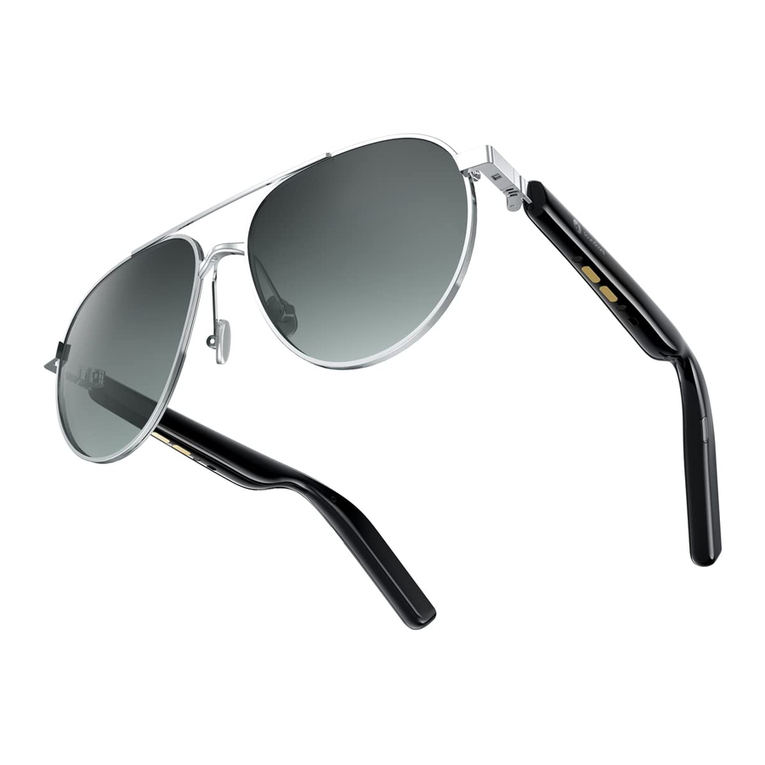
  9. CyclopsGear CGH2O User manual

CyclopsGear CGH2O User manual

Popular 3D Glasses manuals by other brands

Sony BKM-30G Instructions for use

Sony

Sony BKM-30G Instructions for use

Segula 50546 manual

Segula

Segula 50546 manual

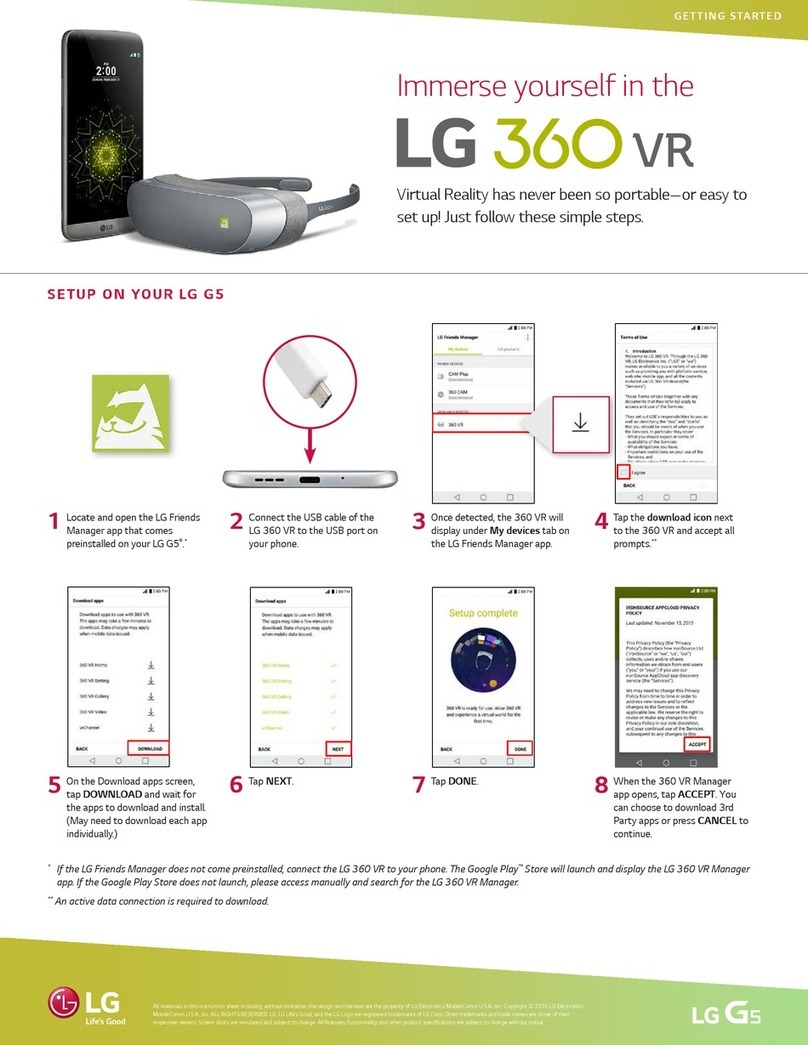
LG 360 VR Getting started

LG

LG 360 VR Getting started

Wicked3D eyeSCREAM user guide

Wicked3D

Wicked3D eyeSCREAM user guide

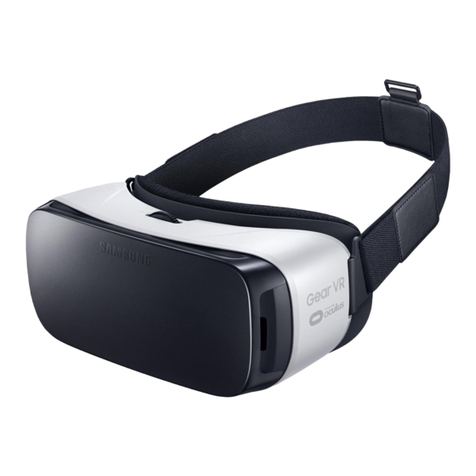
Samsung Gear VR SM-R322 user manual

Samsung

Samsung Gear VR SM-R322 user manual

Mini Gadgets GLSun720 user manual

Mini Gadgets

Mini Gadgets GLSun720 user manual

Mini Gadgets GLClear720 user manual

Mini Gadgets

Mini Gadgets GLClear720 user manual

Xpand ONE ADE1512H installation manual

Xpand

Xpand ONE ADE1512H installation manual

Samsung SM-R321 user manual

Samsung

Samsung SM-R321 user manual

chinavasion CVAGK-E516 user manual

chinavasion

chinavasion CVAGK-E516 user manual

Eschenbach MaxTV user manual

Eschenbach

Eschenbach MaxTV user manual

BASETech 1456965 operating instructions

BASETech

BASETech 1456965 operating instructions

Rocks OK-09.0031 quick start guide

Rocks

Rocks OK-09.0031 quick start guide

Sharper Image 205017 user guide

Sharper Image

Sharper Image 205017 user guide

Silhouette SPX SIGNIA manual

Silhouette

Silhouette SPX SIGNIA manual

Samsung SAMBLK2200 overview

Samsung

Samsung SAMBLK2200 overview

unotec SUNCAM manual

unotec

unotec SUNCAM manual

Virtual Research Systems FS5i user guide

Virtual Research Systems

Virtual Research Systems FS5i user guide

manuals.online logo
manuals.online logoBrands
  • About & Mission
  • Contact us
  • Privacy Policy
  • Terms and Conditions

Copyright 2025 Manuals.Online. All Rights Reserved.

11/27/2017 Cyclops Gear H20 Video Sunglasses - Cyclops Gear H20 Video Sunglasses
http://www.cyclopsgear.com/load_manual.php?id=74 1/5
CYCLOPS GEAR H20 VIDEO SUNGLASSES

CGH2O Video SunglassesUser Manual

QUICK START GUIDE
1.Please fully charge your glasses before use to ensure high quality video and still photography.
2.Glasses are fully charged when solid red light is off.
3.To keep the glasses from water damage, please make sure the silicone USB cover is securely positioned enclosing USB port.
4.For optimum audio quality please make sure the silicone USB cover is slightly open during video recording. Always ensure the silicone
USB cover is closed when performing water activities and video recording to avoid water damage to glasses.

Instruction of buttons:
11/27/2017 Cyclops Gear H20 Video Sunglasses - Cyclops Gear H20 Video Sunglasses
http://www.cyclopsgear.com/load_manual.php?id=74 2/5
Specifications:
• 5M pixels CMOS Camera
• MOV Video format: 1920*1080@30fps
• Integrated Microphone
11/27/2017 Cyclops Gear H20 Video Sunglasses - Cyclops Gear H20 Video Sunglasses
http://www.cyclopsgear.com/load_manual.php?id=74 3/5
• Internal Micro-SD cards
• Connection: USB 2.0
• Operating voltage 3.8 V
• Rechargeable battery 3.8 V 480 mAh

Accessories:
Hard case, cleaning cloth, USB cable, User manual.

How to Operate the Camera Glasses:
I. Preparation:
1.The device is internal Micro SD card and has a built-in rechargeable lithium battery. Use the USB cable to charge the battery while the
glasses are turned off. The charge LED indicator light (7) will stay solid red during the charging process and the red light turns off when
glasses are fully charged.
2.Glasses reach full charge after 2 hours around and will run for 60 minutes on a full charge.

II. Power ON /OFF
1. Power ON: Press the ON/OFF button (1) for 2 seconds , The Red LED light (2) will lighten and with vibration for 0.5 second at the
same time , then the camera system is starting .
2. Power OFF: Hold on the ON/OFF button (1) for 2 seconds until the LED light turn off as well as the vibration off.

III. Start to Use
1. To Begin Recording:
Press the ON/OFF button(1) for 2 seconds and with 0.5 second vibration at the same time to begin video recording. The red indicator
light will flash while the device is recording.
Note:
If the recording is not stopped, the file will automatically save to the micro SD card approximately every 10 minutes.
2. To capture photo:
Press the ON/OFF button (1) once to capture one photo with a 0.3 second vibration hint and the Blue led light (3) will flash once without
stop video recording.
Note:
* Make sure there is adequate light in the surrounding area and that the camera is not blocked.
* Keep the camera upright and stable.
* To ensure quality audio, do not block the microphone hole.
* Videos may not properly record if the battery is low

IV. Viewing videos and pictures on your Computer
Turn the glasses on and connect the device to your computer, using the supplied USB cable. The micro SD card will pop-up as an
external drive. The photos and videos can then be downloaded to watch or modify the files.


11/27/2017 Cyclops Gear H20 Video Sunglasses - Cyclops Gear H20 Video Sunglasses
http://www.cyclopsgear.com/load_manual.php?id=74 4/5
V. Trouble shooting:
1. Insufficient micro sd card storage space: the blue led light (3) will blink slowly for5 seconds and with slow vibration for 5 seconds at
the same time and turn off.
2. Low battery: the blue led light (3) will flash fast for5 seconds and with fast vibration for 5 seconds at the same time and turn off.
Please Connect glasses to computer by USB cable to charge battery. The charging led indicator light will be solid red during the
charging process. Glasses are fully charged when the charging indicator light shuts off. It will take up to two hours to obtain a full
charge. Please make sure your glasses is fully charged before use.
3. No function: If the glasses stop working for any reason or are not responding, please insert a small pin end into the reset button (6) to
restart.
4. Can’t connect with my computer. If your sunglasses are not connecting with your computer as a hard drive please make sure that all
your operating software is up to date and you are using Window me/2000/xp/2003/Vista/7,8
and 8.1 and the most up to date MAC OS. If problem still persists please call tech support at 877.303.7083.

VI. Specification:
Item Parameters
Video format  MOV
Video compressing format H264
Video resolution  1920*1080P@30FPS
Media playing software  Window Media Player or Mainstream audio and
video media playing software, recommend Kmplayer
Picture format  JPG
Picture pixels 1920*1080
Supporting system
Window me/2000/xp/2003/Vista/7,8
and 8.1 and MAC OS
Interface type Micro USB 5 Pin
Storage support Internal Micro-SD(TF Card)Max.to 32GB
Battery type 480mAh high-capacity lithium polymer
Battery charge time
Approximately 2 hours by standard
computer

VII. Warning:
11/27/2017 Cyclops Gear H20 Video Sunglasses - Cyclops Gear H20 Video Sunglasses
http://www.cyclopsgear.com/load_manual.php?id=74 5/5
Application: Please strictly abide to all relevant state and federal regulations and laws as it relates to video and photo recordings. This
product should not be used for any illegal purposes. The user is fully responsible for all videos and photos captured.
Battery: If you have not recorded video for a long time, please charge your device fully before using.
File security: This product is not a professional storage device. It does not guarantee the integrity and security of saved files. Please
back up your important documents on the computer or other storage device timely.
Video quality: This product is not a professional video recording device. It does not guarantee the effect of the video file to have the
professional quality.
Operating temperature: 0--40℃. For the extension of life, it is best used at room temperature.
Shooting brightness: Do not stare directly into sun light to avoid damage to built-in optical devices and your eyes.
Cleaning: Do not use in an environment with high dust density to avoid the contamination of camera lens or other components, such as
a desert or windy beach
Night time driving: Not suitable for driving in twilight or at night or under conditions of dull light.
Additional eyewear: Some activities my require glasses support straps or protective eyewear in addition to the HD Sunglasses.

Para Otros Idiomas:ىأ ت :
其
他
语言
: Pour D'autres
Langues : Für Andere Sprachen :
他
の
言
語
の
:Per Altre Lingue
www.cyclopsgear.com/product-manuals.html
