6
EN
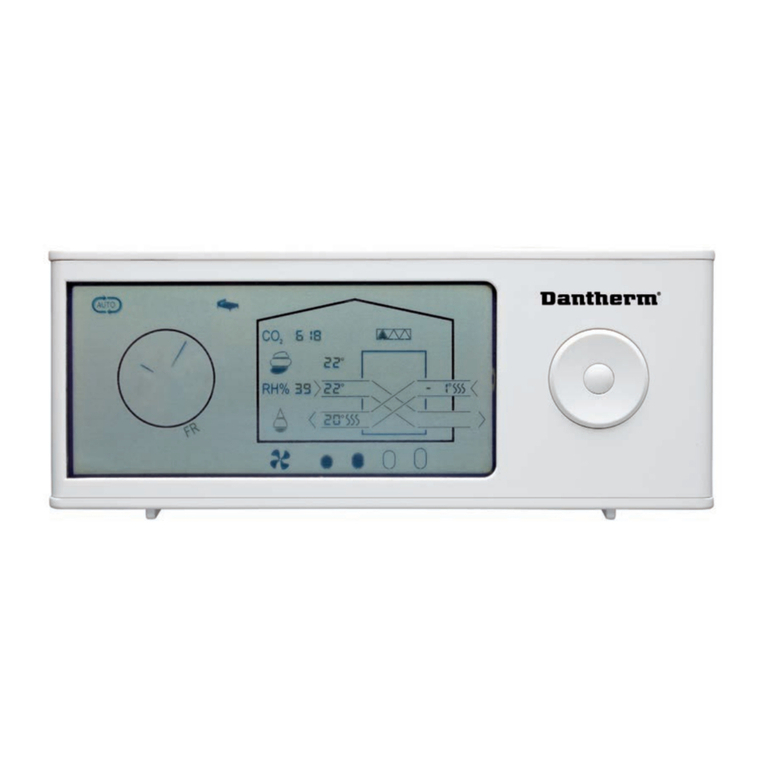
Mating Mode Before use, the DRC1 must be mated with the CDP unit.
This section describes how to mate the DRC1 with the dehumidier.
Mating
Procedure 1. Insert batteries > Display ashes (if it does not ash, press the left button for 10 seconds and wait
until the display starts to ash)
The DRC1 will search for the dehumidier for 2 minutes, during which time mating can be done:
- Press the up and down buttons on the DRC1 at the same time for 5 seconds
Note: this must be done while the DRC1 is searching for the dehumidier.
If this procedure does not work:
Switch o the dehumidier and wait for 5 seconds and then switch it on again.
2. The dehumidier will send a serial number to the DRC1.
When mating is successful, the radio icon comes on.
3. The dehumidier will conrm connection by showing code“Conn” for 3 sec-
onds
More than one remote control panel can be connected to the dehumidier.
Navigation ENTER press and hold for 3 seconds to enter user menu setup
UP and DOWN buttons to navigate between icons.
LEFT and RIGHT buttons allows to change set points value 1press = 1unit
ENTER conrms new set point value and automatically switches to next icon/or exits the
menu
Press and hold RIGHT for 5 seconds to enter installer menu setup. ( Exit setup menu rst)
When no button is pressed for 10 sec, the DRC1 exits the menu and returns to readings
screen
Failed mating If mating fails and is shown in the display and the radio symbol ashes
Reset DRC1 and repeat mating process.
Standard readings Standard readings when connected:
-Stand by, RH and ºC scale
-Compressor active, dehumidifying symbol on
End
point
End
point
Mating
Press and hold for 10 seconds to reset
the serial number stored in DRC1.