manuals.online logo
Brands
  1. Home
  2. •
  3. Brands
  4. •
  5. Datecs
  6. •
  7. Cash Register
  8. •
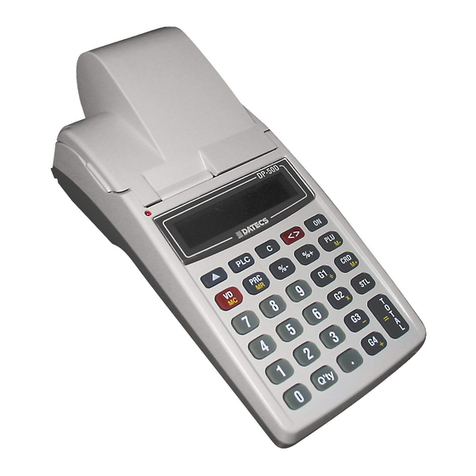
  9. Datecs MP-5000 User manual

Datecs MP-5000 User manual

Other manuals for MP-5000

1

Other Datecs Cash Register manuals

Datecs dp-55d kosovo User manual

Datecs

Datecs dp-55d kosovo User manual

Datecs DP-50 User manual

Datecs

Datecs DP-50 User manual

Datecs MP-5000 User manual

Datecs

Datecs MP-5000 User manual

Popular Cash Register manuals by other brands

Royal 480nt operating manual

Royal

Royal 480nt operating manual

Olivetti ECR 8200 S user guide

Olivetti

Olivetti ECR 8200 S user guide

TEC TEC FS-3600 owner's manual

TEC

TEC TEC FS-3600 owner's manual

Integrated System Laboratory ISL 4006 user manual

Integrated System Laboratory

Integrated System Laboratory ISL 4006 user manual

Sam4s ER-380 Operation and program manual

Sam4s

Sam4s ER-380 Operation and program manual

Sharp XE-A206 Guía de inicio Rápido

Sharp

Sharp XE-A206 Guía de inicio Rápido

Samsung ER 5215 Operator's manual

Samsung

Samsung ER 5215 Operator's manual

Toast Toast Quick setup guide

Toast

Toast Toast Quick setup guide

QUORION CR 1200 user manual

QUORION

QUORION CR 1200 user manual

Olivetti ECR 7700 LD eco Plus user guide

Olivetti

Olivetti ECR 7700 LD eco Plus user guide

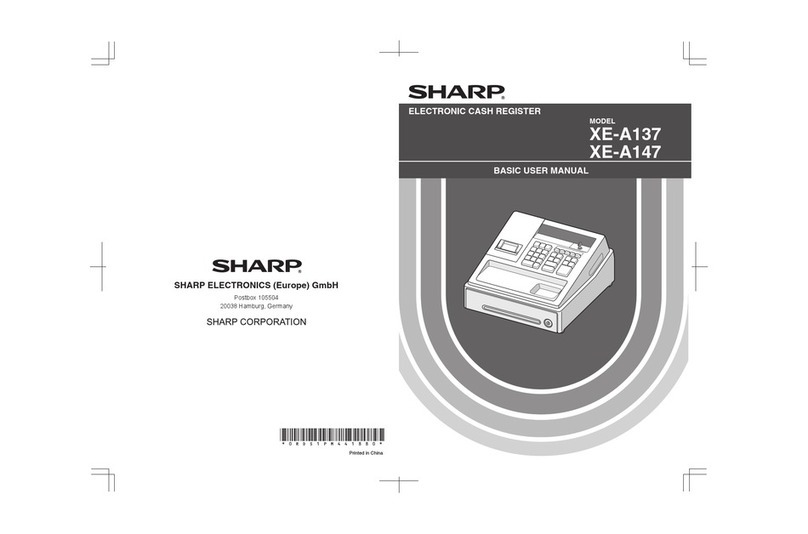
Sharp XE-A137-WH Operation Basic user manual

Sharp

Sharp XE-A137-WH Operation Basic user manual

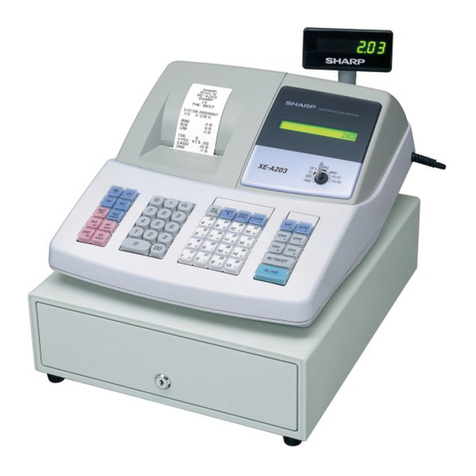
Sharp XE-A203 - Cash Register Thermal Printing Graphic Logo... instruction manual

Sharp

Sharp XE-A203 - Cash Register Thermal Printing Graphic Logo... instruction manual

TEC TEC MA-1060 owner's manual

TEC

TEC TEC MA-1060 owner's manual

American Changer CLASSIC Series Operation manual

American Changer

American Changer CLASSIC Series Operation manual

Sharp XE-A130 Bedienungsanleitung

Sharp

Sharp XE-A130 Bedienungsanleitung

Sam4s ER-5100? SERIES Service manual

Sam4s

Sam4s ER-5100? SERIES Service manual

Casio PCR-T273 user manual

Casio

Casio PCR-T273 user manual

Sharp ER-2540 Service manual

Sharp

Sharp ER-2540 Service manual

manuals.online logo
manuals.online logoBrands
  • About & Mission
  • Contact us
  • Privacy Policy
  • Terms and Conditions

Copyright 2025 Manuals.Online. All Rights Reserved.

- 3 -
Users manual
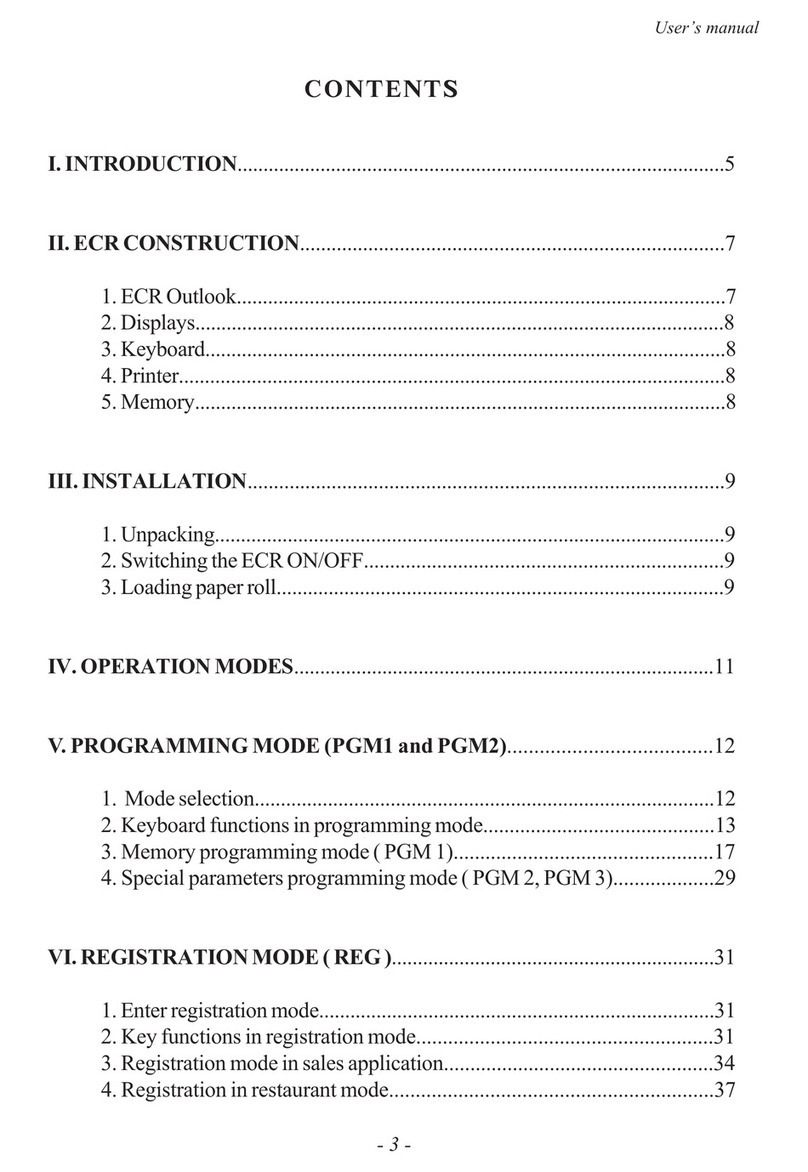
CONTENTS
I. INTRODUCTION..............................................................................................5
II. ECR CONSTRUCTION.................................................................................7
1. ECR Outlook..............................................................................................7
2. Displays......................................................................................................8
3. Keyboard....................................................................................................8
4. Printer.........................................................................................................8
5. Memory......................................................................................................8
III. INSTALLATION...........................................................................................9
1. Unpacking..................................................................................................9
2. Switching the ECR ON/OFF.....................................................................9
3. Loading paper roll......................................................................................9
IV. OPERATION MODES.................................................................................11
V. PROGRAMMING MODE (PGM1 and PGM2)......................................12
1. Mode selection........................................................................................12
2. Keyboard functions in programming mode............................................13
3. Memory programming mode ( PGM 1).................................................17
4. Special parameters programming mode ( PGM 2, PGM 3)...................29
VI. REGISTRATION MODE ( REG )..............................................................31
1. Enter registration mode............................................................................31
2. Key functions in registration mode........................................................31
3. Registration mode in sales application...................................................34
4. Registration in restaurant mode.............................................................37
All manuals and user guides at all-guides.com
all-guides.com
- 4 -
Electronic Cash Register DATECS MP-5000
VII.ECR REPORTING MODE ( X 1, X 2, X 3 ).............................................41
VIII.REPORT/CLEAR MODE ( Z 1, Z 2, Z 3 )..............................................45
1. Report/ Clear Mode (Z 1)......................................................................45
2. Operator clear (Z 2)................................................................................46
3. Quick edit PLU prices (Z 3)............................................................47
4. Report/Clear Turnover and VAT for period (Z,G1 and Z,G2)...............48
IX. APPENDIX 1..............................................................................................50
All manuals and user guides at all-guides.com
- 5 -
Users manual
I. INTRODUCTION
DATECS MP-5000 (Latvian version) is a programmable cash register.
Its functions are flexible and address a variety of needs in sales, supermarkets,
pharmacies, and restaurants. It has complete report-making capabilities. In the
following pages, you will find information on installation, programming, proper
use and maintenance.
FEATURES
Types of work organisation:
Check-out;
One cash register and several operators;
One operator serving several departments;
Waiter services (In restaurant mode).
PLUs and PLU Departments:
Up to 2400 PLUs( with two paper rolls 35+20mm) 1000 PLUs (with
electronic journal);
One-touch access to the first 4 PLUs or PLU Departments;
PLU Code range 0 to 9999 (up to 999 999 999 with PC Connection);
Incorporate barcode in standalone and PC connection mode)
Up to 22 character name, 8-digit Price, 8 available Tax Groups
( A and B VAT Groups are available by default ) ;
Inventory quantity 0-99999.999(100,000 units);
Up to 9 stands, and up to 99 Item Groups.
Operators:
Up to 30 operator names and passwords;
8 operators can work simultaneously.
Register mode:
Combined types of payment for a single bill: Cash, Card;
Up to 6 programmable text lines on receipt;
Permit or reject the usage of (%+) and (%-) keys;
Require operator to enter cash received before totalling.
Restaurant mode:
Serve up to 200 tables with 9 different customers each;
All manuals and user guides at all-guides.com
- 6 -
Electronic Cash Register DATECS MP-5000
Print multiple copies per order for up to 9 PLU supply areas.
Operation modes:
REG (Registration)
X Report
Z Report and Zero
PGM ( Programming)
Memory:
Stores information for at least 90 days after switching off the ECR;
128kByte CMOS RAM.
Printer:
thermal printer
32 characters per line
Display:
10-digit numeric LCD with several icons.
Consumables:
Standart mode:
thermal paper rolls - 35mm (for customer) + 20mm (for tax inspector)
Electronic Journal mode:
thermal paper roll - 58mm
CONSTRUCTION
All manuals and user guides at all-guides.com
- 7 -
Users manual
I. ECR CONSTRUCTION
1. ECR Outlook
The outlook of the cash register is shown on fig. 1. In the following
pages you will find detailed information on the basic parts of the ECR.
1 - Upper cover
2 - Printer Cover
3 - Operators Display
4 - Keyboard
5 - Customers Display (Option)
6 - Power supply
7 - Interfaces, printer
8 - Bottom cover
In order to enter registration mode a password is needed. The password can
be 8-digits long. It is entered through the Numeric Key Block of the keyboard.
By using of the keys C, ñ, and Numeric Keys 1, 2, 3, 4, 5, 0, . , you can
enter the other modes.
4
2
3
6
5
7
DATECS ÌÐ-5000
1
8
All manuals and user guides at all-guides.com
- 8 -
Electronic Cash Register DATECS MP-5000
2. Display
Datecs MP-5000 has one 10-digit numeric LCD display with several
icons.
3. Keyboard
The keyboard consists of 29 keys. Key functions are different in each
mode, but in general: Numerical Keys access modes and enter numbers and
numerical data, such as passwords and prices. Selection keys access the first 4
PLUs or PLU Departments. In order not to mix them with the Numerical Keys
further in the text we will identify them as G1-G4.
VD
MC
ñ
8
5
2
6
3G3
-
9
G2
´
0
STL
G1
÷
CRD
M+
PLU
-M
%+%-
PRC
MR
7
4
1
.
Qty G4
+
T
O
=T
A
L
PLC C < > ON
4. Printer
The Electronic Cash Register DATECS MP-5000 uses a thermal printer
PLM. For securing proper work of the printer it is recommended to use only
consumables (thermal paper rolls ) which meet the following requirements:
- thermal paper rolls ( customer and tax inspector ) must be 35mm and
20mm respectively wide and with a diameter up to 40mm.
5. Memory
The memory chip installed in the MP-5000 saves current data, including
programmed PLU parameters(code, name, price, quantity). It also includes
turnover accumulated since the last ECR Report and Clear.
An internal battery supports the memory and ensures protection of
information for over 90 days if power is cut off. Each time the cash register is
turned on, internal control numbers confirm the accuracy of the data. If for
some reason ( such as placing the ECR in extreme physical conditions) the
internal balance is upset, an error message will signal to the operator at the
beginning of use, and data will be reset to the default settings of the ECR. In
this case the cash register must be programmed again.
All manuals and user guides at all-guides.com
all-guides.com
- 9 -
Users manual
II. INSTALLATION
1. Unpacking
Open the carton box and take out the ECR. In the carton you will find
Users Manual.
2. Switching the ECR ON/OFF
The ECR DATECS MP-5000 uses battery NiMH. For its charge an
adapter 12V/0.5A is used. The ECR is turned on by pressing Key ON . The
ECR is in mode OFF. The display shows: "OFF". In this mode the foolowing
functional keys can be used: ñ, . , 0, 9.
ñ- by pressing this key the paper is fed in the printer. This fu nction
is the same in all modes.
. - by pressing this key the real time clock is displayed.
0- in OFF mode after pressing this key the ECR is switched off.
9- for connection with PC. Display must show OFF-ln.
3. Loading Paper Rolls
Before you start
Required: Two thermal paper rolls, width 35mm + 20mm, diameter up
to 40 mm. The cash register will not work if the paper roll is not inserted properly.
Hint: Always check the paper supply before beginning work. If paper
runs out or is low, insert new rolls.
To remove a paper roll: tear it on the supply side, and press ñkey
to forward the paper trough the printing mechanism. NEVER pull the paper
through the printing mechanism when the thermal head is closed.
All manuals and user guides at all-guides.com
- 10 -
Electronic Cash Register DATECS MP-5000
123456789012345
123456789012345
123456789012345
123456789012345
123456789012345
123456789012345
12345678901234
12345678901234
12345678901234
12345678901234
12345678901234
12345678901234
1. Lift off the printer cover
2. Place new roll in roll bed, with the paper coming toward you from
underneath.
Display shows:
PF · if paper is not inserted or is inserted
incorrectly.
OFF · if paper is inserted correctly
3. Lead the paper end in the printing mechanism until it stops.
4. Press ñto advance the paper about 20 cm from the top of the
printer.
5. For the journal roll insert the end into the take-up spool.
6. Insert the printer cover.
7. Press ñseveral more times to tighten the paper.
8. Press Cto remove the PF from the display.
All manuals and user guides at all-guides.com
- 11 -
Users manual
IV. OPERATION MODES
DATECS MP-5000 has the following modes of operation, which correspond
to the pressing of the keys:
·C, ñ, 1- mode REG (Registration);
·C, ñ, 2- mode X (Report);
·C, ñ, 3- mode Z (Report & Clear);
·C, ñ, 4- mode PRG (Programming);
·C, ñ, 5- calculator mode (option);
·C, ñ, . - Clock mode
·C, ñ, 0- ECR charging is OFF.
The ECR modes:
·C, ñ, 1, password -Normal Register Operation (operators
password)
·C, ñ, 2, password, 1-ECR Report ( password of operators
25 to 30 )
·C, ñ, 3, password, 1-ECR Report and Clear (password of
operators 27 to 30)
·C, ñ, 3, password, 2-Operator Report and Clear (password
of operators 27 to 30)
·C, ñ, 3, password, 3-Edit prices; Add to inventory quantity
(password of operators 27 to 30)
·C, ñ, 4, password, 1-ECR Special parameters Programming
(password of operators 29 to 30)
·C, ñ, 0- ECR is OFF
·C, ñ, 8- Test Mode
·C, ñ, . - Clock Mode
Logging out of any of these modes is after pressing the keys C, ñ
Later in the text you will find a detailed description of all modes as well
as some examples how to program the parameters of MP-5000.

All manuals and user guides at all-guides.com
- 12 -
Electronic Cash Register DATECS MP-5000
1234567890123456789012345678901212
1234567890123456789012345678901212
1234567890123456789012345678901212
1234567890123456789012345678901212
1234567890123456789012345678901212
1234567890123456789012345678901212
123456789012345678901234567890121
123456789012345678901234567890121
123456789012345678901234567890121
123456789012345678901234567890121
123456789012345678901234567890121
123456789012345678901234567890121
123456789012345678901234567890121234567890
123456789012345678901234567890121234567890
123456789012345678901234567890121234567890
123456789012345678901234567890121234567890
123456789012345678901234567890121234567890
123456789012345678901234567890121234567890
V. PROGRAMMING MODE (PGM1 and PGM2)
1. Mode selection
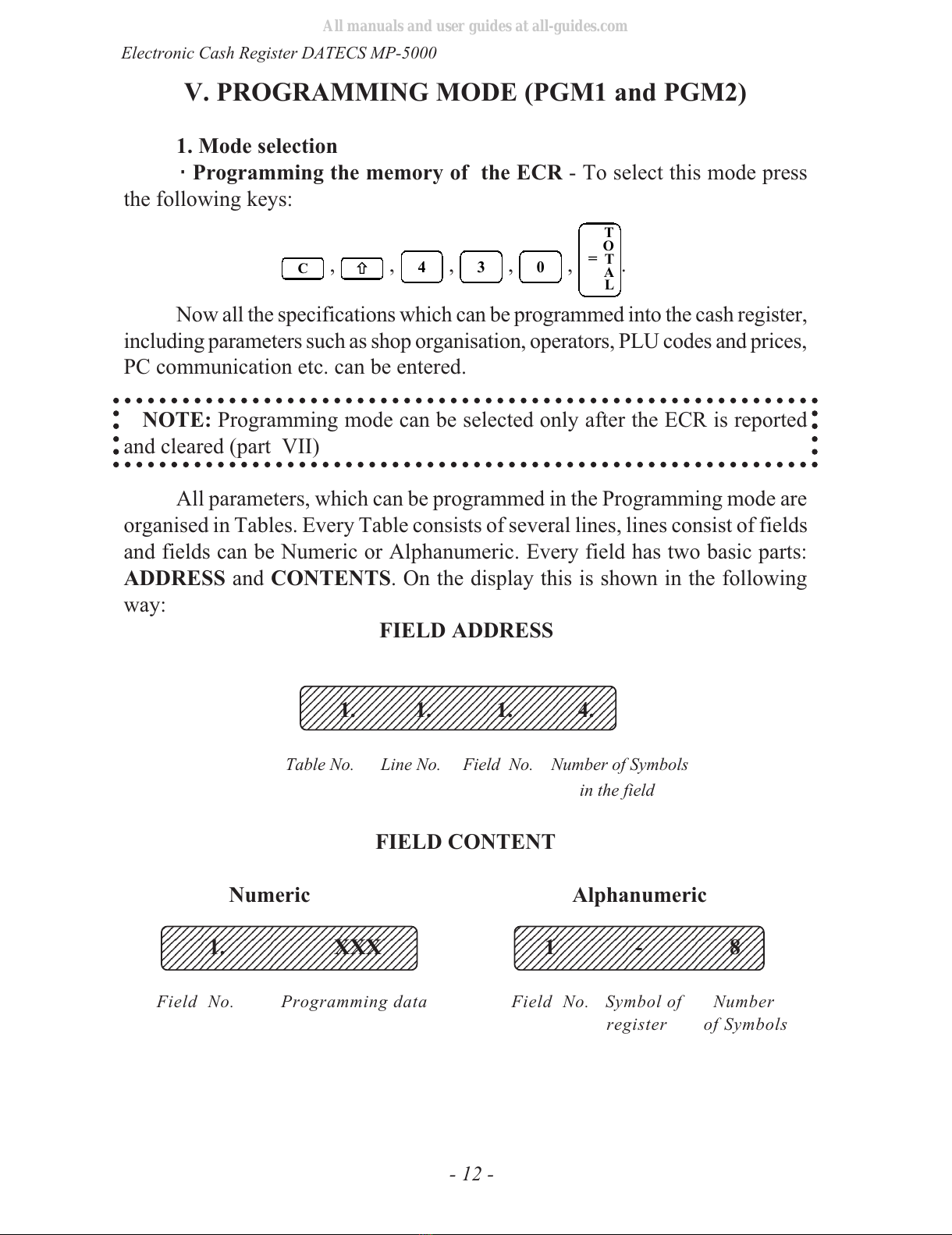
·Programming the memory of the ECR - To select this mode press
the following keys:
C, ñ, 4, 3, 0,
T
O
=T
A
L.
Now all the specifications which can be programmed into the cash register,
including parameters such as shop organisation, operators, PLU codes and prices,
PC communication etc. can be entered.
NOTE: Programming mode can be selected only after the ECR is reported
and cleared (part VII)
All parameters, which can be programmed in the Programming mode are
organised in Tables. Every Table consists of several lines, lines consist of fields
and fields can be Numeric or Alphanumeric. Every field has two basic parts:
ADDRESS and CONTENTS. On the display this is shown in the following
way:
FIELD ADDRESS
1. 1. 1. 4.
Table No. Line No. Field No. Number of Symbols
in the field
FIELD CONTENT
Numeric Alphanumeric
1. XXX 1 - 8
Field No. Programming data Field No. Symbol of Number
register of Symbols
All manuals and user guides at all-guides.com