Deploying the Dell Force10 MXL into a Cisco Nexus Network Environment
6
Content Overview
This document is broken up topically to allow the steps and concepts of MXL switch deployment to be
addressed separately in a simple manner as detailed in Document Conventions. An introduction to the
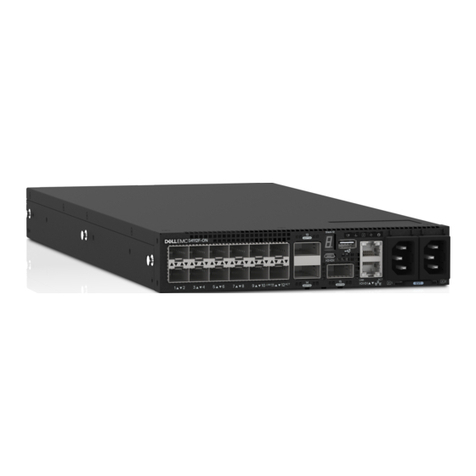
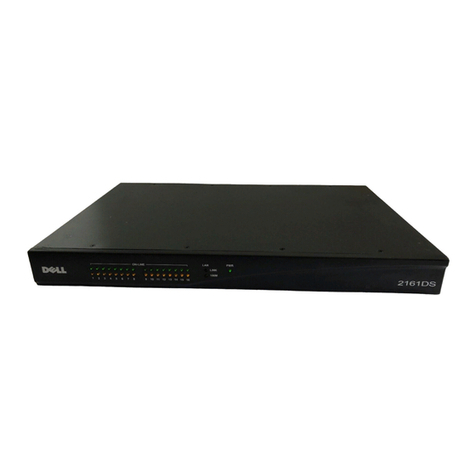
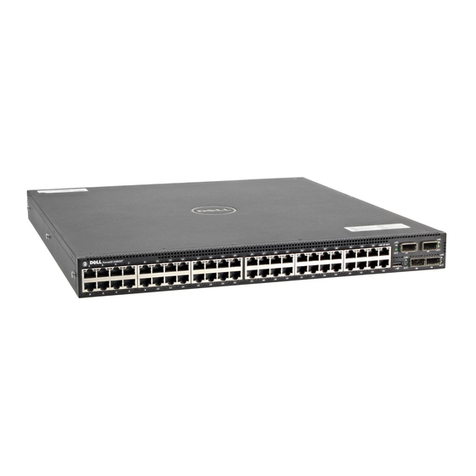
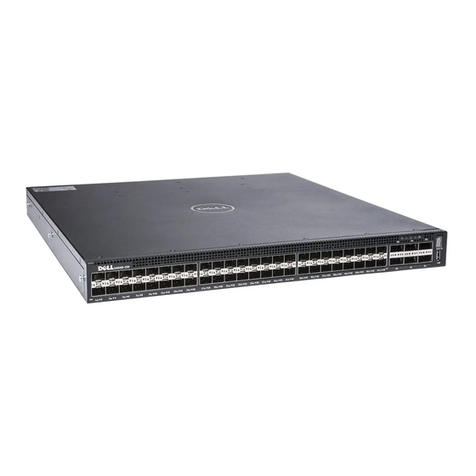
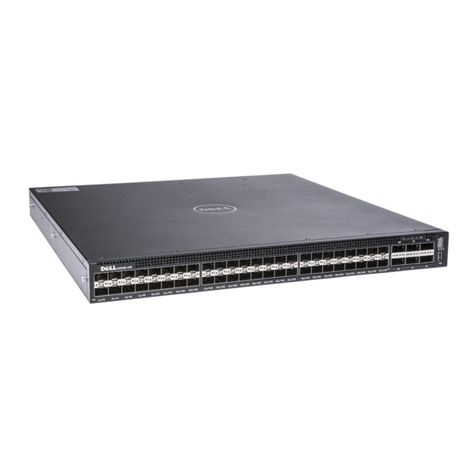
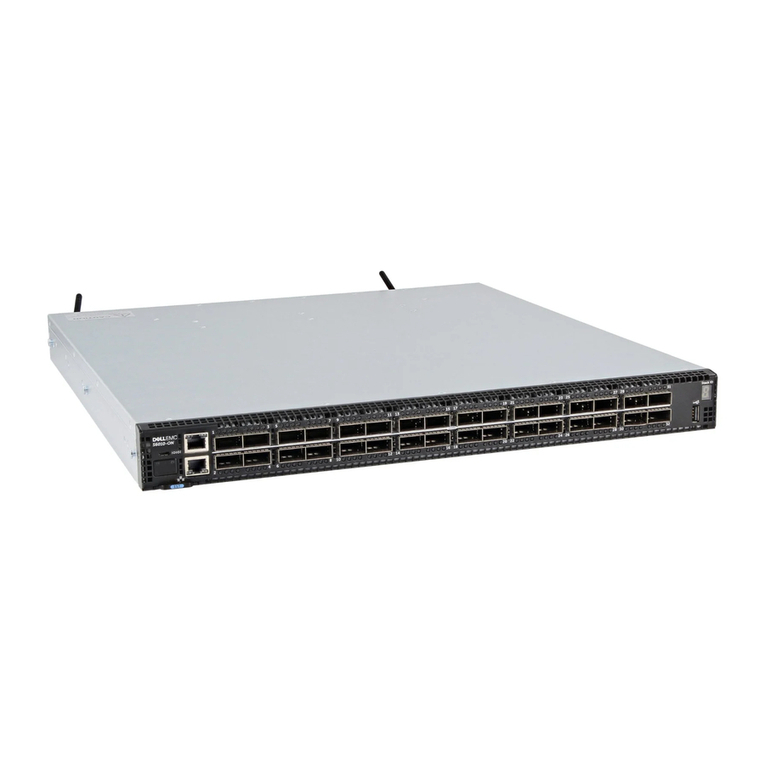
Force10 MXL hardware and its connectivity and management options is presented in Device
Introduction. Once familiarized with the MXL switch, the out-of-box experience is continued with the
first steps of MXL deployment as presented in Initial Configuration.
Link configuration is split into coverage of downlink configuration options (on the MXL, downlinks are
generally its internal ports which connect to the server blades in a deployed M1000e chassis),
configuration of a link aggregation group (LAG)—a set of ports configured to pass traffic together and
behave as one link, and coverage of uplink configuration options (on the MXL these are generally its
external ports, which connect to administratively designated ports on top-of-rack or end-of-row
switches.
Downlink configuration for the MXL is covered for the two most common use cases: for VLAN unaware
servers see Access Port Downlink Configuration and for VLAN aware servers see Trunk Port Downlink
Configuration.
LAG configuration is then covered in Link Aggregation Group Configuration. While LAGs are sometimes
configured on downlinks (dependent on application demands) they are recommended to use with
uplinks.
Uplink configuration for the MXL will generally be done in one of two ways in a Cisco Nexus network
environment: running PVST with discreet LAGs connected to separate top-of-rack switches as covered
in Trunk Port Uplink Configuration with Per-VLAN Spanning Tree and running PVST with a single LAG
connected across two top-of-rack switches that are using a Multi-chassis LAG as covered in Trunk Port
Uplink Configuration with MLAG at Top of Rack (this uses the Cisco Nexus vPC feature).
To present the above configuration options as clearly as possible in this document, they have been
integrated into a single example network. The full details of the example network, including overall
topology and the complete configurations of the participating devices, are presented in Appendix A.
A glossary of applicable networking terms and concepts can be found in Appendix B. The definitions
listed there are used throughout this document; so as unfamiliar terms are encountered in this
document, refer to Appendix B for their definitions.
Additional materials referenced in this document and useful for configuration that is more advanced or
specific than what this document covers are detailed in Appendix C.