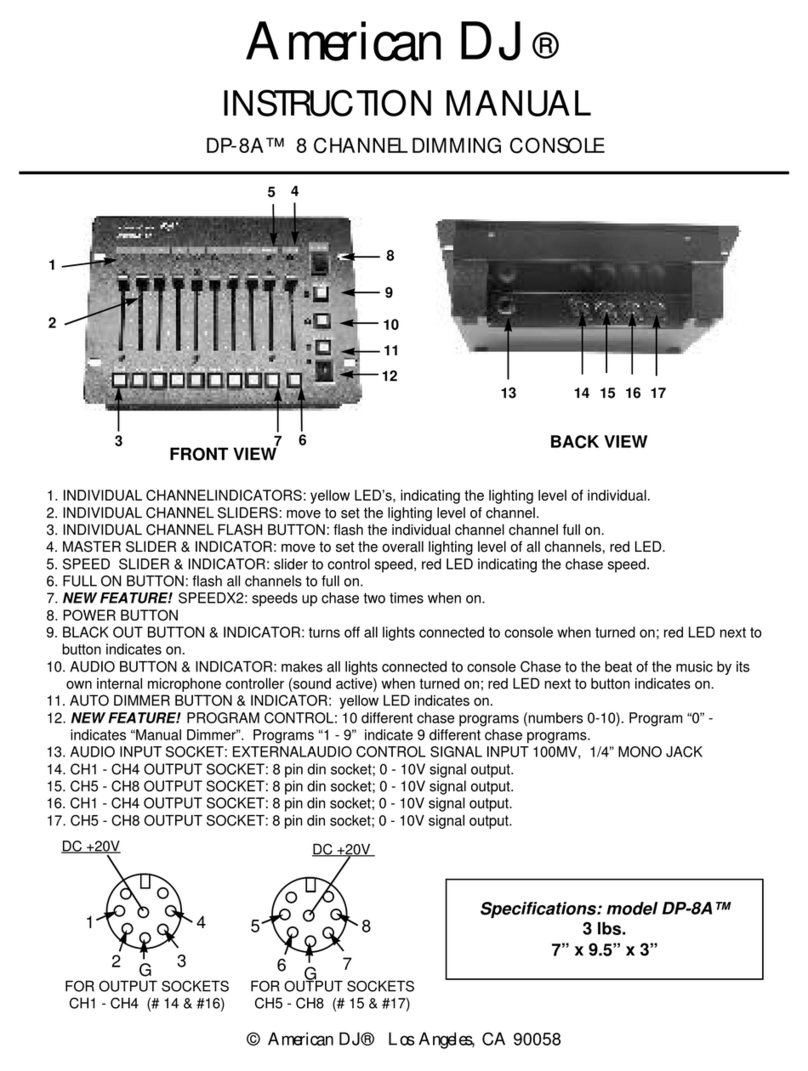
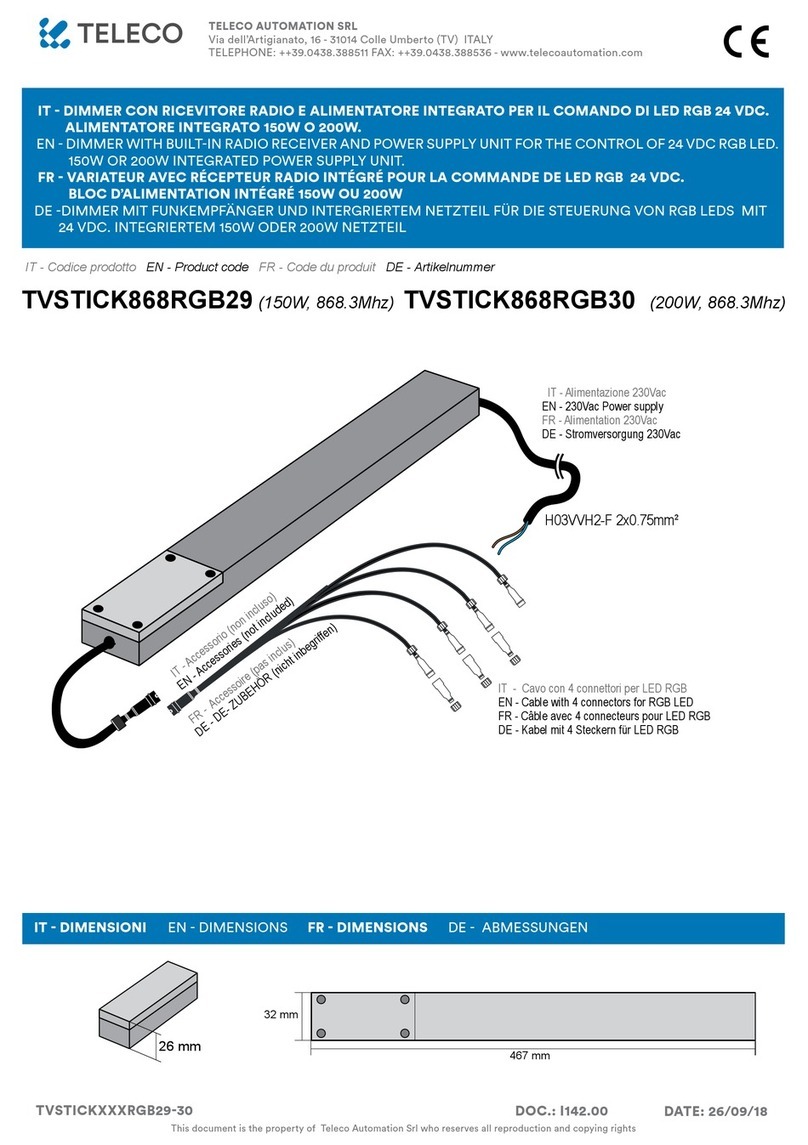
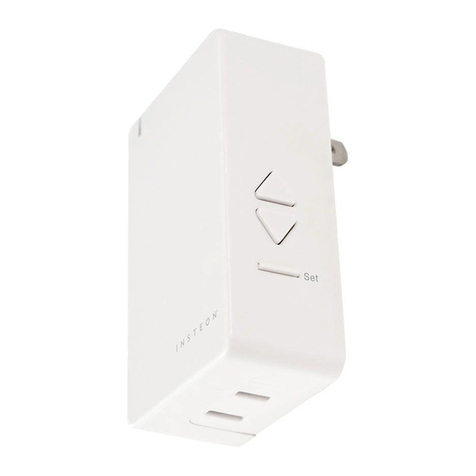
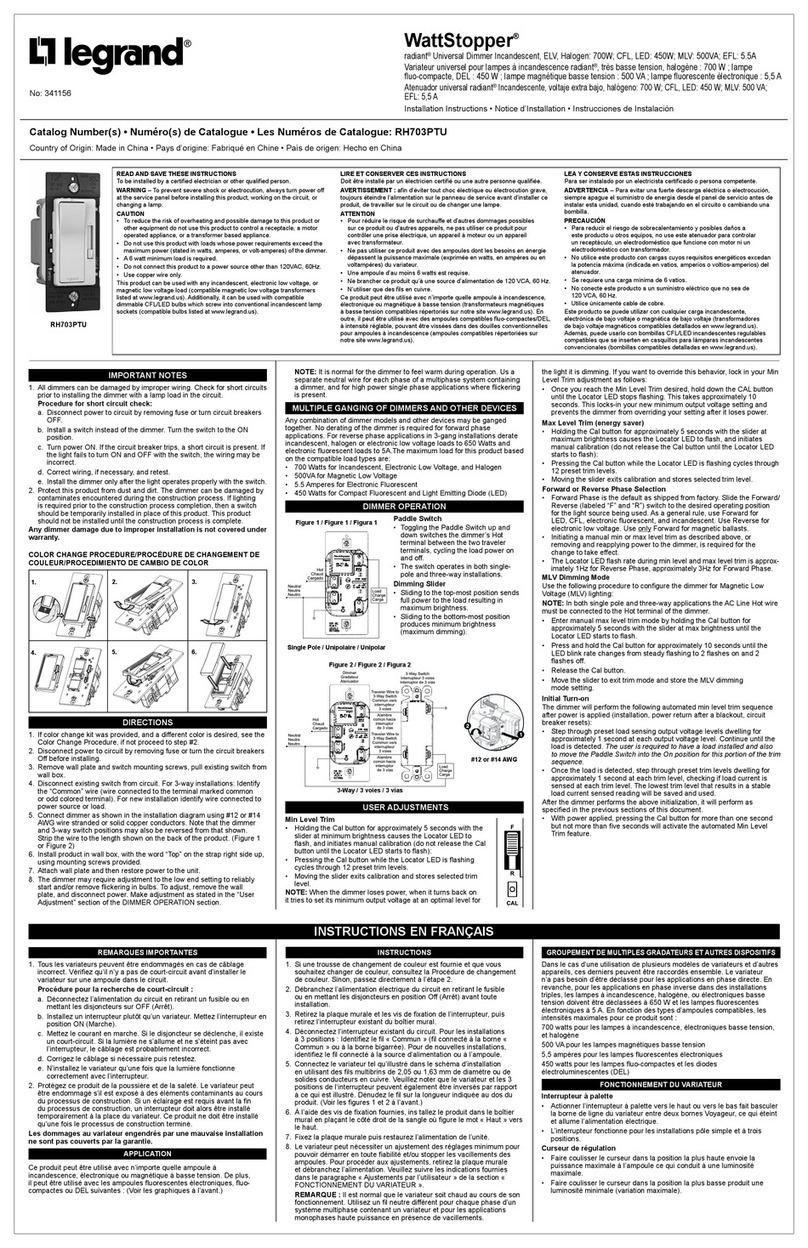
29-31 Richland St. Kingsgrove. Sydney NSW 2208 Australia
Phone: 02 9554 9600 | Fax: 02 9554 9433
sales@domuslighng.com | www.domuslighng.com
Operaon Manual
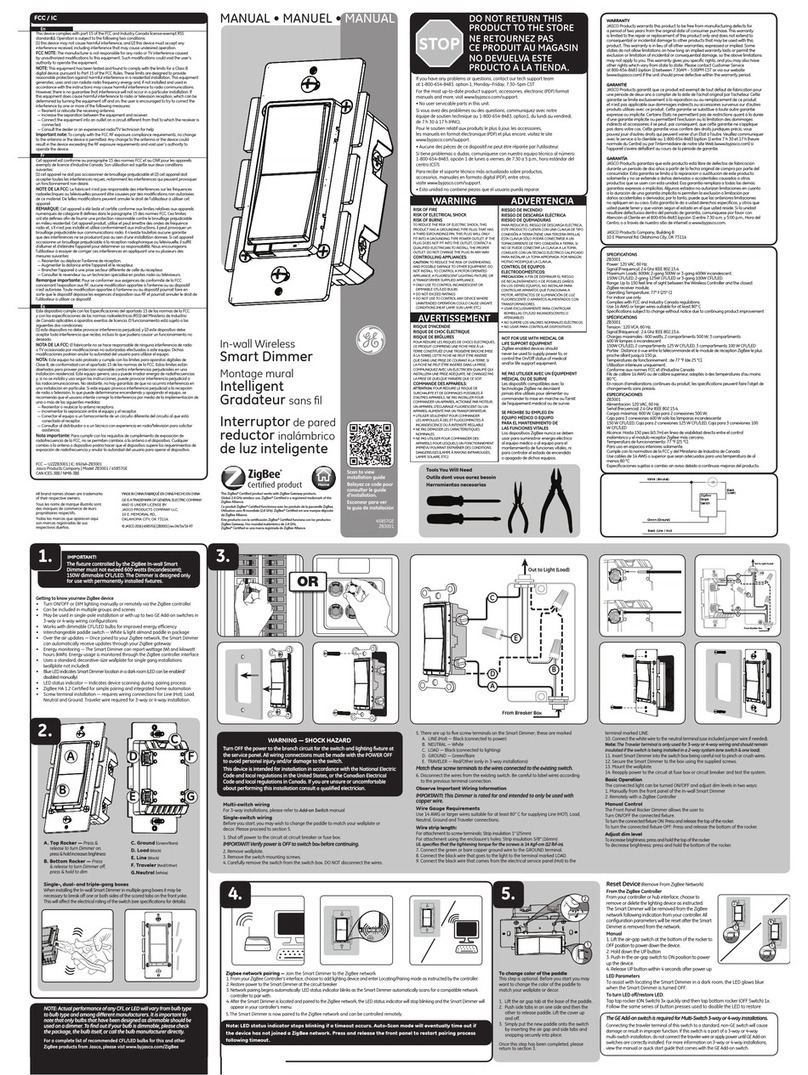
Note: -The lamp must be installed by professional electrician
-Ensurethepowersupplyisswitchedobeforengthisproduct
-Do not touch the lamp when in use
-Keepawayfromhotsteamandcorrosivegas
Instrucons for usage:
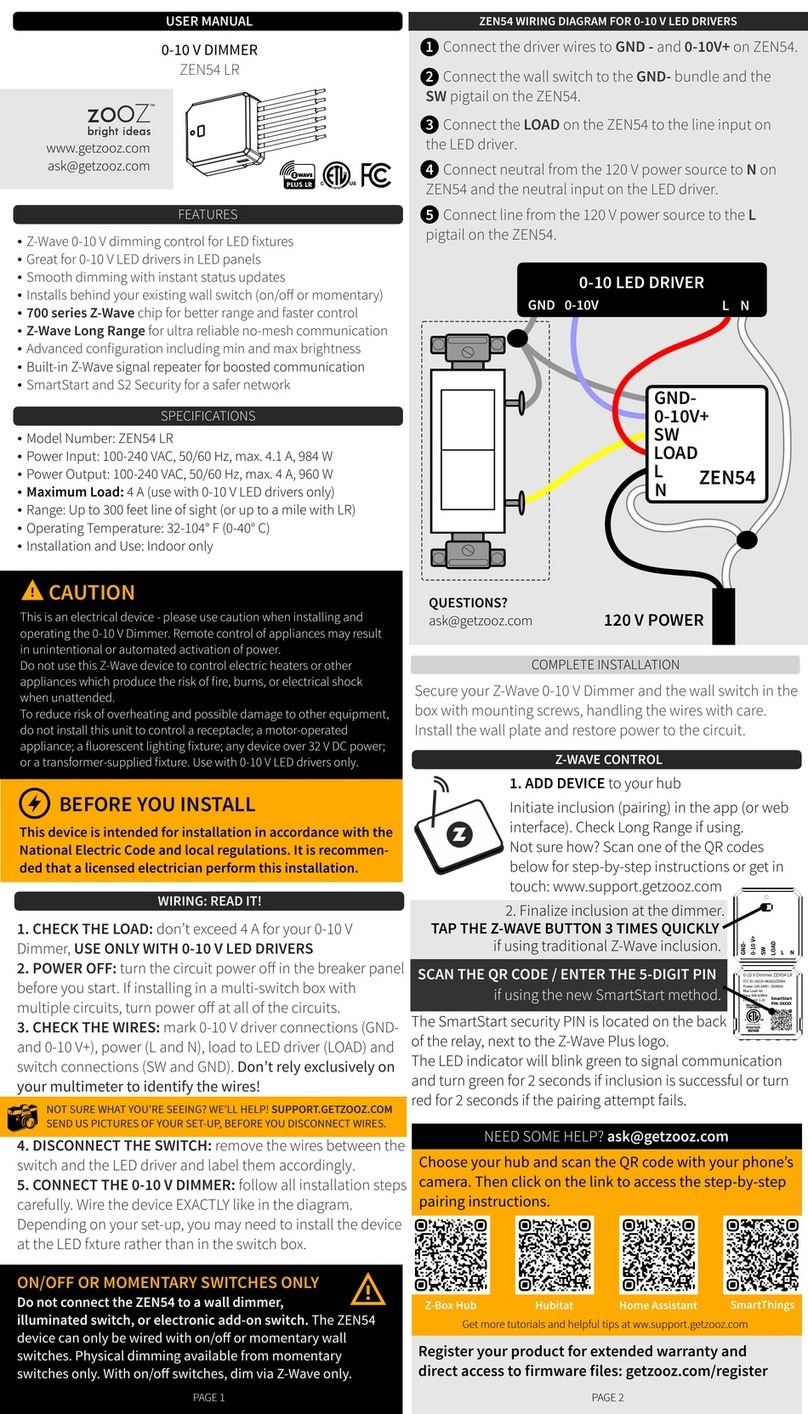
1. Connecon for CHAMELEON 23 DALI push dimmer. Please view below informaon.
2. Seng address
• Manual seng (addressing) If you don’t want to assign anaddress automacally via the DALI master controller
please manual seng funcon as below. Please make sure you have the correct power supply connected to
the CHAMELEON23 interface unit. Once you see the RED colour LCD display illuminated press any buon
(Bl or 82) for 2 seconds. At this stage”88” will ash on the digital display. This is now in the mode to set
the address. Using (Bl) or (82) please set the address number as required. For example to set the address to
858” press (B 1) to the number 5 and then press (82) to the number 8. Please repeat this method for any
other interface units. Aer the address has been entered press any or the buons (B 1) or (82) for 2 seconds
and at this stage the display will stop ashing. The entered address is now saved successfully and even if
power is lost the address will remain in its memory.
• Assigning an address automacally via DALI master controller
The address of the DALI push dimmer can not only be set manually but it can also receive an assigned address
command by the DALI master control I er. This type of addressing is the same as al I other companies DALI
products. For detailed operaons please review the manual from the supplier of the DALI master controller.
Each address will be shown on the digital display.
3. Operaon under DALI dimming mode
Under this mode the DALI device is just a standard DALI LED dimmer. It can be connected to any DALI master
controller. All dimming funcons will be controlled via the DALI master controller.
4. Operang as a single 1-buon push dimmer
Under this mode the DALI device can be isolated from the DALI system and can be used in stand alone mode.
It can be operated as an independent dimmer controller through a momentary (normally open) push buon
switch with a L-LINE in voltage between (200-240VAC). It can also be connected to all other DALI input ports
located on the device. By pressing the buon (momentary switch) short press (less then 0.5 seconds) will turn
of the LEDs “ON” or”OFF’’. By pressing the buon (momentary switch) longer press (greater then 1.5 seconds)
will increase or decrease the brightness levels of the LED lighng.
5. Switching of 2 modes
The DALI device can be switched may mes between “DALI DIMMER” mode and “PUSH DIMMER” mode but
cannot be used at the same me. Please select between either selected mode.
DALI INTERFACE
PRI:
Uin=12-24VDC
Lin=8.3A
SEC:
Uout=1x(12-24)VDC
Iout=1 x 8A
Pout=1x(96-192)W
Temp Range: -20°C - +50°C
OC: 20132
INPUT 12-24VDC
DALI Input Signal
V+ V-
SEC
PRI
V+
V-
0.5-1.5mm2
6-7mm
PUSH DIM
L D1
N D2